

 100% Security Verified | No Subscription Required | No Malware


 ChatGPT
 Perplexity
 Gemini
 Claude
 Grok
Grok
These Filmora filters are designed to work like Instagram reels makeup LUTs for natural skin, giving creators subtle enhancement without destroying real undertones or over-smoothing texture.
Use them to keep your foundation, blush, and eye looks true to life while gently refining contrast, color, and light so your beauty reels feel polished but still real.
In this article
Soft Morning Routines in Window Light
Dewy Morning Soft Glow
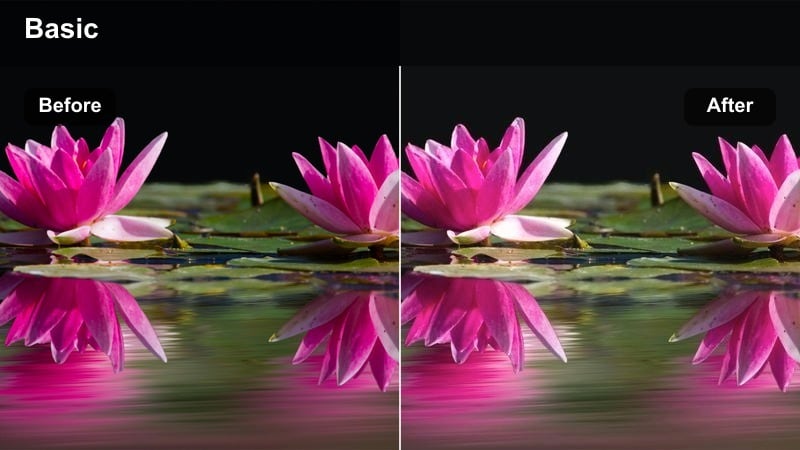
- Effect look: Gentle brightening that adds a dewy sheen while keeping skin pores and texture visible.
- Best for: Get ready with me reels filmed in front of a window or soft daylight, especially light to medium skin tones.
- Editing tip: Lower intensity slightly if your base is already very glowy to avoid looking oily on camera.
Use Dewy Morning Soft Glow when your Reels are filmed in soft natural light and you want that glass-skin effect without erasing real texture. In Filmora, this filter lightly lifts shadows and adds a subtle radiance to the high points of the face, so your moisturizer, serum, and luminous foundation look fresh instead of flat.
For practical grading, reduce the filter strength if you are wearing heavy highlighter or very dewy base products so the glow does not turn into shine. Pair it with a slightly lower in-camera exposure and, in Filmora, keep highlights controlled while letting midtones breathe so your natural undertones stay true in every shot.
AI-Powered Natural Skin Tones in Filmora
Filmora's AI color tools help you keep every complexion looking real while you experiment with filters that mimic Instagram reels makeup LUTs for natural skin. They analyze your clip, balance temperature and tint, and protect subtle undertones before you layer creative looks.
Use smart color correction on your GRWM or tutorial footage to fix mixed lighting first, then apply your favorite skin-friendly filters so you enhance glow and contrast without losing depth or detail in the face.
 secure download

Preview Filters on Your Favorite Makeup Reels
Drop your raw GRWM, tutorial, or transformation clips into Filmora and quickly A/B test different filters side by side. This helps you see which look keeps your foundation shade, contour depth, and blush tones closest to what you see in the mirror.
Scrub through different lighting moments in each reel, from first swipe of concealer to close-up mascara shots, so you know the filter works consistently across angles and transitions before exporting to Instagram Reels.
secure download1000+ Video Filters and 3D LUTs
Filmora includes a large library of cinematic filters and 3D LUTs you can stack to build your own Instagram Reels makeup LUTs for natural skin. Start with a gentle correction layer, add a soft glam look, then fine-tune intensity so your complexion never looks over-graded.
Once you have a combination that flatters your bare-skin shots and full glam close-ups, save it as a preset and reuse it across Reels, TikToks, and Shorts for a cohesive, on-brand beauty style.
secure downloadSunlit No-Makeup Base
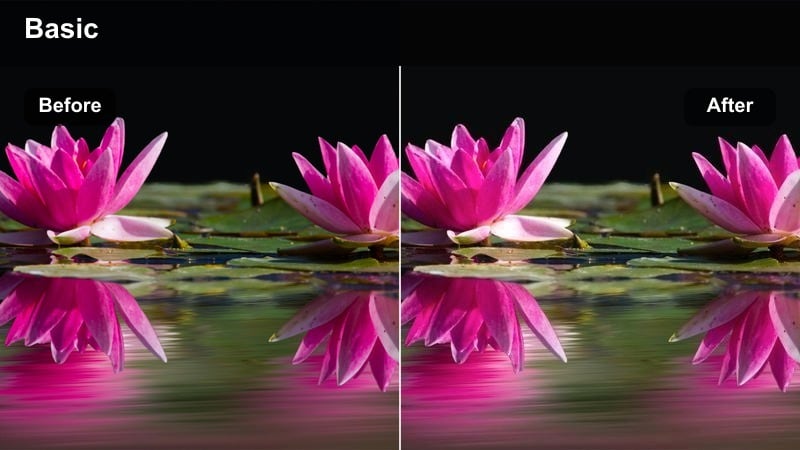
- Effect look: Very soft contrast with warm mids that mimic golden morning light on bare or light coverage skin.
- Best for: No-makeup makeup reels, skin-prep content, and tinted moisturizer demos shot near a bright window.
- Editing tip: Keep saturation modest so natural redness and freckles stay believable rather than overly airbrushed.
Sunlit No-Makeup Base is ideal when you are filming skin-prep, SPF routines, or sheer base days and want to preserve believable skin. In Filmora, it gently warms midtones and smooths contrast so freckles, redness, and fine lines remain visible while still looking softly flattering on camera.
Apply this filter at low to medium strength so your real complexion shines through, then tweak saturation globally only if your clip looks washed out. If your lighting is cooler than you like, use Filmora's temperature slider to add a touch of warmth instead of pushing vibrance, keeping your undertones and subtle flush accurate for Reels viewers.
Sheer Rosy Morning Blush
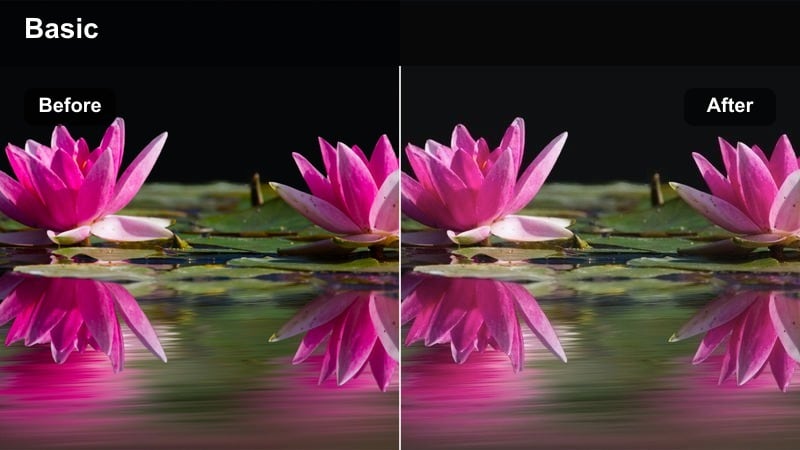
- Effect look: Soft rosy lift in the cheeks with neutralized shadows to keep blush tones true without oversaturation.
- Best for: Blush-focused reels, cream blush tutorials, or quick cheek routine demos in natural daylight.
- Editing tip: If your blush is already intense, reduce filter strength so color grading supports rather than competes with the pigment.
Sheer Rosy Morning Blush is tuned for content where cheeks are the star of the show, from cream blush draping to everyday flush tutorials. In Filmora, it subtly brightens midtones and refines cooler shadows so your blush reads as soft and blended instead of patchy or dull on camera.
For the most natural result, start with a light filter intensity and check your clip at both full-screen and phone-size previews. If the blush looks too strong, slightly lower saturation in reds and magentas within Filmora while leaving the rest of the frame untouched so lips, eyes, and background stay balanced.
Soft Glam at the Vanity
Vanity Soft Focus Glam
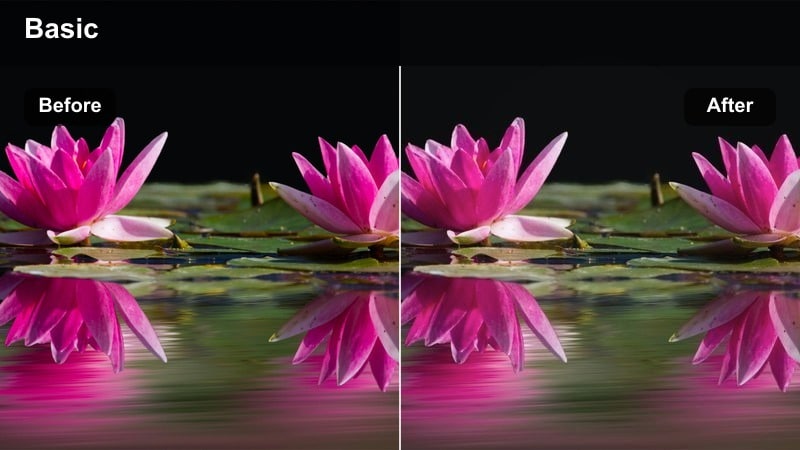
- Effect look: Subtle soft-focus around the edges with clear detail in the center, perfect for glam close-ups.
- Best for: Soft glam eyeshadow reels, lash application, and full-face looks filmed at a vanity with ring light.
- Editing tip: Invert any heavy blur or vignette so your face stays sharp while the background melts softly.
Vanity Soft Focus Glam is designed to keep your glam crisp at the focal point while softly melting the vanity background. In Filmora, it enhances central sharpness, gently lowers edge contrast, and keeps foundation tones neutral so your concealer, bronzer, and highlight show true in close-up.
When editing, combine this filter with restrained sharpening to avoid crunchy shimmer or exaggerated texture around the eyes. If your background is busy, add a light vignette or extra blur only to the outer frame, making sure the mask stops short of your face so lashes, liner, and lip detail remain clean for your Reels audience.
Warm Ring Light Soft Glam
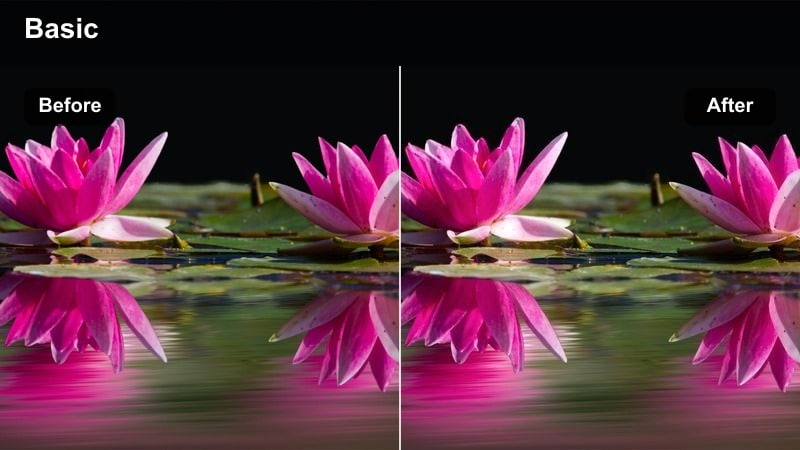
- Effect look: Balances harsh ring light by softening hotspots and keeping undertones neutral on all complexions.
- Best for: Ring light GRWMs, product-focused reels, and lip combo close-ups under bright artificial light.
- Editing tip: If your base looks washed out, slightly deepen shadows in Filmora instead of pushing saturation.
Warm Ring Light Soft Glam helps you control overexposed hotspots and blown-out cheeks that often appear with strong ring lights. In Filmora, this filter subtly rolls off highlights on the forehead, nose, and chin while keeping your contour and blush placement defined so your glam remains dimensional.
For best results, lower highlight and white levels a touch before applying the filter so it has room to create a gentle halo effect rather than pure white patches. Then, if your skin still appears flat, add a bit of shadow depth through curves or the color wheels, protecting your lip and eye colors from oversaturation on Instagram Reels.
Neutral Studio Soft Matte
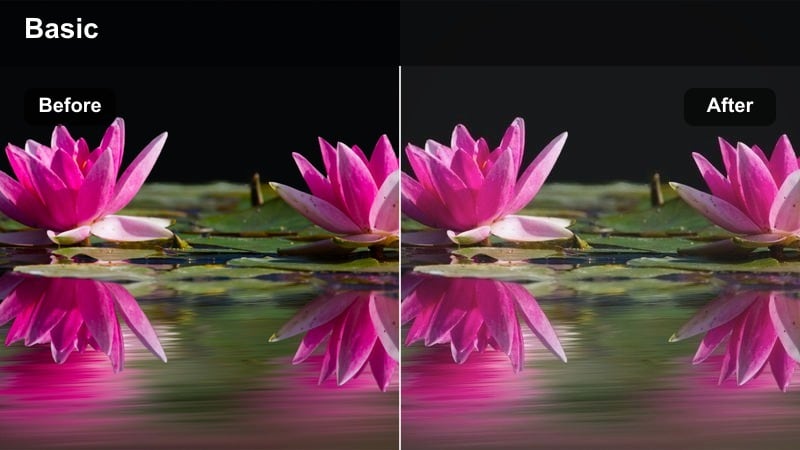
- Effect look: Smooth, soft-matte finish with controlled shine for long-wear and bridal-style glam reels.
- Best for: Bridal trials, matte base routines, or long-wear foundation tests filmed in studio or vanity setups.
- Editing tip: Add a touch of film grain instead of aggressive blur so matte skin still looks alive on camera.
Neutral Studio Soft Matte is made for full-coverage and bridal-style looks where you want stability and elegance rather than glow. In Filmora, it slightly reduces shine, evens contrast, and keeps whites from spiking, which is ideal when you are testing long-wear foundations or filming wear-test check-ins under bright lights.
Instead of relying on blur tools that can make faces look waxy, pair this filter with a hint of film grain to reintroduce natural texture on cheeks and forehead. If deeper complexions start to look muted, gently lift saturation in the orange and red channels while avoiding global adjustments that could throw off your lipstick or eyeshadow payoff.
Quick Bathroom and On-the-Go Routines
Tile Light Tone Corrector
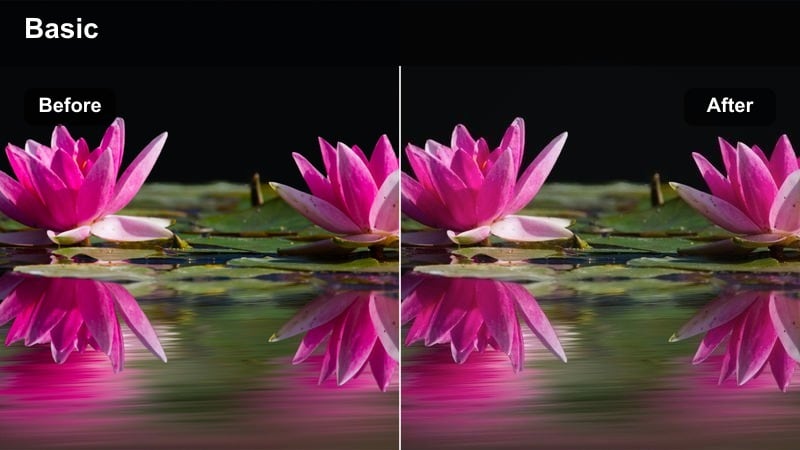
- Effect look: Neutralizes green and yellow cast from bathroom lights while preserving real undertones.
- Best for: Quick concealer routines, brow reels, and mascara demos filmed in small bathroom spaces.
- Editing tip: Use white balance eyedropper on something neutral before applying this filter for the cleanest skin tones.
Tile Light Tone Corrector is built to rescue skin from overhead bathroom lighting that skews too yellow or green. In Filmora, it pulls those unwanted color casts back toward neutral so your concealer shade, brow products, and mascara look closer to how they appear in natural light.
Before applying the filter, use Filmora's white balance eyedropper on a neutral towel, door, or tile to give the effect a clean starting point. Then fine-tune temperature and tint slightly until your face looks natural without turning the entire scene sterile white, so your Reels still retain a cozy bathroom vibe.
Commute Touch-Up Soft Tone
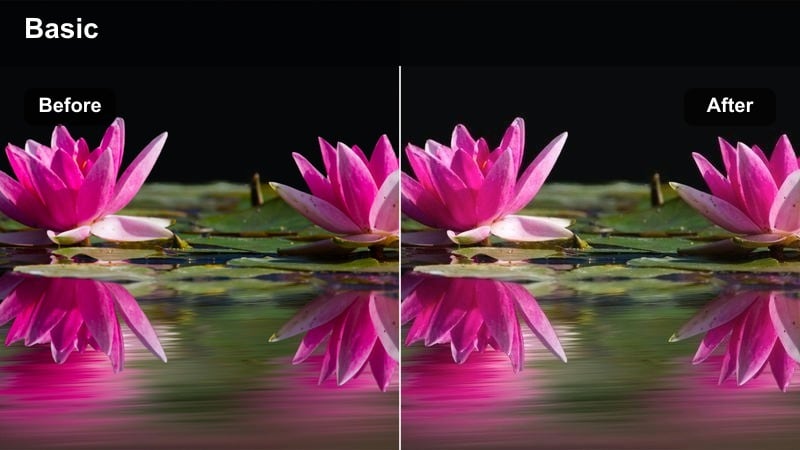
- Effect look: Softens mixed indoor lighting to keep skin unified when filming in cars, hallways, or elevators.
- Best for: On-the-go touch-up reels, lipstick changes, and mini routines filmed during commutes.
- Editing tip: Stabilize shaky clips in Filmora first so the soft tone effect does not look muddy in motion.
Commute Touch-Up Soft Tone helps even out skin when you shoot quick lipstick or powder touch-ups in cars or hallways. In Filmora, the filter gently blends differences between cool window light, warm overhead bulbs, and dashboard screens so your face reads as one cohesive tone across the frame.
Apply stabilization to your clips before grading so the softening effect stays clean and does not smear in motion. After the filter is on, adjust shadows just enough to keep definition around the nose and jawline, ensuring your quick Reels updates look polished without losing the spontaneous, on-the-go feeling.
Elevator Soft Shadow Lift
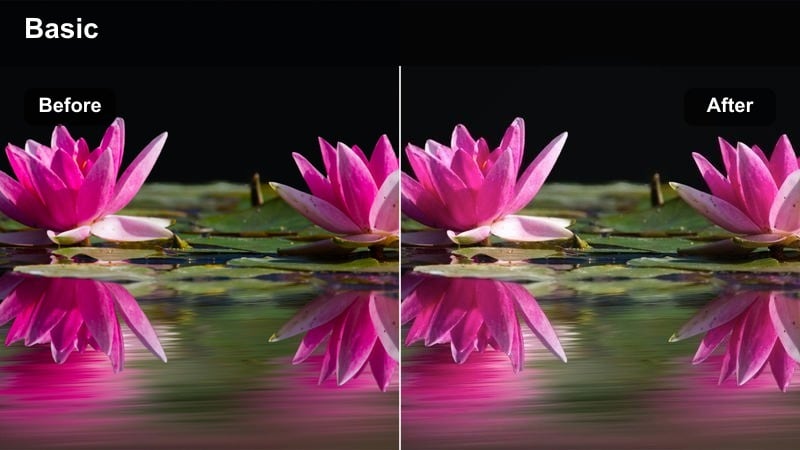
- Effect look: Lifts harsh under-eye and jawline shadows from overhead lighting without flattening features.
- Best for: Quick before-and-after reels, contour checks, and outfit plus makeup transitions in elevators or corridors.
- Editing tip: Use slight selective brightening on the eye area rather than globally increasing exposure.
Elevator Soft Shadow Lift is perfect for cramped spaces with strong overhead lighting that emphasize under-eye circles and hard jaw shadows. In Filmora, this filter raises midtone brightness just enough to soften those areas while keeping your contour and nose structure visible.
For extra refinement, use a subtle mask to brighten only the eye and center-face region instead of lifting the entire exposure, which can wash out your look. Combine the filter with a gentle curve adjustment so skin remains dimensional and realistic when you post quick transition or check-in Reels from elevators and corridors.
Night Event Glam and Studio Reels
Evening Soft Spotlight
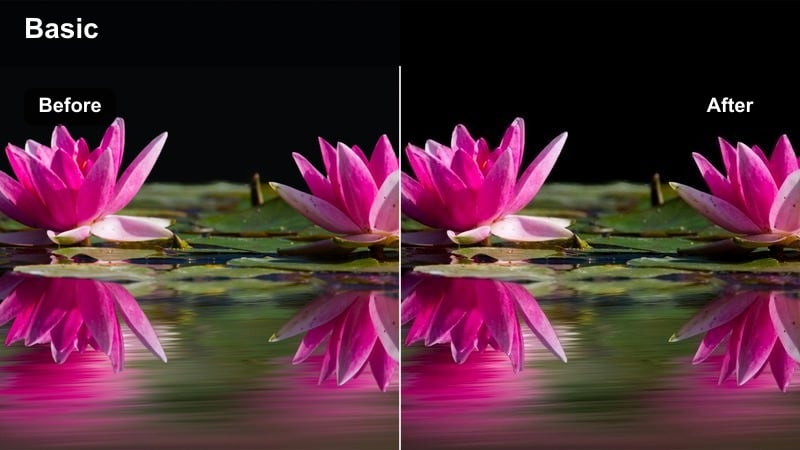
- Effect look: Adds subtle spotlight focus on the face with gentle contrast suited for dim event lighting.
- Best for: Night-out glam reels, party makeup transitions, and club-ready looks in low light.
- Editing tip: Raise exposure slightly before applying so the face remains the focal point as the background darkens.
Evening Soft Spotlight is tailored for night-out and party content where the room is dark but you want your glam to stay visible. In Filmora, it gently brightens the face while letting the background remain moody, giving your Reels a subtle spotlight effect without harsh edges.
Increase exposure or lift midtones slightly before applying the filter so it has enough information to work with, then let the effect deepen shadows around the perimeter of the frame. Avoid crushing blacks completely, and instead keep a hint of background detail so your skin does not look pasted onto a pure black backdrop in Instagram feeds.
Studio True Tone Beauty
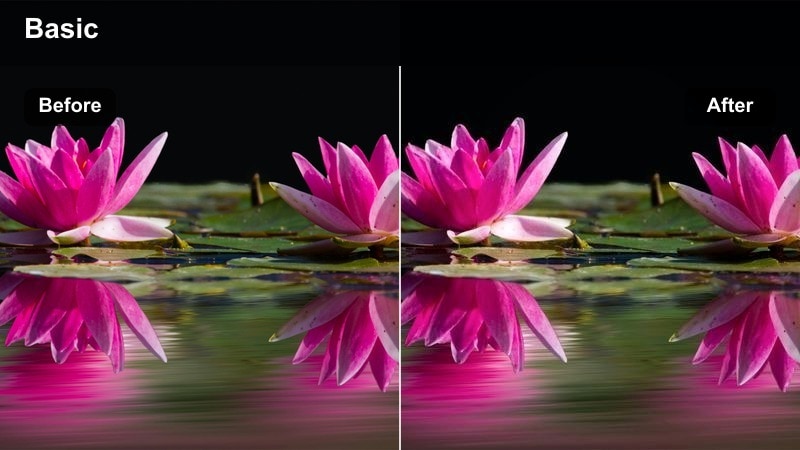
- Effect look: Neutral, broadcast-style color that keeps foundation, contour, and highlight shades accurate under LEDs.
- Best for: Studio tutorials, product reviews, and comparison reels where accurate shade representation matters.
- Editing tip: Use this as your base filter, then layer tiny HSL tweaks for individual products rather than global shifts.
Studio True Tone Beauty is your go-to when you are filming shade reviews, swatch comparisons, and detailed tutorials where color accuracy matters. In Filmora, it flattens overly warm or cool casts from LED panels and ring lights, giving you a neutral baseline that keeps foundations, concealers, and bronzers faithful to their real-life tones.
Apply this filter first as your master grade, then make subtle HSL adjustments only for specific shades that need correction, such as a lipstick that looks too orange or a blush that appears muted. Saving this combination as a preset in Filmora lets you maintain consistent skin color and product accuracy across a full series of Reels.
After Dark Soft Sparkle
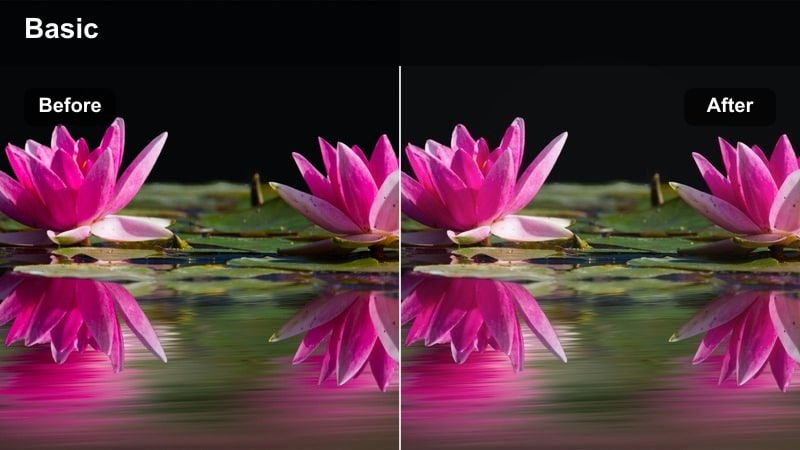
- Effect look: Gently boosts shimmer and highlight while protecting midtones so skin does not blow out on Reels.
- Best for: Glitter eye looks, highlighter demos, and metallic lids filmed in night or studio lighting.
- Editing tip: If shimmer looks harsh, slightly lower clarity after applying this filter to smooth transitions.
After Dark Soft Sparkle is built for glitter, metallic, and high-shine looks that need to pop in low light without overwhelming the skin underneath. In Filmora, it emphasizes reflective areas like inner corners, cheekbones, and metallic lids while keeping midtones and shadows calm so your complexion still looks smooth and even.
If the shimmer turns too harsh, lower clarity or add a bit of Gaussian blur just to the highlight regions rather than the whole frame. This keeps your Reels glam flattering and luminous, with sparkles that catch the eye while skin texture, undertones, and contour remain natural and controlled.
Tips for Using Instagram Reels Makeup Luts Natural Skin Filters in Filmora
- Film bright, then grade: prioritize clean, even lighting in your Reels so Filmora filters can refine color and contrast instead of fixing extremely underexposed or noisy footage.
- Keep skin detail: avoid stacking too many smoothing or blur effects with these filters so pores, fine lines, and real texture remain visible and believable on camera.
- Match undertones: adjust white balance temperature and tint in Filmora until your foundation in the preview looks like it does in your actual mirror or daylight selfies.
- Test on different clips: apply your chosen filter to bare-skin intros, mid-routine close-ups, and final glam shots to confirm it works across every part of your Instagram Reels.
- Use lower intensity: start filter strength around 30 to 50 percent and increase slowly so the grade supports your makeup rather than overpowering it.
- Check on mobile: always preview your edited reel on a phone-sized window or exported test file to be sure skin tones and textures translate well to the Instagram app.
- Save presets: once you find a combination you like for daylight, vanity, or night glam, save it as a Filmora preset to keep your future Reels fast and consistent.
With the right Filmora filters, you can create Instagram reels makeup LUTs for natural skin that flatter every look while keeping your real texture and undertones intact.
Save a few go-to presets for daylight, vanity, and night glam so your beauty content stays cohesive, polished, and authentically you across every reel.
secure download