

 100% Security Verified | No Subscription Required | No Malware


 ChatGPT
 Perplexity
 Gemini
 Claude
 Grok
Grok
These minimal Instagram product photography filters are designed for content creators who want clean, modern images that make products look premium without loud colors or heavy effects.
Use these looks to keep your brand grid cohesive across carousels, Reels covers, and product close-ups while preserving true-to-life colors and a calm, minimal mood.
In this article
Soft Studio Product Light
Soft Matte White Shelf
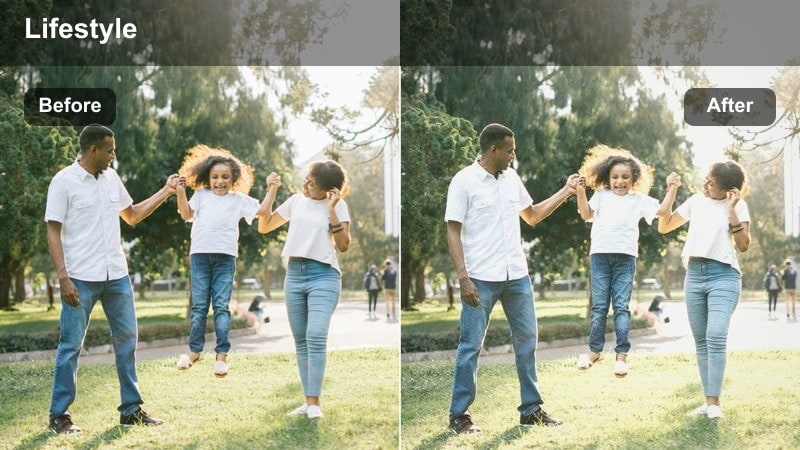
- Effect look: Soft matte finish with lifted whites and gentle contrast for a bright studio feel.
- Best for: Clean product shots on white shelving, desk setups, and minimal workspaces.
- Editing tip: Lower highlights slightly if your background is pure white to avoid losing product edge detail.
Soft Matte White Shelf is ideal when you want that gallery-style product presentation without harsh contrast or distracting colors. In Filmora, you can recreate this look by slightly lifting the whites and shadows, reducing contrast, and adding a gentle matte curve so edges stay soft yet defined.
For Instagram product shots, combine this look with careful exposure control and the scopes in Filmora to ensure labels and logos remain crisp. If your shelf or desk is pure white, pull back highlights and use subtle sharpening on the product only so the background stays calm while the packaging feels premium.
Match Your Filter to Your Brand Palette with AI
Filmora s AI color tools can analyze your current Instagram grid and recent product shoot so your minimal filters stay aligned with your brand palette. This helps you keep whites, neutrals, and accent colors consistent from photo sets to Reels covers.
Once you have a soft studio look you like, save it as a reference and let AI suggest tweaks that keep every new upload on-brand without manually matching each image.
 secure download

Preview Minimal Filters on Multiple Product Shots
With Filmora s side by side preview, you can test how a minimal look performs on shelves, flatlays, and close ups before you lock it in. Comparing different frames at once makes it easier to choose a filter that works across your whole content calendar.
Audition a few variations of soft studio or matte looks, then pick the one that keeps packaging readable and shadows soft from product to product.
secure download1000+ Video Filters and 3D LUTs
Filmora includes a large library of filters and 3D LUTs you can adapt for Instagram ready product photography. Start from a clean base LUT, then fine tune exposure, contrast, and HSL to hit the minimal style you want for your grid.
When you find a combination that works across photos and short form video, save it as a reusable preset for future launches and campaigns.
secure downloadNeat Countertop Minimal
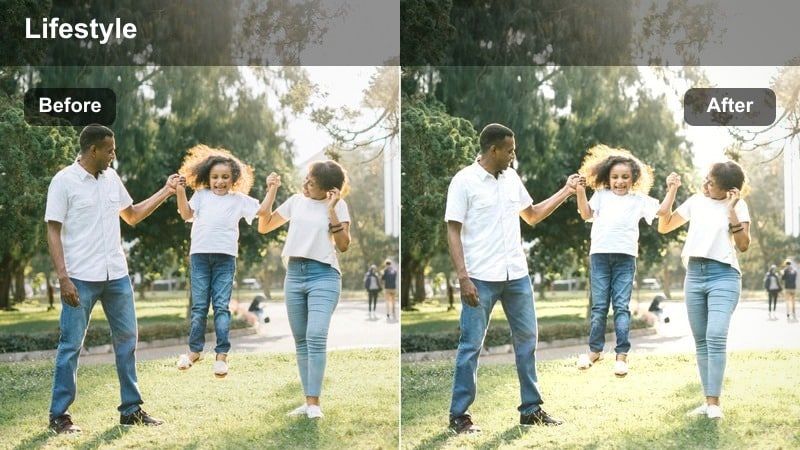
- Effect look: Neutral tones with slightly reduced saturation and fine-grain clarity for a tidy aesthetic.
- Best for: Cosmetics, tech accessories, and stationery arranged on light countertops or tabletops.
- Editing tip: Use a subtle vignette to pull focus to the central product while keeping the frame feeling open.
Neat Countertop Minimal is perfect for flat product layouts where you want everything to feel organized and intentional. In Filmora, lower overall saturation just a touch, keep white balance neutral, and use a small clarity boost to keep edges and logos crisp without making textures look harsh.
Apply a soft vignette focused on your hero product so viewers eyes land exactly where you want in the Instagram feed. Before editing, declutter your scene in camera and then use Filmora s masking tools to gently reduce distractions like stray reflections or busy label text around the hero item.
Bright Packaging Pop
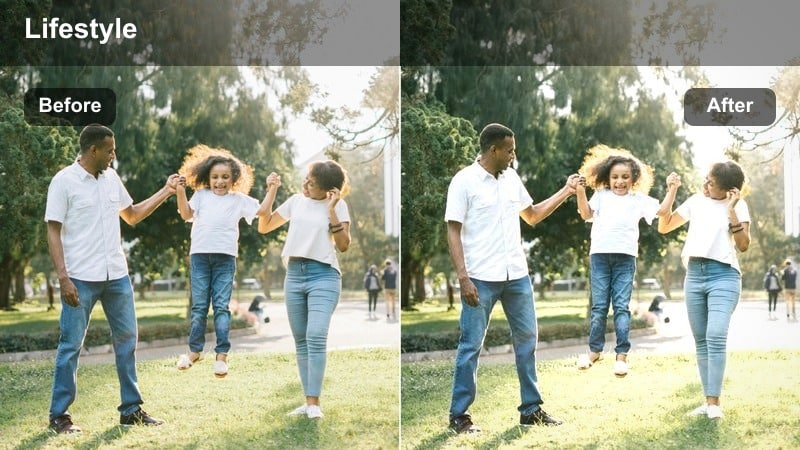
- Effect look: Clean whites, gentle contrast, and a slight boost to midtone saturation for packaging details.
- Best for: Product boxes, labels, and branding close-ups shot in soft studio lighting.
- Editing tip: Increase structure or clarity slightly on text areas so logos and typography stay tack sharp in Reels and Stories.
Bright Packaging Pop focuses on making box art, labels, and typography instantly readable on mobile screens. In Filmora, brighten midtones, keep contrast moderate, and add a selective saturation boost around brand colors so packaging stands out without disturbing your minimal background.
Use masks or keyframed sharpening around text areas to keep logos crisp for Stories and Reels covers. Check your scopes to protect highlights in white packaging, and refine HSL so brand colors stay accurate from slide to slide in product carousels.
Minimal Desk and Flatlay Scenes
Calm Desk Grid
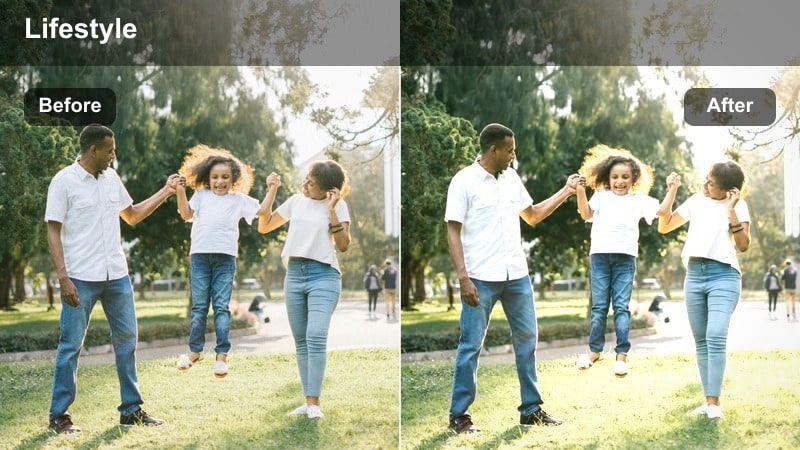
- Effect look: Soft contrast with desaturated backgrounds and slightly warm midtones for a cozy but minimal feed.
- Best for: Flatlay desk shots of planners, notebooks, and small lifestyle products.
- Editing tip: Use the crop tool to align notebook edges to the grid for a tidy, geometric visual rhythm.
Calm Desk Grid adds a subtle warmth and softness that makes workspace flatlays feel inviting while staying minimal. In Filmora, gently warm the midtones, lower saturation on the desk surface, and soften contrast so lines feel smooth but still structured.
Use Filmora s crop and alignment guides to square up notebook edges and device lines so your flatlays look consistent across your grid. Once you dial in this style, save it as a preset and apply it to all of your planner, journal, and desk content for a unified Instagram look.
Neutral Grid Preset
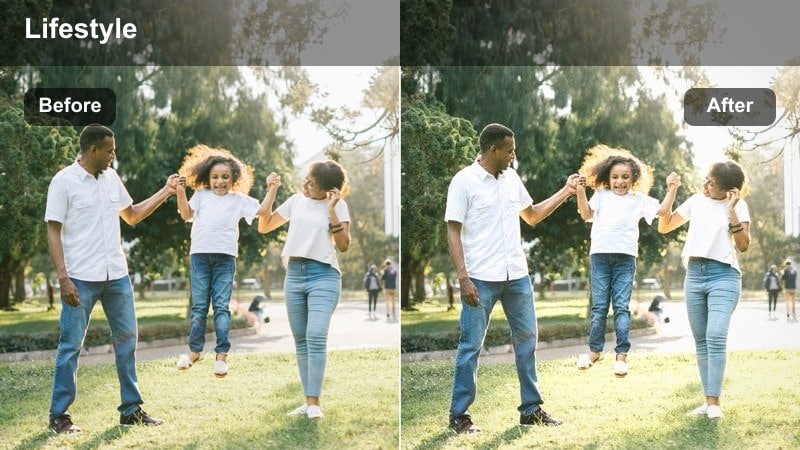
- Effect look: Muted background colors, preserved product tones, and softened blacks for a gentle minimal grid.
- Best for: Mixed product flatlays where props vary in color but you want an overall quiet aesthetic.
- Editing tip: Drop saturation on non-brand props so the hero product naturally becomes the boldest color in frame.
Neutral Grid Preset is a great solution when you have multiple colors in frame but need your grid to stay calm and consistent. In Filmora, reduce saturation in the background and props while maintaining true color on your main product, then soften blacks slightly so shadows never feel heavy.
Use HSL and color masking tools to selectively subdue non brand elements so your hero product color leads the scene. This makes it easy to mix different props in each post while still maintaining that minimal, unified feed aesthetic.
Shadow Play Flatlay
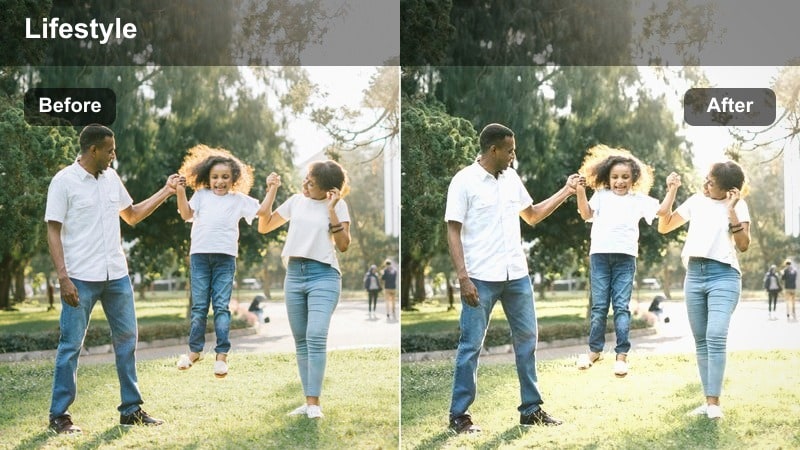
- Effect look: Defined but soft-edged shadows with slightly cooler highlights for airy, architectural flatlays.
- Best for: Product shots near windows where natural shadows add interest to simple compositions.
- Editing tip: Increase shadow detail slightly so your product remains readable even with bold diagonal light.
Shadow Play Flatlay embraces natural window light and uses it as part of your minimal design. In Filmora, cool the highlights just a bit, keep contrast moderate, and lift shadow detail so diagonal light looks graphic but your product surface still reads clearly.
Use curves or local adjustments to keep the darkest parts of the shadow from clipping, and add a touch of clarity in the midtones to emphasize shapes. This approach turns simple tabletops and single products into striking, architectural images that stand out in the Instagram grid while staying minimal.
Neutral Branding and Shelf Scenes
Brand Wall Display
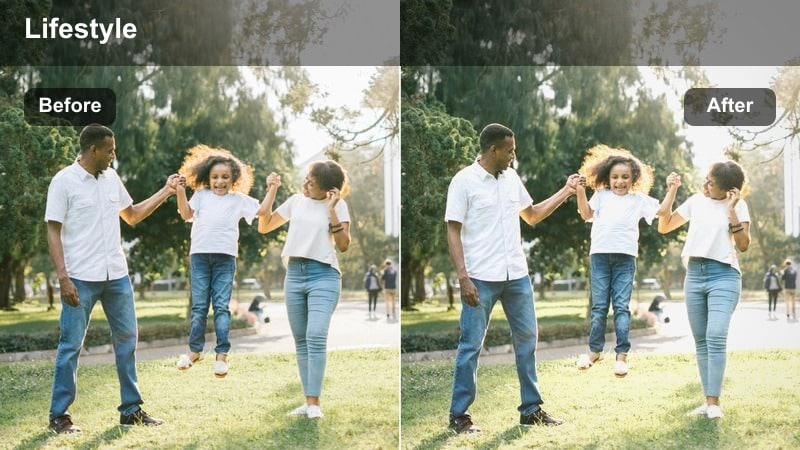
- Effect look: Clean neutrals, softened texture, and gentle vignette to highlight rows of products on a wall or shelf.
- Best for: Store displays, home shelves, and grouped product collections shot straight on.
- Editing tip: Straighten vertical lines so shelves and wall edges feel architectural and intentional.
Brand Wall Display is tailored for scenes where multiple products share the same frame on shelves or wall units. In Filmora, keep the color palette neutral, soften texture slightly, and apply a gentle vignette so your rows of products feel like a curated gallery wall.
Use the transform and straighten tools to correct vertical and horizontal lines so shelves look clean and architectural. This style is perfect for hero collection posts, shop displays, or home shelfies that you want to drop into your grid between tighter macro or lifestyle frames.
Concrete Backdrop Minimal
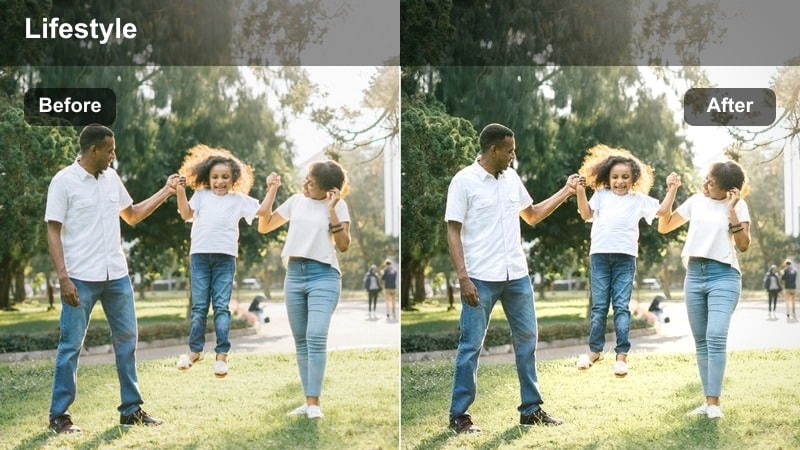
- Effect look: Cool, desaturated background tones with accurate product color and crisp edges.
- Best for: Modern products shot against concrete, plaster, or other textured but neutral backgrounds.
- Editing tip: Subtly raise texture on the background only so the product still feels smooth and premium.
Concrete Backdrop Minimal is designed for those modern, editorial style shots with stone, plaster, or concrete surfaces. In Filmora, cool and desaturate the background while protecting the true color of your product, then add a little sharpness or texture only to the backdrop for subtle grit.
Mask your subject so reflective or glossy packaging stays smooth and premium, contrasting nicely with the textured concrete. This gives you a minimal yet high end aesthetic that works especially well for skincare, fragrance, and tech accessories on Instagram.
Neutral Cabinet Shot
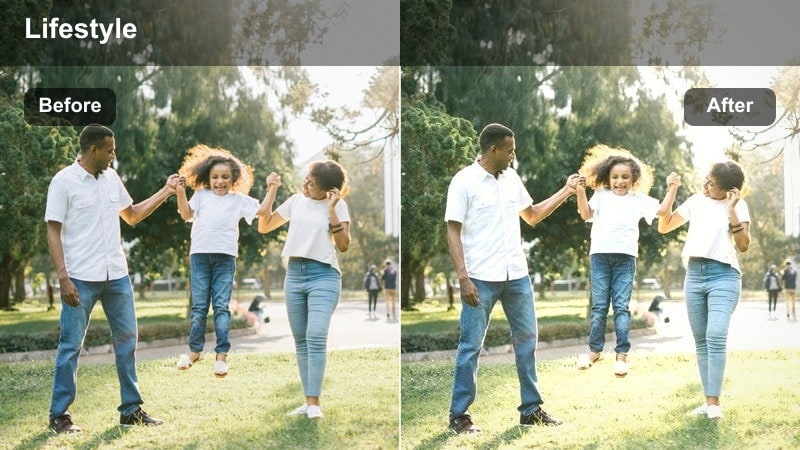
- Effect look: Soft, low-contrast look with slightly warm whites and gentle fade in shadows.
- Best for: Bathroom cabinets, wardrobe shelves, and storage scenes featuring lifestyle products.
- Editing tip: Lift blacks slightly to keep storage corners from becoming heavy or muddy in the frame.
Neutral Cabinet Shot works best for organized storage scenes where the lifestyle message is calm, tidy spaces. In Filmora, reduce contrast, lift the black point slightly, and add a hint of warmth to whites so cabinets feel soft and inviting rather than stark.
Pay attention to dark corners and lift shadows so no area becomes a distracting black hole in the frame. This gentle, minimal treatment turns everyday cabinets and shelves into aspirational lifestyle shots that show how your products contribute to a calmer home.
Reels Covers and Detail Close-Ups
Minimal Reels Cover
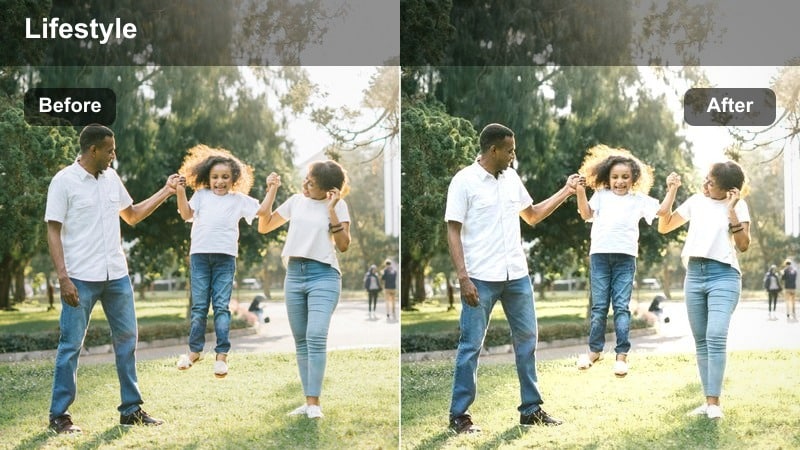
- Effect look: Bright, low-noise look with gentle contrast and slightly cooled whites for clean text overlays.
- Best for: Instagram Reels and Stories covers where the product and title text share the frame.
- Editing tip: Leave negative space above or beside the product so cover text is readable even on small screens.
Minimal Reels Cover is built to keep your product clear and your overlay text easy to read on small devices. In Filmora, brighten the overall exposure, cool the whites a touch, and reduce noise so your cover frame looks polished even when compressed by Instagram.
When you grab a still from your Reel, apply this look and then position your product off center to leave intentional negative space. Add titles within Filmora or later in Instagram, knowing that the clean background and gentle contrast will support crisp, legible typography.
Detail Macro Clean
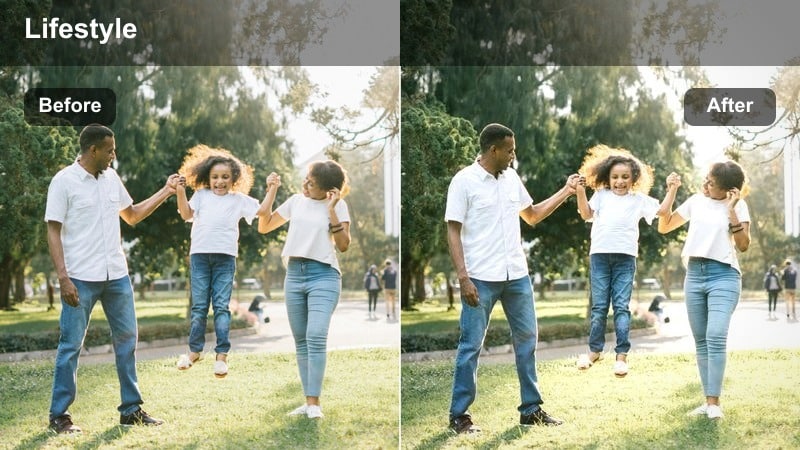
- Effect look: High clarity on edges, clean whites, and reduced color noise for close-up details.
- Best for: Macro shots of textures, buttons, lids, and small printed details on products.
- Editing tip: Add a touch of sharpening only to the product and keep background blur smooth and noise-free.
Detail Macro Clean is ideal for showcasing fine product details like textures, lids, buttons, and embossing. In Filmora, increase clarity and sharpening selectively on the subject while using noise reduction and smooth bokeh in the background for a premium, minimal look.
Check that whites and metallic elements do not clip by watching your scopes as you adjust highlights. These close ups work well as carousel slides or grid breakers, giving followers a feel for quality and materials without cluttering your overall aesthetic.
Minimal Hero Product
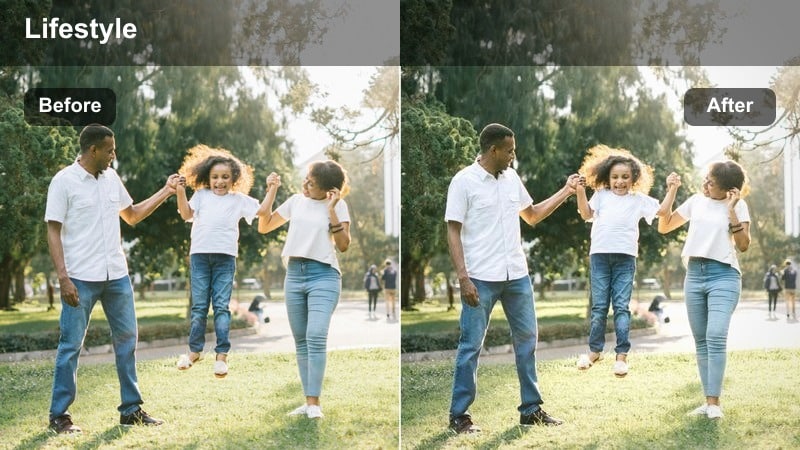
- Effect look: Subtle contrast boost with slightly darker midtones to make a single hero product stand out.
- Best for: Solo hero shots on plain backgrounds for feature posts, launches, and pinned content.
- Editing tip: Center the product and gently darken edges to create a spotlight effect without obvious vignetting.
Minimal Hero Product is the look you reserve for big launches, announcements, and pinned posts. In Filmora, apply a gentle contrast boost, darken midtones slightly, and very subtly darken the frame edges so attention is pulled toward the center without visible vignettes.
Keep the background simple and consistent from one hero post to the next so this style becomes instantly recognizable in your followers feeds. Save your final settings as a LUT or preset in Filmora so every new hero product image or video thumbnail matches your established visual identity.
Tips for Using Instagram Product Photography Luts Minimal Filters in Filmora
- Shoot products near a large window with diffused light so minimal filters in Filmora only refine your image instead of fighting harsh contrast.
- Repeat the same backgrounds, surfaces, and shooting angles so your chosen LUT or preset creates a cohesive grid look over time.
- After applying a filter, zoom in and confirm that product labels, ingredients, and logos are clearly readable on a phone sized preview.
- Batch edit similar shots by syncing your Filmora adjustments, then fine tune exposure and white balance per image for precision.
- Create a few reusable compositions for hero posts, flatlays, and macro details so your filter choice becomes your signature style cue.
- Use Filmora s scopes while adjusting minimal looks to keep whites bright but not clipped and maintain true brand colors.
- Test how your minimal filters translate to Reels covers and thumbnails so your grid and video content share the same visual language.
Minimal Instagram product filters help your audience focus on the details that matter: design, quality, and brand feel.
Test a few of these looks in Filmora, refine one that suits your palette, and turn it into a repeatable style for every product launch you share.
secure download