

 100% Security Verified | No Subscription Required | No Malware


 ChatGPT
 Perplexity
 Gemini
 Claude
 Grok
Grok
These cinematic Instagram Reels car video LUT-style filters are built for content creators who want fast, dramatic grading without touching complex color wheels.
From neon-soaked city drives to golden open-road cruises, use these filters as your one-tap shortcut to a polished, film-inspired car reel that stands out on Instagram.
In this article
Neon Night City Drives
Neon Tunnel Glow
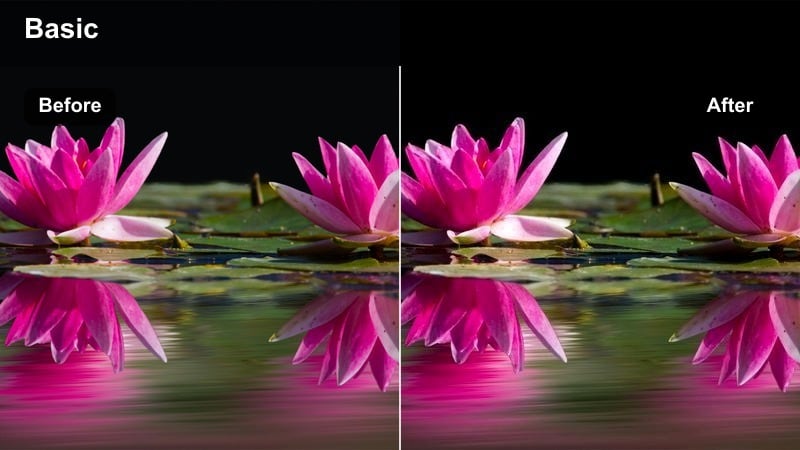
- Effect look: Punchy contrast with deep blacks and electric cyan-magenta highlights for tunnel and underpass shots.
- Best for: Night highway tunnels, underpasses, LED-lit parking ramps, and interior dash cam shots in the city.
- Editing tip: Slightly lower exposure before applying to avoid clipping headlight highlights, then add a soft vignette for tunnel focus.
Neon Tunnel Glow is built to turn flat, dark tunnel footage into stylized cyberpunk sequences with bold contrast and neon accents. When you apply it to your Instagram Reels car video in Filmora, it deepens the blacks, sharpens the body lines, and pushes cyan-magenta tones into overhead lamps, tunnel walls, and dashboard glows for an instant cinematic punch.
In Filmora, start by slightly reducing exposure or highlights in the Color panel, then apply the filter and add a subtle vignette to pull attention to the center of the frame. For dramatic tunnel entries, combine this look with speed ramps and motion blur effects, then export in high resolution so the neon detail in reflections and wet surfaces stays crisp on Instagram.
Instant Cinematic Color with AI-Powered Controls
Filmora s AI color tools can take the Neon Tunnel Glow look even further by intelligently balancing exposure, saturation, and contrast around your car. After you apply the filter, use AI-driven color tuning to correct any overly bright headlights, recover shadow detail, and keep skin tones and interior lights looking natural.
This makes it easy to stylize your night city drives without spending time on manual curves and masks, especially when editing multiple tunnel clips for a single reel.
 secure download

Preview Car Filters in Real Time
With Filmora s real-time preview, you can test Neon Tunnel Glow against other night car looks on the same tunnel clip before you commit. Scrub along your timeline while cycling through filters to see how each one handles headlight flares, dashboard lights, and neon reflections without stopping playback.
This workflow makes it simple to choose a consistent cinematic style for every shot in your Instagram Reels car video, even when you mix tunnel, street, and parking ramp angles.
secure download1000+ Video Filters and 3D LUTs
Beyond these Instagram Reels car video LUT-style looks, Filmora includes an extensive library of cinematic filters and 3D LUTs you can stack, tweak, and save as presets. Combine night-drive styles with filmic overlays, grain, and HSL adjustments to craft a unique grading recipe that fits your car brand or theme.
Once you dial in a look, you can apply it across multiple clips or projects, helping every new reel match the same polished, high-impact aesthetic.
secure downloadMidnight Street Racer
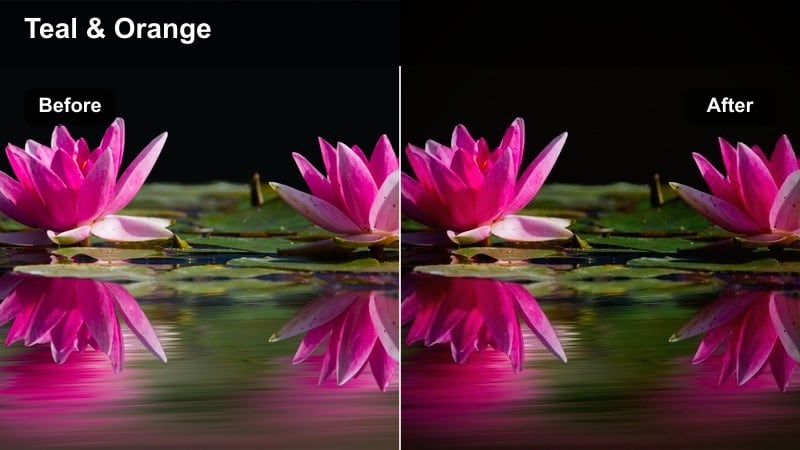
- Effect look: High-contrast, cool-toned shadows with crisp whites and a slight teal shift for a street-racing vibe.
- Best for: Low-light city streets, rolling shots beside the car, and fast-paced b-roll of wheels and badges.
- Editing tip: Stabilize handheld clips first, then add this filter to keep details sharp in chrome and body lines.
Midnight Street Racer is tuned for aggressive night driving sequences, pushing cool shadows and clean whites to create a commercial-style racing feel. When used on rolling shots, wheel close-ups, or side-by-side street runs, it highlights chrome accents, badges, and LED strips while keeping the background moody and dark.
In Filmora, apply video stabilization before the filter so motion feels smooth and the extra contrast does not emphasize shake. Then, fine-tune contrast and clarity to match your track tempo, and add subtle speed ramps on gear shifts or passes under streetlights to sync the cinematic car reel with your music drops.
Neon Rain Reflections
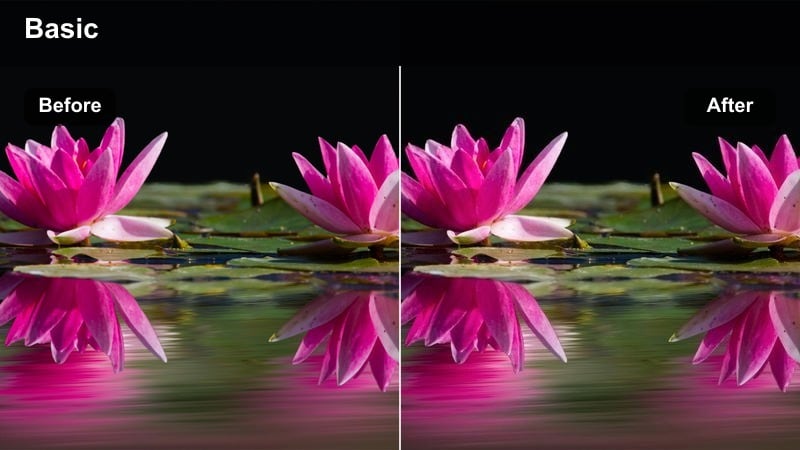
- Effect look: Moody, saturated neon colors with lifted blacks and glossy reflections that pop in wet streets.
- Best for: Rainy-night drives, car parks with puddles, and slow passes by colorful storefronts.
- Editing tip: Drop clarity slightly and boost saturation after applying to enhance reflections without losing cinematic softness.
Neon Rain Reflections is made for wet asphalt, puddles, and reflective bodywork, pumping saturation into signs and taillights while keeping blacks gently lifted for a soft, cinematic glow. It works especially well on slow-motion drives through busy nightlife districts where every shopfront and traffic light becomes part of your color palette.
In Filmora, pair this filter with low-angle shots that let the road dominate the frame, then slightly reduce clarity and add a touch of blur or bokeh to headlights for an atmospheric look. Use cross-dissolves or smooth zoom transitions between puddle reflections, wheel shots, and rear light close-ups to maintain a consistent, moody vibe throughout your Instagram Reel.
Golden Hour City Rides
Sunset Boulevard Cinema
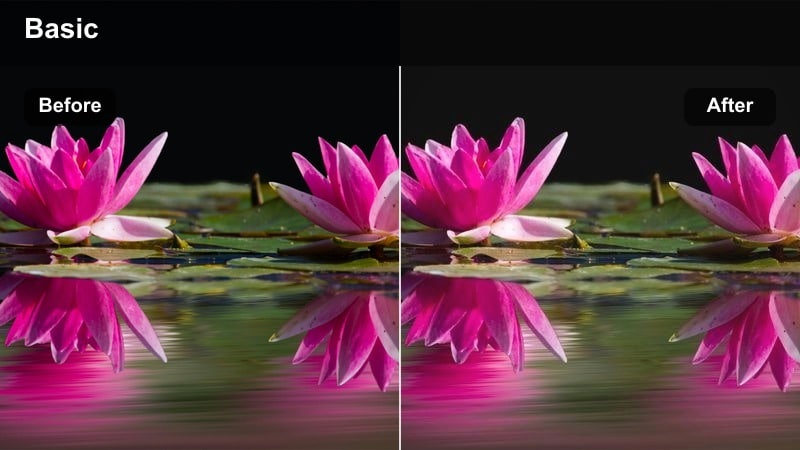
- Effect look: Warm cinematic tones with glowing highlights and slightly faded shadows for late-afternoon drives.
- Best for: Golden hour city boulevards, skyline bridges, and rooftop parking lot exits.
- Editing tip: Set white balance a bit cooler before grading so the filter s warm tones look rich instead of orange.
Sunset Boulevard Cinema wraps your city drives in warm, filmic tones that mimic the soft, glowing feel of classic movie magic. Buildings, windshields, and chrome details pick up subtle golden reflections, while slightly faded shadows keep the overall look relaxed and nostalgic instead of harsh.
To get the most out of this style in Filmora, first nudge your white balance cooler, then apply the filter so the final image lands in a rich amber rather than oversaturated orange. Layer in slow-motion shots, gentle push-ins, and lens flare overlays, then use Filmora s color tools to keep skies and skin tones balanced for a polished golden-hour Instagram Reel.
Amber Street Dream
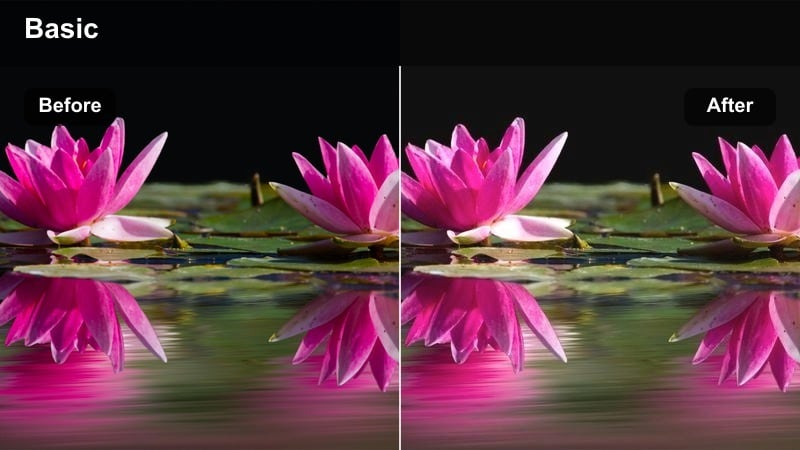
- Effect look: Soft amber cast with low contrast and creamy highlights for dreamy slow-motion reels.
- Best for: Slow city cruises, over-the-hood shots, and POV drives during sunset or early blue hour.
- Editing tip: Add slight slow motion and gentle lens blur to street lights to lean into the dreamy feel of the filter.
Amber Street Dream tones down contrast and wraps the frame in a soft amber glow, perfect for turning everyday commutes into memory-like sequences. Street lights, windows, and reflections on the hood become creamy light sources, while the lower contrast makes motion feel smoother and more relaxed.
In Filmora, apply light slow motion, then layer this filter to emphasize that floating, cinematic quality. You can add a subtle Gaussian blur or bokeh effect to background lights and gently reduce sharpness, ensuring your Instagram Reel feels like a cohesive, dreamy car montage rather than a high-energy street run.
Hazy Skyline Cruise
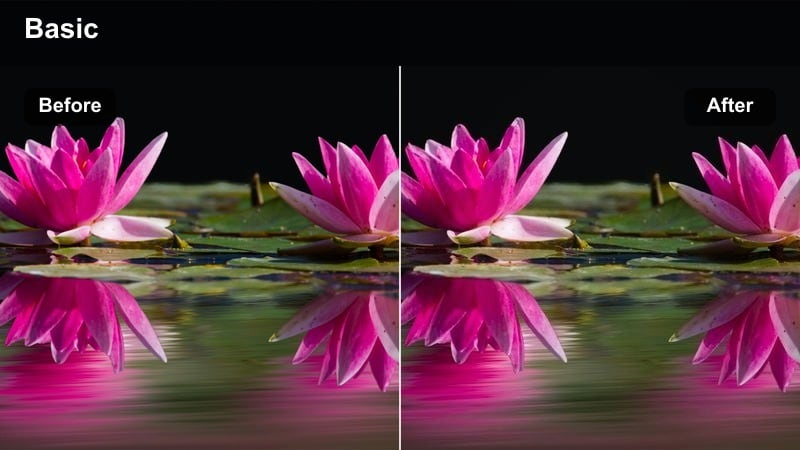
- Effect look: Muted midtones with lifted blacks and subtle warm-cool split for skyline silhouettes.
- Best for: Bridge drives with skyline in the background, drone follow shots, and rooftop departures.
- Editing tip: Slightly desaturate overall after applying for a more cinematic, almost film-stock style skyline look.
Hazy Skyline Cruise is designed to keep the car as the hero while giving the city a soft, distant presence through muted midtones and a gentle warm-cool split. Skylines, bridges, and rooftops appear slightly hazy and filmic, which helps your subject stand out against the urban backdrop without overwhelming detail.
In Filmora, apply this filter to wide establishing shots and drone sequences, then nudge the saturation slider down a bit for a more film-stock-inspired palette. Combine it with smooth transitions like dissolves or tilt shots that reveal the skyline, and use the same look on multiple angles so your Instagram Reels car video feels unified from the rooftop exit to the final city-wide reveal.
Moody Parking Garages and Alleys
Steel Garage Noir
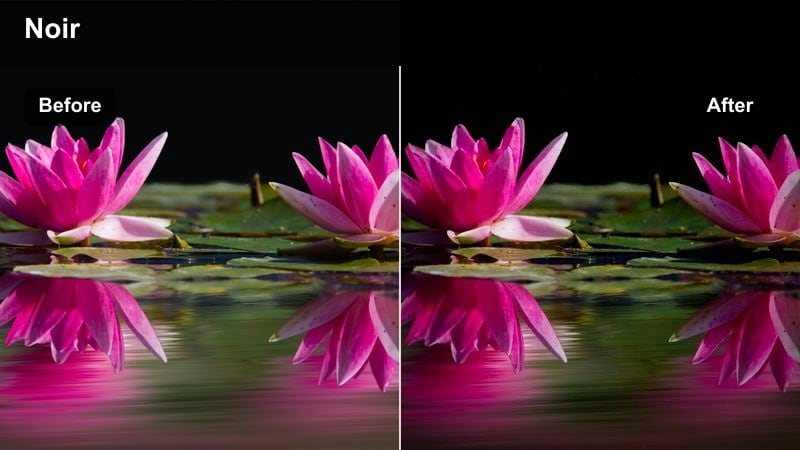
- Effect look: Desaturated, high-contrast tones with cool steel blues and deep shadows for harsh artificial lighting.
- Best for: Underground garages, concrete ramps, and low-key reveal shots of headlights and grilles.
- Editing tip: Crush blacks a touch more after applying to hide messy backgrounds and keep attention on the car shape.
Steel Garage Noir strips away excess color and leans into cool blue-grays, turning parking garages into gritty, cinematic stages for your car. The high contrast and deep shadows carve out strong silhouettes, which work especially well for front-end reveals, side profiles, and low-angle shots under hard overhead lights.
Inside Filmora, place your clips on the timeline, apply this filter, and then use additional contrast and shadow controls to slightly crush the blacks and clean up any distracting background detail. Add slow pans across the grille, wheels, and badges, and pair them with dramatic sound design or bass-heavy tracks to turn a simple garage location into a high-impact teaser for your Instagram Reel.
Urban Alley Contrast
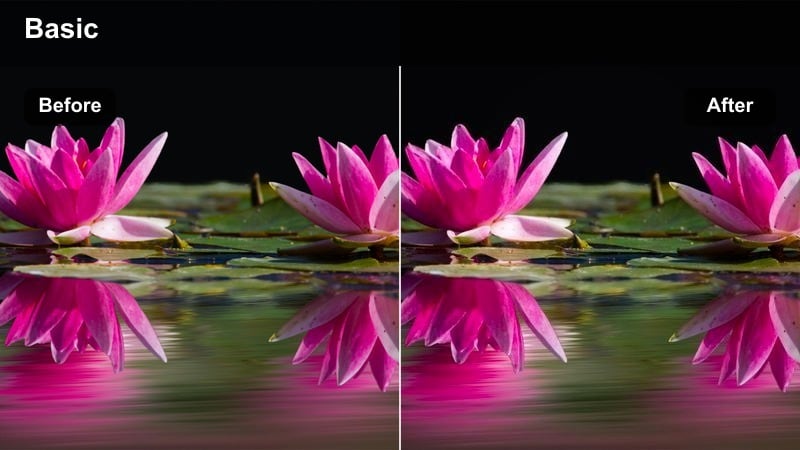
- Effect look: Punchy midtone contrast with subtle grit and slightly warm highlights for edgy alley scenes.
- Best for: Backstreet alleys, graffiti-covered walls, and low-speed passes through tight urban lanes.
- Editing tip: Sharpen lightly after grading to bring out brick, concrete, and tire texture without looking overdone.
Urban Alley Contrast is tuned to make gritty city textures pop, adding punchy contrast to midtones while keeping highlights a touch warm. Brick walls, graffiti, and asphalt gain extra presence, turning narrow alleys into powerful backgrounds that frame your car with attitude.
In Filmora, apply this filter to both rolling shots and static passes, then add a modest amount of sharpening to enhance surface detail on bricks, tires, and body panels. Use quick cuts between wide alley frames and tight wheel or badge close-ups, and consider adding subtle camera shake or sound effects to enhance the raw, urban character in your Instagram Reels car video.
Shadow Deck Reveal
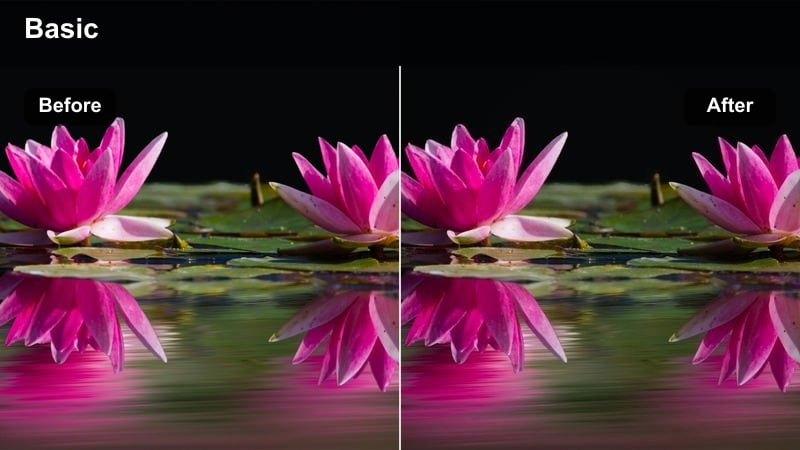
- Effect look: Soft highlights with heavy shadows and a neutral tone that favors silhouettes and partial reveals.
- Best for: Rooftop parking decks, silhouette reveals against city lights, and partial car close-ups.
- Editing tip: Underexpose in-camera slightly, then apply this filter to keep highlights clean and shapes dramatic.
Shadow Deck Reveal makes strong use of darkness and silhouette, emphasizing shape over color for mysterious rooftop scenes. Highlights stay soft and controlled while shadows fall deep, giving you a perfect base for teaser-style shots where only pieces of the car are initially visible.
When editing in Filmora, work with slightly underexposed clips, apply the filter, and then fine-tune shadows to keep the body lines just visible against city lights. Build your Instagram Reel around slow, deliberate camera moves and timed reveals on musical beat drops, using this cinematic look across close-ups and wider rooftop frames for a cohesive, suspenseful story.
High-Energy City Montages
Hyperlapse City Rush
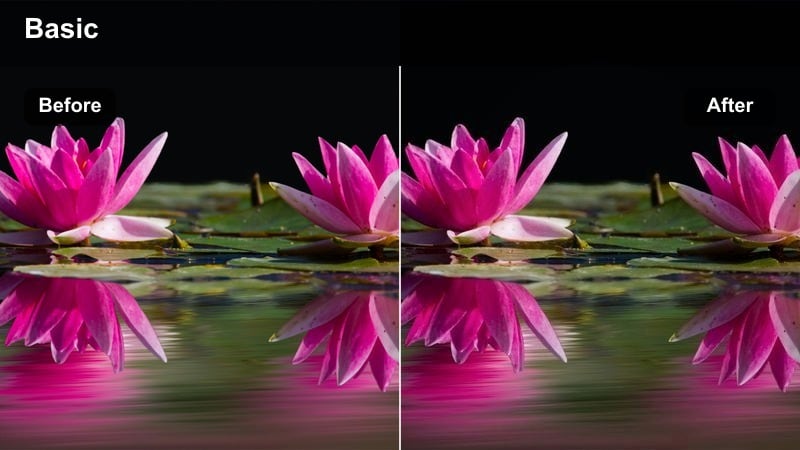
- Effect look: Vibrant saturation with crisp contrast and slightly cool shadows tuned for fast-paced transitions.
- Best for: Hyperlapse drives, timelapse traffic, and quick-cut city montage intros.
- Editing tip: Use this filter after speed-ramping so colors stay stable; then add light grain to avoid a video-game look.
Hyperlapse City Rush is built for speed, boosting saturation and clarity so buildings, light trails, and traffic lines remain easily readable in fast cuts. Cool shadows and tight contrast help maintain structure and depth, even when your footage is sped up or jump-cut into a rapid-fire montage.
In Filmora, first create your hyperlapse or timelapse by adjusting clip speed and applying motion smoothing where needed, then drop this filter on top for a bold, finished look. Add a light grain or film overlay to keep things feeling cinematic rather than overly digital, and sync your cuts to both musical beats and on-screen movements to maximize the energy of your Instagram Reels car intro.
Urban Trail Lights
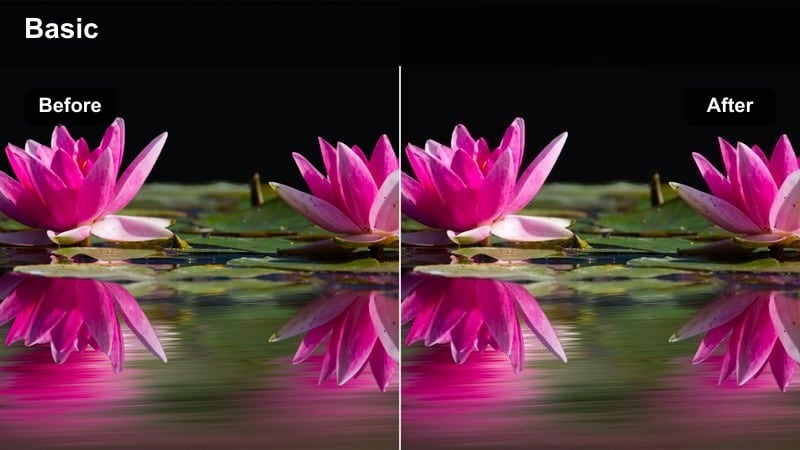
- Effect look: Enhanced reds and ambers with softened highlights that stretch light trails and brake lights.
- Best for: Long-exposure-style motion, night overpasses, and rush hour traffic sequences around your car.
- Editing tip: Add a subtle directional blur on duplicate layers to extend light streaks without losing the car s sharpness.
Urban Trail Lights is designed to accentuate traffic movement, emphasizing reds and ambers in taillights and brake lights while softening highlights for smoother trails. Overpasses, highways, and busy junctions become flowing ribbons of color that wrap around your car, creating dynamic backdrops for static or slow-moving shots.
Inside Filmora, stack a duplicate layer of your clip, apply a slight directional blur to the top layer, and then blend it to extend the feeling of light streaks while keeping the car sharp underneath. Pair this with this filter to enrich the reds and ambers, and use locked-off or gently panning shots so the trails stay clean and readable in your Instagram Reels car video.
Cinematic B-Roll Cruise
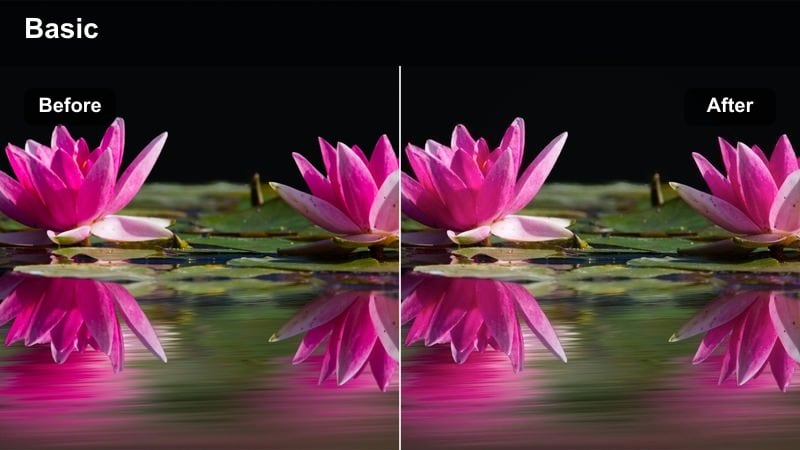
- Effect look: Balanced filmic contrast with slightly flattened highlights and gentle color for versatile montage use.
- Best for: Quick cut b-roll, dashboard POV, wheel close-ups, and establishing shots around the city.
- Editing tip: Apply this filter uniformly across your b-roll sequences so the reel feels cohesive even with many angles.
Cinematic B-Roll Cruise is a flexible, filmic look that works across nearly any city car shot, from POV drives to detail-focused b-roll. It adds controlled contrast and softens highlights just enough to avoid harsh clipping, which is ideal when you are cutting together many lighting conditions into one reel.
In Filmora, set this filter as your base grade for all filler and transition clips, then make small adjustments with color wheels or basic sliders to match exposure between shots. Use it to tie together dashboard views, exterior rolling shots, and environment cutaways so your Instagram Reels car video feels like one continuous story instead of a random collection of clips.
Tips for Using Instagram Reels Car Video Luts Cinematic Filters in Filmora
- Shoot with a slightly flatter picture profile in-camera so these cinematic Instagram Reels car video LUT-style filters have more room to add contrast and color without crushing detail.
- Keep your shutter speed around double your frame rate to reduce motion jitter when you use speed ramps, slow motion, or stabilization in Filmora.
- Mix wide city establishing shots, mid rolling shots, and tight detail angles so each filter has different textures like glass, metal, and asphalt to enhance.
- Use the same filter across related interior and exterior shots, then fine-tune exposure in Filmora to avoid jarring shifts in color or contrast between scenes.
- Leverage Filmora s real-time preview to quickly compare multiple cinematic looks on the same clip and lock in a consistent style for your entire reel.
- Save your favorite grading combinations as custom presets so you can apply your signature cinematic car look to future Instagram Reels in one click.
- Finish with a high-resolution export setting that matches Instagram s maximum support for your device to preserve subtle gradients, reflections, and filmic contrast.
These cinematic Instagram Reels car video filters give you a fast way to turn raw driving clips into moody, high-impact edits that feel ready for the big screen. Whether you are shooting neon night runs, golden hour cruises, or gritty garage reveals, each look is tuned to enhance contrast, color, and mood with minimal tweaking.
Combine them with solid shooting technique, clean transitions, and consistent grading in Filmora to build a recognizable car content style that stands out in the feed and keeps your profile looking cohesive from reel to reel.
secure download