

 100% Security Verified | No Subscription Required | No Malware


 ChatGPT
 Perplexity
 Gemini
 Claude
 Grok
Grok
Mist Blue sits between soft gray and pale ocean tones, carrying a calm, airy energy that feels modern and cinematic. It is associated with clarity, focus, and emotional distance in the best way, making it ideal for creators who want their visuals to feel soothing, trustworthy, and professional without looking cold.
In video edits, branding systems, thumbnails, intros, and lower thirds, Mist Blue works as a versatile base color that pairs easily with whites, pastels, and deep accent hues. Below you will find curated Mist Blue color palettes with HEX codes tailored for Filmora users and digital creators, so you can match your edits, thumbnails, and channel identity with consistent, polished color.
In this article
Soft And Serene Mist Blue Color Palettes
Morning Harbor Haze
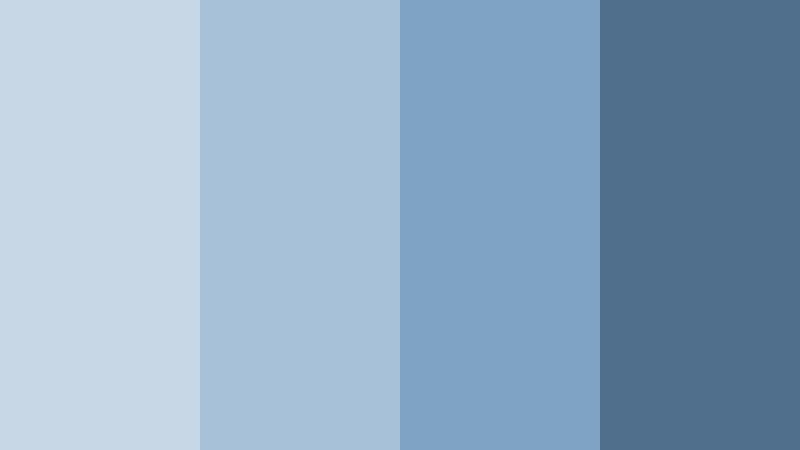
- HEX Codes: #c7d7e5, #a7c1d9, #7fa3c4, #4f6f8c
- Mood: Calm, reflective, and quietly cinematic.
- Use for: Great for reflective travel vlogs, study-with-me videos, and minimal channel intros that need a gentle, coastal feel.
Morning Harbor Haze layers soft harbor blues with deeper, misty accents, creating the feeling of standing by the water just after sunrise. The palette feels peaceful and balanced, with enough depth in the darker blue to keep your visuals from looking washed out.
Use the lighter tones for clean backgrounds, text blocks, and lower thirds, while the deeper blue works well for titles, buttons, and logo marks in thumbnails. In Filmora, this palette is ideal for slow-paced edits, reflective montages, and subtle branding elements that run consistently across intros, b-roll, and end screens.
Pro Tip: Build a Cinematic Mist Blue Look in Filmora
To keep a soft harbor vibe from your first frame to your final outro, design a simple Mist Blue style guide in Filmora. Use the lighter HEX codes for subtitle and overlay backgrounds, then pick the deeper blue for titles, icons, and call-to-action elements so your viewers recognize your visual style instantly.
Save custom title templates and color-presets inside Filmora for your bars, shapes, and text. That way, every new vlog, study session, or travel diary can quickly reuse the same Morning Harbor Haze look without manually re-creating colors each time.
AI Color Palette
You can lock in this harbor aesthetic across your entire edit by using Filmora's AI Color Palette feature. Grab a still frame or a simple color card based on Morning Harbor Haze, then let the tool analyze it and transfer the overall color feel to the rest of your clips.
Filmora's AI Color Palette feature helps you match b-roll, A-roll, and stock footage so everything carries the same soft Mist Blue atmosphere. This is especially useful when your source clips are shot on different cameras or under mixed lighting.
 secure download

HSL, Color Wheels & Curves
Once the base palette is in place, open HSL, color wheels, and curves in Filmora to refine your Mist Blue tones. Slightly desaturate the blues in midtones for a softer, more cinematic look, then lift shadows just a touch so dark areas still feel gentle and coastal rather than harsh.
You can use Filmora's color tools and tutorials on advanced color grading to guide how much contrast and saturation to add without losing the quiet harbor mood. Subtle S-shaped curves and cool-tinted shadows are often enough to give your footage a polished, filmic finish.
secure download1000+ Video Filters & 3D LUTs
To move faster, you can build on this Mist Blue base with Filmora's video filters and LUTs. Start from a filter that adds soft contrast or a cool cinematic tone, then tweak intensity so your Morning Harbor Haze colors stay recognizable and on brand.
Filmora's video filters and 3D LUTs make it easy to test different moods on top of the same palette, from slightly dreamy to more dramatic. Save your favorite combinations as presets so you can apply your signature Mist Blue look to new projects in just a few clicks.
secure downloadCloud Drift Minimal
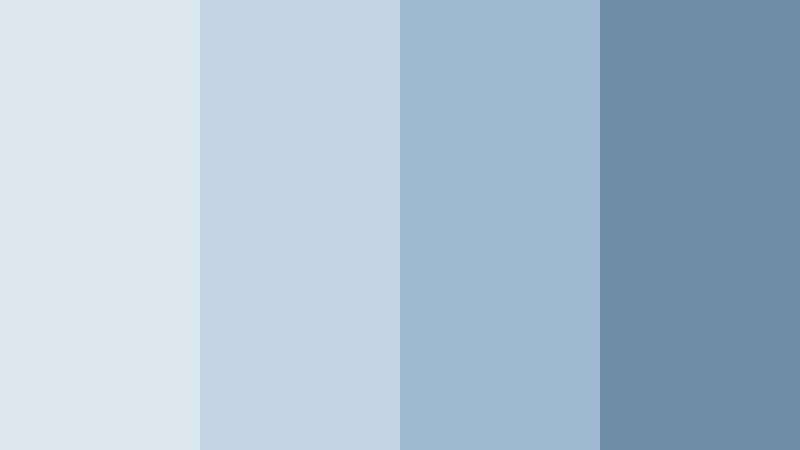
- HEX Codes: #dde7f0, #c5d5e5, #9fb9d0, #6f8da5
- Mood: Airy, clean, and quietly optimistic.
- Use for: Ideal for tech explainers, productivity tutorials, and app UI mockups where clarity and focus are key.
Cloud Drift Minimal combines pale cloud whites with muted Mist Blue tones for a crisp, clutter-free feel. It gives your frames a sense of space, like an organized desktop or a clean app interface.
Use the lightest shades for backgrounds and interface-style panels in your videos, then reserve the darker Mist Blue for headings, icons, and thumbnail text. This palette works especially well in Filmora when you build modern lower thirds, UI-styled transitions, and clean titles for productivity or tech-focused content.
Lakehouse Quiet
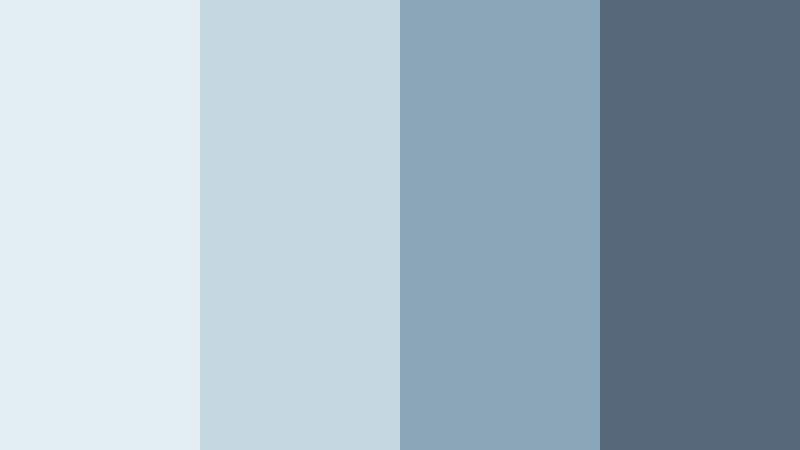
- HEX Codes: #e2edf2, #c4d7df, #8ba6b8, #55697a
- Mood: Nostalgic, homey, and contemplative.
- Use for: Use in family vlogs, cozy home tours, or lifestyle intros that aim for warmth without losing a cool color base.
Lakehouse Quiet feels like a calm afternoon by the water, with soft reflections and muted blue-grays that add nostalgia without heavy contrast. The darker lake tones prevent the palette from feeling too pale, giving you enough structure for text and UI elements.
Apply the light hues to walls, textures, and background assets in your thumbnails or intro frames, then use the deeper blue for titles, badges, and logo lockups. In Filmora, this palette is great for family vlogs, home renovation content, and lifestyle channels that want a gentle, reflective Mist Blue identity.
Foggy City Skyline
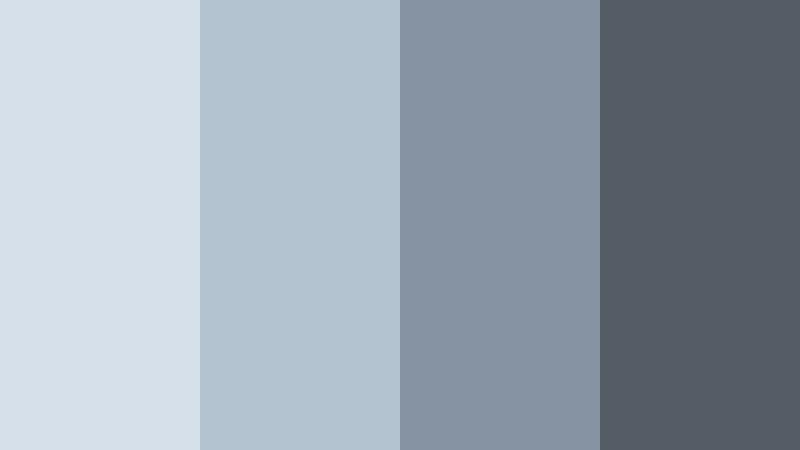
- HEX Codes: #d6e0ea, #b4c3d0, #8593a3, #545d66
- Mood: Urban, moody, and gently dramatic.
- Use for: Perfect for city b-roll, cinematic street footage, and moody vlog openings with subtle text overlays.
Foggy City Skyline mixes cool Mist Blue with smoky grays, echoing the feel of towers fading into morning mist. It is urban and slightly dramatic, but still soft enough for everyday vlogs and lifestyle edits.
Use the medium blues for overlay shapes and minimalist title cards, while the darkest gray anchors your typography and icons. In Filmora, you can combine this palette with subtle grain or vignette effects to give your city b-roll and moody intros an understated cinematic style.
Studio Daylight Glow
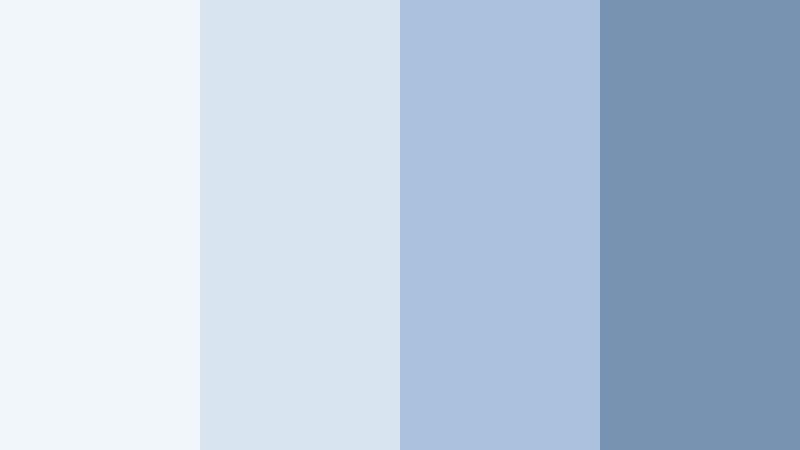
- HEX Codes: #f1f6fa, #d7e4f0, #aac2dd, #7793b1
- Mood: Bright, balanced, and softly professional.
- Use for: Best for talking-head videos, educational content, and brand explainers recorded in bright studios.
Studio Daylight Glow is all about bright whites and clean Mist Blue tones that mimic soft-window light in a studio. It keeps your visuals looking fresh and approachable, which is perfect for educational or business content.
Use the brightest shades as background colors for titles and info cards, with the mid and dark blues for headings, callouts, and timeline markers. In Filmora, this palette is ideal for building a consistent style across explainers, online courses, and branded intros that need to look calm, confident, and easy to follow.
Elegant And Modern Mist Blue Color Palettes
Glass Tower Chic
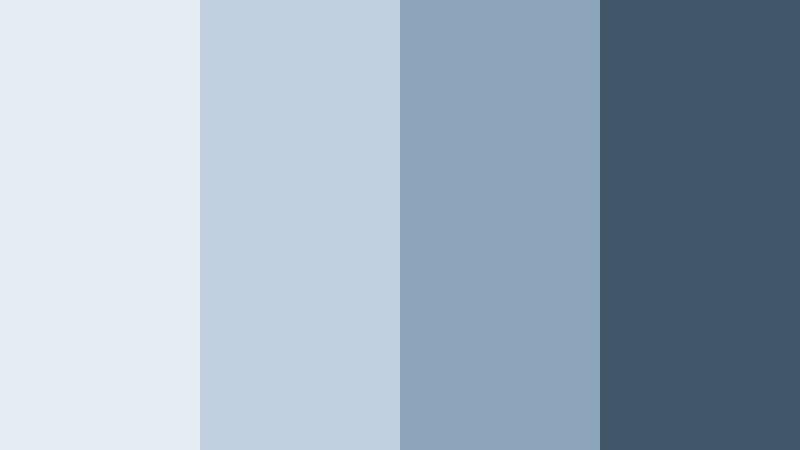
- HEX Codes: #e4edf4, #c0cfdd, #8ba4ba, #405568
- Mood: Sleek, contemporary, and corporate-cool.
- Use for: Excellent for SaaS promos, corporate reels, LinkedIn content, and UI-focused motion graphics.
Glass Tower Chic channels the reflective surfaces of modern skyscrapers, blending light Mist Blue with steel-toned accents. The result is a palette that feels professional and tech-forward without being overly harsh.
Use the lighter colors for background panels and presentation slides inside your video, while the darker blue becomes your primary accent for logos, data points, and CTAs in thumbnails. In Filmora, this palette pairs well with clean transitions, minimal motion graphics, and sleek lower thirds for corporate or startup content.
Nordic Studio Frame
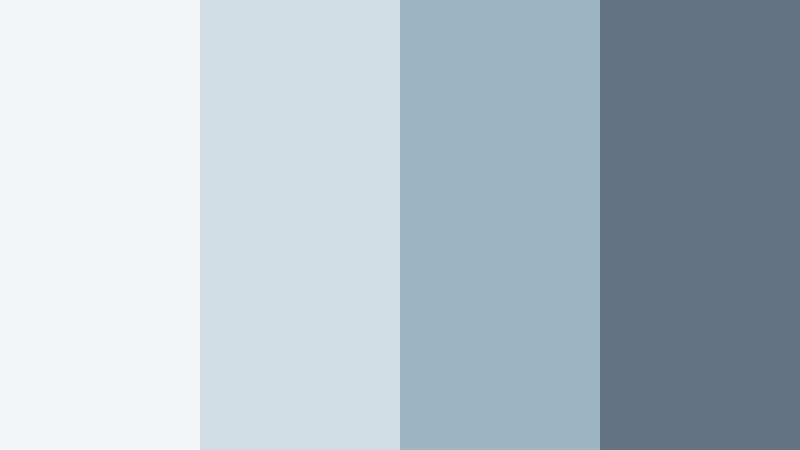
- HEX Codes: #f3f6f8, #d0dde5, #9eb5c4, #5f7380
- Mood: Minimal, refined, and design-driven.
- Use for: Use for design portfolios, aesthetic montages, and clean motion graphics with lots of negative space.
Nordic Studio Frame draws from Scandinavian interiors, mixing off-whites with cool Mist Blue and charcoal-blue accents. It feels like a gallery wall: simple, structured, and focused on the content you showcase.
In Filmora, use the light tones as a neutral canvas for product demos or portfolio work, and the darker hues for typography, dividers, and minimalist icons. This palette is perfect for aesthetic reels, design breakdowns, and channel branding that needs a polished but understated Mist Blue base.
Midnight Interface
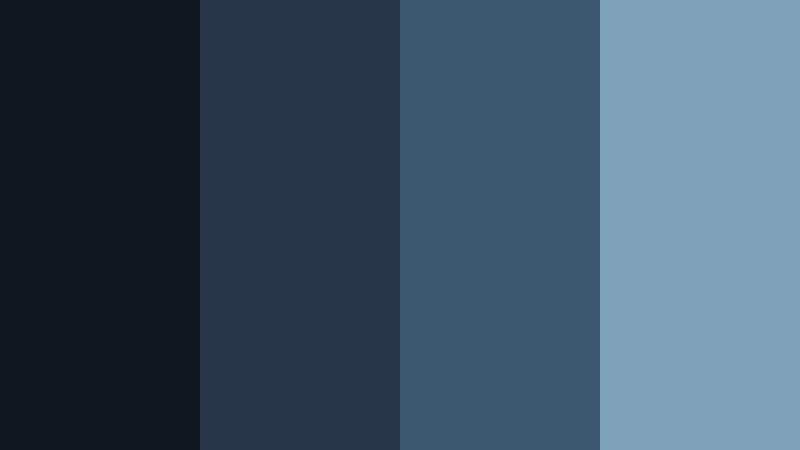
- HEX Codes: #0f1820, #273548, #3c5870, #7ea1ba
- Mood: Futuristic, focused, and slightly mysterious.
- Use for: Ideal for dark-mode UI demos, gaming intros, and cinematic tech explainers.
Midnight Interface is a deep, dark palette where Mist Blue appears as a glowing accent against near-black navies. It instantly suggests tech dashboards, HUDs, and dark-mode apps.
Use the darkest tones as your main background color for interfaces and full-frame overlays, then apply the bright Mist Blue to highlight buttons, pointers, and important onscreen text. In Filmora, this palette enhances gaming intros, cybersecurity content, or any tech explainer where you want a sleek, futuristic Mist Blue aesthetic.
Gallery Loft Calm
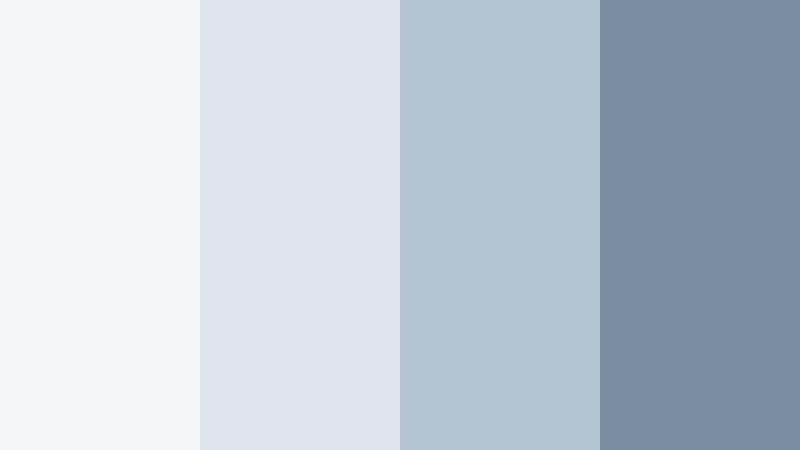
- HEX Codes: #f5f7f9, #e0e5ec, #b4c3d2, #7a8ca0
- Mood: Artful, polished, and quietly luxurious.
- Use for: Great for interior design tours, brand mood reels, and minimalist product launches.
Gallery Loft Calm uses airy whites and smoke-tinted Mist Blue shades to mimic a high-end loft or small gallery space. It feels luxurious without shouting, ideal when your visuals need to highlight objects or interiors rather than the color scheme itself.
In your Filmora projects, use the light colors as backdrops for product frames or room reveals, and rely on the darker blues for tasteful titles, brand marks, and thin frames around your footage. This palette keeps thumbnails and intros looking upscale and cohesive across an entire series.
Coastal Branding Suite
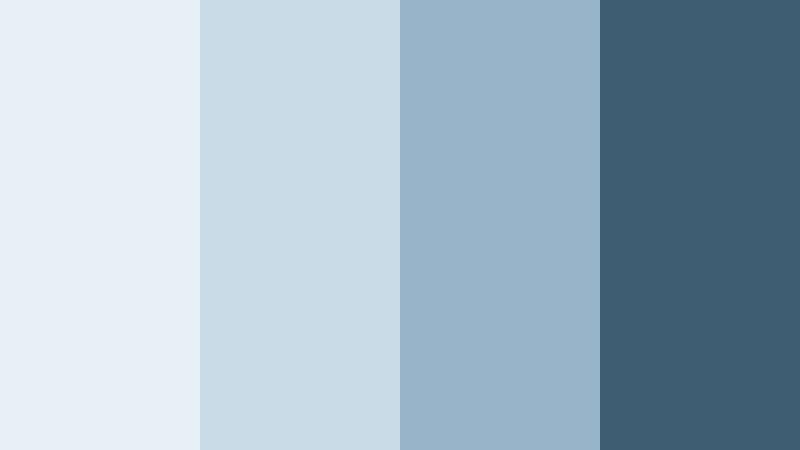
- HEX Codes: #e7f0f5, #c8dbe7, #98b4c8, #3e5c72
- Mood: Professional, coastal, and fresh.
- Use for: Perfect for wellness brands, resorts, and personal brands wanting a polished seaside identity.
Coastal Branding Suite brings together beachy Mist Blue tones with crisp whites to create a refined seaside aesthetic. It feels fresh and clean, but still professional enough for brands and services.
Use the lighter hues for backgrounds, overlays, and gradient washes in your Filmora titles, while the darkest blue carries logotypes, key text, and CTAs. This palette is great for wellness channels, travel agencies, or personal branding that leans into calm, coastal Mist Blue visuals across intros, thumbnails, and social cutdowns.
Playful And Pastel Mist Blue Color Palettes
Cotton Candy Breeze
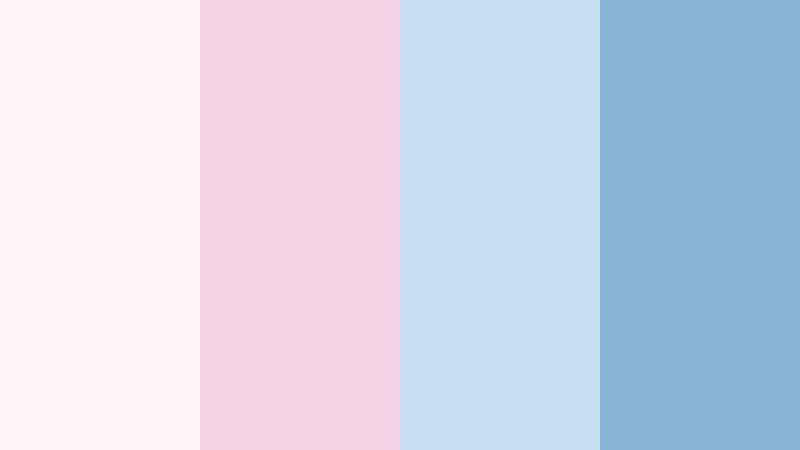
- HEX Codes: #fdf2f6, #f7d4e3, #c5dff0, #88b3d5
- Mood: Playful, dreamy, and youthfully sweet.
- Use for: Use in lifestyle vlogs, stationery promos, and K-pop inspired edits needing soft, candy-like hues.
Cotton Candy Breeze blends pastel pinks with airy Mist Blue, giving your visuals a light, sugary mood. It is soft and dreamy, perfect when you want your content to feel fun and approachable.
Use the pinks for accents and highlight boxes, with the Mist Blue shades as your core branding color in titles and thumbnail frames. Inside Filmora, this palette shines in lifestyle vlogs, K-pop style intros, and playful motion graphics that need pastel charm without losing readability.
Bubble Tea Afternoon
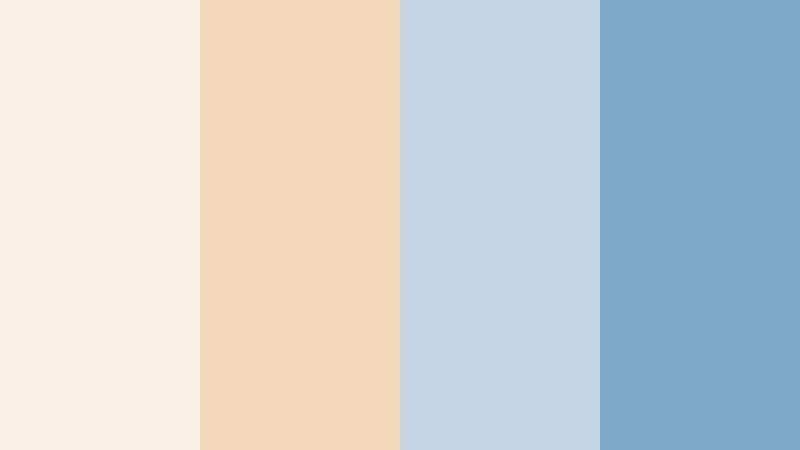
- HEX Codes: #f7efe6, #f1d6b8, #c5d6e6, #7ea8c7
- Mood: Cozy, trendy, and snackable-fun.
- Use for: Perfect for cafe vlogs, food shorts, and lifestyle reels with cozy editing and hand-drawn doodles.
Bubble Tea Afternoon pairs milky beige tones with gentle Mist Blue, echoing the look of latte foam and pastel straws. It feels cozy and trendy at the same time, great for content centered around daily routines and food.
Use the warm beiges as backgrounds or tabletop colors in your layouts, then reserve the Mist Blue for stickers, captions, and doodle-style graphics in Filmora. This palette helps your cafe vlogs, snack reviews, and lifestyle shorts feel modern, cute, and easy on the eyes.
Pastel Arcade Dream
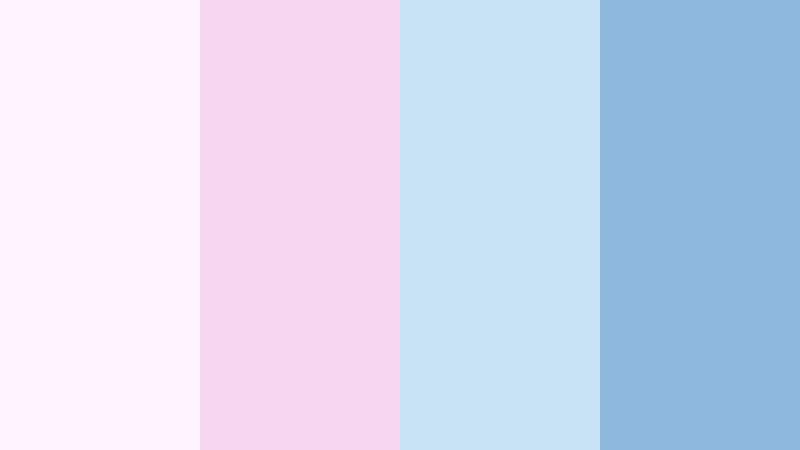
- HEX Codes: #fdf4ff, #f6d7f0, #c9e3f6, #8fb8dd
- Mood: Retro, nostalgic, and quietly energetic.
- Use for: Great for retro gaming edits, anime-inspired vlogs, and playful social bumpers.
Pastel Arcade Dream combines soft violets with Mist Blue to recreate a gentle arcade glow. It has a nostalgic, slightly retro feel, but in a low-saturation, pastel way that suits modern feeds.
Use the lighter colors to wash backgrounds and frames, and let the deeper Mist Blue carry titles, HUD elements, and retro icons in your Filmora edits. This palette is perfect for anime-style vlogs, gaming highlights with a cute twist, and social bumpers that need pastel energy instead of loud neon.
Notebook Sky Doodles
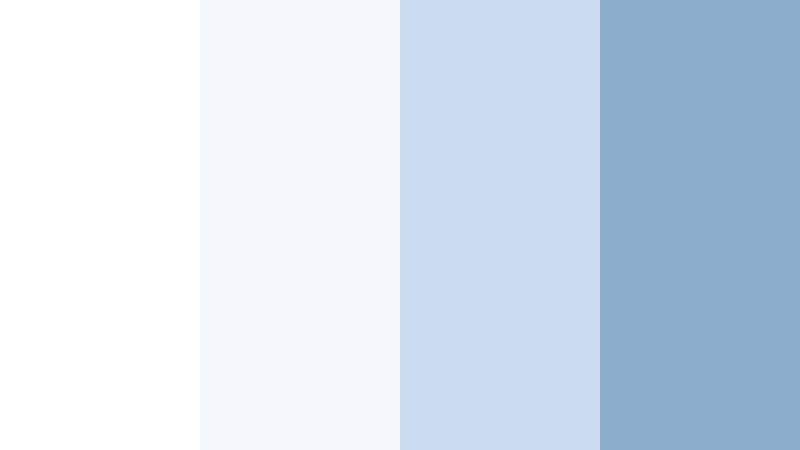
- HEX Codes: #ffffff, #f3f6fb, #cadbf0, #8aaecc
- Mood: Academic, lighthearted, and organized.
- Use for: Ideal for study-with-me content, digital planning templates, and educational shorts.
Notebook Sky Doodles is a crisp mix of white and Mist Blue that feels like fresh notebook pages under a clear sky. It is academic but still playful, ideal for content centered around learning and planning.
Use white and the palest blue as main backgrounds, while the stronger Mist Blue shades highlight headings, underlines, and callouts. In Filmora, this palette works beautifully with hand-drawn doodles, digital planner layouts, and simple info cards for study-with-me videos and educational shorts.
Cinematic And Moody Mist Blue Color Palettes
Rainy Window Montage
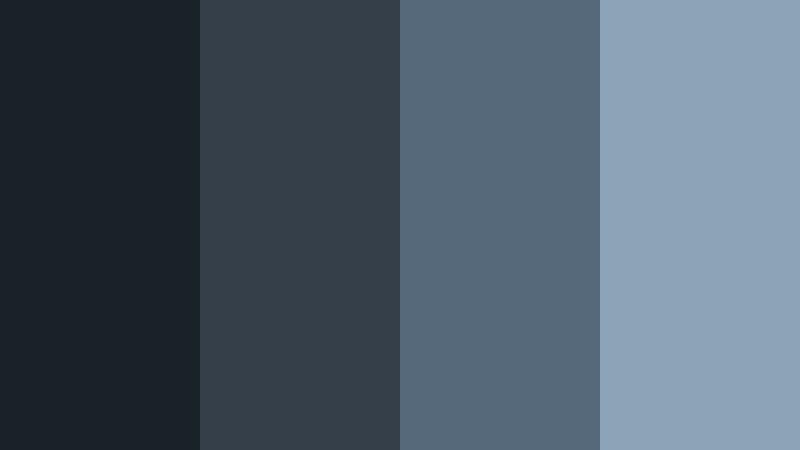
- HEX Codes: #1a2229, #343f4a, #55697a, #8ca4b8
- Mood: Melancholic, cinematic, and intimate.
- Use for: Use for emotional storytelling, breakup vlogs, and reflective montages with slow music.
Rainy Window Montage moves from deep charcoal blues to softer Mist Blue highlights, capturing the feel of raindrops on glass and soft overcast light. It is perfect for sober, introspective stories.
In Filmora, use the darkest colors in gradient overlays, vignettes, or letterbox bars, while the lighter Mist Blue sits in text boxes and subtle glows. This palette supports breakup vlogs, reflective montages, or narrative edits where you want a cinematic, rainy-day atmosphere.
Twilight Harbor Sequence
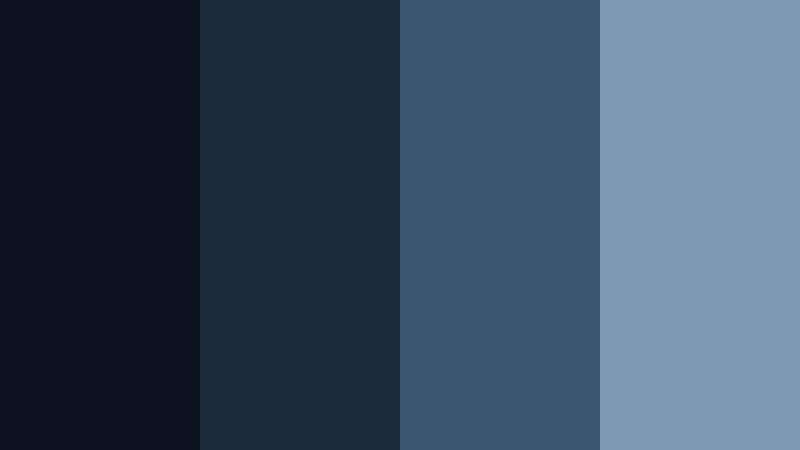
- HEX Codes: #0b1220, #1e2b3a, #3b5770, #7d9ab2
- Mood: Dramatic, expansive, and slightly mysterious.
- Use for: Perfect for travel sequences, drone shots, and cinematic channel trailers set near water or city lights.
Twilight Harbor Sequence mixes inky navies with glowing Mist Blue, recreating the look of harbor lights fading into the evening sky. It feels wide, atmospheric, and a little mysterious.
Use the darkest tones as your base for cinematic frames and transitions, then apply the lighter Mist Blue to key text, logo reveals, and highlight flares. In Filmora, this palette makes travel sequences, drone shots, and cinematic channel trailers feel cohesive and richly colored without overwhelming your footage.
Tips for Creating Mist Blue Color Palettes
When you build your own Mist Blue color combinations for video or design, focus on balance, contrast, and how well the palette holds up across intros, thumbnails, and long edits.
- Pair Mist Blue with off-whites or warm neutrals to avoid a cold look, especially for lifestyle and personal branding content.
- Use darker navy or charcoal accents to ensure text and icons stay readable on light Mist Blue backgrounds in thumbnails and titles.
- Limit your palette to 3 to 5 main colors per project so your branding stays consistent across all Filmora presets and templates.
- Check your colors on both desktop and mobile screens; adjust brightness and saturation if Mist Blue looks too pale or too intense.
- In Filmora, save custom color codes for titles, shapes, and overlays so every new video instantly matches your Mist Blue identity.
- Balance warm and cool elements by adding subtle skin-tone warmth or beige props when your dominant frame color is Mist Blue.
- Use curves and contrast carefully with moody Mist Blue palettes so you keep depth without crushing shadow detail.
- Create a thumbnail-specific version of your palette with slightly higher contrast to ensure your Mist Blue still stands out in crowded feeds.
Mist Blue palettes can shift your entire channel from noisy to intentional, giving your edits a calm, cinematic base that viewers immediately recognize. Whether you lean into soft pastels, coastal modern, or moody harbor tones, consistent color choices will support your storytelling and your brand identity.
Test several of these palettes in Filmora by building matching titles, lower thirds, and overlay presets. Once you find a Mist Blue scheme that suits your niche, lock it in as your signature style for vlogs, shorts, trailers, and social repurposes.
With Filmora's color tools, filters, and AI features, you can keep that Mist Blue mood consistent across cameras, lighting setups, and content types, so everything you publish feels like part of the same visual universe.
secure download