

 100% Security Verified | No Subscription Required | No Malware


 ChatGPT
 Perplexity
 Gemini
 Claude
 Grok
Grok
These Sony A7III travel LUT-inspired filters are designed to give your footage a cinematic, polished look straight from your memory card, whether you shoot in S-Log, HLG, or standard profiles.
Below you will find scene-based filter ideas and editing tips that match real travel situations, helping videographers and creators quickly grade Sony A7III travel footage in Filmora with consistent, share-ready results.
In this article
Golden Hour City Rooftops and Skylines
Sunset Amber Glow
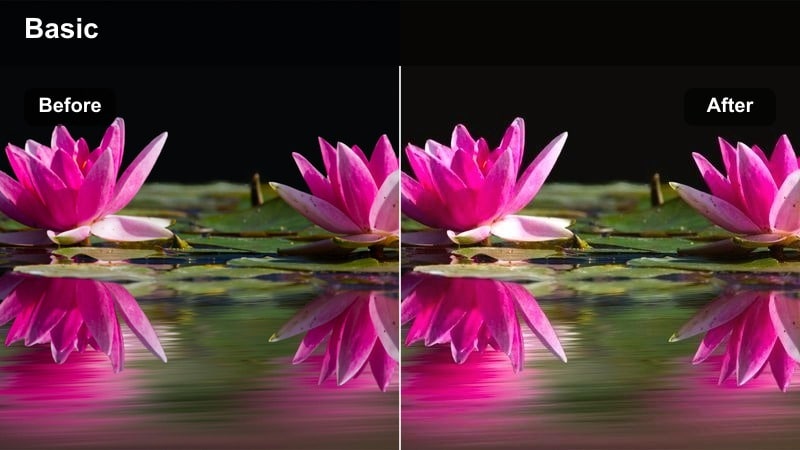
- Effect look: Warm, golden cinematic glow that softens highlights and deepens city shadows.
- Best for: Rooftop views, skyline b-roll, and slow-motion city walks during sunset with the Sony A7III.
- Editing tip: Lower contrast slightly for S-Log2/S-Log3 footage and pull down saturation on reds to avoid clipped neon signs.
Sunset Amber Glow is ideal when you want your Sony A7III rooftop shots to feel like a classic travel film, with rich amber highlights rolling off smoothly across buildings and skies. In Filmora, this kind of look works especially well on S-Log or HLG clips once you have normalized exposure, because the filter can then infuse warmth while still protecting detail in the brightest windows and clouds.
Use this style when filming backlit skyline silhouettes or soft, romantic walk-and-talks during golden hour. After applying a similar warm filter in Filmora, fine-tune white balance and pull orange hues slightly toward yellow so skin tones remain believable while the city keeps that cinematic golden wash. For vlogs, combine it with gentle vignette and a touch of film grain to add more depth to your travel stories.
Speed Up Sony A7III Travel Grades with AI Color Match
Filmora's AI color tools help you turn mixed Sony A7III shots from different cities and days into a cohesive travel film. Instead of rebuilding your grade for every clip, you can match them to one well-graded reference shot and keep your color style consistent from rooftops to beaches.
Load a graded golden-hour skyline shot or a favorite Sony A7III travel LUT as your reference in Filmora, then use AI color match to align new clips with that look. This dramatically cuts grading time and keeps your channel or travel vlog visually on-brand.
 secure download

Preview Travel Filters in Real Time
Filmora's real-time preview lets you scroll through travel filters on your Sony A7III clips without waiting for heavy renders. You can instantly see how different rooftop, beach, and night looks affect your footage before you commit.
Stack filters, control intensity, and save the combinations you like as custom presets. Once saved, you can apply the same look to whole batches of city or coastal footage from your next trip in seconds.
secure download1000+ Video Filters and 3D LUTs
Inside Filmora you get access to a large library of video filters and 3D LUTs that pair perfectly with Sony A7III travel footage. You can start from a cinematic LUT tailored to your camera and then refine the look using Filmora's creative filters and HSL controls.
Whether you like warm golden rooftops, teal-and-orange beach tones, or moody night streets, combining LUTs with filters lets you get a polished grade fast while still leaving room for your own style.
secure downloadUrban Gold Contrast
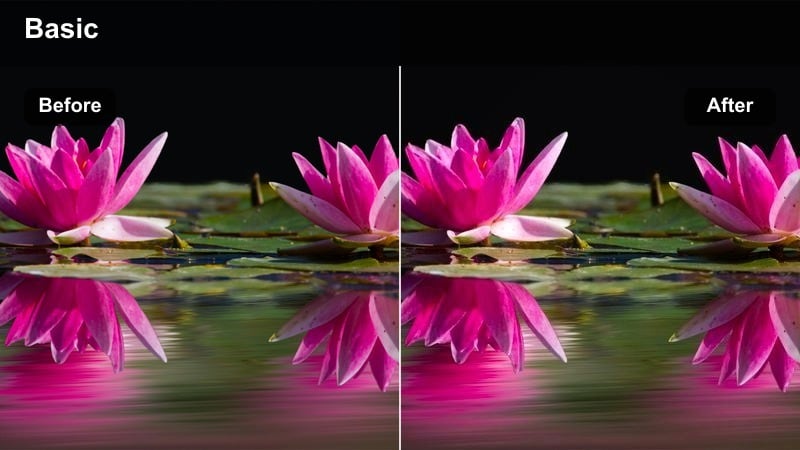
- Effect look: Punchy golden highlights with crisp, contrasty shadows for dramatic city silhouettes.
- Best for: Backlit skyline shots, silhouettes on balconies, and time-lapses of the sun setting behind buildings.
- Editing tip: Push clarity and local contrast but keep midtones soft to avoid harsh skin when vlogging against the skyline.
Urban Gold Contrast suits Sony A7III footage where the skyline is sharply defined and you want intense golden light cutting through deep shadows. In Filmora, combining this kind of filter with clarity and local contrast adjustments helps your city architecture feel bold and graphic without turning the whole frame into pure black and gold.
Apply it to time-lapses or balcony silhouettes where your subject is mostly in shadow and the sky is blazing behind them. If you are front-facing for a vlog, soften midtones and reduce sharpening on the face so the background stays punchy while skin remains flattering. You can also fine-tune highlight saturation to keep the sky rich without oversaturating neon or digital billboards.
Soft City Pastel
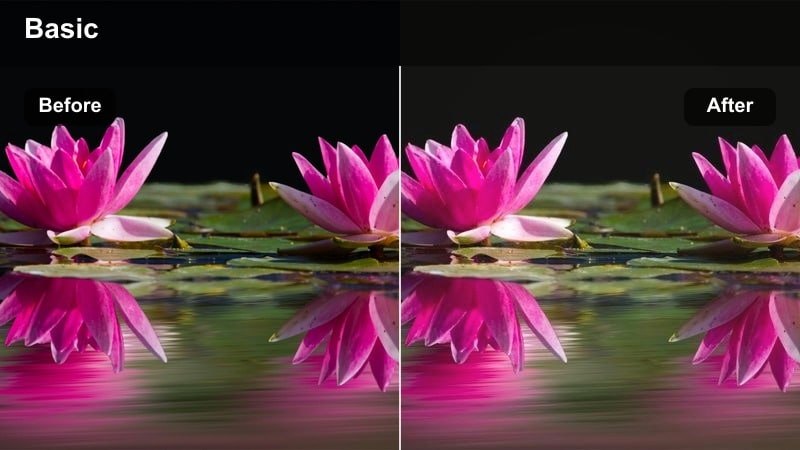
- Effect look: Muted contrast with pastel oranges and pinks, creating a dreamy golden hour atmosphere.
- Best for: Travel vlogs, handheld walk-and-talk clips, and cozy b-roll of cafes and streets during sunset.
- Editing tip: Reduce sharpness slightly for handheld shots to hide micro jitters while keeping edges clean.
Soft City Pastel is a great match for travel vlogs where you want the city to feel romantic and relaxed rather than intense. On Sony A7III clips shot at dusk, a pastel-style filter in Filmora gently lowers contrast and shifts warm tones into softer oranges and pinks, which helps smooth out harsh transitions between sunlit and shaded areas.
For handheld sequences, lightly reducing sharpness and clarity will make camera shake less noticeable while preserving enough detail to keep the scene professional. Use this look over b-roll of cafes, narrow streets, and subtle skyline moments, and combine it with slow motion and subtle background music to build a dreamy, narrative-friendly sequence in your edit.
Coastal Escapes and Beach Getaways
Aqua Travel Clean
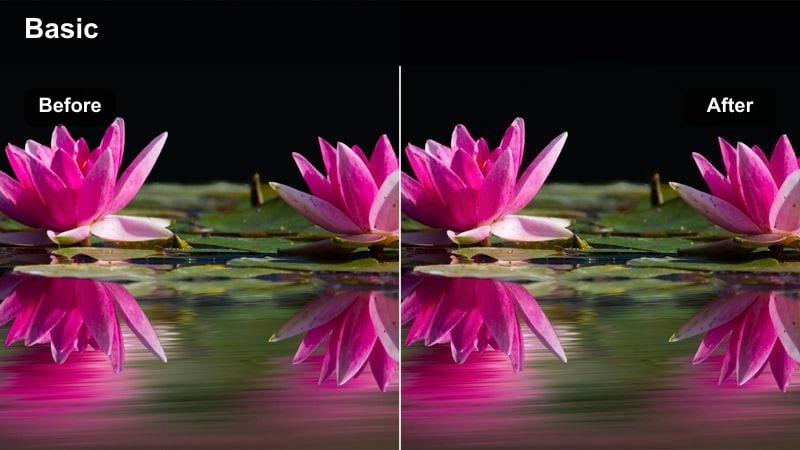
- Effect look: Crisp blue water tones with bright whites and clean, neutral skin.
- Best for: Sunny beach scenes, boat rides, snorkeling intros, and resort b-roll shot on the Sony A7III.
- Editing tip: Pull luminance up in the blue channel to make water sparkle without blowing out the sky.
Aqua Travel Clean is tailored for bright coastal days where you want the ocean to pop while skin tones stay natural. When grading Sony A7III footage in Filmora, a filter like this lets you push blue saturation and luminance so the water looks crystal clear, yet maintains neutral whites for sand and buildings.
Apply it to drone-style passes over beaches, poolside intros, and boat rides where reflections can become distracting. Use the HSL panel to separate blues from cyans so you can brighten the sea without flattening the sky. If faces pick up too much coolness from the surroundings, selectively warm the orange channel while leaving the blues rich and vibrant.
Tropical Teal and Tan
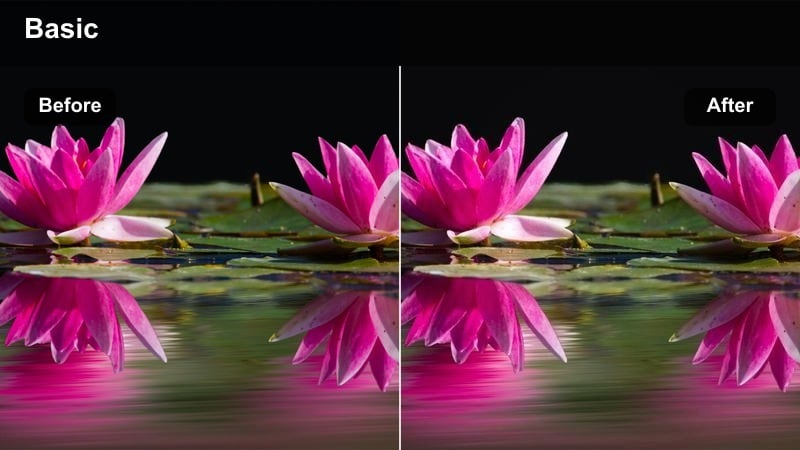
- Effect look: Stylized teal seas and warm tan skin for modern travel-film aesthetics.
- Best for: Drone shots over islands, poolside vlog segments, and stylish resort montages.
- Editing tip: Use HSL to gently shift greens toward teal and lift orange luminance to keep tans flattering.
Tropical Teal and Tan brings a modern, Instagram-ready color split to your Sony A7III beach footage. In Filmora, a similar filter cools down water and foliage into teal while nudging skin and sand into warm tan tones, creating a cinematic contrast that works especially well for overhead island shots and luxury resort b-roll.
To keep this stylized look from feeling fake, ease off teal saturation if the weather is cloudy or the water is already naturally vibrant. For S-Log footage, add a gentle contrast curve before applying the filter so the teal and tan separation remains clean. Then raise orange luminance slightly to keep skin bright and flattering, even when you tan during your trip.
Sun-Faded Shores
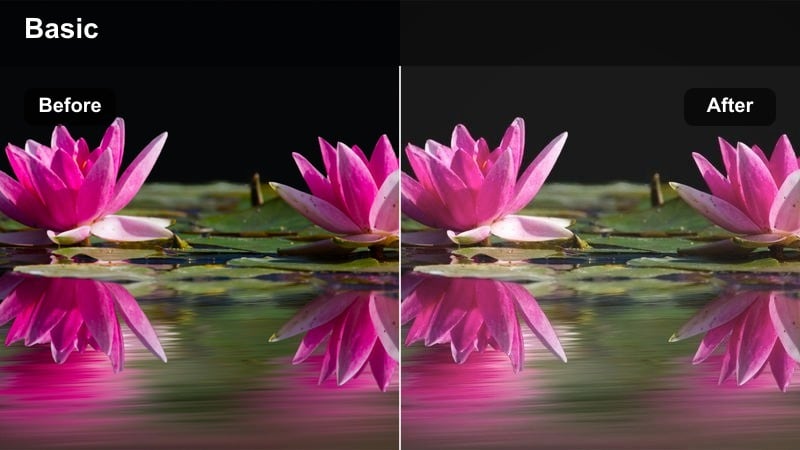
- Effect look: Soft, slightly desaturated coastal palette with gentle highlights for a relaxed holiday feel.
- Best for: Slow beach walks, hammock shots, and candid family moments by the water.
- Editing tip: Lift shadows slightly to keep detail in darker skin tones and beach umbrellas while maintaining a soft pastel look.
Sun-Faded Shores is perfect when you want your beach footage to feel calm, nostalgic, and understated instead of hyper-saturated. In Filmora, applying this sort of filter to Sony A7III clips dials back color intensity, softens highlights, and gives the coastline a gentle pastel wash that suits story-driven travel films.
Use it on emotional or reflective scenes such as quiet shoreline walks, hammock time, or candid family shots. Lift shadows to preserve detail in darker objects, and then lightly boost midtone saturation if the image starts to look too washed out, particularly on grey or hazy days. The result is a relaxed, timeless mood that pairs beautifully with acoustic or lo-fi soundtracks.
Mountain Trails and Nature Hikes
Crisp Trail Documentary
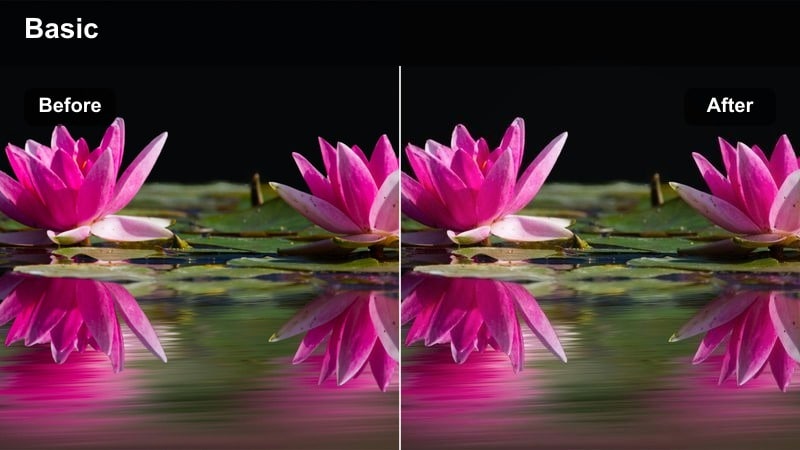
- Effect look: Neutral, high-detail look with natural greens and clear midtones ideal for documentary-style hiking footage.
- Best for: POV hiking clips, trekking sequences, and nature-focused travel films shot on Sony A7III.
- Editing tip: Increase clarity and texture slightly for foliage, but soften sharpening on faces in talking-head trail shots.
Crisp Trail Documentary focuses on realism and detail, letting your Sony A7III capture of mountain landscapes speak for itself. In Filmora, a neutral filter like this keeps greens grounded, skies believable, and textures such as rocks and foliage sharply defined without stylized color shifts.
Use it for POV hiking shots, trail run montages, and wider establishing views when you want to maintain a natural, documentary-style feel. Boost clarity and texture in the background to make leaves and rocks stand out, then apply softer sharpening or selective blur around faces so on-camera dialogue remains flattering. This balance keeps your nature film informative and cinematic at the same time.
Moody Peak Cinematic
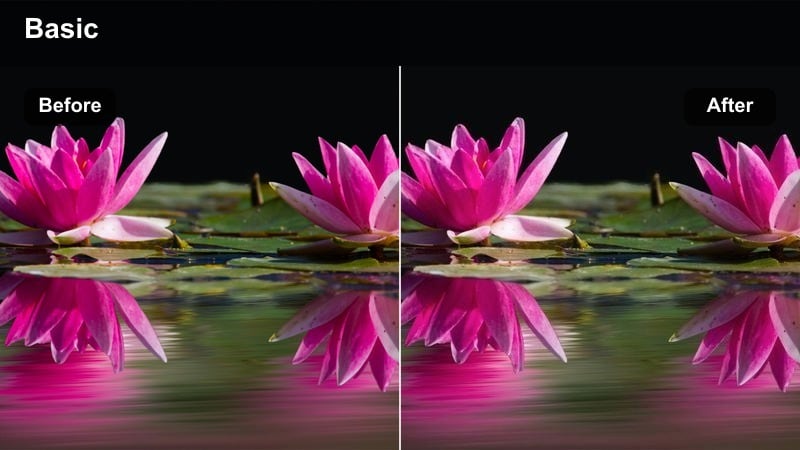
- Effect look: Cool, moody color grade with lifted blacks and deep, dramatic mountain tones.
- Best for: Cloudy summit shots, foggy ridgelines, and dramatic drone passes over peaks.
- Editing tip: Lift blacks slightly but keep contrast in the midtones so hikers and ridges remain defined.
Moody Peak Cinematic turns your Sony A7III mountain footage into dramatic, filmic scenes that emphasize scale and atmosphere. In Filmora, this style cools down overall color, gently lifts blacks so shadows feel soft and misty, and deepens midtones to keep mountain ridges and hikers sharply outlined.
Reserve this look for key story moments such as reaching the summit or revealing a vast valley. Apply a slight vignette and adjust curves so that your subject stands out against the cooler, moodier background. The combination of cool tones and lifted blacks works especially well with fog, clouds, and backlit peaks where the weather helps sell the cinematic mood.
Forest Travel Emerald
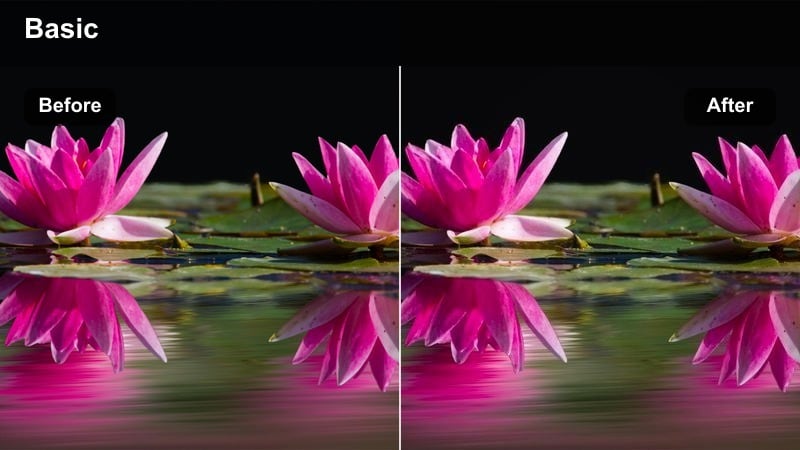
- Effect look: Rich emerald greens with slightly warm highlights for lush forest trails.
- Best for: Dense forest hikes, waterfall approaches, and shaded campsite scenes.
- Editing tip: Pull green saturation down a touch if foliage starts to look neon, and protect skin by isolating oranges.
Forest Travel Emerald is designed to make woodland scenes from your Sony A7III feel deep, lush, and immersive. In Filmora, this type of filter pushes greens toward emerald while adding a touch of warmth to highlights, creating a pleasing contrast between shady foliage and any sunlight breaking through the canopy.
Apply it to hikes through dense forests, waterfall trails, or cozy campsite setups under trees. If foliage begins to look too neon, gently reduce green saturation or shift it slightly toward yellow for a more natural tone. Use HSL or color masking tools to keep skin anchored in the orange range so your subject does not pick up excess green from reflected light.
Night Streets and Urban Neon Adventures
Neon Travel Pop
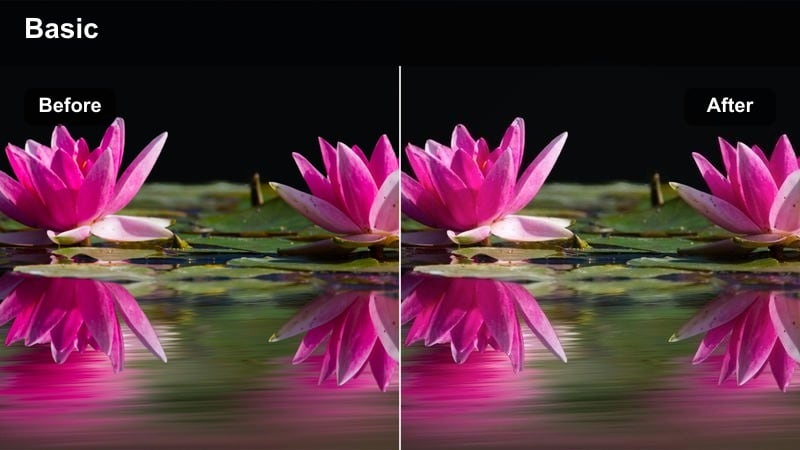
- Effect look: Vibrant neon colors with deep blacks and clean skin for city nights.
- Best for: Night markets, street food walks, and handheld A7III vlogs under bright neon signs and billboards.
- Editing tip: Drop overall exposure slightly and then raise midtones so neon signs glow without clipping.
Neon Travel Pop is built for Sony A7III city-night footage where bright signs and billboards dominate the frame. In Filmora, a filter with this style intensifies neon saturation while preserving deep, inky blacks, giving your night markets and street food scenes a high-energy, cyberpunk-inspired feel.
Use it on handheld vlogs, market walk-throughs, and B-roll of busy intersections. Start by lowering overall exposure to protect the brightest signage, then gently raise midtones to keep faces visible. Add mild noise reduction before grading to avoid exaggerating grain in the shadows, and selectively desaturate one or two neon colors if the frame begins to feel too chaotic around your subject.
Cinematic Street Noir
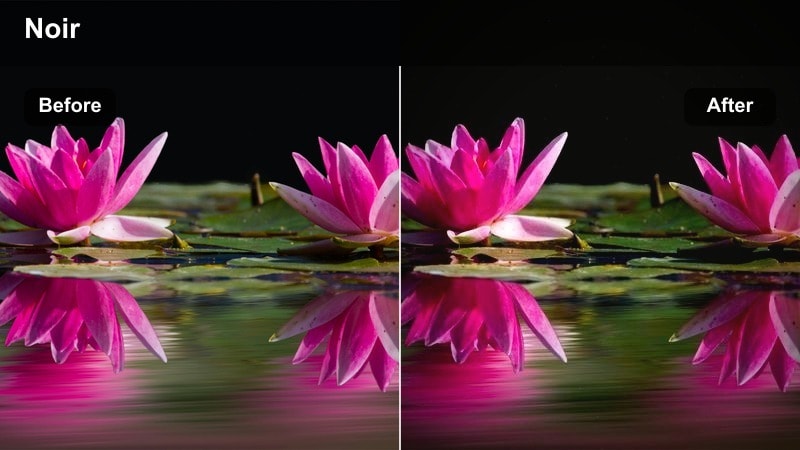
- Effect look: High-contrast, slightly desaturated night look with rich shadows and focused highlights.
- Best for: Rainy alleys, moody walk-and-talk scenes, and reflective puddle shots in city centers.
- Editing tip: Add a mild blue tint to shadows for a noir feel and keep skin lightly warmed so it stands out against cool streets.
Cinematic Street Noir gives your Sony A7III night footage a moody, story-driven aesthetic. In Filmora, this often means slightly desaturating colors, boosting contrast, and cooling shadows so alleys, wet pavements, and streetlights feel like scenes from a classic noir film.
Apply it to rainy streets, reflective puddle shots, and introspective walk-and-talk moments. Add a subtle blue tint to the darkest areas while gently warming skin tones so your subject does not disappear into the background. A mild vignette and careful highlight control help keep attention on faces and key details even when the surrounding city is dark and textured.
City Night Soft Film
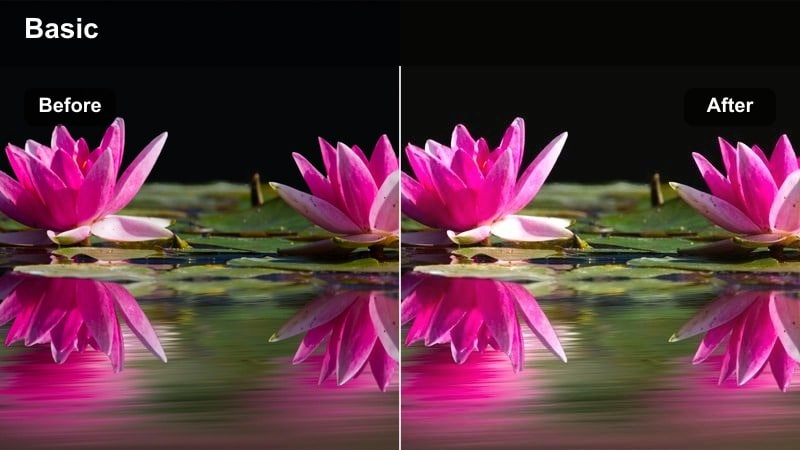
- Effect look: Soft, film-inspired night tones with lowered clarity and gentle halation around bright lights.
- Best for: Romantic night walks, quiet side streets, and intimate travel vlogs in low light.
- Editing tip: Reduce digital sharpening to keep noise from standing out and add a slight warm tint in the highlights.
City Night Soft Film is ideal for low-light Sony A7III scenes where you want an intimate, analog-inspired mood instead of extreme contrast. In Filmora, using a filter in this style slightly lowers clarity, reduces sharpening, and adds a gentle glow around streetlights and signs, softening harsh digital edges.
Use it on romantic city walks, quiet side streets, or reflective vlog segments at night. Keep ISO noise in check by avoiding extra sharpening, then introduce a subtle warm tint in the highlights so faces and light sources feel cozy rather than clinical. Combined with slow camera movement and careful exposure, this look can turn ordinary night footage into a soft, cinematic sequence.
Tips for Using Sony A7iii Travel Luts Filters in Filmora
- Organize Sony A7III travel clips by scene type city, coast, mountains, night so you can apply matching filters to entire groups quickly.
- Shoot slightly flatter in-camera and protect highlights, then use Filmora filters and LUTs to add contrast and color without clipping.
- Create a short reference reel of your best graded travel shots and use Filmora's AI color match to align new footage to that look.
- Keyframe filter intensity across a clip when moving from bright streets into darker alleys to keep exposure and color consistent.
- Save your favorite filter and LUT combinations as Filmora presets so future trips can be graded in a fraction of the time.
- When mixing rooftop, beach, and night footage in one edit, use one master LUT for overall style and scene-specific filters for fine-tuning.
- Use Filmora's HSL and masking tools with your filters to protect skin tones while pushing skies, water, or foliage more aggressively.
With the right scene-based filters inspired by Sony A7III travel LUTs, you can turn everyday trips into cinematic stories that feel polished and consistent from first frame to last. Matching your grades to the environment rooftop sunsets, turquoise beaches, misty peaks, or neon streets gives each sequence a clear mood while still fitting into one coherent film.
Start by pairing each destination type with a dedicated look, then refine in Filmora using AI color match, filter stacking, and custom presets. Once you have a few go-to combinations saved, you can grade entire travel edits quickly and be ready for more advanced tools and packs, including the upcoming Sony FX3 cinematic LUT pack.
secure download