

 100% Security Verified | No Subscription Required | No Malware


 ChatGPT
 Perplexity
 Gemini
 Claude
 Grok
Grok
Street portraits hit different on TikTok when your filters match the energy of the city. From gritty alleys to neon nights, the right look can turn a quick street style video into a share-worthy urban portrait.
Use these street portrait filters for TikTok to unlock clean skin tones, punchy contrast, and cinematic shadows that keep your subject in focus while still showing off the city around them.
In this article
Clean Daylight Street Portrait Filters
Crisp City Portrait
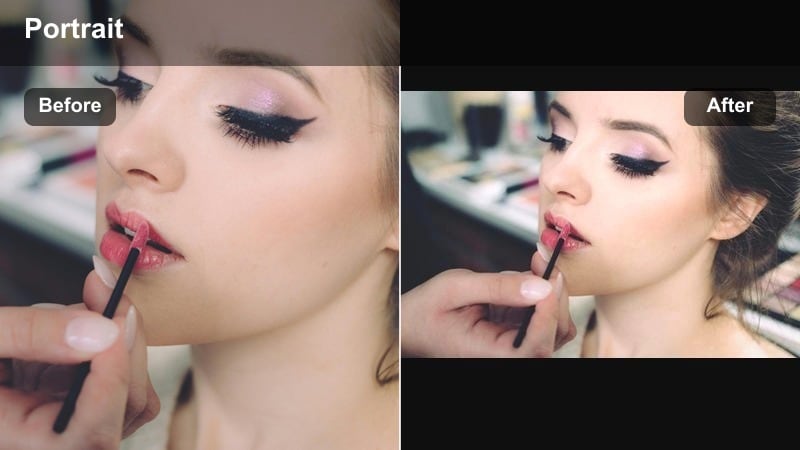
- Effect look: Bright, sharp daylight street portraits with neutral colors and slightly boosted clarity.
- Best for: Street style TikToks shot in open shade, sidewalk outfit checks, and close-up walking shots in soft sun.
- Editing tip: Lower contrast slightly and raise shadows to keep facial details clean while adding a touch of texture with sharpness.
Crisp City Portrait is ideal when you want your TikTok street portraits to feel clean and high definition without looking over-edited. In Filmora, you can combine this style with subtle clarity and sharpening to bring out sidewalk textures, shopfronts, and fine details in clothing while still preserving neutral, flattering skin tones.
For best results, start with a well-exposed clip shot in open shade, then in Filmora fine-tune exposure and shadows so the face stays bright as the background gains structure. Add a hint of sharpening and keep saturation moderate, letting the filter carve out crisp edges around your subject so they stand out clearly as they walk or turn toward the camera.
Match Your Street Filter to the Citys Real Colors
Use AI-driven color tools in Filmora to quickly match your street portrait filters to the real tones in your footage, whether you are filming under cool neon or warm golden hour light. This helps keep skin tones natural while letting the cities concrete, glass, and signage keep their authentic character.
Sample colors from walls, signs, or outfits directly in your clip, then let the AI color palette feature balance the rest of the frame. Once you lock in a look that fits your city, you can save it as a preset and apply it across your TikTok street series for a cohesive grid.
 secure download

Preview Street Portrait Filters in One Tap
Filmora lets you rapidly preview multiple street portrait looks on the same clip so you can decide on a vibe before you film a full TikTok. Load a short walking selfie or outfit check and cycle through clean daylight, golden hour, neon night, and gritty editorial presets back to back.
Viewing these filters side by side helps you see how each one treats skin tone, shadows, and background color. Once you find a look that pops on your street footage, you can lock it in and build the rest of your edit around that style for consistency.
secure downloadTurn Your Favorite TikTok Look into a Reusable LUT
After you perfect a street portrait style in Filmora, you can turn that look into a reusable LUT and apply it to future TikToks in seconds. This keeps your city content visually consistent across outfit videos, street portraits, and storytime clips shot in different locations.
Save your LUT, then batch apply it to multiple clips on your timeline or across different projects. Your followers will recognize your signature urban aesthetic instantly, whether you are filming in bright daylight or deep neon night.
secure downloadSoft Street Glow
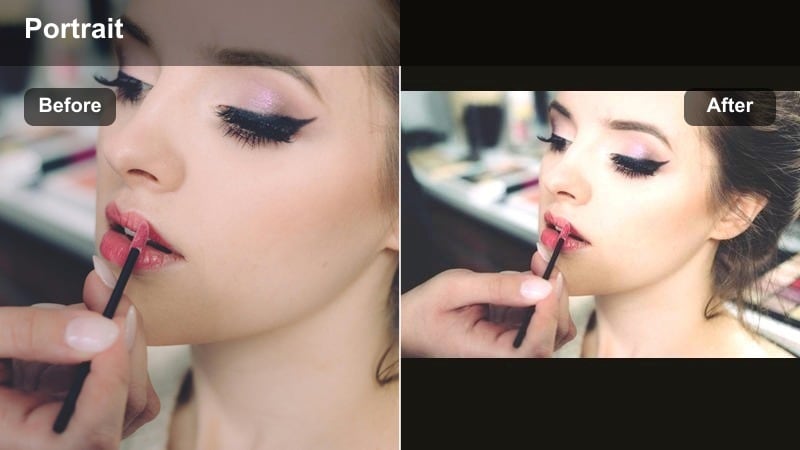
- Effect look: Soft, low-contrast portrait look with gentle highlights and slightly warm tones on skin.
- Best for: Urban portrait challenges, handheld close-ups, and lifestyle TikToks in cloudy or late-afternoon light.
- Editing tip: Reduce clarity a little and add a touch of vignette to keep attention on your subjects face while the background stays soft.
Soft Street Glow is made for flattering close-ups where you want the city in the background, but not competing for attention. In Filmora, pair this look with reduced clarity and subtle blur so facial features remain smooth while buildings and traffic fall into a gentle haze.
Use vignettes and the masking tools to guide the viewers eye toward the center of the frame, then fine-tune warmth and exposure until skin feels natural but still slightly glowing. This is perfect for talking-to-camera clips, GRWM-style TikToks, and any street portrait where mood matters more than micro-detail.
Color Pop Crosswalk
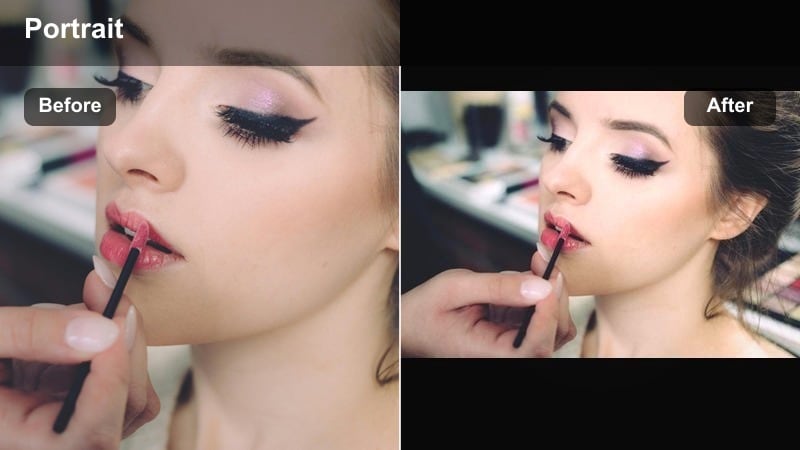
- Effect look: Punchy colors with high saturation on outfits and signs, while skin stays balanced and natural.
- Best for: Street style TikToks, outfit of the day transitions, and crosswalk runway clips in bright daylight.
- Editing tip: Use keyframed exposure adjustments if you move from shadow to sun so the colors stay bold without clipping highlights.
Color Pop Crosswalk is all about turning the city into a high-impact backdrop for your outfit, sneakers, or accessories. In Filmora, boost saturation selectively on reds, blues, or accent colors while keeping skin tones neutral using HSL and color correction tools.
When you record walk-through transitions, use keyframing in Filmora to stabilize exposure as you pass in and out of shadows. This keeps your wardrobe and street signage consistently vibrant, making each step feel like a frame from a fashion editorial rather than a casual stroll.
Golden Hour and Warm Urban Portrait Filters
Golden Sidewalk Flare
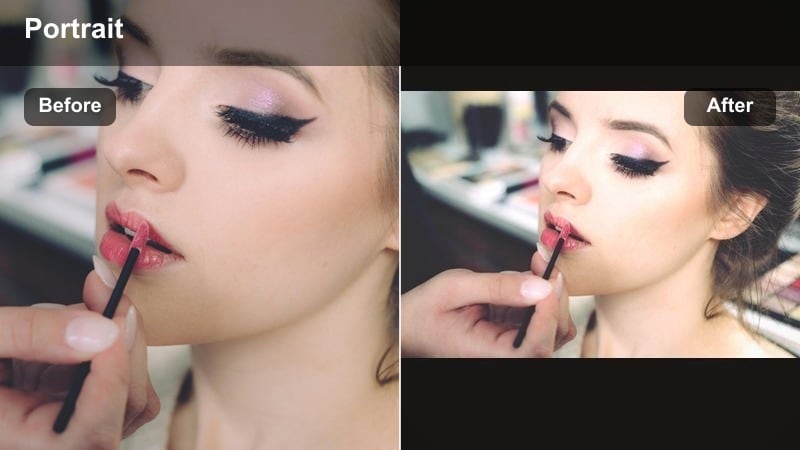
- Effect look: Warm, glowing highlights with soft contrast and a subtle golden tint over the whole frame.
- Best for: Golden hour street portraits, backlit TikTok transitions, and dreamy walking shots on city streets.
- Editing tip: Lower the whites and lift blacks slightly so the warm glow feels cinematic instead of overexposed.
Golden Sidewalk Flare is designed for that short golden hour window when city light hits glass, metal, and asphalt just right. In Filmora, pair it with lower whites and lifted blacks so your highlights glow without blowing out, and the shadows keep detail in hair and clothing.
You can enhance natural lens flares by adding light leaks or overlay effects, then using blending modes to keep the look subtle. Slow down your walking footage slightly and combine with gentle camera movement to make the warmth feel cinematic and dreamy on TikTok.
Sunset Street Portrait
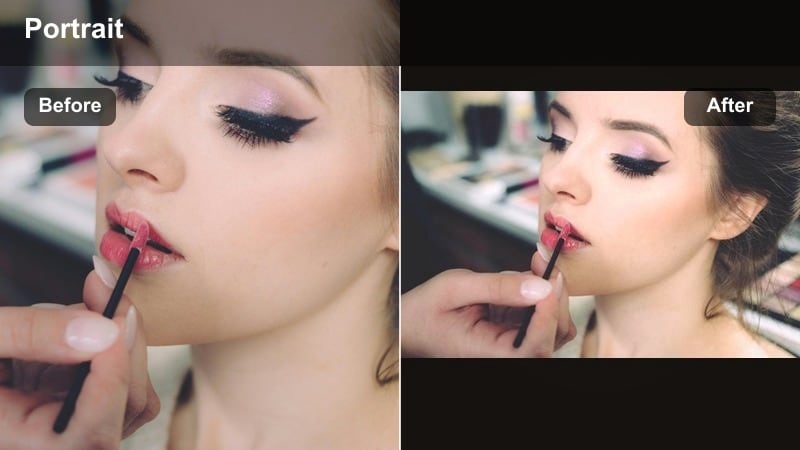
- Effect look: Rich sunset warmth with deeper oranges in highlights and slightly desaturated midtones for a calm feel.
- Best for: City life content filmed during late golden hour, rooftop hangs, and balcony TikTok portraits.
- Editing tip: Dial down saturation on oranges if skin starts to look too red, and add a bit of grain for a film-style finish.
Sunset Street Portrait gives rooftop and balcony shots a soft, cinematic atmosphere with controlled warmth. In Filmora, push the orange and yellow tones in the highlights while slightly muting midtones so the city skyline looks rich but your subject stays calm and balanced.
Use color wheels and HSL to keep skin from drifting into overly red territory, then add subtle film grain to enhance the sunset mood. Combining this filter with slow zooms, pans, or parallax transitions helps your TikTok stand out as a mini movie rather than a quick selfie.
Amber Alley Soft
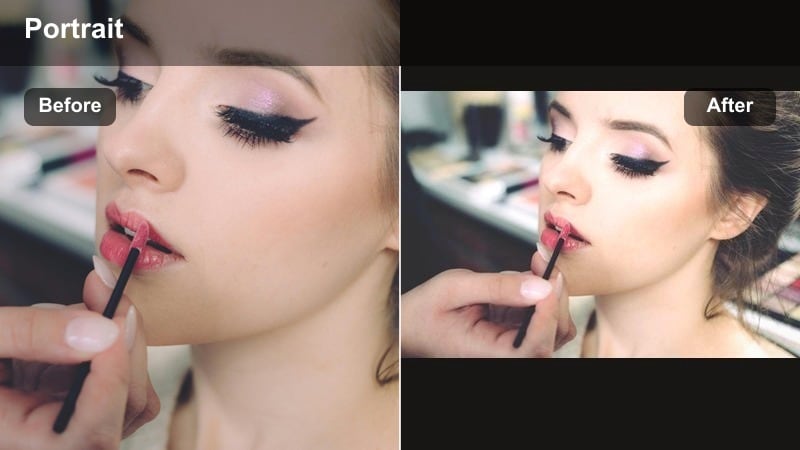
- Effect look: Soft warm highlights with muted backgrounds and gentle lifted shadows for a calm, cozy street mood.
- Best for: Intimate urban portrait challenges, storytelling monologues, and close-up alleyway videos.
- Editing tip: Lower saturation on yellows and slightly increase exposure on faces to keep warmth focused on skin, not walls.
Amber Alley Soft turns tight city spaces and narrow alleys into intimate portrait stages. In Filmora, mute background colors slightly and lift shadows so faces feel bright and inviting while bricks, gates, and signs fade softly into the background.
Use selective adjustments or masks to add a touch more exposure and warmth to your subject than to the environment. Combined with subtle vignettes and gentle motion, this filter is ideal for personal storytimes, confessions, or lyrics videos that still feel connected to the street.
Night and Neon Urban TikTok Portrait Filters
Neon Face Focus
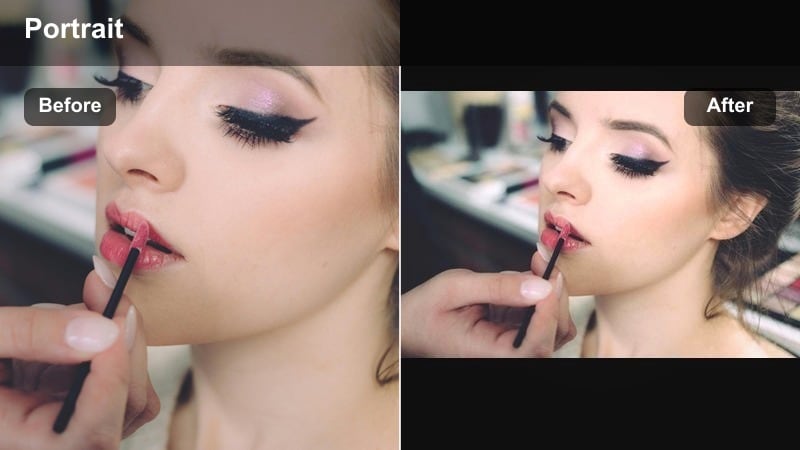
- Effect look: Cool shadows with vibrant neon highlights that keep facial features sharp and backgrounds glowing.
- Best for: Urban portrait TikTok effects at night, neon sign shots, and reflective window portraits.
- Editing tip: Slightly decrease exposure overall, then raise shadows so neon colors stay rich without losing detail in your face.
Neon Face Focus is perfect for late-night shoots where neon signs, storefronts, and LED panels light your subject. In Filmora, reduce overall exposure slightly, then lift shadows just enough to keep facial features readable while the blues, pinks, and purples stay punchy.
Use Filmoras noise reduction to clean up low-light noise and combine with a bit of sharpening on the face. You can also use masks to isolate the subject and increase clarity there, while applying more blur to the background for a dreamy neon bokeh effect on TikTok.
City Noir Glow
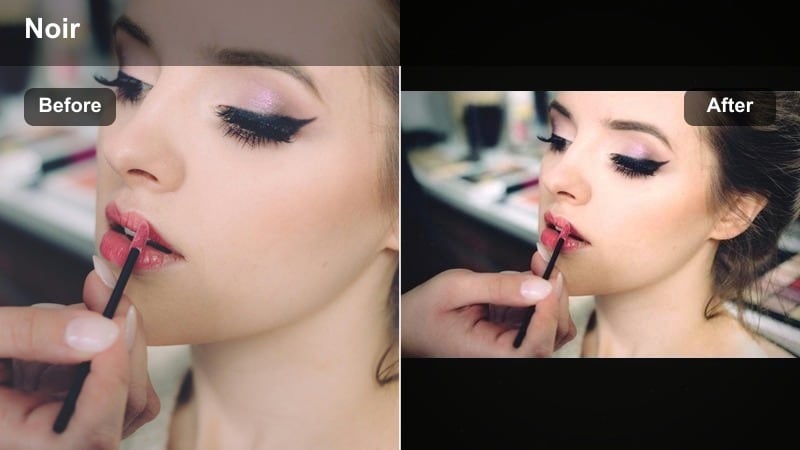
- Effect look: High contrast black-and-teal style with bright highlights and deep, inky shadows for a noir feel.
- Best for: Moody city life content, cinematic TikTok storytimes, and dark street corners with few light sources.
- Editing tip: Raise exposure on faces with selective adjustments and add a touch of fade to keep shadows stylish, not muddy.
City Noir Glow delivers a stylized black-and-teal palette that turns dimly lit corners into dramatic scenes. In Filmora, lean into contrast and cool tones, then selectively brighten your subjects face so they do not disappear into the shadows.
Add a bit of fade in the blacks and maybe a film grain overlay to keep the look intentional and cinematic. This filter pairs well with slow, deliberate movements and minimal transitions, letting the contrast and color grading carry most of the storytelling on TikTok.
Late Night Street Soft
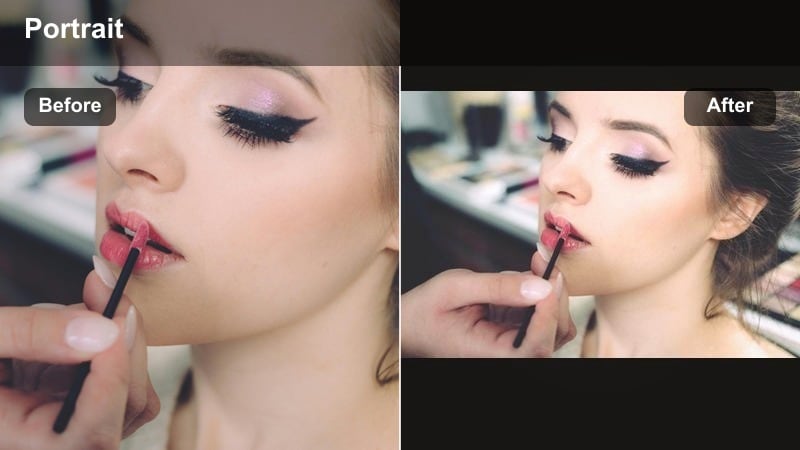
- Effect look: Soft contrast, warm highlights from street lamps, and a gentle blur in the darkest areas.
- Best for: Calm night walks, reflective street monologues, and handheld TikToks under streetlights.
- Editing tip: Raise noise reduction a bit and pull down highlights on lamps so your face stays readable and not washed out.
Late Night Street Soft gives your evening strolls and reflective monologues a relaxed, cinematic calm. In Filmora, push noise reduction just enough to smooth the shadows while preserving detail in your face and outfit.
Control the brightest streetlamps with highlight adjustments and curves so they glow without dominating the frame. Paired with slow camera movement, subtle zooms, and gentle background music, this filter turns simple night walks into soothing TikTok portrait sequences.
Gritty Urban and Editorial Street Style Filters
Grit and Grain Street
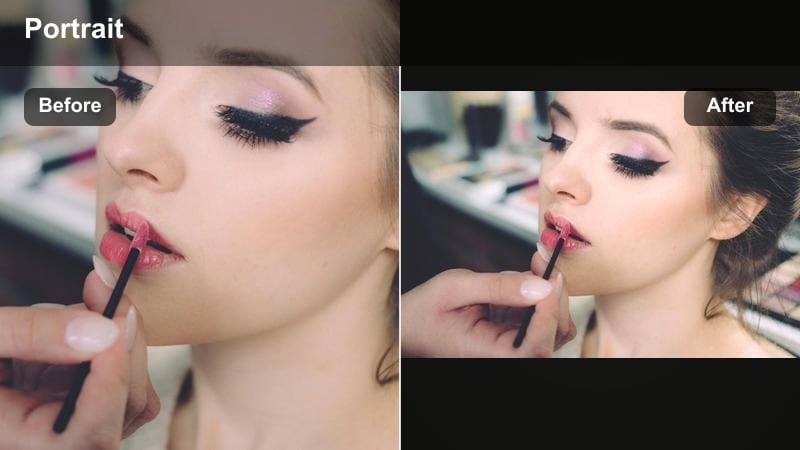
- Effect look: High texture, lifted grain, and desaturated colors with strong contrast for a raw documentary feel.
- Best for: Urban portrait challenges, alleyway shots, skate park clips, and behind-the-scenes city life TikToks.
- Editing tip: Pull saturation down slightly and add subtle vignette, keeping brightness focused on your subjects face or hands.
Grit and Grain Street is built for raw, documentary-style clips where the environment matters as much as the subject. In Filmora, desaturate the overall image slightly, bump up grain, and emphasize textures in walls, pavement, and clothing.
Use vignettes and selective adjustments to keep your subjects face or hands clear while everything else looks rough and lived-in. Combined with jump cuts, handheld camera motion, and natural street audio, this filter makes your TikToks feel like scenes from an indie film.
Editorial Street Style
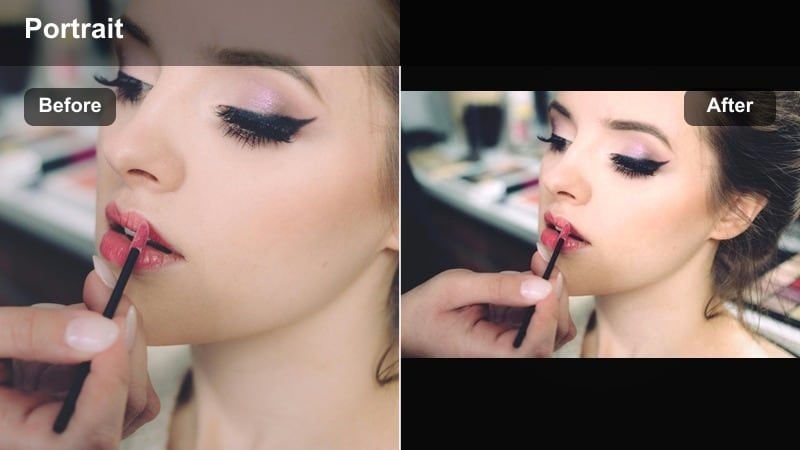
- Effect look: Cool, polished tones with strong contrast, bright whites, and crisp edges for a magazine-style finish.
- Best for: Street style TikToks, outfit breakdowns, and static pose portraits against clean city backdrops.
- Editing tip: Slightly increase sharpness and clarity, then reduce saturation on greens to keep the look clean and editorial.
Editorial Street Style makes sidewalks and building facades feel like fashion runways. In Filmora, boost clarity and sharpness, cool down the white balance slightly, and tame greens so traffic lights and foliage do not distract from outfits.
Combine this filter with locked-off shots or slow camera moves that mimic fashion editorials. Use Filmoras split-screen, speed ramping, or beat-synced cuts to show different poses and angles, all tied together by the same polished, high-contrast grading.
Urban Muted Minimal
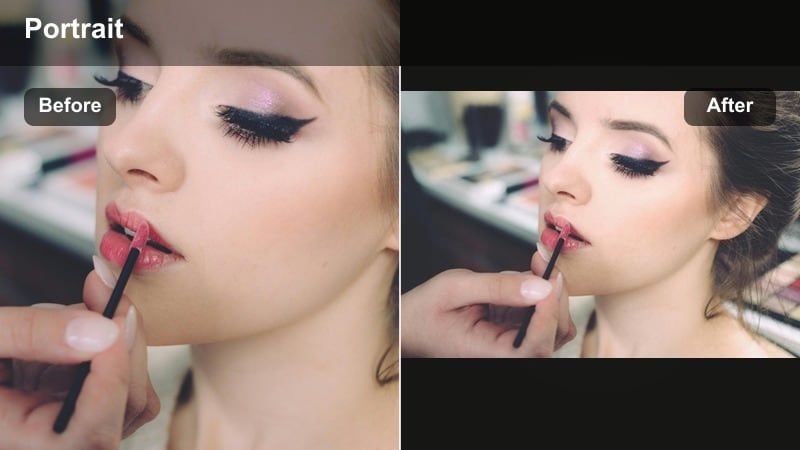
- Effect look: Muted colors, slightly lifted blacks, and soft contrast that highlight shapes and silhouettes over color.
- Best for: City life content in minimal locations, stairways, parking garages, and simple wall backdrops.
- Editing tip: Lower saturation on all colors slightly and use a small vignette to draw focus to the center of the frame.
Urban Muted Minimal strips away loud colors so your silhouette, pose, and framing become the main story. In Filmora, pull down saturation globally, lift the blacks a touch, and soften contrast to get that calm, design-forward aesthetic.
Use vignettes and composition tools like grids to keep your subject perfectly positioned among clean lines and geometric shapes. Combined with slow motion or simple jump cuts, this filter gives your TikToks a curated, minimalist street style that stands out in a busy feed.
Tips for Using Street Portrait Tiktok Filters in Filmora
- Shoot with your subject facing open sky or a large light source so street portrait filters have clean, even light to work with.
- Avoid mixing too many colored light sources in one shot; stick to one dominant color so filters do not make skin look unnatural.
- Film at slightly higher frame rates for walking or turning shots so your urban portrait filters look smooth, not shaky.
- Lock exposure when possible so moving from shadow to sun does not break the look of your chosen street style TikTok filter.
- Use Filmoras color tools to fine-tune skin tones after applying a filter so faces stay natural even with bold city colors.
- Combine filters with light vignettes, masks, and selective adjustments to keep focus on your face while the street sets the mood.
- Experiment with speed ramps and slow motion so crisp, gritty, or soft filters have time to show their full effect in motion.
- Save your favorite settings as presets so all your city life content keeps the same recognizable urban portrait vibe.
Street portrait filters for TikTok work best when you match the look to the light, the location, and the story you are telling on the street. As you shoot more, you will learn which combinations of angles, outfits, and filters bring out the best in your city.
Build a small set of go-to filters for daylight, golden hour, and night so your urban portrait content stays consistent, recognizable, and ready to go viral. With Filmora handling your color, grain, and contrast, you can focus on performance, framing, and creative ideas.
secure downloadNext: Street Portrait Filters for Instagram: Match Your TikTok Look Across Platforms
