

 100% Security Verified | No Subscription Required | No Malware


 ChatGPT
 Perplexity
 Gemini
 Claude
 Grok
Grok
TikTok storytelling cinematic LUTs give your vertical videos a film-inspired finish, helping every scene feel intentional, emotional, and easy to follow. Instead of basic color tweaks, these LUT-style filters in Filmora shape the entire mood of your narrative in one click.
Below are 12 cinematic filter presets tailored for TikTok storytellers, organized by the kind of scene you are shooting so you can match the look to your plot, pacing, and character emotions.
In this article
Warm Memories and Golden-Hour Flashbacks
Sunset Story Glow
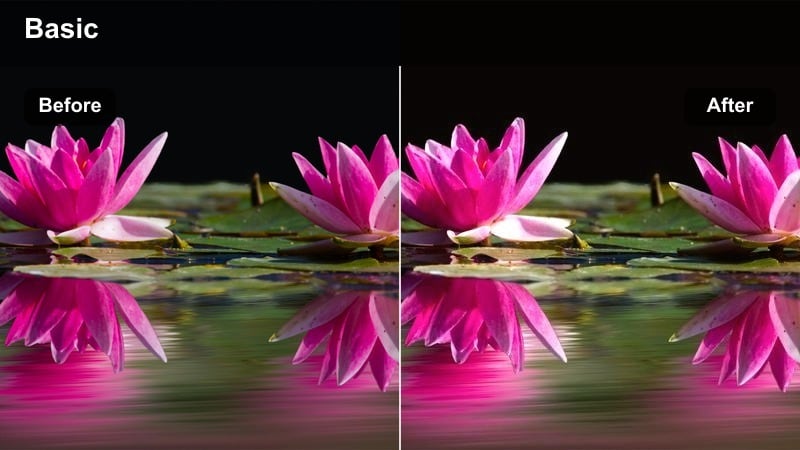
- Effect look: Soft golden warmth with lifted shadows for dreamy, nostalgic TikTok storytelling cinematic LUT vibes.
- Best for: Golden hour confessionals, memory montages, and romantic walk-and-talks.
- Editing tip: Shoot slightly underexposed at sunset, then apply this filter and add a subtle vignette in Filmora to keep attention on your subject's face.
Sunset Story Glow wraps your TikTok frames in soft golden light, lifting shadows just enough to keep detail while preserving that dreamy, cinematic haze. It is ideal when you want your storytelling to feel like a cherished memory, with warm tones that flatter skin and make skies look rich without turning orange or oversaturated.
In Filmora, apply Sunset Story Glow as your base look, then refine it by gently adjusting exposure and adding a vignette to direct the eye toward your subject. You can also keyframe a slow zoom-in on emotional lines so the warm grade, subtle movement, and your performance all work together to heighten the scene.
Speed up cinematic looks with AI-powered color tools
Filmora's AI color tools can quickly analyze your TikTok clips and push them toward a cinematic baseline before you start fine-tuning. Instead of manually wrestling with exposure and white balance on every shot, you get a clean, neutral starting point that is ready for storytelling filters.
Use AI-powered adjustments to balance mixed lighting, even out contrast between clips, and reduce color casts. Once your footage is corrected, you can layer looks like Sunset Story Glow or other filters from this guide on top for a polished, film-style finish in just a few clicks.
 secure download

Preview cinematic filters on your TikTok footage in real time
Filmora's filter panel lets you hover and preview cinematic looks directly on your vertical timeline, so you can instantly see how each style changes your TikTok story. This is perfect for testing different moods on your opening shot, flashbacks, or climax before you commit.
Audition several filters on the same key scene, then compare how they affect skin tones, text overlays, and overall emotion in the preview window. Once you find the look that fits your narrative, apply it consistently across related clips to keep your storytelling cohesive.
secure download1000+ Video Filters and 3D LUTs
Beyond these storytelling presets, Filmora includes a large library of creative filters and 3D LUTs so you can build your own signature TikTok style. From subtle cinematic grades to bold thematic looks, you can stack and mix them to fine-tune each scene.
Combine Filmora filters with imported LUTs, then use HSL and curves to polish details like skin tones and sky color. Save successful combinations as custom presets so you can reuse the same cinematic treatment across series, seasons, and recurring characters.
secure downloadAmber Flashback Fade
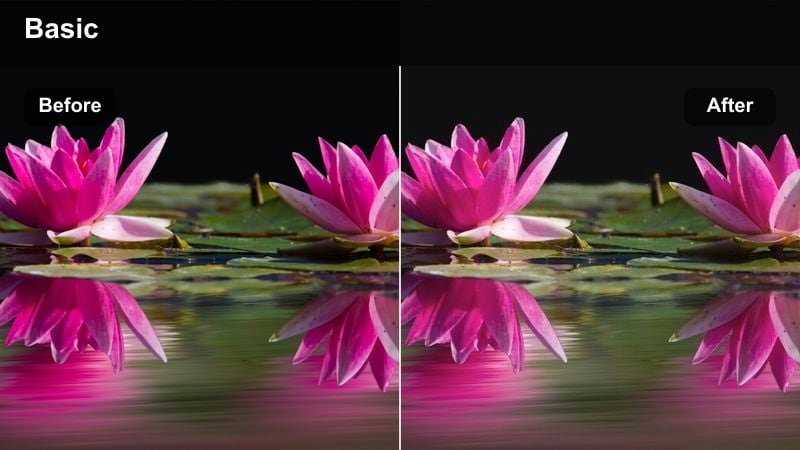
- Effect look: Muted contrast with amber highlights and soft faded blacks for a classic flashback feel.
- Best for: Past vs present transitions, memory cutaways, and diary-style storytelling scenes.
- Editing tip: Pair this filter with a slight blur or Filmora's subtle film grain to clearly separate flashback clips from your main present-day scenes.
Amber Flashback Fade gives your clips a soft, memory-like patina with gentle amber highlights and lifted blacks, making them feel instantly separated from the present timeline. The muted contrast keeps the image from feeling harsh, which works well for emotional or reflective cutaways.
In Filmora, use this filter only on flashback or dream shots and leave your main timeline more neutral. To enhance clarity for your audience, add a slight blur, film grain, or even a different sound bed on these clips so viewers immediately understand they are watching the past.
Honey Journey Frames
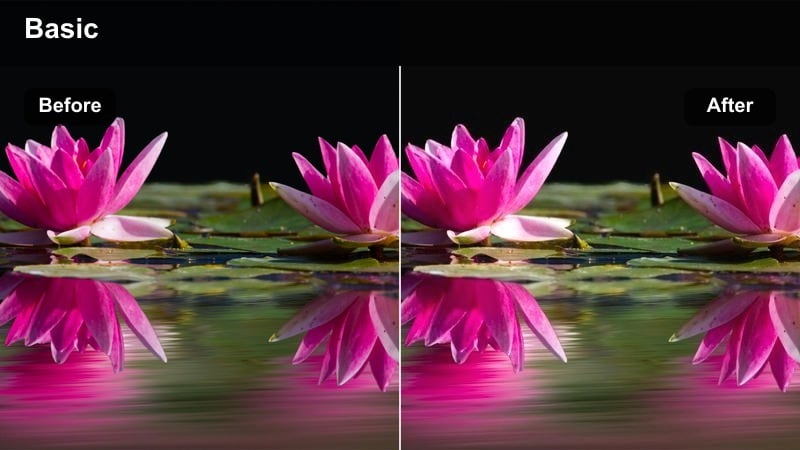
- Effect look: Warm honey tint with gentle highlight roll-off and cinematic soft contrast for travel-style TikTok storytelling.
- Best for: Travel vlogs, day-in-the-life stories, and montage sequences that follow a character across a day.
- Editing tip: Use this filter consistently across all outdoor clips in a TikTok episode to keep your story feeling cohesive even as locations change.
Honey Journey Frames adds a soft honey glaze to your daylight shots, smoothing highlights and lending everything a unified, travel-film vibe. It is especially useful when your TikTok episode jumps between different streets, cafes, and transport shots but you still want the whole story to feel like one continuous journey.
Inside Filmora, apply Honey Journey Frames as a global look to your outdoor B-roll and A-roll, then fine-tune exposure per clip so nothing is too bright or muddy. When you cut montages to music, this consistent color gives your sequences a satisfying, cinematic flow that keeps viewers watching until the end.
Moody Nights and Intimate Confessions
Neon Sidewalk Cinema
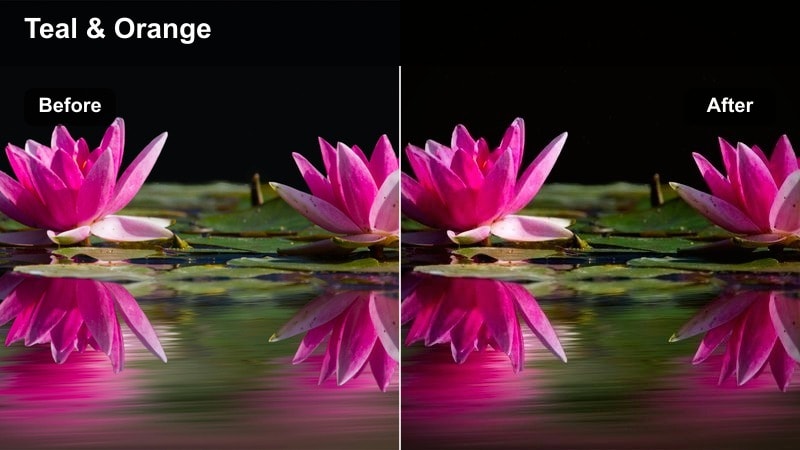
- Effect look: Deep contrast with rich cyan shadows and poppy neon highlights for a night-city cinematic TikTok mood.
- Best for: Night stroll voice-overs, late-night dilemmas, and city confessionals under streetlights.
- Editing tip: Film slightly underexposed and apply this filter, then raise midtones in Filmora to keep faces readable while preserving deep cinematic shadows.
Neon Sidewalk Cinema leans into teal shadows and magenta highlights to turn ordinary city streets into music-video-style backdrops. The deep contrast makes reflections on wet pavement and neon signage pop, giving your TikTok night walks a dramatic, stylized edge.
When editing in Filmora, combine this filter with gentle denoising and small midtone lifts so your subject's face stays clear without flattening the rich shadows. Cut between slow-motion B-roll and real-time monologue shots, and consider syncing transitions to the beat to build a cohesive, cinematic nighttime story.
Midnight Room Monologue
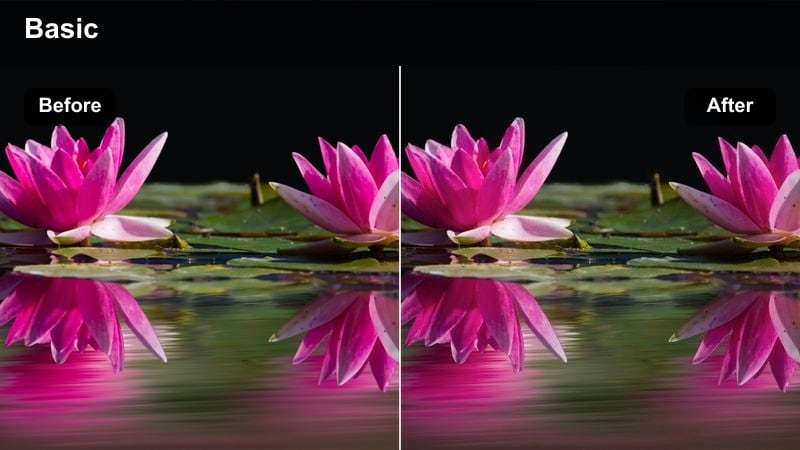
- Effect look: Soft, low-key lighting look with cool shadows and desaturated backgrounds for intimate bedroom-style TikToks.
- Best for: POV monologues, late-night thoughts, and whisper-style storytelling close to the camera.
- Editing tip: Place your subject near a single lamp or screen, then apply this filter and slightly darken the background in Filmora to isolate the face.
Midnight Room Monologue cools down your shadows and subtly desaturates the background so the frame feels quiet and intimate, like a private late-night call. The soft contrast keeps details in the face while letting the rest of the room fall gently into shadow.
In Filmora, use masks or color correction on the background to push it slightly darker and less saturated, leaving your skin tones more natural. Pair the grade with minimal cuts and calm ambient audio so the viewer feels like they are alone in the room listening to your story.
Streetlamp Soliloquy
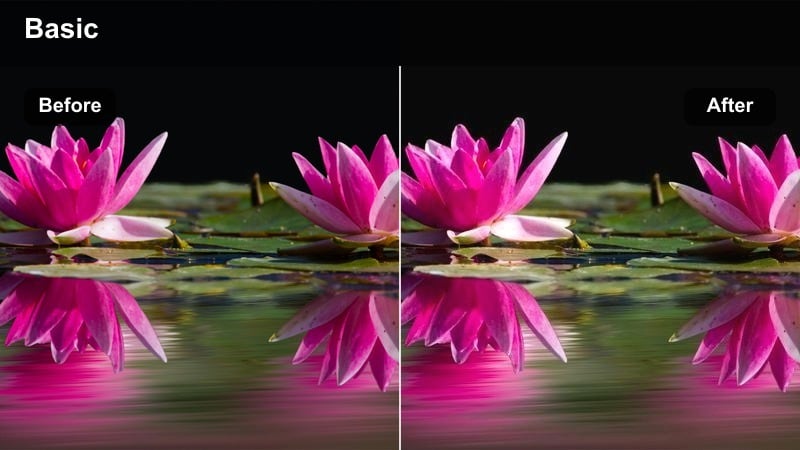
- Effect look: High contrast with warm streetlight highlights and cinematic soft bloom for lonely, reflective scenes.
- Best for: One-take walking rants, internal monologues, and breakup storytimes on a quiet street.
- Editing tip: Use Filmora to stabilize handheld shots slightly, then apply this filter and add a tiny bit of blur to bright streetlights for extra cinematic glow.
Streetlamp Soliloquy emphasizes the drama between bright, warm streetlights and dark surroundings, making solitary walks feel like pivotal movie moments. The high contrast combined with a gentle bloom on highlights creates halos around light sources that look striking in vertical format.
When editing in Filmora, apply mild stabilization to reduce distracting shake, then add this filter and a touch of blur or glow to the brightest areas. Cut in occasional close-ups of hands, breath in cold air, or footsteps to give your monologue more visual variety while the grade holds the mood together.
Daylight Character Arcs and Everyday Moments
Clean Diaries Cinema
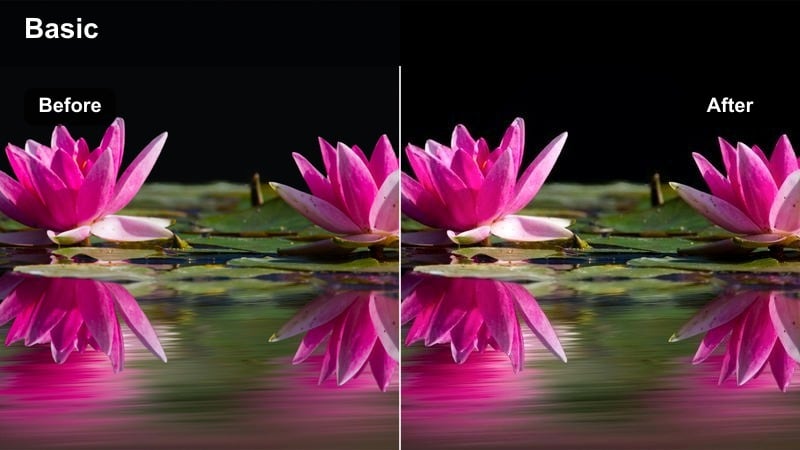
- Effect look: Bright, neutral cinematic contrast with slightly softened highlights for polished diary-style TikToks.
- Best for: Day-in-the-life logs, productivity stories, and character-building everyday routines.
- Editing tip: Shoot near a window, apply this filter, then lower saturation just a touch in Filmora to keep the frame minimal and story-focused.
Clean Diaries Cinema gives your everyday clips a professional, bright finish without pushing colors into heavy stylization. Highlights stay soft and flattering, while contrast is balanced enough to keep scenes crisp on small phone screens.
Inside Filmora, use this look as your go-to for productivity or lifestyle diaries, then add overlays like time stamps or task lists to reinforce the narrative. Because the colors are neutral, it pairs well with text, graphics, and quick cuts without feeling visually overwhelming.
Soft Afternoon Arc
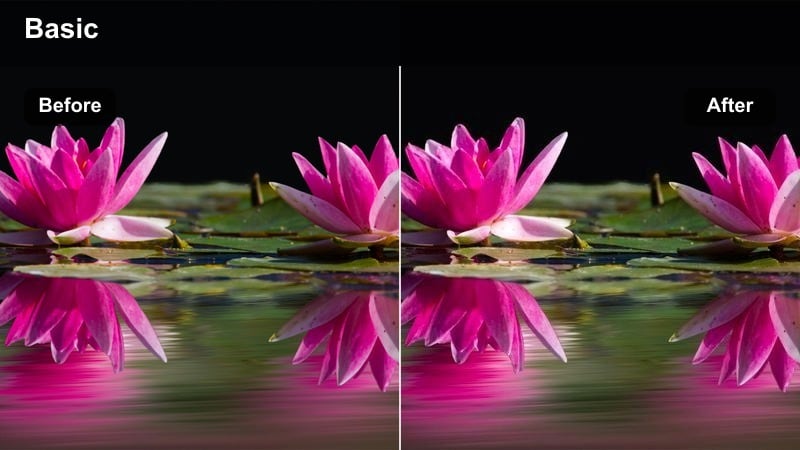
- Effect look: Gentle warm midtones with slightly lowered contrast, ideal for calm, reflective daytime scenes.
- Best for: Storytime voice-overs, healing arcs, and character growth moments filmed in natural light.
- Editing tip: Add this filter and slow your clip speed slightly in Filmora to stretch emotional beats, then cut on breaths or eye movements for impact.
Soft Afternoon Arc leans into warm midtones and reduced contrast to give your daytime scenes a relaxed, healing quality. It works especially well in living rooms, studios, or quiet corners where sunlight is diffused and your story deals with growth or reflection.
In Filmora, combine this look with slightly slower cuts and maybe a small speed reduction on key shots so moments have time to land. Layer gentle background music and dip the volume around important lines, letting the soft color and pacing guide your audience through the emotional shift.
Documentary Dayframe
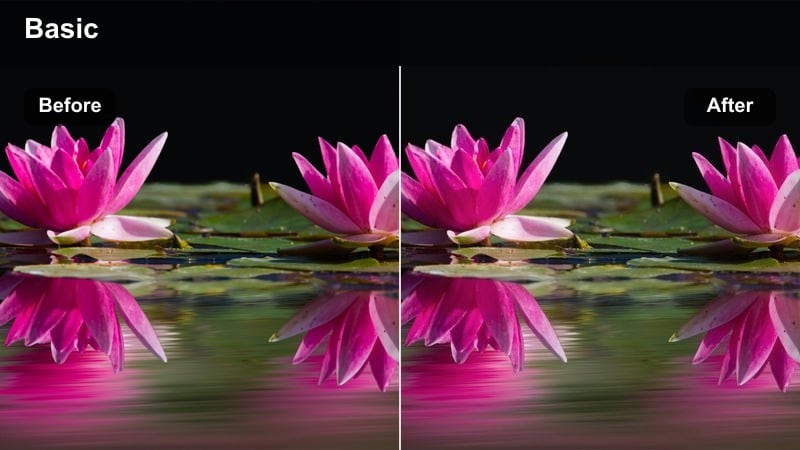
- Effect look: True-to-life colors with slightly lifted shadows and crisp detail for realistic storytelling.
- Best for: Mini-documentaries, real-life updates, and non-fiction narrative TikToks.
- Editing tip: Apply this filter lightly, then use Filmora text and lower-thirds to introduce characters, places, or timestamps like a short documentary.
Documentary Dayframe keeps your colors natural but adds a subtle cinematic polish through lifted shadows and clean contrast. It is designed for stories where authenticity matters, such as real events, explanations, or interviews filmed outdoors or near windows.
Use this filter in Filmora when you want viewers to trust what they are seeing while still feeling like they are watching a crafted mini-doc. Add lower-third titles, on-screen captions, and B-roll overlays to clarify names, locations, and key points so your TikTok remains followable even with sound off.
High-Drama Reveals and Plot Twists
Contrast Plot Twist
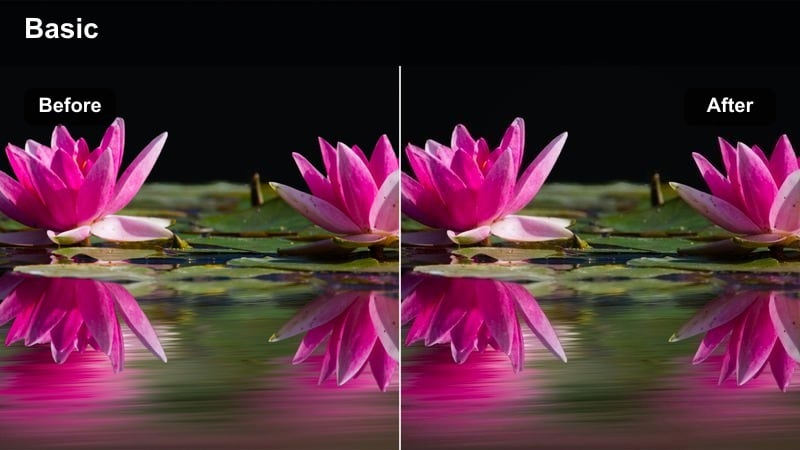
- Effect look: Punchy contrast with cooler shadows and slight vignette for tense, dramatic reveals.
- Best for: Twist endings, unexpected reveals, and shocking storytime punchlines.
- Editing tip: Cut from a softer filter to this one right on the twist line to visually signal the shift, then add sound hits in Filmora for emphasis.
Contrast Plot Twist dials up tension with strong contrast, cooler shadows, and a hint of vignette that pulls focus toward the center of the frame. This look gives your reveal moments extra bite, making expressions, text, and punchlines feel sharper and more intense.
In Filmora, switch to this filter exactly on the twist line or reveal shot so the visual change reinforces the story shock. Pair it with a beat drop, impact sound, or quick zoom cut, and your viewers will feel the tonal shift both visually and sonically.
Monochrome Memory Cut
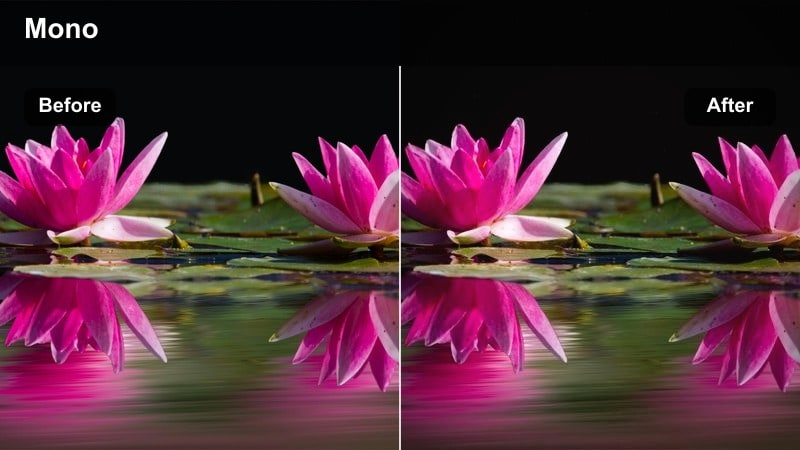
- Effect look: High-contrast monochrome style with cinematic grain for serious or mysterious scenes.
- Best for: Crime-style storytelling, mystery POVs, and dramatic internal monologues.
- Editing tip: Apply this filter only to key shots like close-ups of eyes or hands, then intercut with color scenes for a fragmented memory effect.
Monochrome Memory Cut strips away color and leans into grainy, high-contrast black and white, instantly signaling weight and mystery. It is a strong choice when you want moments of realization, guilt, or suspense to stand apart from the rest of your TikTok narrative.
Use this look sparingly in Filmora by applying it only to selected close-ups or short inserts, then cutting back to color for normal scenes. Combined with careful sound design, such as room tone, low drones, or muffled echoes, the shift to monochrome will make viewers lean in and pay attention.
Cool Crisis Frame
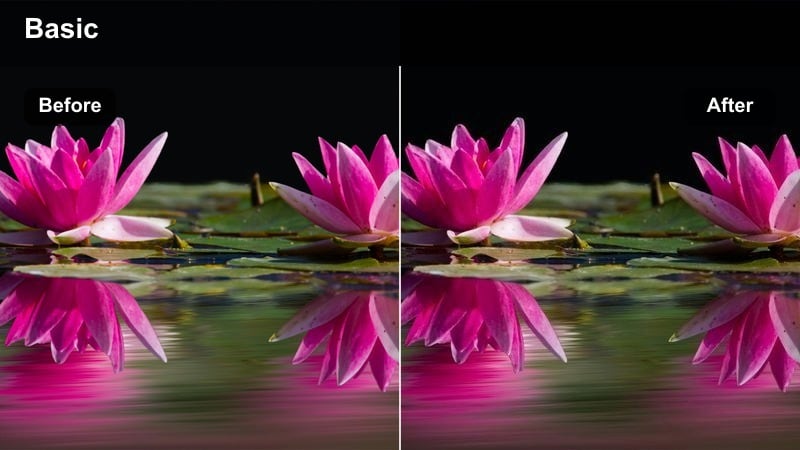
- Effect look: Cool, desaturated tones with strong midtone contrast for anxious or high-stakes scenes.
- Best for: Storytimes about mistakes, confrontations, or tense decision-making moments.
- Editing tip: Apply this filter and slightly speed up cuts between shots in Filmora to create a restless, anxious rhythm that mirrors the story.
Cool Crisis Frame pushes your image into colder, more desaturated territory, with solid midtone contrast that highlights stress in faces and environments. The palette immediately communicates unease, making it ideal for scenes about conflict, regret, or tough choices.
In Filmora, pair this look with faster cuts, subtle punch-in zooms, and quick inserts of details like shaking hands or ticking clocks. The combination of cool color, sharp rhythm, and close-up details will amplify the sense of anxiety, keeping your TikTok audience hooked as the story escalates.
Tips for Using Tiktok Storytelling Cinematic Luts Filters in Filmora
- Plan your TikTok story beats first, then pick one or two core Filmora filters to support the emotional arc instead of changing looks in every clip.
- Use warmer cinematic filters to communicate comfort, nostalgia, and safety, and switch to cooler or desaturated grades for tension, doubt, and conflict.
- Keep your in-camera exposure close to neutral so Filmora's storytelling filters and LUT-style looks can work cleanly without crushed shadows or blown highlights.
- Save your favorite grading combinations as custom presets in Filmora so you can quickly apply a consistent cinematic style across series or recurring characters.
- Test your final edit on a phone screen, checking that faces, captions, and key props remain clear and readable after you apply your cinematic filter.
- Reserve more extreme looks like monochrome or heavy contrast for key beats such as twists, flashbacks, and realizations so they feel meaningful.
- Match your editing pace to the mood of your grade: softer filters pair well with slower cuts, while cooler crisis looks support snappier rhythms.
- Combine Filmora filters with subtle sound design and music levels so color, pacing, and audio all reinforce the same emotional message.
TikTok storytelling cinematic LUT-style filters help you turn quick vertical clips into scenes that feel like they belong in a short film, guiding your audience through emotions with color and contrast.
Use these presets in Filmora as a storytelling toolkit, matching each filter to the mood of your scene so every scroll-stopping TikTok episode looks cohesive, intentional, and uniquely yours.
secure download