

 100% Security Verified | No Subscription Required | No Malware


 ChatGPT
 Perplexity
 Gemini
 Claude
 Grok
Grok
Warm vlog looks dominate YouTube Shorts because they instantly make quick clips feel cinematic, cozy, and personal. With the right warm-toned filters, you can turn everyday vertical footage into aesthetic, story-driven Shorts in a few taps.
Below are curated warm filters designed to mimic popular YouTube Shorts vlog LUTs, helping content creators add golden tones, soft contrast, and inviting skin tones that stand out in a fast-scrolling feed.
In this article
Golden Hour City Walks and Street Vlogs
Sunset Sidewalk Glow
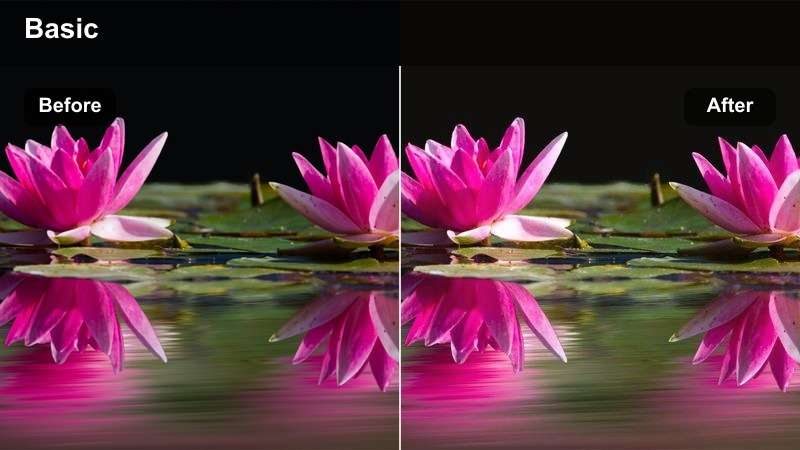
- Effect look: Soft golden warmth with gentle contrast that mimics golden hour even when you shot at midday.
- Best for: Handheld city-walk Shorts, street-style outfit vlogs, and casual day-in-the-life intros.
- Editing tip: Lower the filter intensity to around 60% and slightly boost shadows to keep details in darker street areas.
Sunset Sidewalk Glow is perfect when your YouTube Shorts need that golden-hour vibe but you filmed under flat, midday light. In Filmora, add this warm filter on your vertical clips to wrap sidewalks, buildings, and skin tones in a soft, cinematic glow that feels instantly more intentional than raw phone footage.
After applying the filter, fine-tune exposure and shadows in the Color panel to keep shop fronts, crosswalks, and outfits detailed for mobile viewing. Use Filmora keyframes or speed ramping on your walking shots so the warm look flows smoothly as you move through the city, ideal for outfit checks and day-in-the-life hooks.
Instant Warm Vlog Looks with Filmora AI
Filmora's AI-powered tools help you push your YouTube Shorts toward that trending warm vlog style without spending time on manual color grading for every clip. Start by letting AI analyze your footage so exposure, contrast, and basic color are automatically balanced.
Once AI Auto Color has set a clean base, stack one of your favorite warm vlog filters on top to dial in golden skin tones and cozy highlights that match your channel identity. This workflow keeps your Shorts consistent, even when you shoot in different locations and lighting conditions.
 secure download

Preview Warm Filters on Vertical Footage
Before you lock in a signature look, test your warm vlog filters on short vertical clips inside Filmora. Drop a few seconds of your usual talking-head or street b-roll onto a 9:16 timeline and cycle through different warm presets to see how they affect skin, sky, and buildings.
Watching side-by-side comparisons helps you quickly judge which filters stay readable with text overlays and graphics on small phone screens. Once you find a couple of favorites, reuse them across multiple Shorts to build a recognizable visual identity.
secure downloadTurn Filters into a Signature Warm LUT Style
Filmora includes 1000 plus video filters and 3D LUT-style effects you can stack and tweak until you find a warm vlog recipe that feels uniquely yours. Adjust intensity, temperature, contrast, and saturation to create a custom blend that flatters your skin tone and matches your niche.
When you are happy with the look, save it as a preset so every new YouTube Short can use the same warm treatment in a single click. Over time, this consistency works like a branded LUT, making your content instantly recognizable in the Shorts feed.
secure downloadUrban Honey Haze
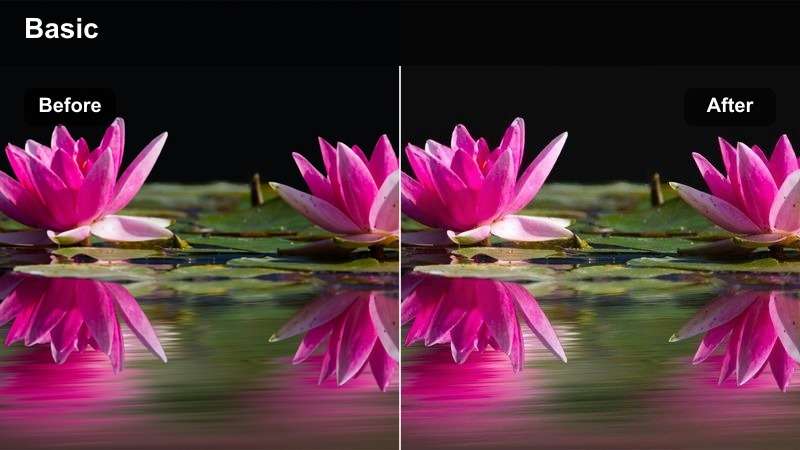
- Effect look: A hazy amber wash that softens edges and gives buildings and pavements a honey-like glow.
- Best for: B-roll of traffic, crosswalk scenes, storefront pans, and establishing shots for Shorts vlogs.
- Editing tip: Add a subtle vignette and reduce clarity a bit to emphasize the dreamy, hazy feel without losing the city vibe.
Urban Honey Haze is ideal for establishing shots and transitional b-roll in your YouTube Shorts vlogs. In Filmora, place this filter on wide urban scenes like intersections, storefronts, or crossing shots to wrap the whole frame in a soft amber veil that feels dreamy but still modern.
To keep your sequence cohesive, copy and paste color settings across related clips so the hazy mood hides minor exposure changes as you move between streets. Layer in crisp city sounds and quick cuts underneath the soft visuals to create a high-end contrast that stands out on mobile.
Neon Amber Nights
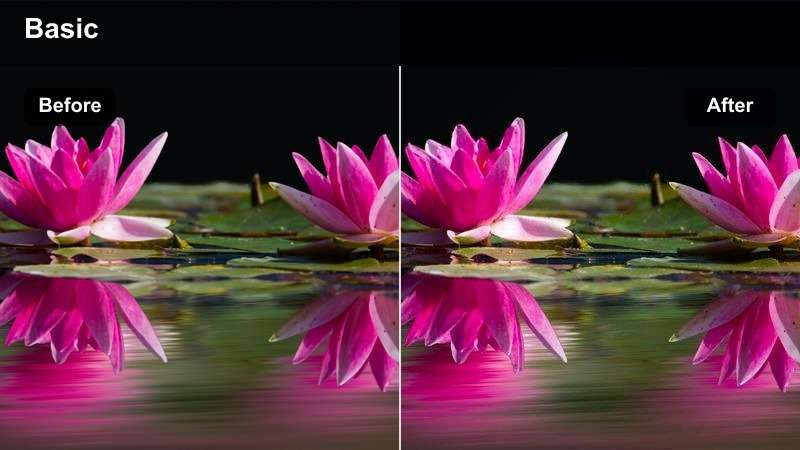
- Effect look: Warm amber highlights that blend with neon signs, keeping skin tones cozy even under mixed city lights.
- Best for: Night city vlogs, street food runs, and handheld Shorts filmed under neon or storefront lighting.
- Editing tip: Lower saturation in the blues just a touch so signs stay impactful while faces stay flattering and warm.
Neon Amber Nights helps tame harsh city lights so your face still looks flattering in night Shorts. Apply it in Filmora on clips with bright signs, storefronts, or LED billboards to pull those mixed colors toward a unified warm tone while preserving the energy of the street.
Inside the Color tools, gently reduce blue and magenta saturation to keep your skin from going too purple under neon. Slightly underexpose your footage and let the filter lift midtones so highlights from signs do not clip while your expressions remain visible and cinematic.
Cozy Home Vlogs and Morning Routines
Morning Mug Glow
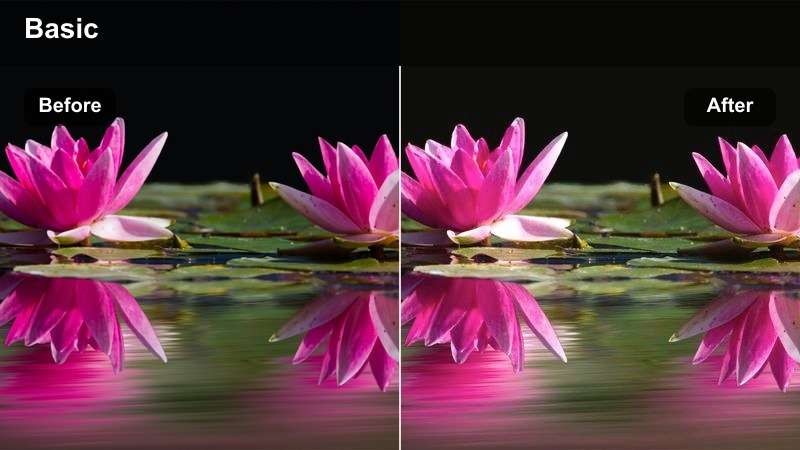
- Effect look: Soft, creamy warmth with lifted shadows that makes indoor light feel like gentle early-morning sun.
- Best for: Morning routines, desk vlogs, and talking-to-camera Shorts filmed in bedrooms or living rooms.
- Editing tip: Slightly desaturate yellows if walls or lamps look too orange, keeping skin natural but still glowy.
Morning Mug Glow is built for calm, lifestyle-focused Shorts filmed near windows or bedside tables. In Filmora, drop this filter on indoor clips to lift shadows and add a milky softness that makes coffee, blankets, and notebooks feel extra cozy on vertical screens.
If your room has warm lamps or yellow walls, use the HSL or Color panel to pull back yellow saturation so the warmth sits mainly on skin and wood tones. Combine this look with slower cuts, gentle zoom-ins, and soft background music to reinforce the relaxed morning routine vibe.
Candlelight Diaries
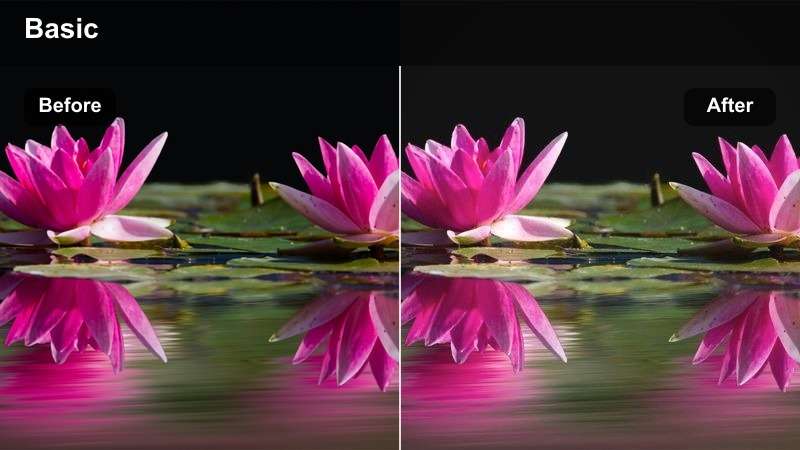
- Effect look: Rich warm highlights and slightly faded blacks to mimic soft candle or lamp lighting.
- Best for: Nighttime journaling Shorts, late-night voiceovers, and intimate home vlog storytelling.
- Editing tip: Drop contrast a little and add a very subtle grain overlay to deepen the nostalgic home-video vibe.
Candlelight Diaries is a go-to when you want late-night Shorts to feel intimate and reflective rather than noisy and dark. Apply it in Filmora to clips lit by candles, small lamps, or fairy lights to emphasize warm highlights while gently fading the blacks for a filmic softness.
In the Effects panel, consider adding a light grain overlay and maybe a vignette so the viewer focuses on your journal, hands, or face. Pair this with slower pacing and quiet ambient audio so the overall experience feels like a cozy, personal diary entry rather than a high-energy vlog.
Apartment Sunbeam Soft
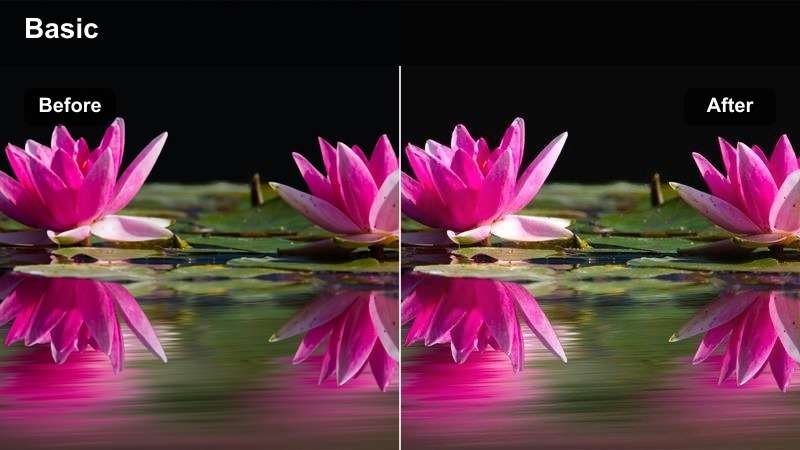
- Effect look: Balanced warm tones, gentle highlights, and clean whites for bright minimalist apartments.
- Best for: Clean home tours, desk setups, and productivity Shorts in bright, white-walled rooms.
- Editing tip: Increase exposure just slightly and keep whites neutral so your decor stays true-to-life while skin tones stay golden.
Apartment Sunbeam Soft is designed for bright, minimal spaces where you want warmth without making white walls look yellow. In Filmora, apply this filter to home tours and desk setups to keep whites crisp while adding a subtle golden sheen to skin, plants, and wooden furniture.
Use the exposure and highlight sliders to ensure windows are not blown out in vertical framing, especially when filming near big light sources. This balanced warm look is perfect for creators who want their productivity or aesthetic workspace Shorts to feel inviting but still brand-accurate in color.
Travel and Outdoor YouTube Shorts
Roadtrip Golden Film
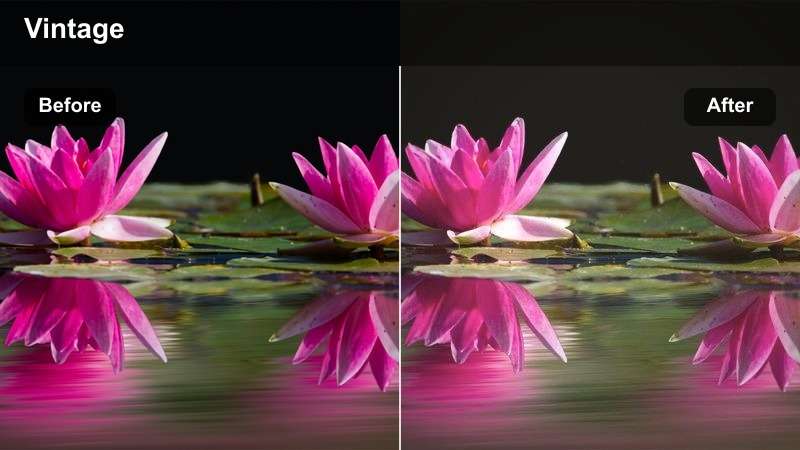
- Effect look: Warm, slightly vintage tones with soft halation around bright skies and windows.
- Best for: Car-window shots, roadtrip check-ins, and quick location reveals on the go.
- Editing tip: Add a little motion blur on fast-moving clips and keep the filter intensity moderate to avoid muddy shadows inside the car.
Roadtrip Golden Film gives travel Shorts a nostalgic, movie-like feel, especially for scenes shot through car windows. In Filmora, add this filter to clips with passing landscapes or highway views to create subtle halation around bright skies and reflections while keeping your face warmly lit.
Balance exposure so the outside scenery is not completely blown out in vertical framing, then use the filter to bring warmth back into your skin and the car interior. Light motion blur or speed ramping on fast-moving b-roll can enhance the sense of movement without sacrificing that soft, golden aesthetic.
City Overlook Warm
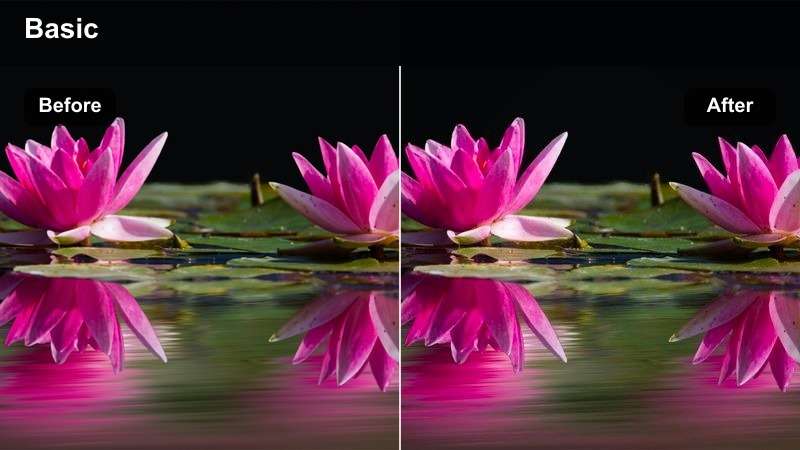
- Effect look: Cinematic cityscape warmth that adds golden highlights to skyline edges while keeping shadows deep.
- Best for: Rooftop vlogs, balcony views, and quick panoramic Shorts of the city from above.
- Editing tip: Use slow vertical pans or tripod shots to let the warm skyline breathe instead of cutting too quickly.
City Overlook Warm is ideal for Shorts where the skyline is the star of the frame. In Filmora, apply this filter to rooftop or balcony clips to paint building edges and clouds with warm highlights, while deeper shadows add contrast and depth in vertical orientation.
Set up slow, stable pans or static shots and let the warmth sell the cinematic mood rather than relying on rapid cutting. Export a frame with the filter applied to use as your Shorts cover, making your warm city backdrop a built-in thumbnail that encourages clicks.
Sunset Boardwalk Glow
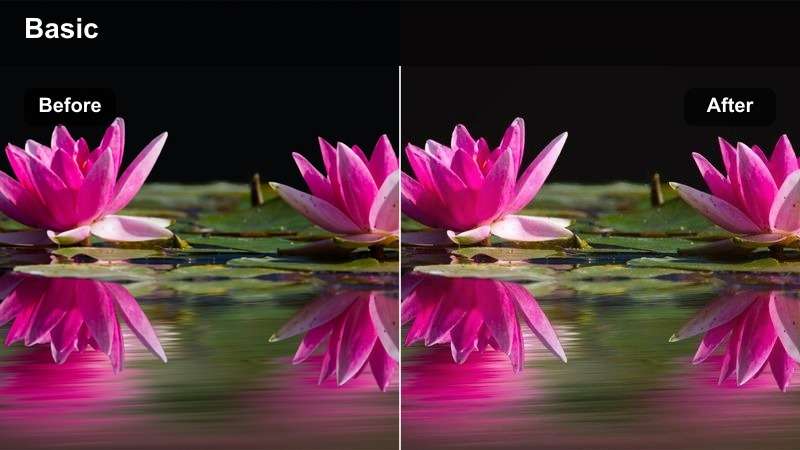
- Effect look: Deep orange-pink warmth that leans into sunset colors without over-saturating the sky.
- Best for: Boardwalk walks, waterfront views, and silhouette reaction shots at sunset.
- Editing tip: Pull highlights down slightly and boost saturation selectively in oranges to keep sunsets rich but not clipped.
Sunset Boardwalk Glow is built for waterfront and horizon shots where the sky is already colorful but needs a cinematic push. In Filmora, add this filter to sunset vlogs so the oranges and pinks look deeper and more intentional without turning the entire frame neon.
Gently lower highlights and boost orange saturation to keep cloud detail intact while emphasizing silhouettes and reflections on water. Use a few seconds of still sky or water b-roll between clips as warm transitions that make your entire Shorts sequence feel cohesive and polished.
Creator Desk Setups and Tutorial Shorts
Creator Desk Amber
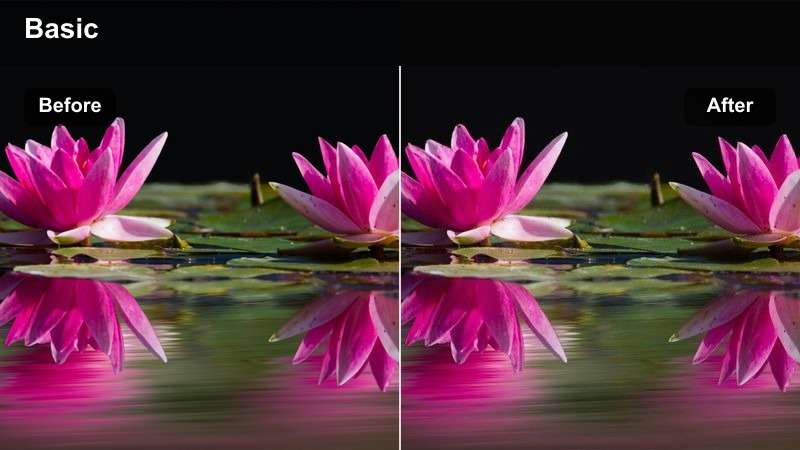
- Effect look: Controlled warm tones with clean contrast that keep monitors and gear readable on vertical screens.
- Best for: Desk setup tours, gear breakdowns, and how-to Shorts filmed at a workstation.
- Editing tip: Reduce saturation in reds slightly so keyboard LEDs or RGB lights do not overpower your face.
Creator Desk Amber is made for tech and productivity creators who film at their workstations. In Filmora, apply this filter to keep your face warmly lit while maintaining clear contrast on monitors, keyboards, and desk accessories in a narrow vertical frame.
If your setup uses strong RGB lighting, gently reduce red and magenta saturation so your skin tone stays natural and your audience can still read what is on-screen. Alternate between talking-head shots and close-up gear b-roll, all using this same warm filter, to create a professional, series-style visual identity.
Tutorial Soft Warmth
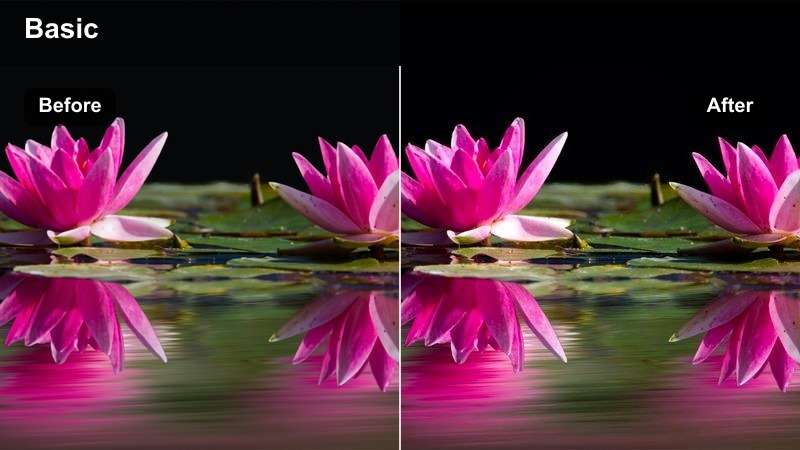
- Effect look: Gentle warm touch with neutral whites for educational Shorts that still feel inviting.
- Best for: Face-to-camera tips, how-to explainers, and voiceover reels targeted at YouTube creators.
- Editing tip: Dial the filter back to around 40–50% so text overlays and graphics stay crisp and color-accurate.
Tutorial Soft Warmth keeps educational Shorts clean and legible while adding just enough warmth so they do not feel clinical. In Filmora, apply this filter at a lower intensity to face-cam tips, explainers, and voiceover content where on-screen text and UI elements must stay sharp.
Check your vertical previews to ensure white backgrounds and captions remain true-white while your skin gets a gentle golden boost. Use this same subtle look across an entire playlist of tutorials to make your content instantly recognizable without distracting from the information.
Studio Spotlight Warm
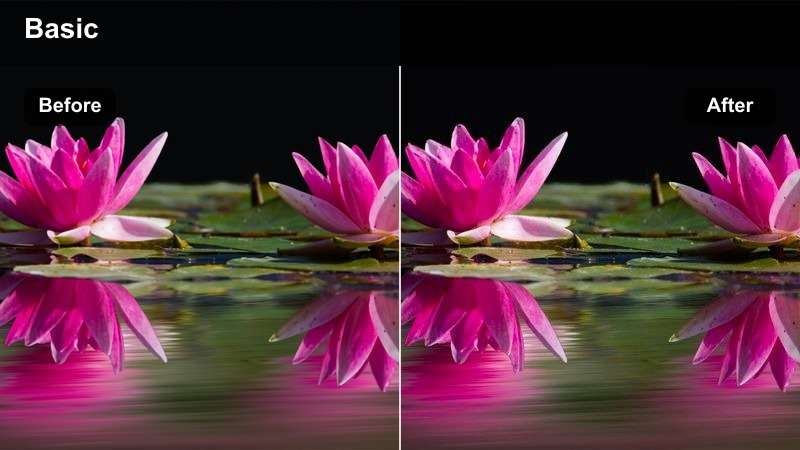
- Effect look: Focused warm highlights with darker backgrounds for dramatic studio-style Shorts.
- Best for: Announcement clips, reactions, and punchy commentary filmed against a controlled backdrop.
- Editing tip: Increase contrast and slightly crush blacks while letting the filter warm your key light for a punchy, spotlight effect.
Studio Spotlight Warm is perfect for bold, to-the-camera Shorts where you need viewers to lock onto your face immediately in the feed. In Filmora, apply this filter to shots lit by a single key light so your skin and highlights feel warm while the background drops into rich shadow.
Boost contrast and slightly crush blacks in the Color controls to heighten the dramatic, spotlight look without losing detail on your features. Combine this style with tight framing, strong captions, and fast-paced editing to maximize retention for announcements, reactions, and commentary clips.
Tips for Using Youtube Shorts Vlog Luts Warm Filters in Filmora
- Shoot with natural or soft artificial light whenever possible so warm filters enhance the mood instead of emphasizing harsh shadows.
- Keep your camera's white balance close to neutral and rely on Filmora's warm filters to add controlled warmth in post.
- Preview your warm vlog looks on several phones to ensure shadows are not too crushed and skin tones remain flattering.
- Limit yourself to two or three go-to warm filters across multiple Shorts to build a strong, consistent visual style.
- Use stronger, stylized warm treatments mainly on b-roll while keeping talking-head clips slightly more neutral for clarity.
- Stack Filmora effects like vignette, grain, and subtle blur with warm filters to reinforce cinematic or cozy vibes without overdoing it.
- Save your favorite warm settings as custom presets in Filmora so you can apply them to every new vertical clip in one click.
- Adjust filter intensity per clip; brighter outdoor scenes can handle more warmth than already-orange indoor or sunset shots.
Warm vlog filters inspired by YouTube Shorts LUTs can instantly transform quick vertical clips into cinematic, inviting stories that feel on-brand and bingeable. With the right combination of temperature, contrast, and soft highlights, even simple phone footage gains a polished, story-driven look.
Experiment with a few of these warm looks in Filmora, save your favorites as presets, and keep your style consistent as you expand to new platforms like Snapchat with aesthetic video LUTs and filters. Over time, that signature warmth becomes part of your channel identity, helping your Shorts stand out in a crowded feed.
secure download