

 100% Security Verified | No Subscription Required | No Malware


 ChatGPT
 Perplexity
 Gemini
 Claude
 Grok
Grok
These bright, LUT-style filters are tailored for YouTube unboxing videos, helping content creators keep products crisp, colors vivid, and packaging details easy to see on any screen.
Use these presets as your base look or combine them with light grading to turn raw unboxing footage into polished, binge-worthy content that feels clean, modern, and trustworthy.
In this article
Bright Desk Setup Unboxings
Clean Softbox Glow
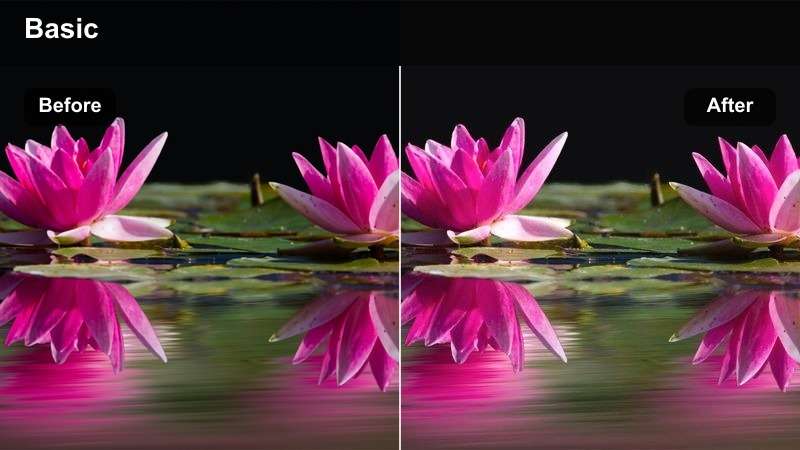
- Effect look: Soft, studio-like brightness with gentle diffusion on skin and packaging
- Best for: Overhead desk unboxings with softbox or ring light on tech gadgets and accessories
- Editing tip: Lower contrast slightly and increase sharpness around the product to emphasize text and details on boxes.
Clean Softbox Glow is ideal when you want that classic YouTube studio feel even if your lighting setup is basic. In Filmora, this bright, diffused style smooths skin and edges while keeping the box surface evenly lit so logos, stickers, and folds in the packaging remain easy to read.
Apply it to your A-roll and overhead shots as a base, then gently fine-tune contrast and local sharpness on the product area using masks. Keep intensity around 70 to 80 percent to protect white desks and packaging from clipping, and add a subtle vignette so viewers focus on the item instead of background clutter.
Bright LUT-Style Looks in One Click
Filmoras bright, LUT-inspired filters let you build a clean, unified look across your entire unboxing video without doing manual color work on every clip. You can quickly jump from raw desk footage to a polished studio aesthetic that looks consistent from intro to final accessory shot.
Once you pick a bright preset that fits your channel, sync it across your timeline so overheads, close-ups, and reaction shots all share the same vivid style. This keeps product colors accurate and thumbnails visually cohesive, which helps new viewers recognize your brand fast.
 secure download

See Your Unboxing Transform in Real Time
With Filmoras split-screen preview, you can test multiple bright filters on the same unboxing clip and instantly see what matches your channel style. Comparing a soft studio look against a warmer lifestyle feel side by side makes it much easier to pick a direction before editing the full video.
Toggle filter intensity, switch between options, and compare still frames that you might also use as thumbnails. Lock in your favorite bright look on a short test sequence, then apply those settings to all your shots for a fast, efficient workflow.
secure download1000+ Video Filters and 3D LUTs
Beyond bright unboxing presets, Filmora includes a large library of filters and 3D LUTs so you can refine your videos to match any brand or niche. You can layer stylized looks over clean bright bases, then fine-tune color, contrast, and saturation for a unique but repeatable aesthetic.
Once you craft a combination you love, save it as a custom preset so every new unboxing series uses the same signature look. This keeps your channel visuals consistent and speeds up editing for batch content like seasonal hauls or product launches.
secure downloadMinimalist Daylight Pop
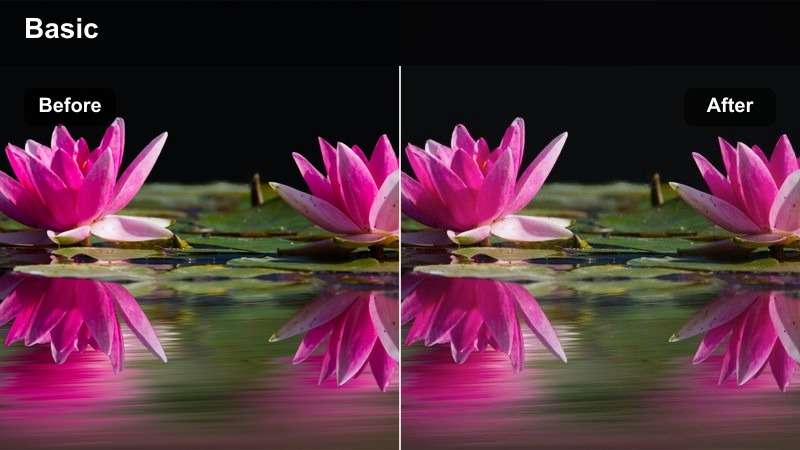
- Effect look: Crisp daylight brightness with neutral whites and subtle color pop
- Best for: Daytime desk unboxings near a window where you want a natural but polished look
- Editing tip: Add a touch of saturation only to midtones so packaging colors pop without staining the shadows.
Minimalist Daylight Pop keeps your scene looking like real window light, but with extra clarity and gentle color separation that feels premium. In Filmora, it is perfect for light wood desks, white walls, and clean setups where you want products to stand out without a heavy graded style.
Start by setting your footage white balance close to 5200 to 5600K, then apply this filter and nudge warmth only if skin tones feel too cool. Push saturation softly in the midtones to make branding and packaging pop, while leaving shadows and blacks clean for a natural, modern aesthetic.
Product Label Sharpener
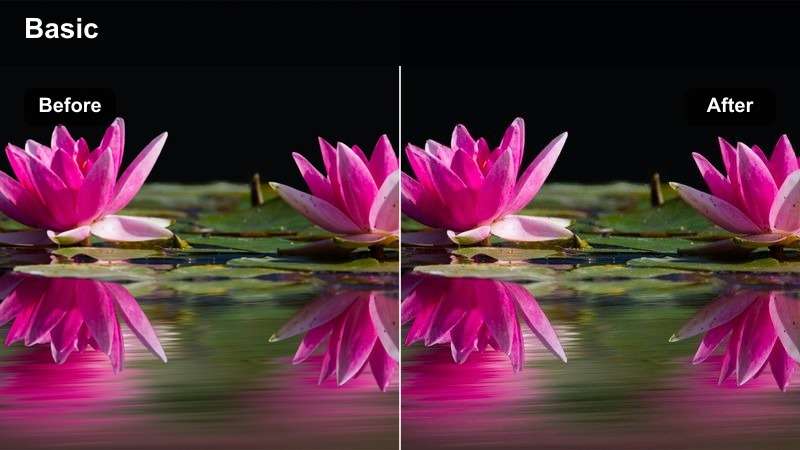
- Effect look: Bright, high-clarity look that makes text and small details stand out
- Best for: Unboxings where reading specs, barcodes, or tiny print on packaging is important
- Editing tip: Use a mask to add extra clarity only over the product and box to avoid emphasizing background noise or skin texture.
Product Label Sharpener is built for those moments when your audience wants to pause and read every line on a spec sheet or barcode. In Filmora, this filter boosts brightness and micro-contrast so fine text, icons, and texture on boxes remain legible even on small mobile screens.
Apply it mainly to close-up cutaways using masks that target only the packaging area, leaving skin and background softer. Keep sharpening and clarity strong on macro shots, but dial back intensity on wider views so the overall image does not look overly crunchy or harsh.
Vibrant Tech and Gadget Unboxings
Neon Edge Bright
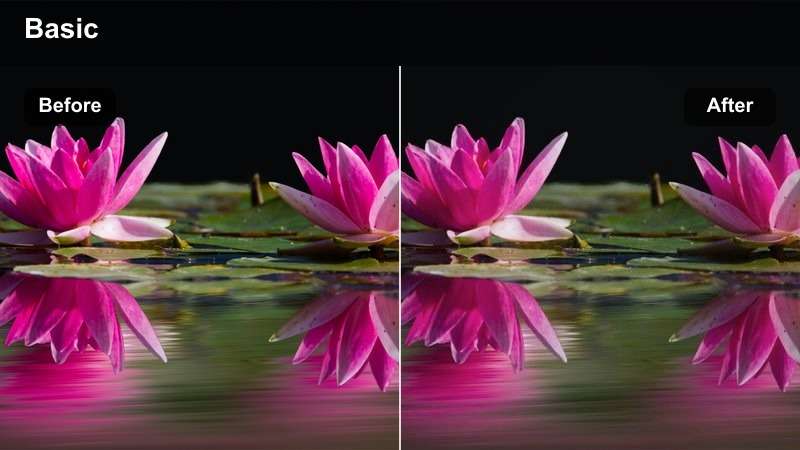
- Effect look: Punchy bright contrast with vivid blues and cyans for a techy vibe
- Best for: RGB-lit gaming gear, headphones, keyboards, and futuristic gadget unboxings
- Editing tip: Raise saturation in blues and greens only, and keep skin tones protected with a separate color mask.
Neon Edge Bright adds a bold, futuristic glow to RGB setups while still keeping the product surface clear and readable. It leans into cool tones like cyan and blue, amplifying desk lighting and LED strips so your gaming gear feels energetic and high-end.
In Filmora, apply this filter to B-roll hero shots of keyboards, mice, and headsets where RGB is the star, then protect skin tones with a color mask on your talking head clips. Boost saturation selectively in blues and greens and keep overall exposure under control so highlights from LED strips do not overwhelm logos and key details.
Matte Tech Bright
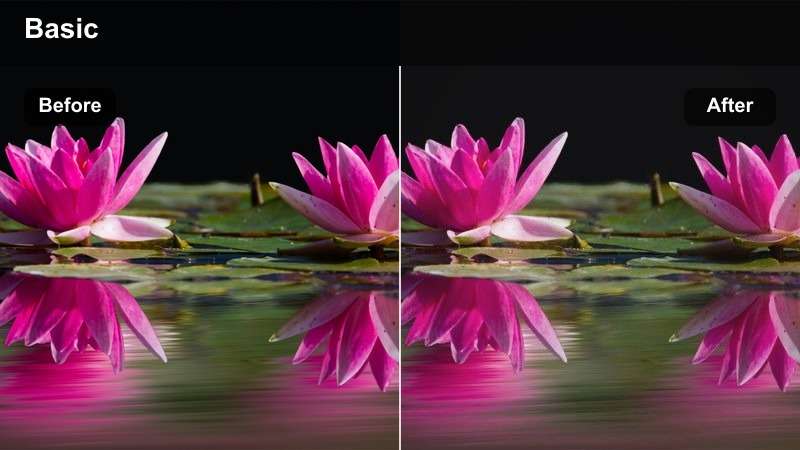
- Effect look: Bright yet slightly matte finish that reduces glare on reflective gadgets
- Best for: Unboxing smartphones, tablets, and glossy electronics under strong lights
- Editing tip: Drop highlights a bit and increase exposure to keep the frame bright without blowing out phone screens.
Matte Tech Bright is designed to keep polished phones, tablets, and glossy device shells bright without distracting reflections. It adds a subtle matte character that calms down specular highlights so viewers can see screen content, camera modules, and side details more clearly.
Use this filter in Filmora when your key light or softbox is reflecting heavily in glass surfaces. Lower highlights and bring exposure up slightly to maintain an overall bright feel, then add a touch of local contrast around device edges so silhouettes stay defined against white desks or backgrounds.
Spec Highlight Boost
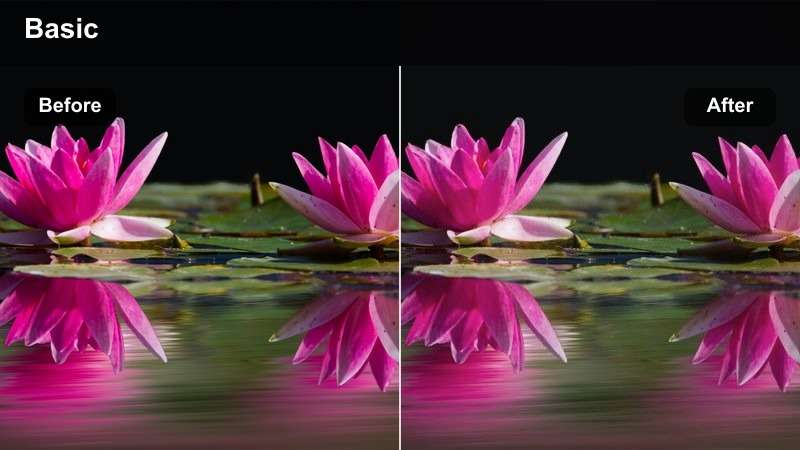
- Effect look: High-brightness look that pulls viewers eyes toward key logos and spec stickers
- Best for: Tech unboxings focused on branding close-ups, logos, and performance badges
- Editing tip: Use keyframed exposure and this filter on logo cut-ins while keeping your main narrative shots slightly softer.
Spec Highlight Boost is all about making logos, badges, and spec stickers feel like hero moments in your edit. By lifting highlights and micro-contrast selectively, it draws attention to brand marks and important text without needing heavy zooms or overlays.
In Filmora, apply this filter to 1 to 2 second punch-in clips of logos or performance labels and keyframe exposure for a subtle shimmer as the camera moves. Keep your main A-roll softer and less contrasty so these bright cut-ins stand out, and pair them with quick sound effects to make each reveal feel intentional and premium.
Beauty and Lifestyle Haul Unboxings
Soft Glam Bright
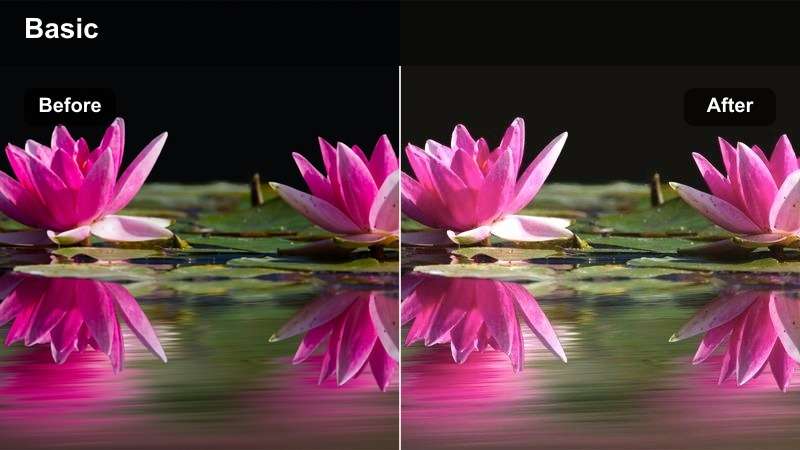
- Effect look: Bright, slightly warm glow with flattering skin and pastel-friendly colors
- Best for: Beauty boxes, skincare hauls, and lifestyle subscription unboxings with pastel packaging
- Editing tip: Reduce sharpness on skin slightly while leaving packaging crisp so viewers focus on the products.
Soft Glam Bright wraps your scene in a gentle, luminous glow that flatters skin while keeping pastel boxes and bottles looking creamy and vibrant. It adds a hint of warmth that works beautifully with makeup, skincare, and lifestyle sets shot at a vanity or dressing table.
In Filmora, pair this filter with a slight reduction in skin sharpness via masking while maintaining crispness on product edges and labels. Control strong reds in cheeks and lips with selective color, then let pinks, peaches, and pastels on packaging shine so the products, not just your glam, become the focal point.
Cozy Room Bright
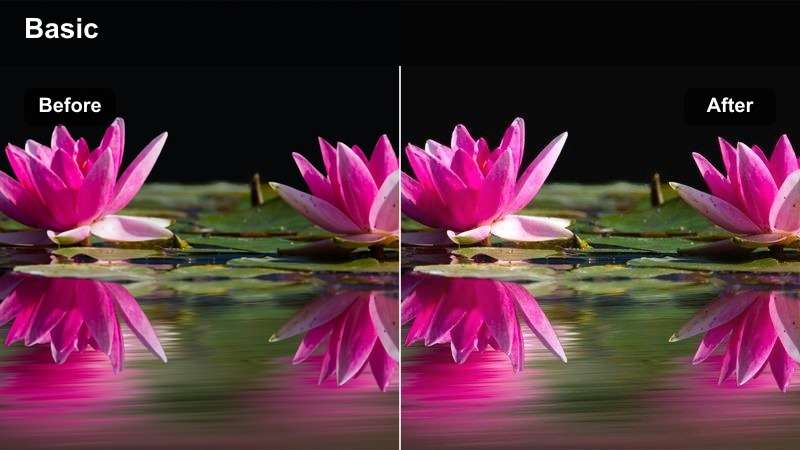
- Effect look: Bright, warm indoor look that keeps shadows soft and inviting
- Best for: Lifestyle, clothing, and decor unboxings filmed in bedrooms or living rooms
- Editing tip: Lift shadows a touch to reveal details in blankets, pillows, and background decor without losing product focus.
Cozy Room Bright is tuned for living rooms, bedrooms, and casual lifestyle spaces where you want a welcoming, homey vibe. It brightens the entire frame and softens shadows so textiles, decor, and clothing remain visible, but without pulling focus away from the box in your hands.
Inside Filmora, use this filter on your A-roll and then slightly desaturate background tones with HSL tools so your products remain the most colorful elements in the frame. Lift shadows just enough to show texture in blankets and pillows, and frame shots with simple, bright surfaces that make thumbnails easy to read.
Pastel Packaging Pop
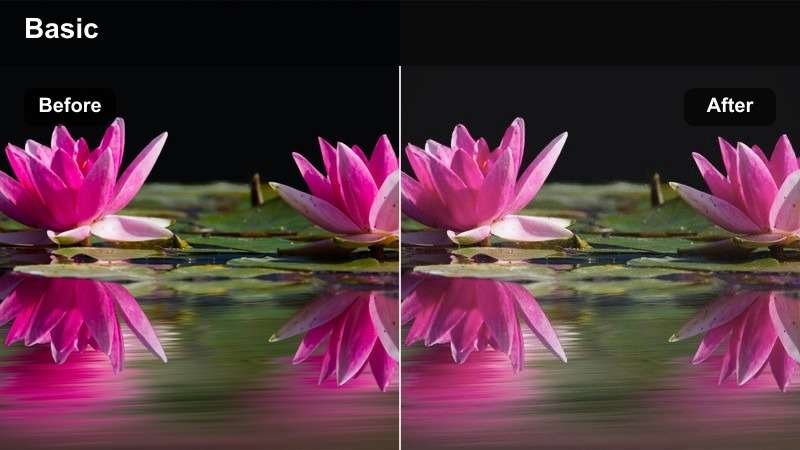
- Effect look: Bright pastel emphasis with gentle contrast and soft highlights
- Best for: Makeup palettes, stationery sets, and colorful lifestyle boxes with soft hues
- Editing tip: Slightly desaturate primary reds and greens so pastel pinks, purples, and blues remain the hero tones.
Pastel Packaging Pop is made for dreamy, color-coordinated hauls filled with soft pinks, lilacs, and baby blues. It brightens the frame while keeping contrast low and highlights soft, so pastel products stay creamy and smooth instead of harsh or blown out.
When editing in Filmora, back off strong reds and greens in your HSL controls so they do not compete with your core pastel palette. Arrange products by color on your desk, apply this filter, and grab high-resolution stills for thumbnails that look cohesive, bright, and easy to read at small sizes.
Close-Up B-Roll and Detail Shots
Tape Cut Focus Bright
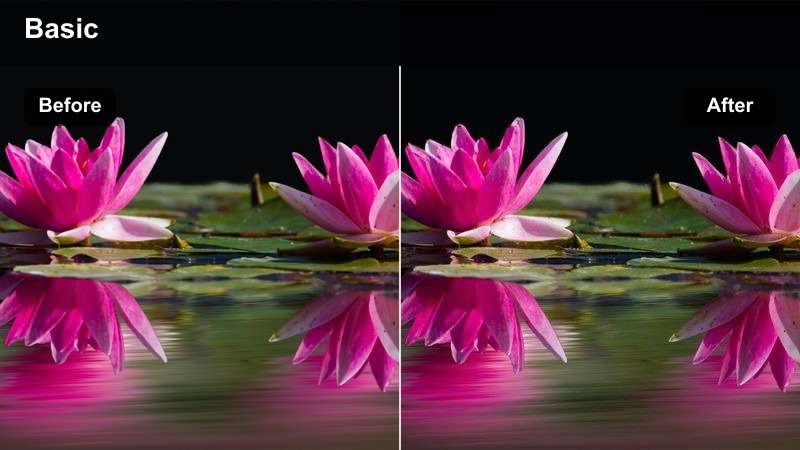
- Effect look: Bright, cinematic focus on hands and tape with shallow depth-of-field feel
- Best for: Close-up shots of cutting tape, peeling seals, and opening lids in unboxing sequences
- Editing tip: Combine this filter with a subtle blur vignette so the viewer locks onto the blade, tape, and motion.
Tape Cut Focus Bright is tailored to those satisfying ASMR-style moments of slicing tape and breaking seals. It brightens the scene while simulating a shallow depth-of-field feel, guiding attention straight to the knife edge, tape, and motion of the unboxing.
In Filmora, place this filter on your close-up B-roll clips, then add a soft blur vignette to the frame edges so the center action pops. Boost audio for the tape sounds and cut these clips to your music beats, turning simple box openings into crisp, replayable highlights in your unboxing sequence.
Foam Insert Reveal
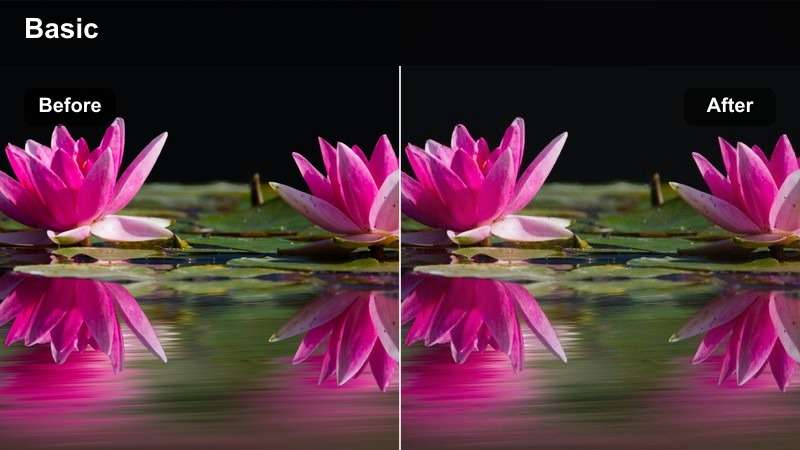
- Effect look: Bright, evenly lit interior box view that keeps dark foam and product details visible
- Best for: Revealing products wrapped in dark foam or cardboard inserts inside the box
- Editing tip: Lift blacks slightly so foam does not crush to pure black, preserving texture around the product edges.
Foam Insert Reveal is built to handle those tricky top-down shots into a dark box lined with foam or cardboard. It brightens interior shadows and gently lifts blacks so the packing material holds texture, making the product stand out cleanly in the center of the frame.
Use this filter in Filmora on point-of-view shots where you tilt the camera into the box or remove foam layers. Raise black levels slightly and fine-tune exposure so viewers can see every layer of protection around the device, then drop these clips over your voiceover to show exactly what you are reacting to.
Accessory Layout Bright
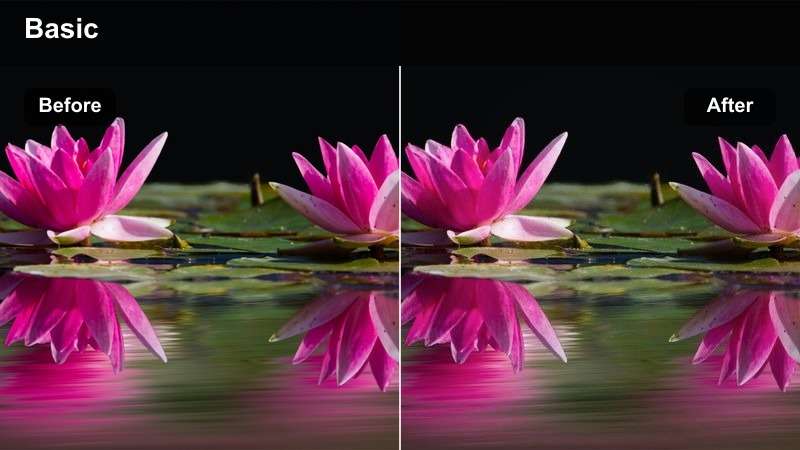
- Effect look: Bright top-down clarity that makes small accessories and cables easy to distinguish
- Best for: Flat lay shots of included accessories like cables, manuals, and small parts
- Editing tip: Use a high shutter speed and this filter to keep every small item tack sharp during slow pans.
Accessory Layout Bright is perfect for flat lay shots that show everything included in the box at a glance. It brightens the surface, adds clarity, and separates small items like cables, adapters, and manuals so viewers can easily identify them, even when you add text labels.
In Filmora, apply this filter to top-down accessory sequences and use slow, steady pans or gentle zooms. Combine it with simple on-screen text near each item and keep the frame bright and clean so viewers can pause, inspect every detail, and instantly understand what comes in the package.
Tips for Using Youtube Unboxing Video Luts Bright Filters in Filmora
- Shoot in the highest quality your camera allows and keep exposure slightly under so bright filters can lift highlights without clipping.
- Plan a consistent desk layout and lighting setup across videos so your chosen bright LUT-style preset works reliably from episode to episode.
- Use one dedicated bright filter just for thumbnails and keep it slightly punchier than the filter used for your main video timeline.
- Add close-up B-roll of seals, labels, and accessories and apply detail-focused bright filters so text remains readable on mobile screens.
- Test your final graded unboxing on a phone, tablet, and laptop to confirm brightness and contrast look balanced on different displays.
- Save your favorite filter, LUT, and color settings in Filmora as a custom preset so every new unboxing starts with the same polished base look.
- Group similar clips, like overheads or close-ups, and apply the same bright preset to each group to keep your edit visually consistent.
- Use Filmoras scopes and histograms while adjusting bright filters to ensure whites stay clean and do not blow out important packaging details.
With the right bright filters, your YouTube unboxing videos instantly feel cleaner, more professional, and easier to watch from the first frame to the last.
Experiment with a few of these LUT-style looks in Filmora, save your favorites as presets, and build a repeatable, bright unboxing style your viewers will recognize and trust.
secure download