
20+ Oscar Red Carpet AI Prompt Templates:
Copy & Get the Viral Look
Want to create the viral Oscar red carpet AI photo effect? Browse our full collection of tested Oscar red carpet prompts for Gemini AI and Filmora's Nano Banana Pro. Each prompt is designed for cinematic Hollywood aesthetics — elegant gowns, dramatic lighting, velvet ropes, paparazzi flashes. Simply copy the prompt, paste it into your AI generator, upload your photo, and generate stunning red carpet results in seconds.
Loading more templates...
 Category:
 Duration:
 Aspect Ratio:
Create Your Oscar Red Carpet Moment with Filmora AI
Searching for an easy way to get real Oscar Red Carpet Photo results? With proven Nano Banana Pro prompts, you can instantly transform any image into a celebrity-style Oscar red carpet photo—no Photoshop skills required! Use Filmora's advanced AI image generator powered by Google's Nano Banana model (Pro features coming soon) to get viral social-ready Oscar red carpet photos for TikTok, Instagram, and YouTube.
Transform your everyday photo into a stunning Oscar red carpet celebrity portrait using Filmora's powerful AI image generator, powered by Nano Banana Pro. Whether you're dreaming of an elegant floor-length gown, a sharp black tuxedo, or a bold fashion-forward look — our Hollywood AI photo prompts deliver cinematic 8K results in seconds. Use Oscar red carpet AI prompts to generate your star moment, then enhance it further with Filmora's full editing suite.
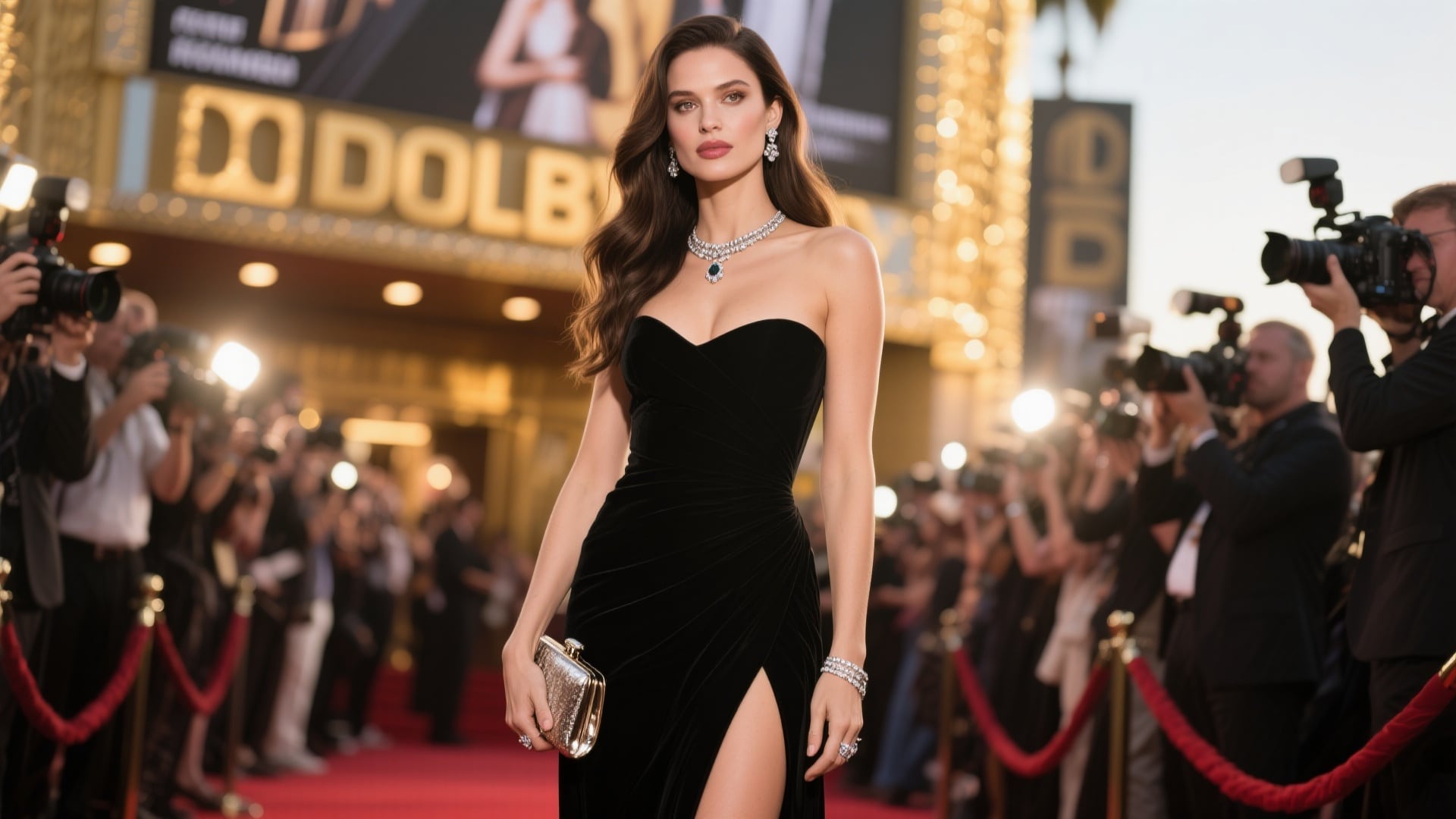
Instant Oscar Red Carpet AI Photo Generation
Instant Oscar Red Carpet AI Photo Generation
Create authentic Oscar red carpet celebrity portraits in every classic Hollywood style — from timeless elegant gowns to bold velvet tuxedos, glamorous jewelry to dramatic cinematic lighting. Simply browse our Oscar red carpet prompt collection, select your ideal style, and let Filmora's AI image generator deliver red carpet-worthy 8K cinematic results instantly. Perfect for social media, profile pictures, and sharing your Hollywood moment with the world.
- 20+ Tested Oscar AI Prompts — Ready-to-use red carpet prompts for instant Hollywood celebrity photo effects
- Female & Male Styles — Elegant gowns, glamorous jewelry, sharp tuxedos, velvet suits, and more red carpet looks
- Photo Reference Support — Upload your portrait to preserve your facial features while applying the AI style
- 8K Cinematic Quality — High-resolution output perfect for Instagram, TikTok profile pictures, and wall art
Turn Your Oscar AI Photos into Viral Reels & Videos
Turn Your Oscar AI Photos into Viral Reels & Videos
The Filmora mobile app lets you transform your Oscar AI photos into cinematic video reveals for TikTok, Instagram Reels, and YouTube Shorts. Use built-in animation templates to add red carpet transitions, golden spotlights, and dramatic cinematic motion effects in seconds.
- Oscar-Themed Video Templates — Glamorous intros, paparazzi flashes, red carpet backdrops
- One-Tap Animation — Convert your AI photo into animated videos effortlessly
- Social Media Ready — Export in perfect formats for TikTok (9:16), Instagram Reels, and YouTube Shorts
- Custom Text & Music — Add Hollywood-style title cards, captions, and glamorous background tracks
- Advanced Effects — Apply extra color grading and VFX to amplify the cinematic Hollywood look
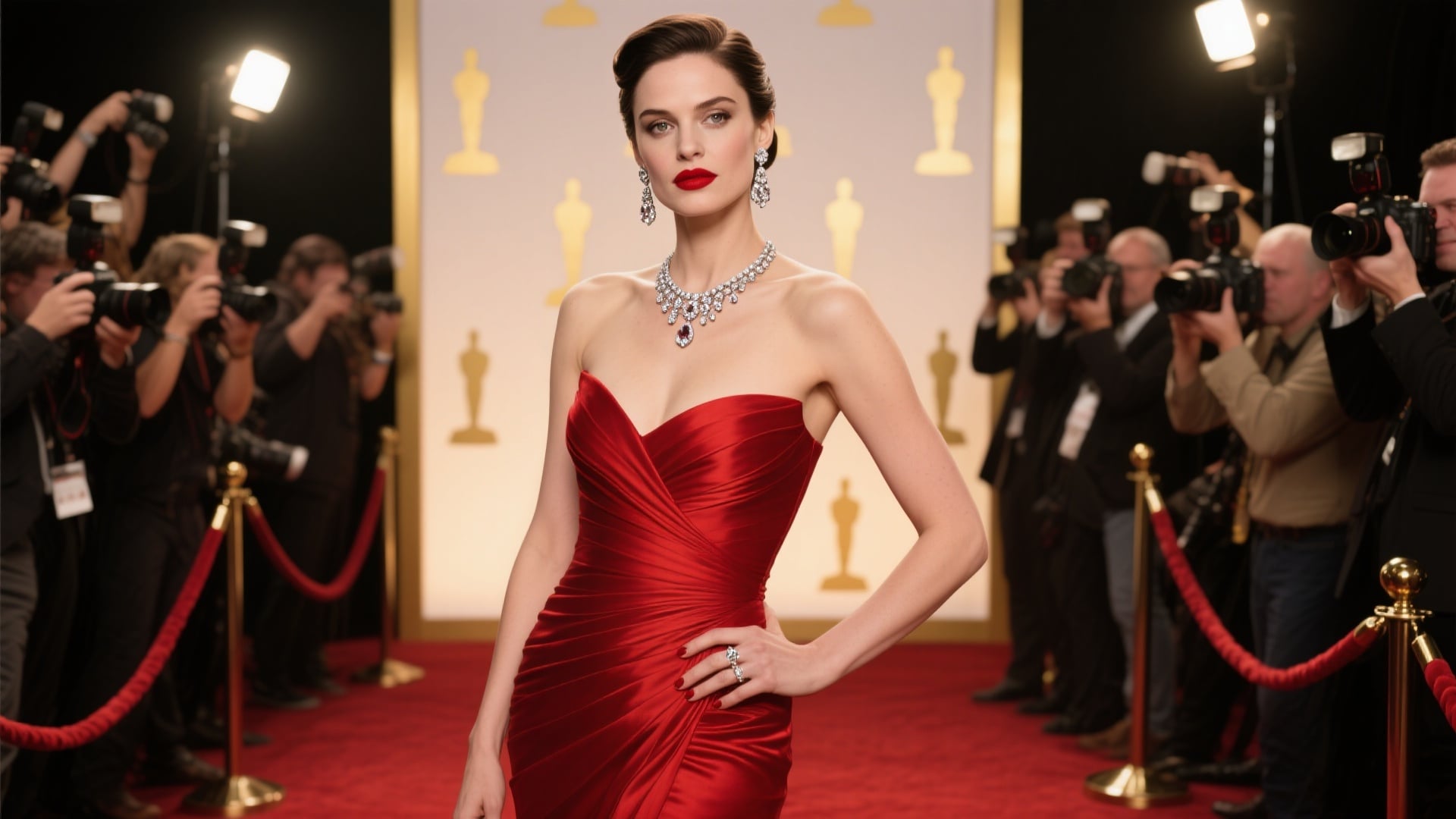
Professional Oscar Photo/Video Editing with Filmora's Advanced Tools
Professional Oscar Photo/Video Editing with Filmora's Advanced Tools
Take your Oscar AI photo to the next level with Filmora's comprehensive editing suite. Add Hollywood-style text overlays, golden color grading, custom glamour effects, and fine-tune shadows, highlights, and textures to create a personalized red carpet aesthetic.
- Hollywood Text Styles — Oscar night typography, award show title cards, and star name plates
- Advanced Color Grading — Enhance golden tones, dramatic lighting, and skin luminosity
- Custom Graphics & VFX — Camera flashes, golden bokeh, light flares, spotlight overlays
- Precise Editing Controls — Adjust highlights, shadows, gown textures, and background blur to perfect your AI prompt results
FAQs About Oscar Red Carpet AI Prompts & AI Photo Generator
- Open Filmora's AI image generator on desktop or mobile.
- Browse our Oscar prompt templates and choose your preferred style (gown, tuxedo, colors).
- Upload a clear portrait photo (front-facing, good lighting).
- Paste the chosen prompt and click Generate.
- Download your 8K cinematic celebrity portrait and share it. Pro tip: try multiple prompts on the same photo for your ultimate look.
- "A woman in an elegant deep red mermaid gown standing on the Oscar red carpet, diamond necklace, smokey eyes, golden spotlight, paparazzi flashes, Vogue style portrait, 8K ultra-realistic."
- "A man in a classic black tuxedo with bow tie, confident pose on the Oscar red carpet, step-and-repeat backdrop, dramatic rim lighting, celebrity portrait, 8K resolution."
- Built-in Nano Banana Pro model optimized for celebrity portrait and fashion transformations
- Full editing suite to enhance photos (text overlays, Hollywood color grading)
- One-click video conversion for TikTok and Instagram reels
- 2.9M+ creative assets including Oscar-style templates, fonts, and VFX
- Use dramatic high-contrast prompts (deep red gown, navy velvet tuxedo).
- Create a video version with Filmora animation templates — videos get 3-5x more reach.
- Post during Oscar week for peak traffic.
- Use trending hashtags: #Oscars2026 #RedCarpetAI #AIFashion #OscarStyle #HollywoodGlam.
- Use before/after reveal showing original vs. Oscar AI transformation for higher engagement.
How to Make an Oscar Red Carpet Photo Online
Want to create your own Oscar Red Carpet Photo for social media? Follow this quick guide and get red carpet-style images in under a minute. You can use any AI photo tool or editor. It’s easy to create Oscar Red Carpet Photos for TikTok, Instagram Reels, or YouTube thumbnails—even if you've never used an effect like this before.
Step 1 Open Your AI or Photo Editing App

Step 2 Upload or Snap Your Photo

Step 3 Edit, Download, and Share

-
1: Open Your AI or Editing App
Launch your chosen AI generator or photo editing tool, then start a new project to make your Oscar Red Carpet Photo. -
2: Upload or Take Your Photo
Select or snap a picture to turn into an Oscar Red Carpet Photo. Add a red carpet background or trending effect. -
3: Edit and Share Your Oscar Red Carpet Photo
After the effect is ready, preview, download, and post your Oscar Red Carpet Photo to Instagram, TikTok, or YouTube.
More Than Just Oscar Red Carpet Photos
Filmora isn't limited to just Oscar red carpet AI photo effects. Once you've mastered Hollywood glamour, explore a universe of AI-powered creative transformations — all using the same simple prompt-based workflow. Your imagination is the only limit.







