

 100% Security Verified | No Subscription Required | No Malware


 ChatGPT
 Perplexity
 Gemini
 Claude
 Grok
Grok
This Coffee Pouring Slow Motion LUT-inspired filter collection is designed for content creators who want every drip, swirl, and steam trail to look cinematic on screen.
From moody espresso bars to bright brunch vlogs, these filters give your coffee footage a consistent visual identity with rich tones, creamy highlights, and smooth motion-friendly contrast.
In this article
Cozy Countertop Coffee Shots
Warm Crema Glow
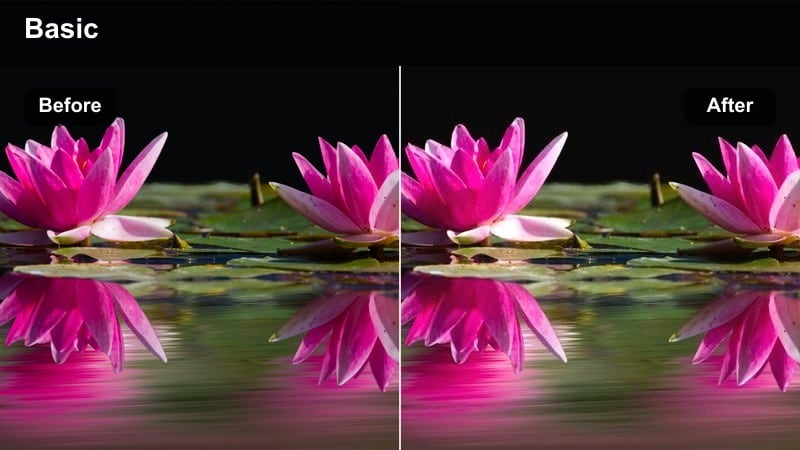
- Effect look: Soft, golden warmth that emphasizes crema and highlights in slow motion coffee pours.
- Best for: Overhead coffee pours, latte art close-ups, and cozy desk setups with warm lamps.
- Editing tip: Lower overall contrast slightly to keep crema details smooth and avoid crunchy highlights in slow motion.
Warm Crema Glow wraps your slow motion coffee pours in a soft, golden tone that makes crema, foam, and highlights look rich and inviting. It subtly lifts warm hues while keeping browns deep, so every drip and swirl feels cinematic without looking oversaturated.
In Filmora, apply this filter to your primary coffee b-roll clips and then fine-tune exposure in the Color panel to protect highlight detail on the crema. For sequences that include hands or faces, slightly reduce temperature or adjust skin tones with HSL controls so the coffee stays warm and appetizing without pushing skin into orange territory.
AI-Assisted Color Matching for Coffee Footage
Use Filmoras AI color tools to quickly balance clips shot in different cafes or lighting setups before you start styling with coffee filters. Matching a hero clip to the rest of your timeline ensures crema, mugs, and tabletops keep a consistent tone from shot to shot.
Once your base color and exposure are aligned, Coffee Pouring Slow Motion LUT-inspired looks will drop onto your footage more cleanly, so you spend less time fixing mismatched shots and more time polishing your edit.
Open your project in Filmora, select a hero coffee clip, and let AI color matching align the rest before you apply any filters.
 secure download

Preview Filters in Real Time on Slow Motion Clips
Filmora lets you preview coffee filters live over your slow motion shots so you can instantly see how crema, steam, and reflections react to each style. This speeds up your workflow when you are testing several aesthetic directions for the same pour.
Hover through options in the Filters tab while your clip plays back and compare how different looks affect mood, brightness, and color balance before you commit.
Import your coffee b-roll, switch to the Filters tab, and scrub through your clip while previewing different looks.
secure downloadCombine Filters With Coffee LUTs for Signature Styles
Stacking Filmora filters with dedicated coffee pouring slow motion LUTs lets you build a signature grading recipe that matches your brand or channel aesthetic. You can use filters to shape overall mood, then fine-tune color with LUTs on top.
Once you land on a combination you like, save it as a preset so each new cafe shoot can be matched in a single click, keeping your latte art, mugs, and backgrounds visually cohesive across episodes.
After you find a filter that fits, add a LUT on top, refine exposure, and save the combo as a reusable preset in Filmora.
secure downloadMatte Morning Brew
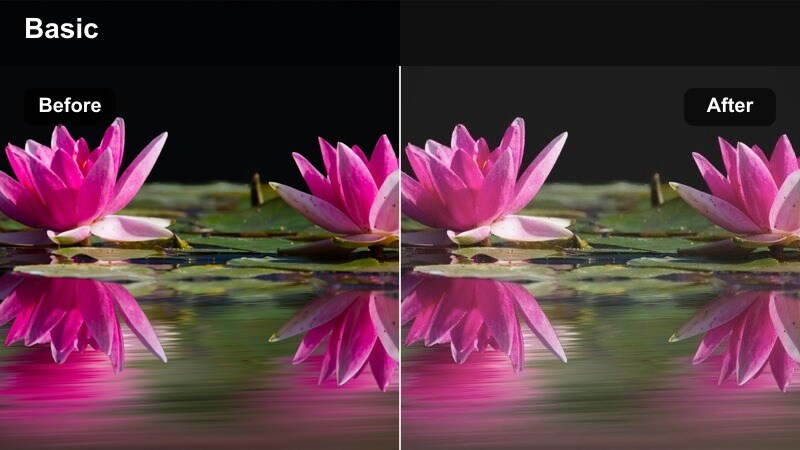
- Effect look: Low-contrast, matte finish with soft shadows and gentle highlights for a calm morning vibe.
- Best for: Minimalist countertop setups, journal-and-coffee shots, and slow motion drip coffee sequences.
- Editing tip: Add a slight fade in the blacks to keep the matte look consistent and reduce sharp edges on steam.
Matte Morning Brew softens contrast to create a relaxed, minimal aesthetic that works perfectly for calm morning routines and workspace setups. By gently lifting shadows and flattening the curve, it makes bright countertops, mugs, and journals feel soft and approachable.
In Filmora, drop this filter onto your slow motion clips, then fine-tune black levels and midtone brightness to balance the matte look with enough detail in steam and glass. If the image starts to feel too flat, add a touch of midtone contrast or clarity in the Adjust panel while keeping global contrast low to preserve the airy visual style.
Rich Espresso Focus
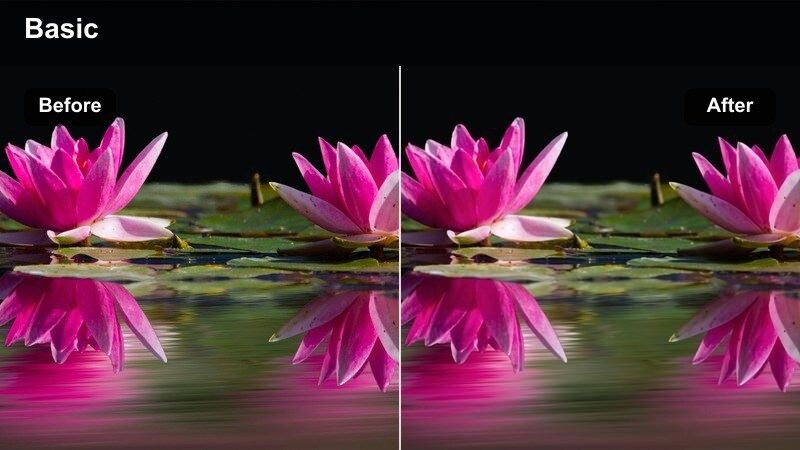
- Effect look: Deep, rich browns with boosted micro-contrast to define every ripple of espresso in slow motion.
- Best for: Close-up espresso shots, bottomless portafilter pours, and moody bar counter footage.
- Editing tip: Reduce saturation in surrounding elements so the espresso stream remains the most vivid part of the frame.
Rich Espresso Focus is built to emphasize every ripple, bubble, and swirl in your espresso pours. It boosts micro-contrast and deepens browns so the stream of coffee becomes the visual centerpiece, especially in tight slow motion macro shots.
In Filmora, apply this filter to close-ups and hero shots, then use Color or Mask tools to subtly darken or desaturate the background so the cup and pour command attention. Adjust sharpness carefully to enhance texture on crema without introducing noise in darker areas of the frame.
Moody Cafe Ambience
Dim Cafe Amber
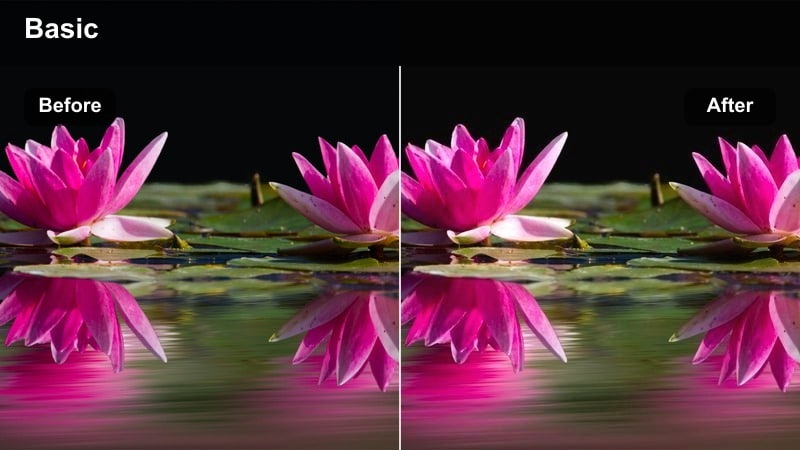
- Effect look: Amber-tinted shadows and soft highlights that mimic cozy, low-light cafe interiors.
- Best for: Slow motion barista sequences, bar counters, and moody corner table shots under warm bulbs.
- Editing tip: Lift the shadows just a touch to recover detail while preserving the moody, amber glow.
Dim Cafe Amber recreates the feel of a warmly lit cafe at dusk, with rich amber shadows and softened highlights that flatter low-light footage. It helps rescue dim shots while keeping the overall mood cozy and cinematic.
In Filmora, add this filter to bar counter clips and corner table scenes, then apply moderate noise reduction in the Basic or AI tools if your footage is grainy. Gently raise shadows and tweak white balance if needed so details like cups, hands, and beans remain visible without losing the amber atmosphere.
Noir Barista Slow Mo
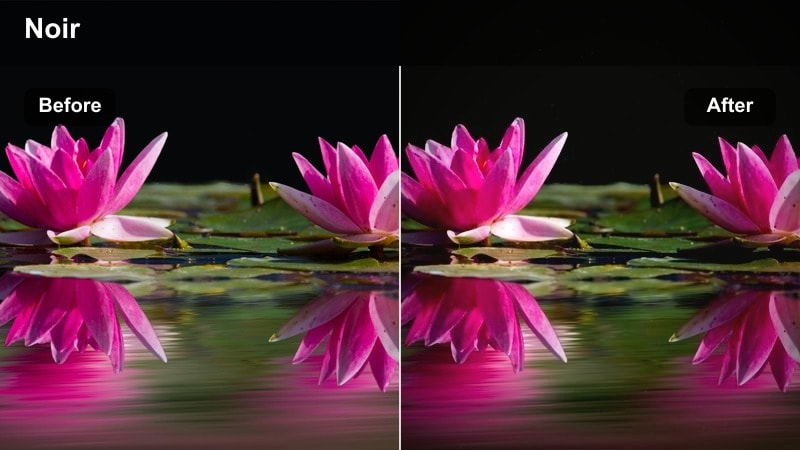
- Effect look: High contrast, desaturated tones with deep shadows for a cinematic noir cafe feel.
- Best for: Side-lit barista pours, reflective countertops, and storytelling-focused coffee b-roll.
- Editing tip: Use subtle film grain after applying the filter to complete the noir mood without overwhelming fine details.
Noir Barista Slow Mo leans into dramatic contrast and muted colors to give your cafe footage a story-driven, cinematic edge. Strong highlights and deep blacks make side-lit pours, silhouettes, and reflections feel more intense on screen.
In Filmora, apply this filter to narrative b-roll sequences and then fine-tune exposure so that important details are not crushed in the shadows. Add a light film grain effect and a vignette around the frame to enhance the noir aesthetic while keeping faces and the coffee pour itself clearly visible.
Hazy Window Steam
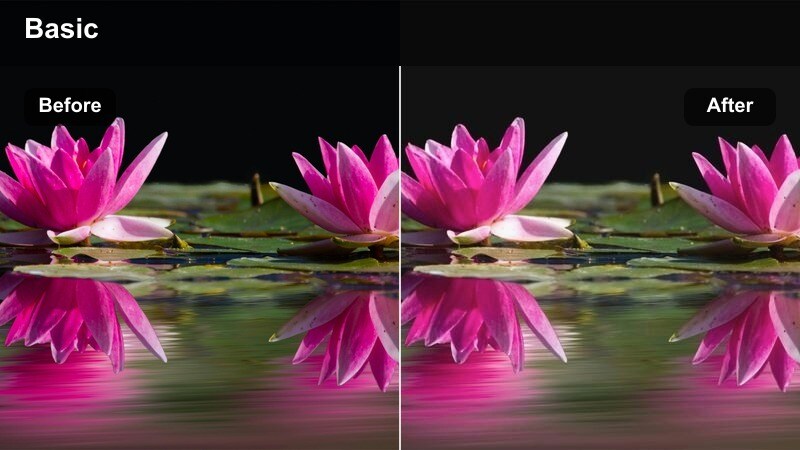
- Effect look: Soft glow around highlights with slightly muted colors to emphasize steam and window light.
- Best for: Slow motion shots near cafe windows, backlit coffee mugs, and steamy pour-overs.
- Editing tip: Add a small amount of highlight bloom to make steam and backlight feel dreamier in motion.
Hazy Window Steam adds a gentle halo to bright areas and slightly softens color, making steam trails and window light look dreamy in slow motion. It is ideal for backlit mugs, foggy windows, and atmospheric pour-overs.
In Filmora, combine this filter with mild highlight bloom or glow effects to further separate steam from the background. Keep overall contrast moderate so the haze remains visible, and reduce bloom intensity around titles or overlays using masks to maintain text clarity.
Bright Brunch Cafe Scenes
Sunlit Brunch Pour
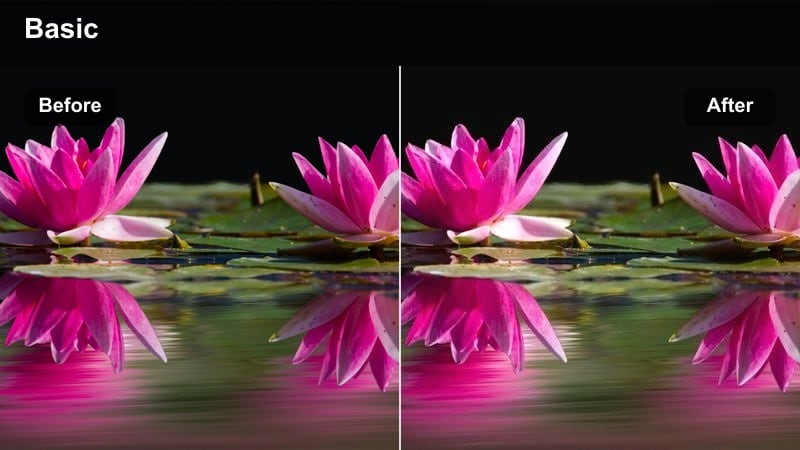
- Effect look: Clean, bright whites with slightly warm midtones that flatter brunch table coffee pours.
- Best for: Brunch vlogs, top-down table scenes, and slow motion coffee being poured beside plates and laptops.
- Editing tip: Pull back highlights just enough to keep white plates detailed while maintaining a sunny feel.
Sunlit Brunch Pour brightens whites and gently warms midtones to capture the freshness of a late-morning cafe. It keeps plates, napkins, and tablets looking crisp while letting coffee and pastries pop against the table.
In Filmora, apply this filter to top-down or wide brunch shots and then lower highlight levels slightly if tabletops start clipping. Use selective saturation on browns and beiges so coffee, wood, and pastries draw the eye without overpowering the clean, airy look of the scene.
Pastel Cafe Morning
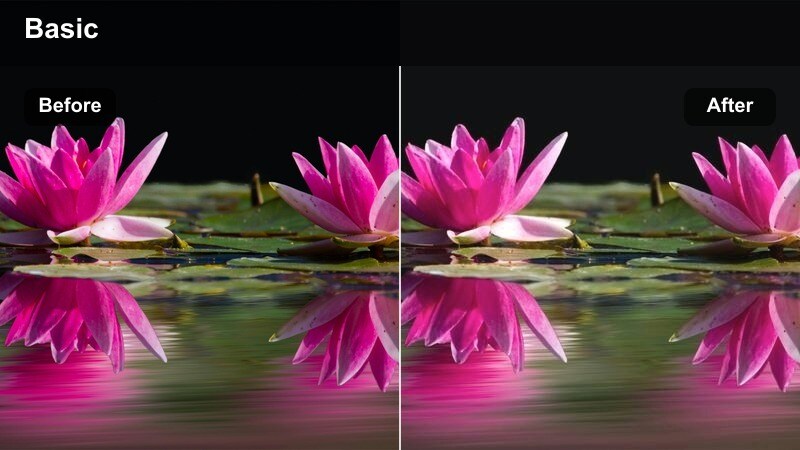
- Effect look: Soft pastel shifts and reduced contrast that give brunch coffee scenes a light, lifestyle aesthetic.
- Best for: Lifestyle cafe b-roll, planners and laptops with coffee, and airy social media reels.
- Editing tip: Slightly brighten midtones to keep hands and table decor looking clean and soft on mobile screens.
Pastel Cafe Morning nudges colors toward gentle pastels and lowers contrast, creating a polished lifestyle look perfect for social feeds and reels. It softens harsh lines and makes decor, mugs, and hands feel light and aesthetically pleasing.
In Filmora, use this filter across multiple brunch clips to build a cohesive look for vlogs, promos, or Instagram-style edits. After applying it, increase midtone brightness just enough that skin and details remain clear on small mobile screens, and keep motion simple so the color palette remains the focal point.
Clean Edit Latte
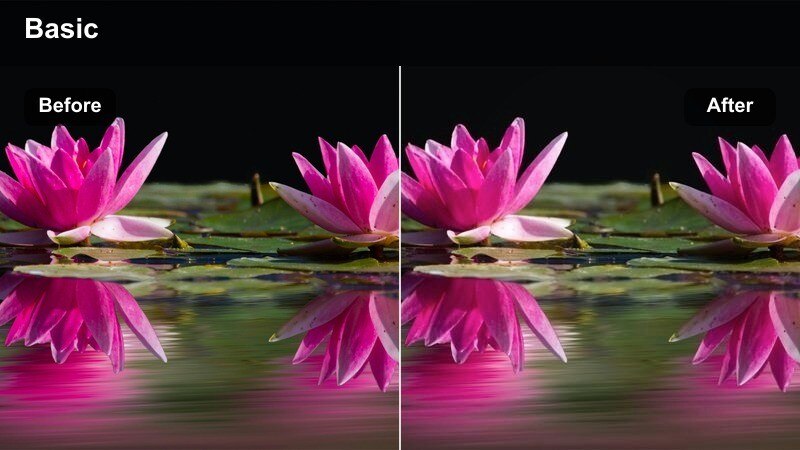
- Effect look: Neutral whites and true-to-life colors with a subtle clarity boost for latte art details.
- Best for: Product-style latte art close-ups, sponsored cafe content, and neutral brand-focused footage.
- Editing tip: If logos are visible, keep saturation balanced so branding colors remain accurate on all platforms.
Clean Edit Latte keeps colors accurate and whites neutral while adding a slight clarity boost to highlight latte art patterns. It is ideal when you need your coffee content to look professional and brand-safe without heavy stylization.
In Filmora, apply this filter to sponsored content or product shots, then double-check brand colors against your reference materials. Use subtle sharpening on foam details and cups, but avoid overdoing contrast or saturation so everything stays realistic and consistent across platforms.
Macro Pours and B-Roll Details
Drip Detail Macro
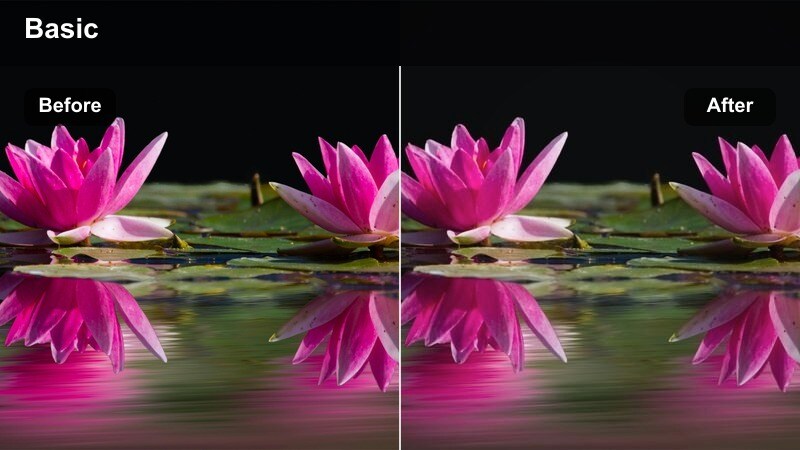
- Effect look: Punchy contrast and targeted sharpness that highlight individual coffee droplets in slow motion.
- Best for: Macro shots of drips, splashes, and coffee hitting ice in glass cups.
- Editing tip: Use this filter on select b-roll shots so the most detailed moments feel extra crisp within your sequence.
Drip Detail Macro is tuned to make every droplet and splash stand out, with added contrast and sharpness that emphasize texture and motion. It turns quick cutaway shots of coffee hitting glass or ice into striking visual accents in your edit.
In Filmora, reserve this filter for your closest and most detailed slow motion clips, then balance it with softer looks on surrounding shots to avoid visual fatigue. If noise appears in darker areas, run a mild denoise pass before applying the filter so the enhanced sharpness focuses on droplets rather than grain.
Slow Ice Coffee Flow
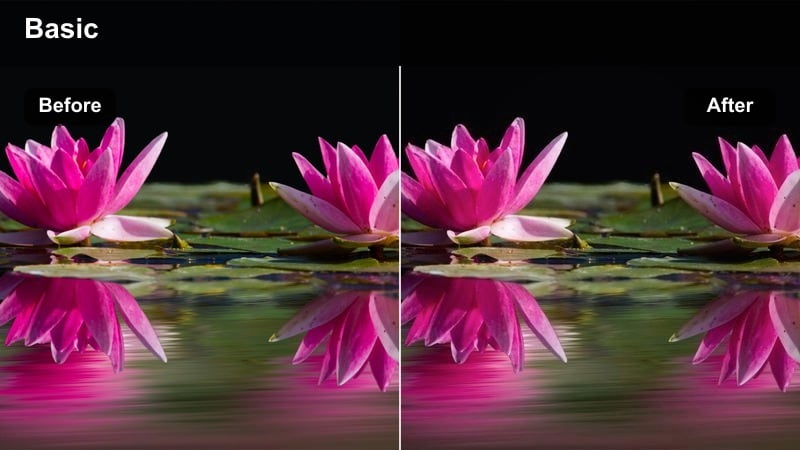
- Effect look: Cooler highlights with clear separation between coffee and ice for refreshing iced coffee pours.
- Best for: Slow motion iced coffee pours into glass tumblers, especially with natural window backlight.
- Editing tip: Slightly increase saturation in the amber tones to emphasize the swirl of coffee through ice.
Slow Ice Coffee Flow cools down highlights and enhances clarity in glass and ice, giving iced coffee pours a refreshing, thirst-quenching look. It keeps the coffee stream distinct from the ice so every swirl reads clearly in slow motion.
In Filmora, combine this filter with backlit footage to maximize sparkle and transparency in the glass. After applying, gently boost saturation in warm amber tones while maintaining cooler whites, so the coffee stands out beautifully against the crisp, chilled setting.
Cinematic Pour Intro
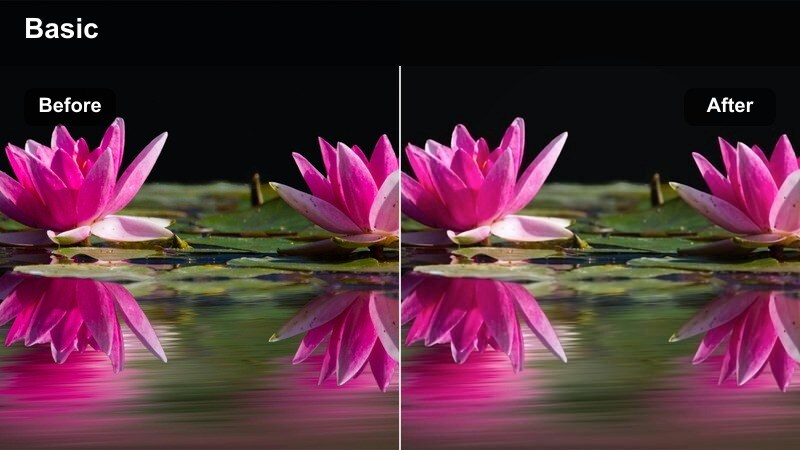
- Effect look: Balanced cinematic contrast with gentle color shaping to make opening coffee pours feel like a title sequence.
- Best for: Intro shots, channel openers, and hero b-roll of coffee pouring in slow motion.
- Editing tip: Pair with slow push-in camera movement and subtle background blur for a polished cinematic intro.
Cinematic Pour Intro gives your opening coffee shots a polished, filmic feel with balanced contrast and subtly sculpted color. It is designed for hero pours that play under titles, logos, or opening voiceovers.
In Filmora, apply this filter to your first few clips, then add gentle camera motion using keyframed scale and position to create a slow push-in or pull-out. Leave enough negative space in the frame for text overlays, and adjust brightness so titles remain legible without sacrificing the rich look of the coffee.
Tips for Using Coffee Pouring Slow Motion Lut Filters in Filmora
- Shoot coffee pours at a higher frame rate with solid lighting so filters can enhance detail instead of trying to fix noisy footage.
- Lock white balance in-camera at the cafe to avoid color shifts between clips when applying slow motion coffee filters.
- Film a neutral reference shot of a white cup on the table to quickly balance exposure and color before grading your whole sequence.
- Use smoother camera moves, like sliders or gentle handheld drifts, to complement the slow motion pacing of coffee pours.
- Cut between wide, medium, and macro coffee shots while keeping the same filter family for a cohesive visual story.
- Always check your final graded coffee clips on a phone screen, since most viewers will watch your content on mobile.
- If steam disappears after grading, reduce contrast in the highlights and add a touch of bloom to bring it back.
- Create a short LUT or filter test reel each time you film at a new cafe so you can quickly pick the best look later.
Thoughtfully chosen coffee pouring slow motion filters can turn simple cafe b-roll into cinematic storytelling that enhances your brand and keeps viewers watching.
Build a consistent look, save your favorite presets, and let Filmora handle the heavy lifting so you can focus on capturing beautiful pours, steam, and cafe atmosphere on every shoot.
secure download