

 100% Security Verified | No Subscription Required | No Malware


 ChatGPT
 Perplexity
 Gemini
 Claude
 Grok
Grok
Faded Coral is a soft, warm hue that sits between peach and blush, with just enough saturation to feel alive but not overwhelming. It often evokes feelings of warmth, intimacy, and nostalgia, which makes it a favorite for romantic visuals, lifestyle content, and modern branding. Because it feels welcoming and flattering on skin tones, Faded Coral naturally fits beauty, wedding, and everyday vlog aesthetics.
In video editing, thumbnails, channel art, and intros, Faded Coral can guide the viewer's emotions before the first frame even plays. Paired with neutrals, deep charcoals, or aqua accents, it can look dreamy, bold, or editorial. Below you will find 15 Faded Coral color palettes with HEX codes that are perfect for creators, designers, and Filmora users who want consistent, on-brand visuals across YouTube thumbnails, social content, and cinematic edits.
In this article
Soft And Romantic Faded Coral Color Palettes
Sunlit Blush Romance
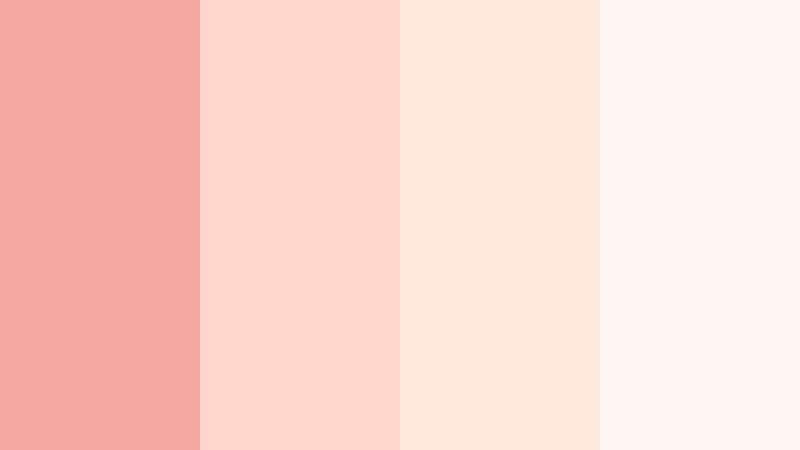
- HEX Codes: #f4a6a1, #ffd6cc, #ffe9dd, #fef6f2
- Mood: Tender, dreamy, and intimate.
- Use for: Perfect for wedding highlight reels, save-the-date animations, and soft lifestyle thumbnails.
Sunlit Blush Romance combines a gentle Faded Coral with creamy off-whites to mimic the look of golden-hour light on skin. The palette feels like a warm breeze through sheer curtains, making it ideal when you want your visuals to whisper romance rather than shout it.
Use this scheme for wedding titles, lower thirds in engagement films, or as the base colors for a feminine YouTube channel brand. In Filmora, you can bring these tones into text, overlays, and simple shapes for consistent titles, intros, and end screens that all feel part of the same love story.
Pro Tip: Enhance Your Faded Coral Visuals With Filmora
To keep a soft Faded Coral look like Sunlit Blush Romance consistent, build a simple style guide inside Filmora. Save your coral and cream HEX codes in custom color presets, then reuse them across titles, subtitles, and motion graphics. When every element shares the same coral family, your wedding reels and lifestyle edits instantly look more professional.
You can also combine this palette with gentle blur backgrounds and vignette effects in Filmora so faces stay the focal point while the coral hues subtly frame your scene. This works beautifully for intros, save-the-date clips, Instagram Reels, and teaser trailers.
AI Color Palette
If you already have a favorite Faded Coral reference image, like a bouquet photo or a bridesmaid dress, Filmora's AI Color Palette feature can help you match that look across your whole edit. Simply use the reference as your style source and apply its tones to all your clips for instant color consistency.
This is especially powerful for wedding or romantic lifestyle projects, where different cameras and lighting conditions can easily shift colors. With AI Color Palette, your coral tones stay gentle and unified from the opening shot to the closing credits.
 secure download

HSL, Color Wheels & Curves
Once your base palette is in place, refine your Faded Coral tones with HSL and curves controls in Filmora. Use the HSL panel to gently desaturate reds and oranges so skin tones stay natural while coral accents remain soft. Then, use color wheels and curves to warm up highlights and slightly cool the shadows, creating a cinematic, pastel look that still feels clean.
If you want a deeper dive into tonal control, you can follow Filmora's tutorials on advanced color grading with HSL and curves to see how small adjustments in luminance and saturation can protect your coral without pushing it too bright or too dull.
secure download1000+ Video Filters & 3D LUTs
To speed up your workflow, you can start from Filmora's video filters and 3D LUTs and then nudge them toward Faded Coral. Pick a soft pastel or wedding LUT, adjust the tint and saturation, and you will quickly land on a cohesive coral look for your entire timeline.
This approach is perfect when you need matching colors for teasers, vertical shorts, and full-length edits. Once you find a combination that flatters your coral palette, save it as a custom preset and reuse it across all your romantic or lifestyle projects.
secure downloadCoral Whisper Morning
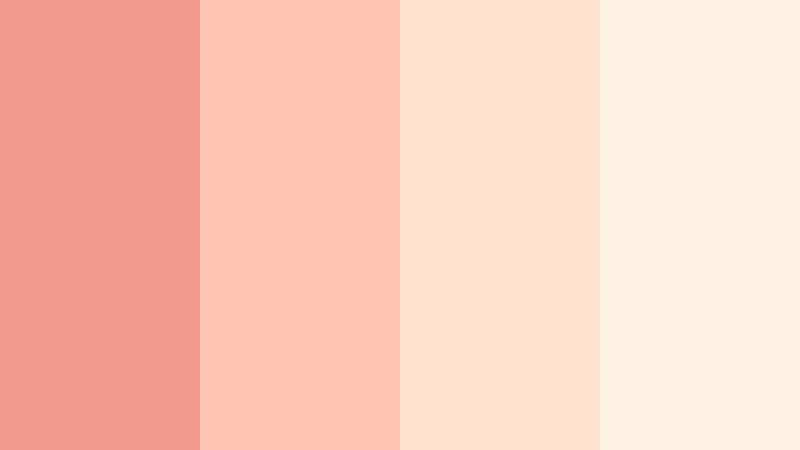
- HEX Codes: #f29a8e, #ffc4b2, #ffe3cf, #fdf1e4
- Mood: Calm, hopeful, and uplifting.
- Use for: Use this palette in morning routine vlogs, wellness intros, and gentle coaching content.
Coral Whisper Morning eases from a warm coral into peach and ivory, echoing the softness of early sunlight. It feels calm and optimistic, perfect for setting a soothing tone at the start of a video or a new playlist on your channel.
In Filmora, try using these hues in lower thirds, checklists, and icons for morning routines, journaling videos, or self-care explainers. Paired with light music and slow transitions, this palette makes your thumbnails and intros feel like a fresh start to the day.
Blush Petal Keepsake
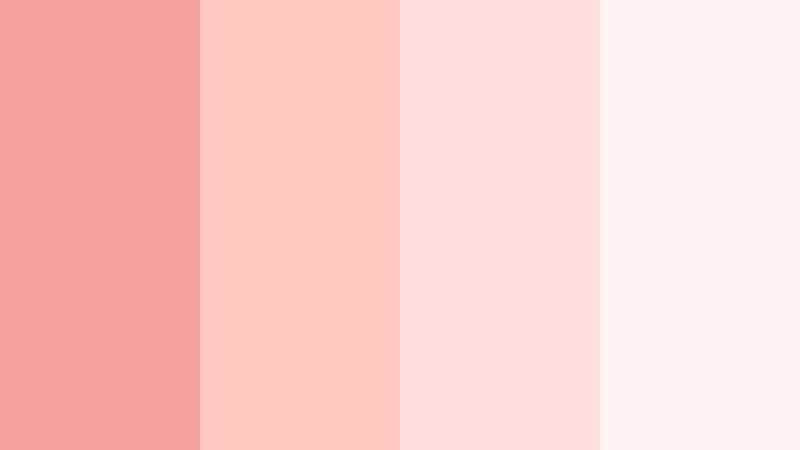
- HEX Codes: #f3a39b, #ffc9c2, #ffe0da, #fff4f3
- Mood: Nostalgic, sentimental, and warm.
- Use for: Lovely for memory slideshows, anniversary films, and scrapbook-style edits.
Blush Petal Keepsake leans into delicate blush tones and powdery whites, capturing the feeling of pressed flowers and handwritten letters. It is soft enough to support emotional storytelling without distracting from your footage.
Use these HEX codes for frames, transitions, and caption backgrounds in Filmora when you are cutting together anniversary montages or family memory reels. The pale coral tints help unify photos from different years into one cohesive, sentimental story.
Vintage Coral Postcard
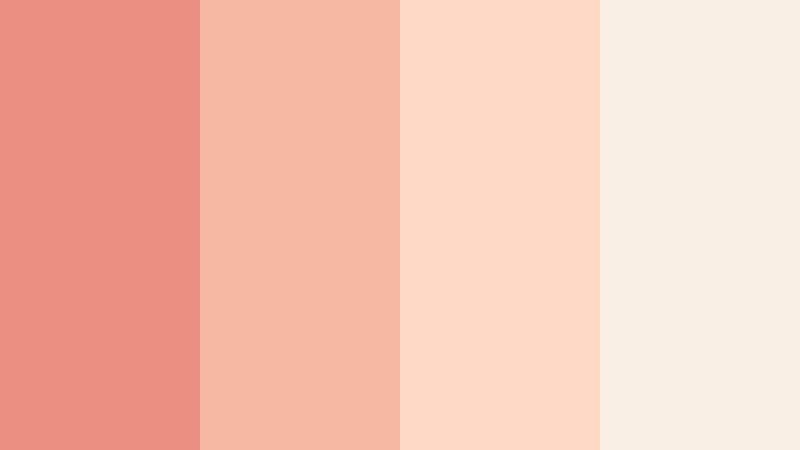
- HEX Codes: #e98f81, #f6b7a3, #fdd8c3, #f9efe5
- Mood: Retro, cozy, and charming.
- Use for: Ideal for travel diaries, retro title cards, and nostalgic brand throwbacks.
Vintage Coral Postcard has a slightly muted coral paired with sun-faded neutrals, like an old seaside postcard or a retro magazine cover. It instantly gives your content a cozy, time-worn charm.
Try this palette for travel vlogs that revisit past trips, retro-style intro cards, or brand throwback campaigns. In Filmora, combine these colors with grain overlays, film-burn effects, and slower transitions to reinforce the nostalgic mood in both your thumbnails and sequences.
Powder Coral Daydream
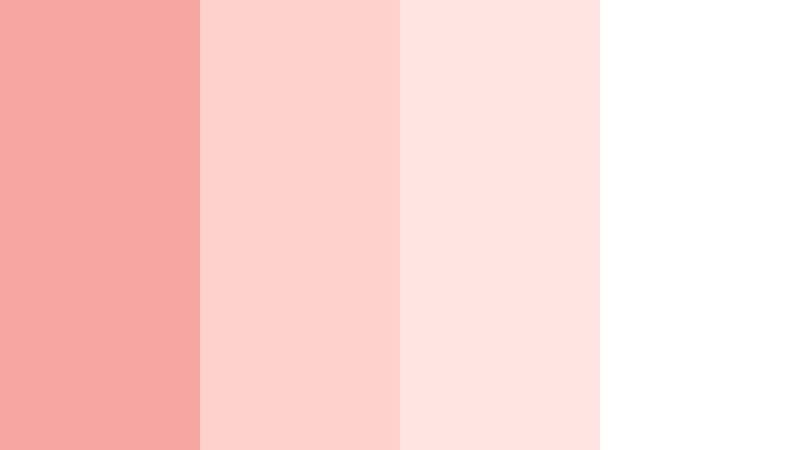
- HEX Codes: #f6a8a0, #ffd0cc, #ffe6e3, #ffffff
- Mood: Airy, innocent, and optimistic.
- Use for: Great for planner videos, stationery branding, and soft educational explainers.
Powder Coral Daydream combines powdery coral with milky whites for a cloudlike, airy feel. It keeps visuals bright and approachable, making it ideal for content aimed at students, stationery lovers, or anyone who prefers a light, clean aesthetic.
Use this palette in Filmora for planner walkthroughs, how-to tutorials, and digital product previews. White backgrounds with coral accents keep your graphics legible while still bringing a gentle personality to infographics, checklists, and chapter cards.
Bold And Vibrant Faded Coral Color Palettes
Neon Coral Pop
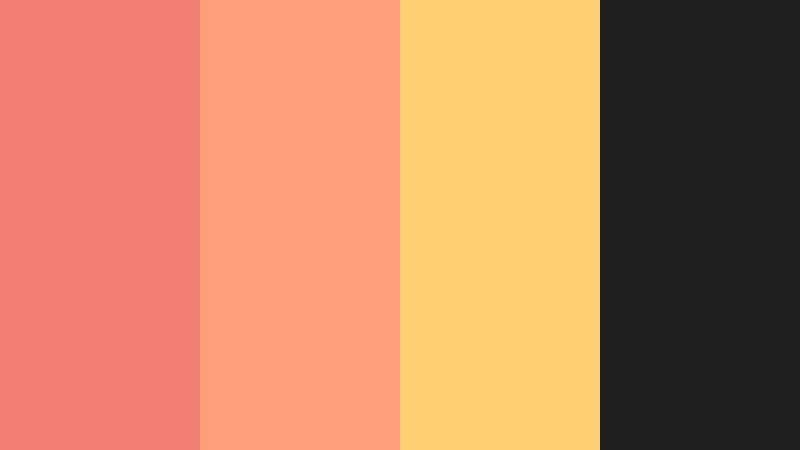
- HEX Codes: #f27d72, #ff9f7a, #ffd071, #1f1f1f
- Mood: Energetic, edgy, and eye-catching.
- Use for: Perfect for click-worthy YouTube thumbnails, music promos, and bold social ads.
Neon Coral Pop pushes Faded Coral into a punchier territory, balanced by deep charcoal and a warm golden accent. The contrast between bright coral and almost-black makes any text or icon leap off the screen.
Use it when you need maximum impact: reaction video thumbnails, music or gaming promos, or social ads that must stand out in a crowded feed. In Filmora, combine these HEX codes with bold fonts, glow effects, and fast cuts to deliver energetic, modern visuals.
Tropical Coral Splash
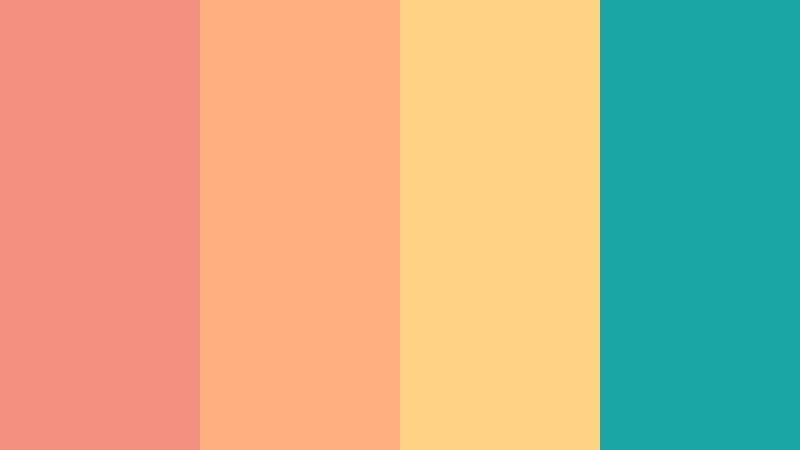
- HEX Codes: #f38f7d, #ffb07f, #ffd384, #1aa5a5
- Mood: Playful, sunny, and adventurous.
- Use for: Use this for travel vlogs, summer collections, and upbeat brand intros.
Tropical Coral Splash mixes bright coral with sunlit yellow and aqua teal, instantly suggesting beaches, cocktails, and summer adventures. The teal accent stops the palette from feeling too warm, adding a refreshing, oceanic twist.
Bring this into Filmora for travel montages, beach holiday recaps, or new summer product launches. Use the aqua as a highlight for buttons and subscribe CTAs, while the coral and yellow drive your backgrounds, frames, and animated shapes.
Coral Street Festival
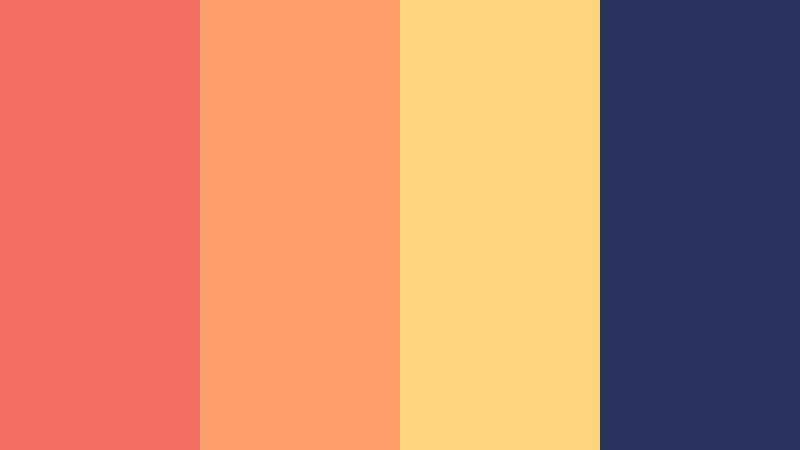
- HEX Codes: #f26e63, #ff9e6b, #ffd57e, #29335c
- Mood: Festive, urban, and dynamic.
- Use for: Great for event promos, festival highlight videos, and dance content.
Coral Street Festival pairs vivid coral and citrus tones with a deep navy, delivering street-style energy that still feels warm and inclusive. The navy brings in a night-sky vibe that works especially well for city life content.
Use this palette for dance reels, concert recaps, and event promos where movement and rhythm matter. In Filmora, you can highlight beats with coral text pops against navy backgrounds and use the yellow tones for accent strokes or animated badges.
Sunset Coral Beats
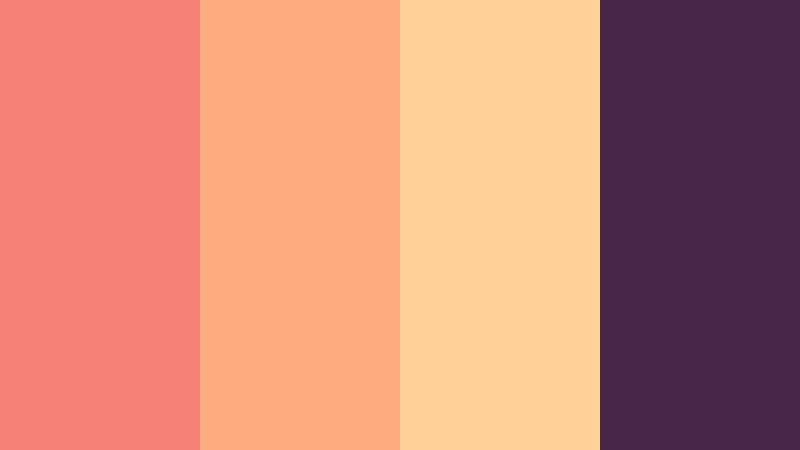
- HEX Codes: #f48174, #ffab80, #ffd199, #462749
- Mood: Moody, rhythmic, and cinematic.
- Use for: Ideal for music videos, lyric visuals, and nightlife reels with a sultry twist.
Sunset Coral Beats shifts Faded Coral toward glowing oranges and pairs them with a dusky purple. The result feels like a rooftop sunset turning into night, making it a strong choice for cinematic or music-driven content.
Use this palette for lyric videos, lo-fi edits, and nightlife promos. In Filmora, combine slow zooms, light leaks, and these warm coral highlights over purple gradients to create a modern, immersive mood for your audience.
Coral Citrus Energy
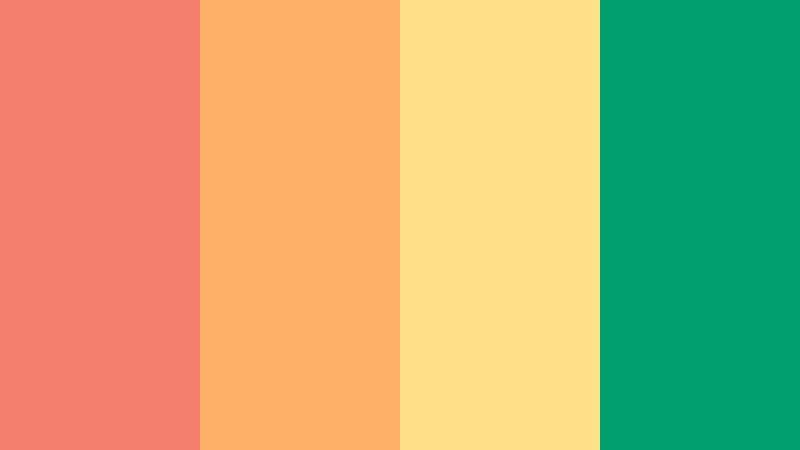
- HEX Codes: #f37f6c, #ffb067, #ffe187, #009d6f
- Mood: Fresh, zesty, and motivational.
- Use for: Use for fitness intros, productivity reels, and bold product launches.
Coral Citrus Energy mixes lively coral and citrus yellow with a punchy green accent, creating a palette that feels like a burst of fresh juice. It is bright, bold, and designed to motivate viewers into action.
For fitness channels, productivity content, or energetic product launches, use these colors in stat counters, progress bars, and bold callouts. In Filmora, pair fast transitions and upbeat music with this palette to keep energy levels high from thumbnail to outro.
Elegant And Modern Faded Coral Color Palettes
Coral And Charcoal Luxe
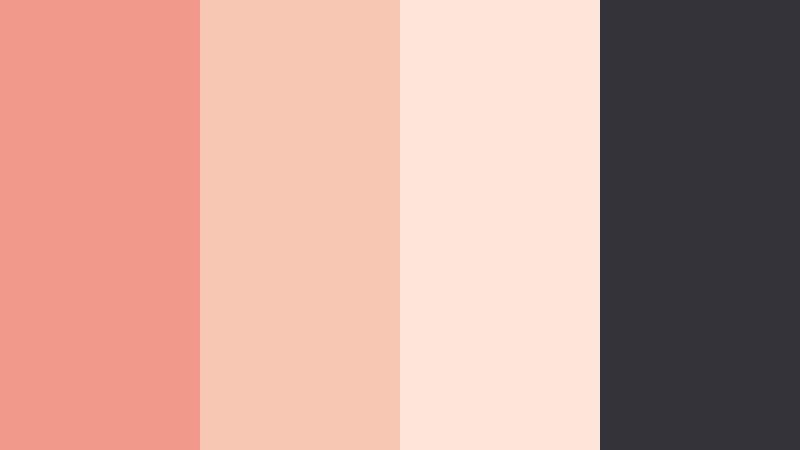
- HEX Codes: #f19a8c, #f7c7b4, #fce4d9, #333339
- Mood: Sophisticated, clean, and upscale.
- Use for: Perfect for brand intros, portfolio reels, and premium product showcases.
Coral And Charcoal Luxe softens Faded Coral with warm neutrals and anchors everything in a deep charcoal. This mix feels editorial and high-end, ideal when you want warmth without losing a professional edge.
Use it for portfolio openers, beauty brand intros, or premium course trailers. In Filmora, place coral accents on charcoal backgrounds for titles, then keep body text in soft neutrals so everything remains elegant and easy to read.
Minimal Coral Studio
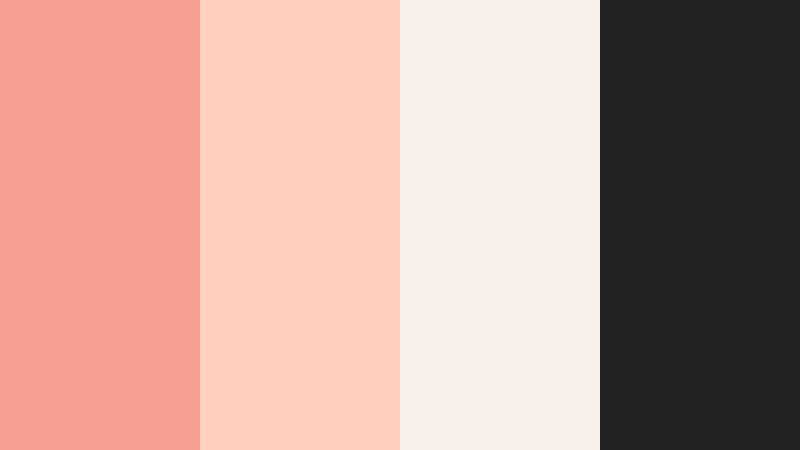
- HEX Codes: #f5a091, #ffd0bc, #faf0ea, #222222
- Mood: Refined, minimal, and confident.
- Use for: Use this palette for design tutorials, UI mockups, and modern brand explainers.
Minimal Coral Studio keeps things sleek with a studio-clean combination of coral, sandy beige, and deep black. It feels modern and confident, perfect for design-forward channels and brands that care about aesthetics.
Use this palette in Filmora to frame UI walkthroughs, design breakdowns, or SaaS explainers. Coral can highlight key states or call-to-action buttons on screen, while the neutrals and black provide structure and contrast in titles and overlays.
Coral Champagne Evening
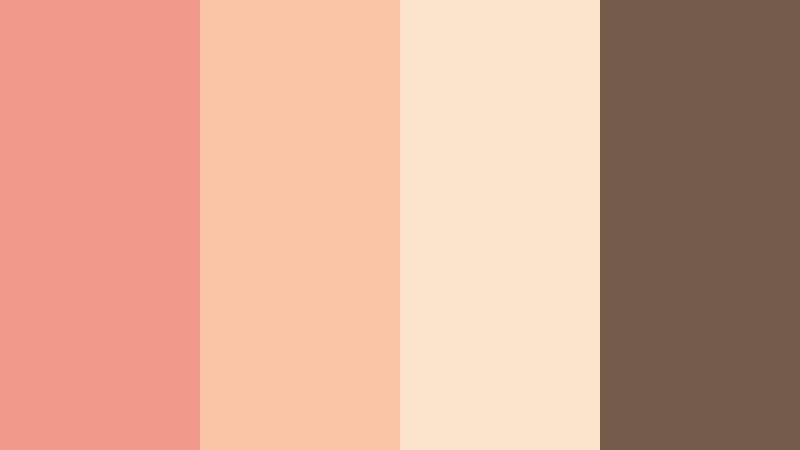
- HEX Codes: #f0988a, #f9c5a6, #fbe4c9, #735a4a
- Mood: Glamorous, warm, and intimate.
- Use for: Ideal for cocktail event promos, bridal editorials, and luxury lifestyle content.
Coral Champagne Evening blends elegant coral with champagne beige and a soft cocoa accent, giving your visuals a warm, candlelit glow. It feels luxurious and intimate without being heavy.
Apply this palette to Filmora templates for event invitations, fashion lookbooks, or bridal branding videos. Use the darker cocoa for body text and accent lines, while coral and champagne carry your backgrounds, overlays, and product highlights.
Modern Coral Workspace
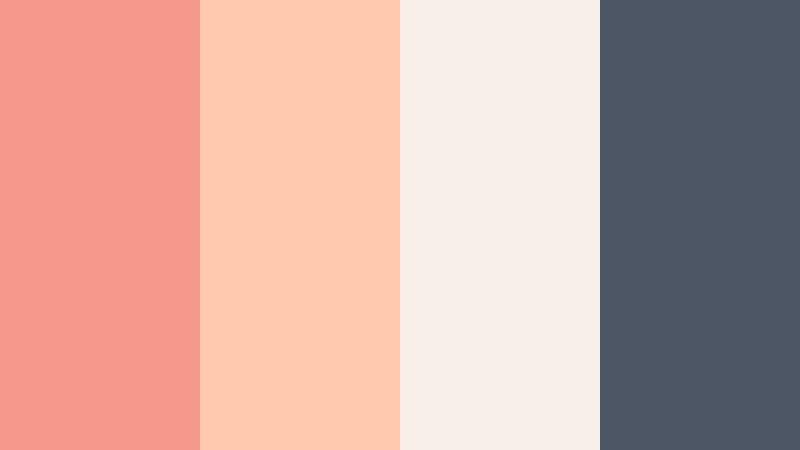
- HEX Codes: #f39a8c, #ffc9b0, #f5eee9, #4b5563
- Mood: Productive, calm, and contemporary.
- Use for: Great for tech explainers, Notion-style workspace tours, and productivity channels.
Modern Coral Workspace balances warm coral with a cool slate hue, creating a palette that feels focused yet friendly. It is polished enough for tech content, but still human and inviting.
Use it for productivity videos, workspace tours, or tutorials about digital tools. In Filmora, let coral guide your key highlights and chapter titles, while the slate color supports diagrams, timelines, and UI callouts for clear, professional communication.
Coral Marble Gallery
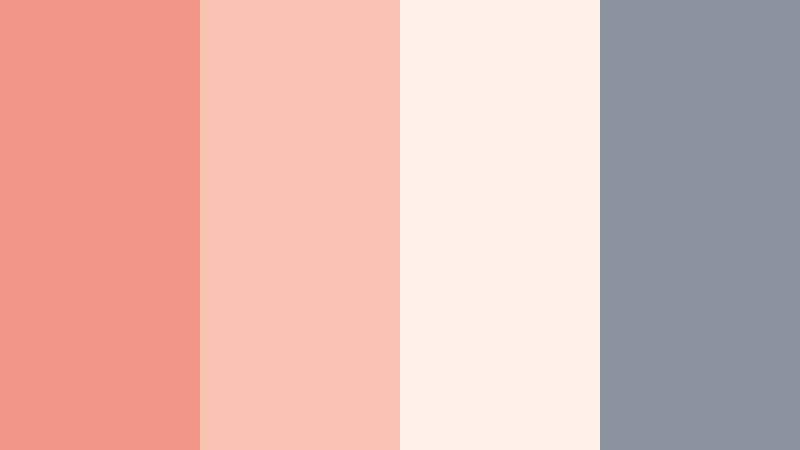
- HEX Codes: #f29688, #f8c3b2, #fdf1ea, #8b939e
- Mood: Artistic, curated, and gallery-like.
- Use for: Use for art reels, photography portfolios, and high-end social feeds.
Coral Marble Gallery wraps Faded Coral in marble-like neutrals and a cool grey accent, evoking a curated gallery wall. It feels artistic and intentional, making it a strong choice for visual storytellers.
Use this palette in Filmora when presenting photography, paintings, or design portfolios. Keep backgrounds neutral and let coral appear in frames, title blocks, and subtle transitions so your work remains the star while the color scheme ties everything together.
Tips for Creating Faded Coral Color Palettes
When you build your own Faded Coral palettes for video and design, focus on balance, readability, and how the colors will interact with real-world footage and skin tones.
- Pair Faded Coral with at least one dark neutral and one light neutral so text and overlays remain readable on both light and dark footage.
- Check your palette against skin tones; adjust saturation and luminance so coral accents enhance, not clash with, faces in your videos.
- Use contrast strategically: reserve your deepest shade for key text and CTAs, and keep mid-tones for backgrounds or shapes.
- Limit yourself to 3 or 4 main HEX colors per project to avoid a cluttered look, especially in thumbnails and intro screens.
- Test your palette on both desktop and mobile screens by previewing exports from Filmora, ensuring coral does not appear too bright or too washed out.
- Introduce a cool accent (like Mist Blue or soft grey) when your coral combinations feel too warm, to restore visual balance.
- Save frequently used Faded Coral HEX codes as presets in Filmora so lower thirds, titles, and overlays stay on-brand across multiple videos.
- Use subtle gradients between coral and a pale neutral for modern backgrounds that feel dimensional without overpowering your footage.
Faded Coral is versatile enough to feel romantic, bold, or sleek depending on what you pair it with. By choosing the right palette, you can shape the mood of your videos, strengthen your brand identity, and make your thumbnails and intros instantly recognizable.
Whether you lean into soft, pastel combinations or edgy coral-plus-charcoal contrasts, Filmora gives you the tools to keep those colors consistent across full edits, shorts, and social teasers. Experiment with these 15 palettes, save your favorites as presets, and refine them with AI Color Palette, HSL, and LUTs until they truly feel like your visual signature.
The more intentionally you use Faded Coral, the more cohesive your channel, brand, or portfolio will look. Start with one palette that fits your story today, then build out a color system in Filmora that you can reuse and evolve over time.
secure downloadNext: Mist Blue Color Palette
