

 100% Security Verified | No Subscription Required | No Malware

Capture the rich reds, burnt oranges, and golden leaves of fall with Free Autumn Foliage LUTs and filters designed to make your seasonal footage look cinematic in seconds.
Whether you are documenting autumn trips, filming foliage videos, or producing cozy seasonal content, these Filmora-ready filters give photographers and travel creators fast, consistent autumn color grading without complex manual tweaks.
In this article
Golden Hour Forest Trails
Amber Forest Glow
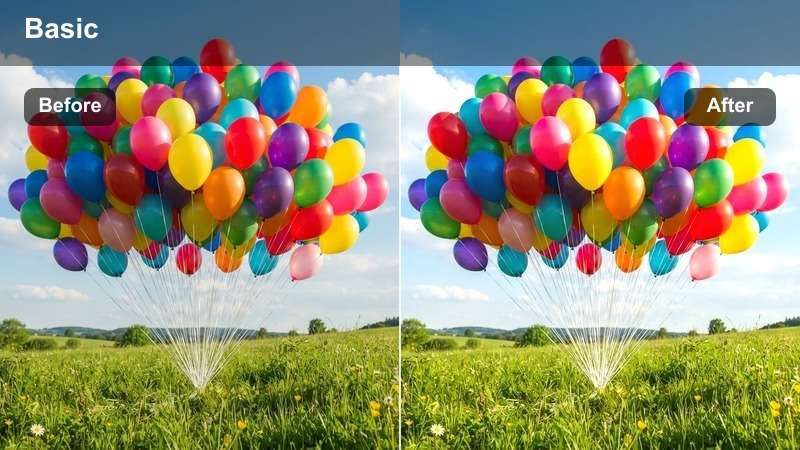
- Effect look: Soft golden warmth that deepens oranges and reds in tree canopies while keeping shadows gentle and inviting.
- Best for: Leaf-peeping walks, handheld forest paths, and slow-motion shots of hikers under colorful trees.
- Editing tip: Reduce contrast slightly if your footage was shot in harsh midday sun to keep skin tones smooth and foliage natural.
Amber Forest Glow wraps your forest trails in a soft golden wash that intensifies the reds and oranges of peak foliage without crushing detail in the shadows. It is ideal when you want that dreamy, storybook forest feel straight out of camera, especially on clips with backlit leaves and sun-dappled paths.
In Filmora, apply this filter to your walking B-roll, then lightly cool the white balance if faces start drifting too orange while keeping the warm forest tones intact. Add a subtle vignette and gentle stabilization to handheld shots so your subject feels naturally framed by glowing leaves as they move through the trail.
AI-Powered Autumn Color Matching
Filmora's AI tools can automatically analyze your autumn footage and help you match the look of these Free Autumn Foliage LUTs across every clip in your timeline. This keeps golden forest paths, mountain ridges, and cozy town streets visually consistent, even if they were shot on different days or cameras.
Use AI color matching after you have dialed in a favorite foliage look on one hero clip, then quickly sync that same warm, cinematic palette to the rest of your project so your fall travel story flows smoothly from scene to scene.
 secure download

See Autumn Filters in Action
Preview how each autumn foliage filter transforms forest trails, mountain lakes, and cozy park scenes using Filmora's side-by-side before-and-after view. This lets you compare subtle warmth shifts, contrast changes, and saturation boosts without committing them to your entire timeline.
Load a short foliage clip, enable the split-screen preview, and quickly cycle through your favorite fall looks until you find the style that best matches your story, whether that is dreamy golden-hour glow or moody overcast woods.
secure download1000+ Video Filters and 3D LUTs
Beyond these autumn foliage styles, Filmora includes a large library of video filters and 3D LUTs so you can refine your seasonal look for any camera or location. Stack cinematic LUTs with subtle filmic filters to control highlights, midtones, and shadows while preserving the natural feel of your fall colors.
Start by applying a Free Autumn Foliage LUT for your base grade, then layer one of Filmora's creative filters on top to fine-tune warmth, contrast, and clarity for each scene, from sunny ridges to rainy trails.
secure downloadRustic Pathway Matte
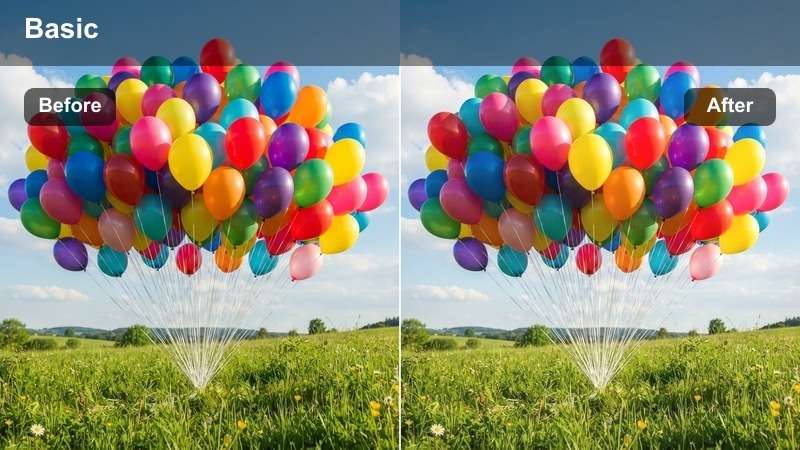
- Effect look: Muted contrast with a soft matte finish that emphasizes browns, ochres, and deep oranges in woodland paths.
- Best for: Story-driven vlogs, cinematic B-roll of boots on crunchy leaves, and calm walking sequences.
- Editing tip: Lower saturation on greens slightly to avoid competing with the warm tones and to create a more cohesive forest palette.
Rustic Pathway Matte gives your forest footage a gentle filmic wash, pulling back harsh contrast and highlighting earthy browns and ochres. It is perfect for quiet, reflective sequences where you want your audience to focus on texture and movement instead of ultra-vibrant colors.
In Filmora, use this filter on cutaway shots of boots, ground-level leaves, and slow tracking shots along the trail to create transitions between major scenes. Reduce green saturation and add a small amount of camera shake or motion presets to reinforce a natural, documentary-style walking experience.
Sunset Canopy Punch
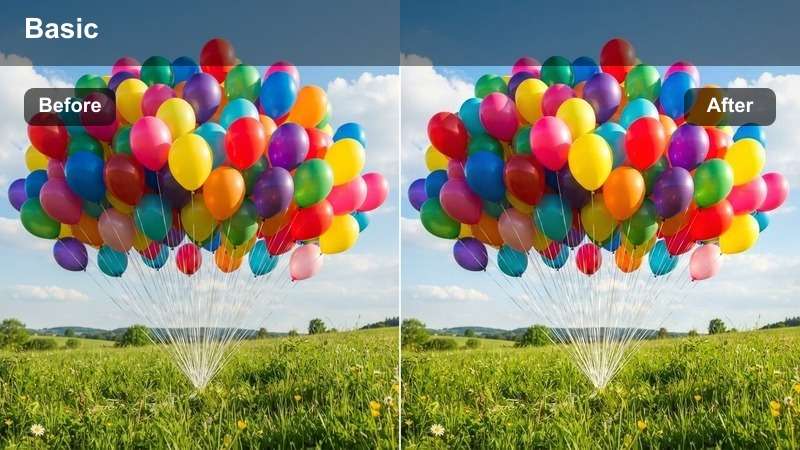
- Effect look: High-impact saturation and crisp contrast that makes orange and red leaves pop against darker tree trunks.
- Best for: Drone reveals above forests, upward-looking shots through tree canopies, and dramatic fall landscape montages.
- Editing tip: Dial back the saturation on reds by 5-10 percent if the sky starts to look too intense or artificially tinted.
Sunset Canopy Punch is built for bold, eye-catching shots where you want the foliage to dominate the frame. It amplifies oranges and reds while deepening tree trunks and shadows, creating a strong separation that works especially well for upward-looking canopy shots and sweeping drone passes.
Apply this filter in Filmora to your most dramatic wide shots, then fine-tune red and orange saturation if clouds or skies begin to look unnatural. Pair it with slight clarity and sharpness boosts on aerial footage to bring out the structure of the canopy, and consider using these clips for thumbnails or hero moments in your edit.
Mountain Overlooks and Lakes
Crisp Ridge Fall
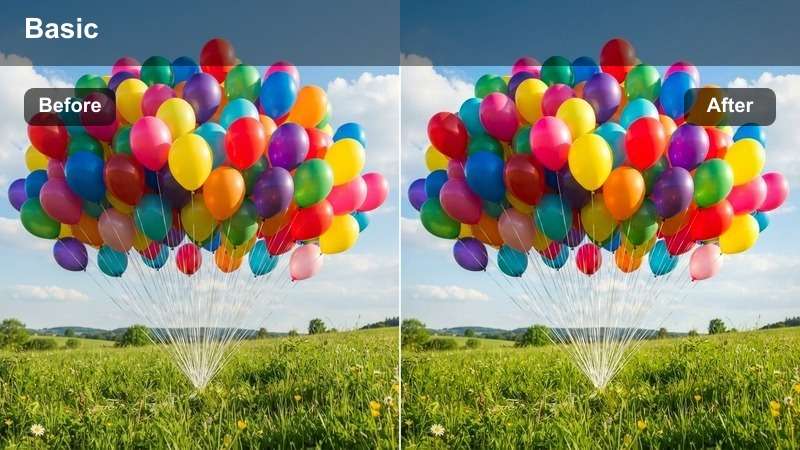
- Effect look: Clean, cool shadows with vibrant midtone warmth that enhances the contrast between blue skies and fiery treelines.
- Best for: Mountain overlook viewpoints, wide establishing shots, and handheld travel intros.
- Editing tip: Increase sharpness slightly to bring out texture in distant trees without over-sharpening faces in close-ups.
Crisp Ridge Fall balances cool, clear shadows with warm treelines to bring out the depth in ridges, valleys, and distant forests. It keeps skies clean while making the midtone foliage glow, which is ideal for sweeping establishing shots at high viewpoints.
In Filmora, use this filter on your main location reveals and travel intros, then nudge sharpness up to define distant trees and mountain textures. If you cut to closer shots with people, consider duplicating the clip and softening sharpness slightly just on those segments to keep faces natural while maintaining a crisp landscape look elsewhere.
Reflected Amber Lake
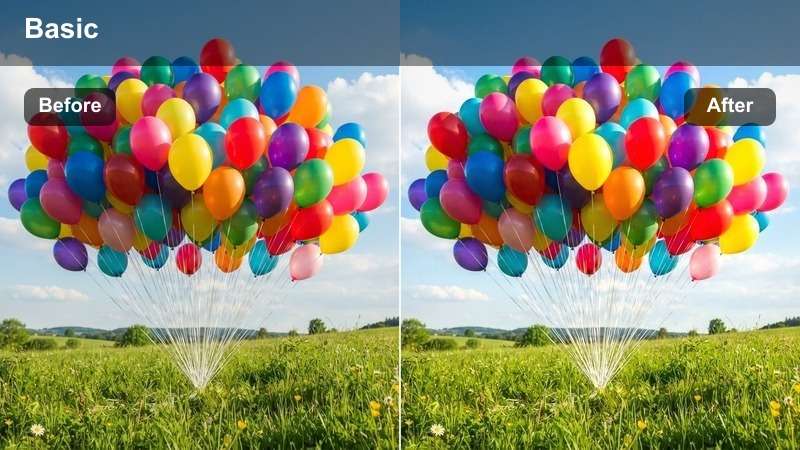
- Effect look: Soft contrast with elevated warmth in midtones to emphasize reflections of foliage on calm water surfaces.
- Best for: Lakeside vistas, dock scenes, and tripod shots of mirrored autumn trees on still lakes.
- Editing tip: Lower highlights a bit if the water surface has bright glare and gently raise blacks to keep reflections smooth.
Reflected Amber Lake gently lifts midtone warmth and softens contrast so shoreline trees and their reflections appear rich and cohesive. It is especially effective on still water, where even subtle color shifts double in impact thanks to the mirror effect.
Apply this filter in Filmora to tripod lake shots, dock sequences, and wide compositions where the horizon splits foliage and reflection. Trim highlights to tame glare on the water, slightly raise blacks for a creamy reflection, and consider cropping to a wider aspect ratio to emphasize horizontal lines and cinematic symmetry.
Misty Ridge Soft Focus
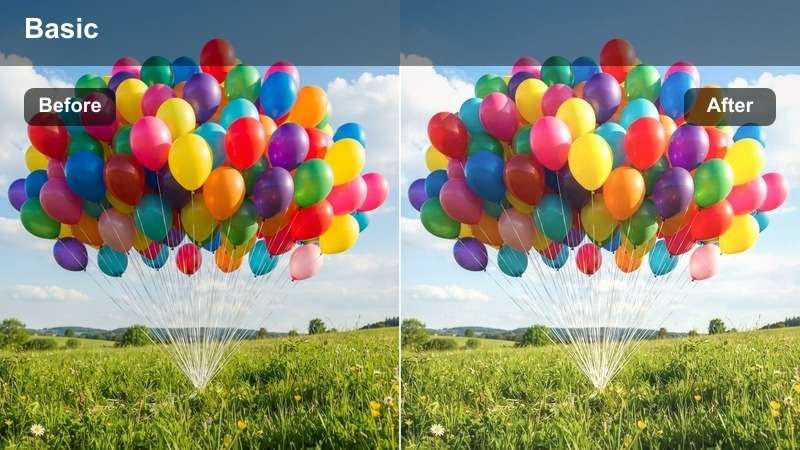
- Effect look: Gentle haze with slightly lifted blacks that adds dreamy softness to distant hills, forests, and foggy valleys.
- Best for: Foggy mornings, blue hour mountain scenes, and slow pans across layered hillsides.
- Editing tip: Use this filter on clips where the sun is low or filtered by clouds to avoid washing out already bright midday scenes.
Misty Ridge Soft Focus introduces a light atmospheric haze and lifted blacks that emphasize depth in layered hills and fog-filled valleys. It turns otherwise flat, low-contrast scenes into dreamy, painterly landscapes without pushing saturation too far.
In Filmora, place this filter on slow pans and zooms across distant ridges shot in the morning or evening. If the image starts to feel too flat, use a gentle S-curve on contrast after the filter while keeping blacks slightly lifted, and combine it with slow zoom keyframes to accentuate the sense of distance and mood.
Cozy Towns and Park Streets
Copper Streetfall
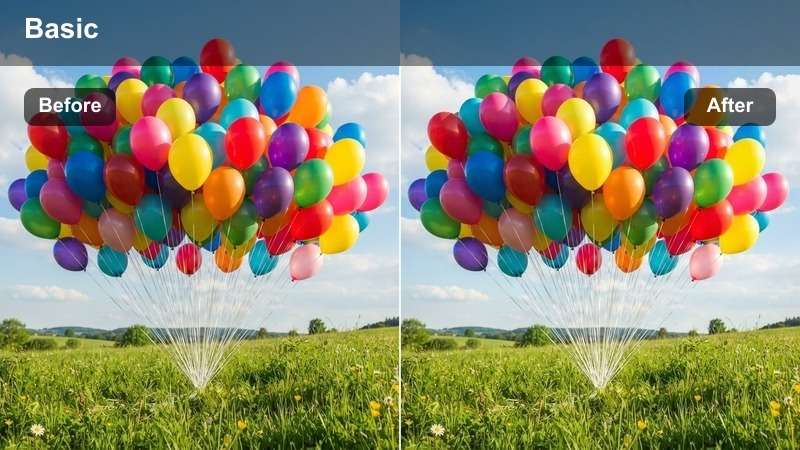
- Effect look: Rich copper and amber tones applied to sidewalks, benches, and rows of trees, with slightly softened highlights.
- Best for: City park paths, town squares lined with foliage, and travel walk-and-talk segments.
- Editing tip: If brick buildings look too red, gently lower saturation in the orange and red ranges to keep them from overpowering the trees.
Copper Streetfall infuses urban parks and town walkways with a strong coppery warmth, subtly softening highlights so paths, benches, and leaves feel cohesive and inviting. It works especially well when architecture, street furniture, and foliage share similar warm hues.
Use this filter in Filmora for walking commentary shots and B-roll of people strolling under tree-lined paths. If surrounding buildings become too intense, selectively reduce red and orange saturation and add a mild vignette to guide attention toward the brightest section of the path where your subject is framed.
Harvest Town Vibe
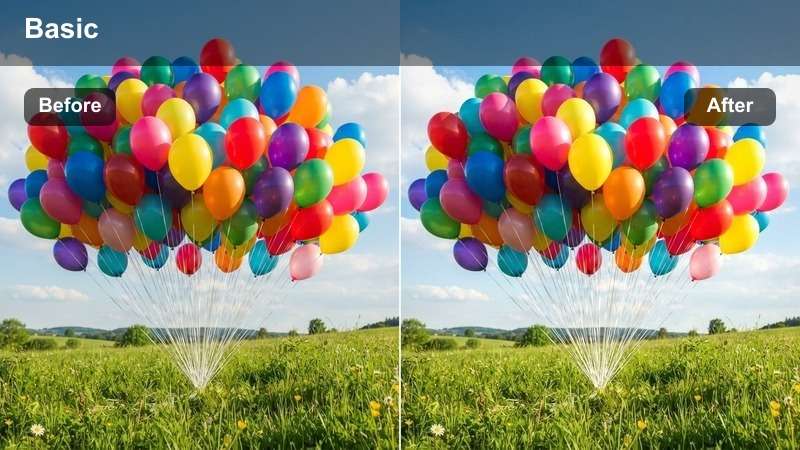
- Effect look: Warm yet balanced palette that keeps skin tones natural while giving storefronts and street trees a subtle golden push.
- Best for: Street interviews, sidewalk cafes with fall decor, and town market B-roll during foliage season.
- Editing tip: Raise midtones a touch to keep faces bright, then fine-tune saturation so signage and shop fronts do not become oversaturated.
Harvest Town Vibe is tuned for people-first scenes, adding gentle golden warmth to trees and storefronts while keeping skin tones believable. It is ideal for lifestyle footage, interviews, and casual street captures where faces and fall decor share the frame.
In Filmora, apply this filter to your town sequences, lift midtones slightly to keep faces bright, and then adjust overall saturation so signage, awnings, and decorations remain legible without stealing focus. Pair it with light background music and subtle depth-of-field effects for a cozy, community-centered look.
Park Bench Afternoon
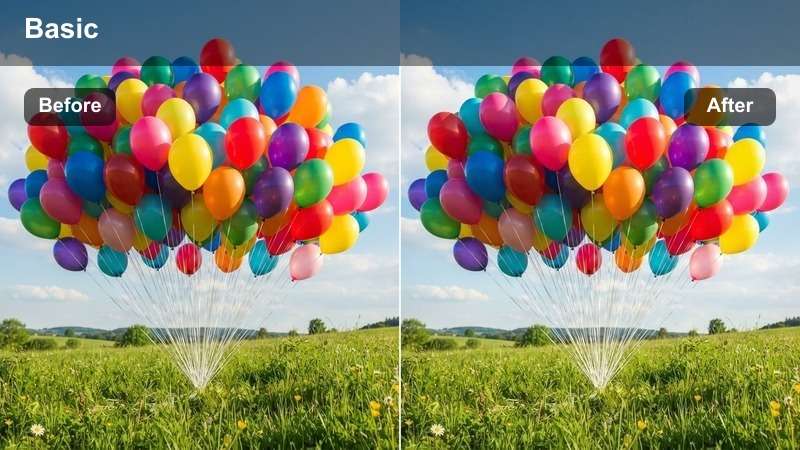
- Effect look: Soft, low-contrast look with gentle warmth ideal for quiet, reflective moments on benches and side paths.
- Best for: Seated talking shots, reading on a park bench, and bokeh-rich backgrounds of fall trees behind your subject.
- Editing tip: Slightly blur the background with Filmora effects to emphasize the subject while the filter keeps foliage dreamy.
Park Bench Afternoon softens contrast and adds a light warmth that flatters faces and backgrounds alike, particularly in calm, static compositions. It is a great choice for talking-head pieces or reflective moments framed by soft-focus autumn trees.
Apply this filter in Filmora to bench interviews or sit-down storytelling clips, then enhance separation by adding a background blur effect or lens blur. Keep in-camera sharpness a bit lower, and combine with a gentle music bed to create an inviting, cinematic portrait feel against the muted fall backdrop.
Rainy Days and Overcast Forest
Damp Leaf Richness
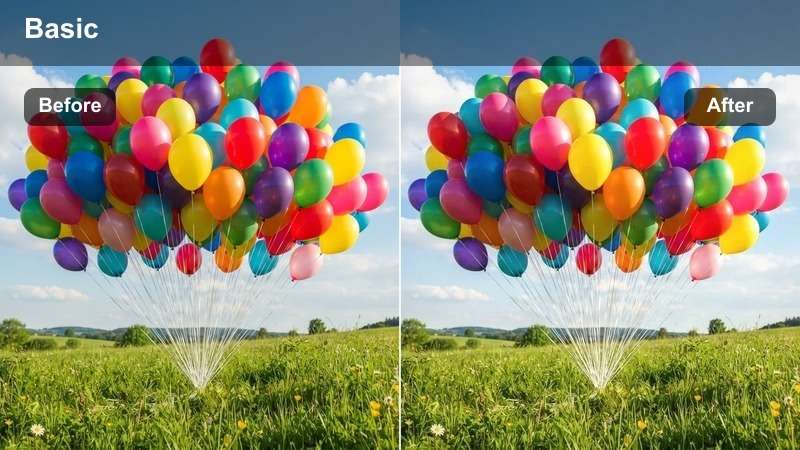
- Effect look: Enhanced saturation and local contrast to bring life back to wet leaves and gray, overcast forest scenes.
- Best for: Rainy hikes, umbrella shots on woodland paths, and close-ups of leaves on the ground after a storm.
- Editing tip: Keep exposure slightly lower to avoid reflective highlights on wet surfaces turning harsh or distracting.
Damp Leaf Richness boosts saturation and micro-contrast so wet leaves and rain-darkened bark appear rich instead of dull. It is tailored for gray days when the sky is flat but the ground is full of color and texture waiting to be revealed.
In Filmora, use this filter on rainy hiking clips, puddle reflections, and close-ups of soaked leaves. Keep exposure modest so bright reflections do not clip, and pair the visuals with soft ambient rain audio to turn an otherwise gloomy day into an atmospheric highlight of your autumn story.
Overcast Foliage Balance
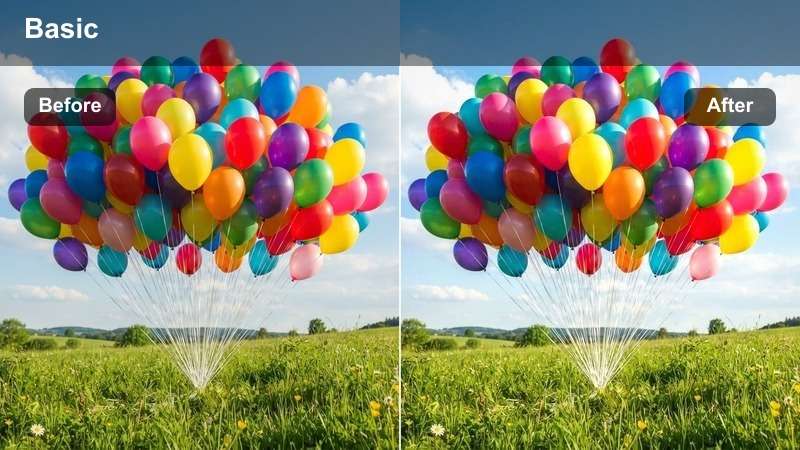
- Effect look: Neutral contrast curve with a slight warm lift that prevents leaves from going flat under even cloud cover.
- Best for: Cloudy day forest walks, roadside overlooks under thick clouds, and documentary-style nature clips.
- Editing tip: Raise saturation modestly only if your camera profile is very flat, otherwise let the filter's subtle shift do the heavy work.
Overcast Foliage Balance is designed to rescue color on cloudy days without making the scene look artificially sunny. It adds a subtle warmth and gentle contrast that brings back depth to leaves and trunks while respecting the naturally soft, even lighting.
Apply this filter across cloudy-day sequences in Filmora to quickly unify footage from multiple clips or cameras. Use it as a base grade, then tweak white balance per shot so your forest paths, roadside overlooks, and nature B-roll share the same neutral, documentary-style mood.
Moody Trail Contrast
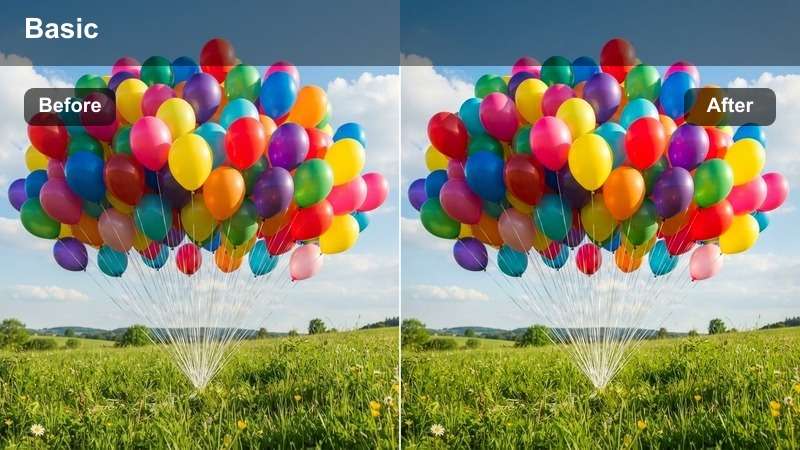
- Effect look: Deep, moody blacks with emphasized texture in bark and ground leaves, creating a dramatic, story-driven atmosphere.
- Best for: Point-of-view hiking shots, narrative sequences, and cinematic sequences in dim forest light.
- Editing tip: Avoid extreme underexposure; expose slightly brighter in-camera and let this filter add the contrast for you.
Moody Trail Contrast deepens blacks and carves out texture in trunks, rocks, and fallen leaves, perfect for darker narrative moments in your autumn films. It transforms ordinary shaded paths into cinematic, story-rich environments where light and shadow drive the emotion.
In Filmora, reserve this filter for intros, outros, or key storytelling beats on the trail. Shoot slightly brighter in-camera, then let the filter pull down shadows for drama while preserving detail. Add slow push-in or pull-out moves using keyframed scaling, and combine with a more introspective music track to close your autumn story with impact.
Tips for Using Autumn Foliage Luts Filters in Filmora
- Shoot during golden hour or just after rainfall to give these autumn foliage filters the richest colors and most dynamic textures.
- Keep your white balance slightly warm in-camera so the filters can enhance, not completely correct, the base tone of your footage.
- Organize your timeline by scene type, such as forest trails, lakes, and town streets, then apply matching filters to each group for consistency.
- If oranges and reds become too intense, adjust saturation in specific color channels instead of lowering global saturation.
- Export a short test sequence with your chosen filters before grading a full trip to ensure the look holds across different lighting conditions.
- Combine Free Autumn Foliage LUTs with Filmora filters by using the LUT as your base grade and the filter for final fine-tuning.
- Use Filmora's AI color matching to quickly align the look of clips shot on different cameras or at different times of day.
- Save your favorite autumn filter and LUT combinations as presets in Filmora so you can reuse them across future seasonal projects.
With these Free Autumn Foliage LUTs and filters in Filmora, you can quickly turn ordinary fall footage into cinematic stories that highlight the rich colors of the season.
Apply scene-specific filters, fine-tune warmth and contrast, and your autumn trips, foliage videos, and seasonal content will stand out with a cohesive, professional fall aesthetic.
secure download