

 100% Security Verified | No Subscription Required | No Malware


 ChatGPT
 Perplexity
 Gemini
 Claude
 Grok
Grok
Graphite Slate is a deep, versatile neutral that sits between charcoal gray and cool stone. It feels grounded, reliable, and quietly sophisticated, which makes it ideal for cinematic edits, minimalist branding, and modern UI design. On screen, Graphite Slate lets your subject and accent colors shine while still giving every frame a polished, professional base.
For creators and Filmora users, Graphite Slate works beautifully in YouTube intros, B-roll sequences, channel rebrands, thumbnails, and social content. Below you will find 15 ready-to-use Graphite Slate color palettes with HEX codes, so you can quickly match your grading, overlays, and graphics across entire projects.
In this article
Cinematic And Moody Graphite Slate Color Palettes
Midnight Edit Suite
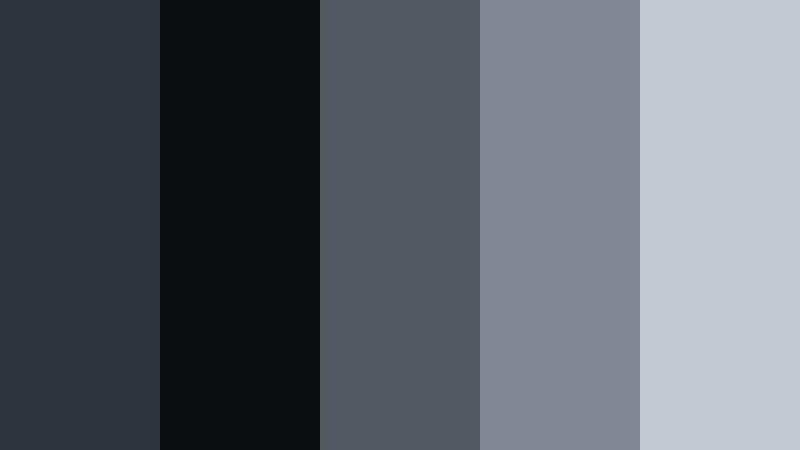
- HEX Codes: #2f343a, #0b0c10, #515862, #818894, #c3c7cf
- Mood: Deep, focused, and cinematic with a modern studio vibe.
- Use for: Perfect for cinematic YouTube edits, dark UI lower thirds, and film-style title cards.
Midnight Edit Suite layers rich Graphite Slate with inky black and cool steel highlights, creating a moody base that feels like a professional color bay. Dark tones (#2f343a, #0b0c10) give your footage depth, while the softer grays and blue-tinted highlights (#515862, #818894, #c3c7cf) keep details visible instead of crushed.
Use this palette when you want your videos, intros, and end screens to feel premium and cinematic without distracting from your subject. It is ideal for title cards, lower thirds, overlays, and channel branding where you want a sleek, studio-grade look that works across thumbnails, banners, and social cutdowns.
Pro Tip: Build a Cinematic Graphite Slate Look in Filmora
To keep a consistent Midnight Edit Suite mood across your entire edit, treat Graphite Slate as your visual anchor. In Filmora, you can design one title card and one lower-third graphic using these HEX values, then save them as custom presets. Reusing those presets for intros, B-roll labels, and outros ensures your audience instantly recognizes your brand.
When grading your footage, gently lower the shadows toward #0b0c10, then nudge midtones and highlights toward the cooler grays in the palette. This gives every clip the same edit-suite atmosphere, from talking-head videos to cinematic B-roll and short-form social edits.
AI Color Palette
If you have a reference frame or still graphic built with the Midnight Edit Suite colors, you can use it to style your entire timeline. Filmora's AI Color Palette feature analyzes that reference and applies a similar Graphite Slate look to all selected clips automatically.
Import your reference image, choose a hero clip that already matches the palette, and let AI Color Palette adapt the rest of your footage. This is especially useful for keeping your main video, YouTube thumbnails, Shorts, and social teasers perfectly aligned in tone and contrast.
 secure download

HSL, Color Wheels & Curves
For precise control over your Graphite Slate tones, use Filmora's HSL, color wheels, and curves panels. Slightly desaturate blues and cyans to keep the image grounded, push shadows toward #2f343a, and tilt your midtones toward #515862 for a cohesive slate look. Gently lifting the highlight curve toward #c3c7cf preserves detail in bright areas without losing the moody feel.
You can follow along with Filmora's YouTube lessons on color grading to see how small curve adjustments can shift your footage from flat gray to a polished, cinematic Graphite Slate grade while protecting skin tones and UI elements.
secure download1000+ Video Filters & 3D LUTs
If you want a fast way to stylize your Graphite Slate base, Filmora's video filters and 3D LUTs make it easy to experiment. Start with a clean Graphite Slate grade, then layer cinematic LUTs to add contrast, film grain, or subtle tints that still respect your core palette.
This workflow lets you keep your branding consistent while quickly generating different moods for trailers, shorts, tutorials, and client versions. Save your favorite combinations as presets so your Graphite Slate style is always just a few clicks away.
secure downloadUrban Rain Sequence
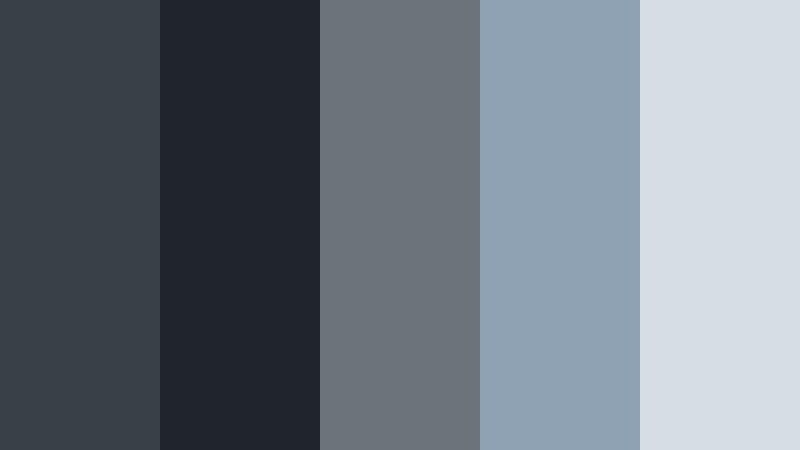
- HEX Codes: #3a4047, #20252b, #6d737b, #8fa2b4, #d7dde4
- Mood: Reflective and cinematic, like a rainy city timelapse.
- Use for: Great for city vlog color grading, moody B-roll overlays, and tech channel branding.
Urban Rain Sequence captures the feeling of wet concrete, reflections, and overcast skies. Deep Graphite Slate (#3a4047, #20252b) forms the base, while desaturated blues and cool highlights (#6d737b, #8fa2b4, #d7dde4) echo streetlights blurred by rain.
Apply this palette to vlogs, timelapses, travel reels, and tech reviews when you want an introspective city mood. Use the darkest tones for backgrounds and text boxes, and the lighter hues for clean typography in titles, chapter markers, and thumbnail overlays.
Noir Storyboard Frames
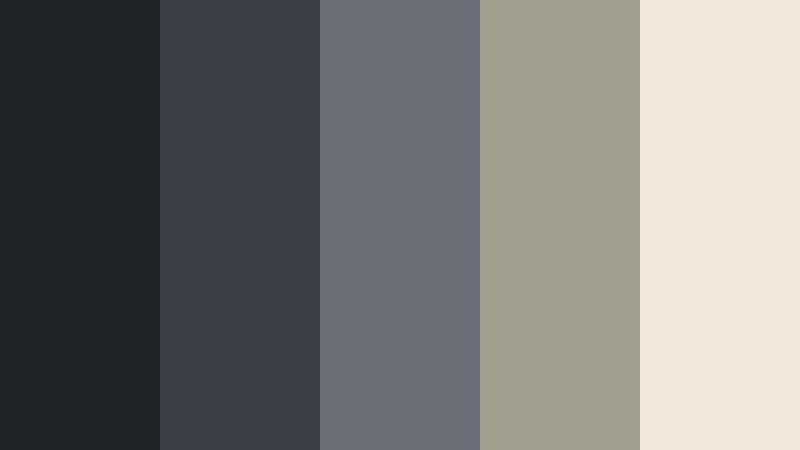
- HEX Codes: #1f2327, #3b3f46, #6a6f77, #a39f8f, #f2e9da
- Mood: Stylish, mysterious, and slightly vintage film noir.
- Use for: Ideal for narrative shorts, thriller intros, and dramatic poster thumbnails.
Noir Storyboard Frames blends cool Graphite Slate shadows with warmer parchment and taupe tones. The deep grays (#1f2327, #3b3f46) hint at classic noir, while the soft neutrals (#a39f8f, #f2e9da) prevent the look from becoming too stark or tiring on the eyes.
This palette suits story-driven content, crime or mystery videos, and dramatic channel branding. Use the lightest tone as a background for credits or quote cards, and the darkest shade for borders, letterboxing, and logo marks to create a cinematic poster feel in thumbnails and end screens.
Industrial Fade Montage
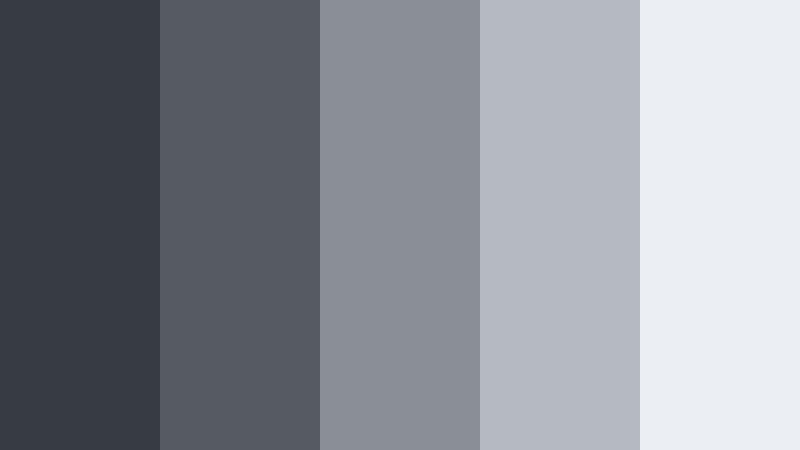
- HEX Codes: #373c42, #555b61, #8a8f96, #b5b9c1, #ebeef3
- Mood: Cool, metallic, and slightly desaturated for an industrial edge.
- Use for: Works well for product demos, gadget reviews, and motion graphic backgrounds.
Industrial Fade Montage uses a stepped gradient of Graphite Slate grays to mimic brushed metal and concrete. The mid-to-light tones (#8a8f96, #b5b9c1, #ebeef3) keep the vibe clean and polished, avoiding the heaviness of pure black.
Choose this palette for tech demos, hardware reviews, and infographic animations. Use the lighter shades behind text and UI screenshots for clarity, and the darker hues as bands or panels for titles, callouts, and lower thirds in your Filmora projects.
Stormy Horizon Cut
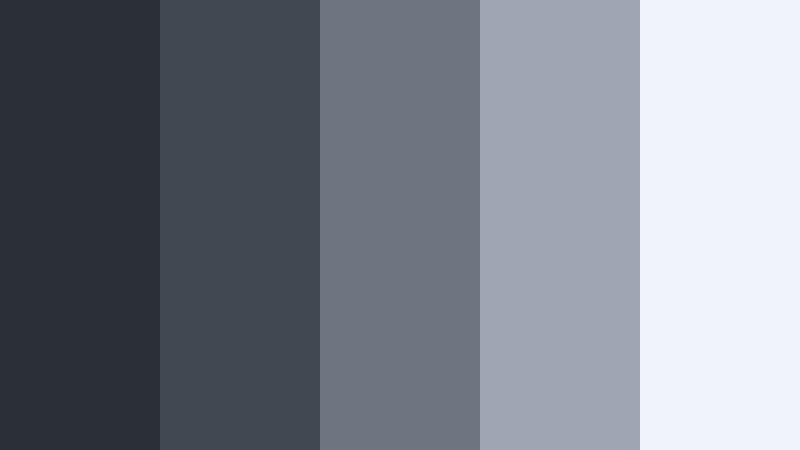
- HEX Codes: #2a3036, #414852, #6e7480, #9da6b2, #f0f4fa
- Mood: Expansive, contemplative, and quietly dramatic like a coming storm.
- Use for: Great for travel films, slow-motion landscape reels, and documentary openers.
Stormy Horizon Cut combines deep slate shadows with cool, airy highlights to suggest an enormous sky about to break. The darker hues (#2a3036, #414852) emphasize depth and contrast, while the mid and highlight tones (#6e7480, #9da6b2, #f0f4fa) ensure text and graphics stay readable.
Use it to grade nature footage, aerial shots, and reflective storytelling pieces. Light tones work well for subtitles and captions over dark scenery, while the darker Graphite Slate shades are perfect for intro cards, transitions, and framing bars around your footage.
Minimal And Modern Graphite Slate Color Palettes
Monochrome Studio Grid

- HEX Codes: #24272b, #3d4247, #5a5f66, #a3a7af, #ffffff
- Mood: Minimal, sharp, and clean for high-end branding.
- Use for: Perfect for channel rebrands, logo stings, and minimalist lower thirds.
Monochrome Studio Grid leans into pure Graphite Slate contrasted with crisp white. The layered grays (#24272b, #3d4247, #5a5f66, #a3a7af) allow you to build hierarchy, while #ffffff keeps everything feeling bright and professional.
This palette is ideal for minimalist intros, logo animations, and sleek tutorial layouts. Use darker tones for backgrounds and panels, midtones for borders and dividers, and white for text and icons to build a clean, studio-style look that scales from thumbnails to full-screen overlays.
Slate Dashboard UI
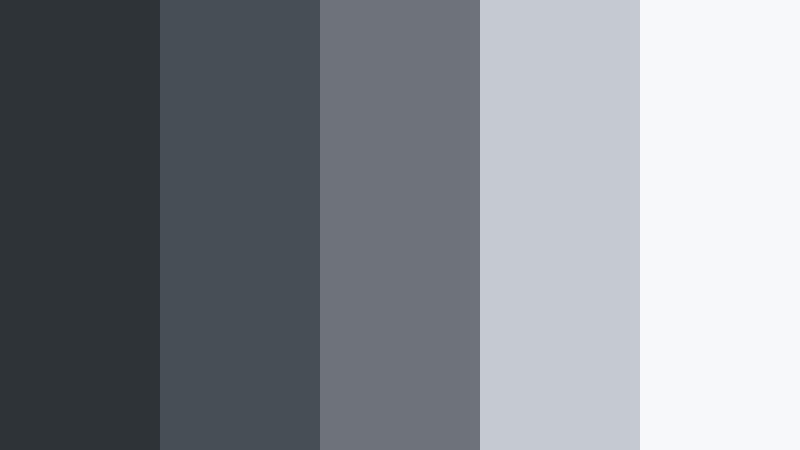
- HEX Codes: #2e3338, #484e55, #6e737a, #c5c9d0, #f7f8fa
- Mood: Orderly, modern, and tech-forward.
- Use for: Best for app UI mockups, dashboard explainers, and SaaS product videos.
Slate Dashboard UI is built for interfaces. Its balanced Graphite Slate range (#2e3338 to #6e737a) pairs naturally with soft light backgrounds (#c5c9d0, #f7f8fa), making text and charts easy to read on any device.
Use it in screen recordings, UI walkthroughs, and feature explainers. Darker shades work well for nav bars and status bars, while the lighter tones are perfect for cards, panels, and infographics inside Filmora overlays and callouts.
Architect Line Draft
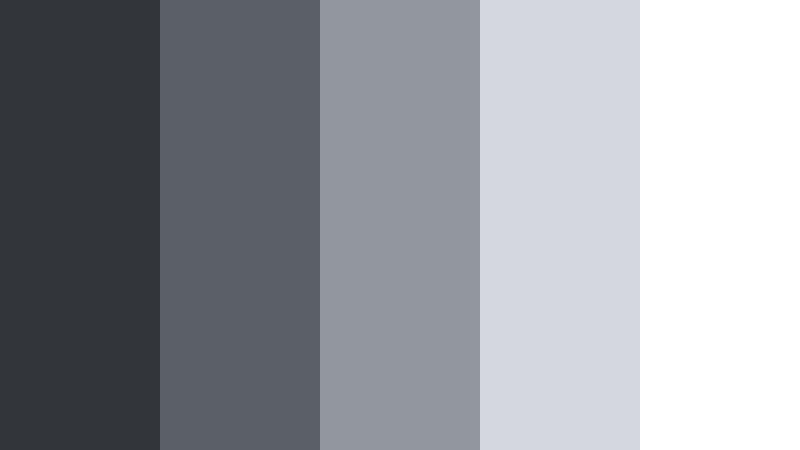
- HEX Codes: #32363b, #5b6066, #92979f, #d4d7dd, #ffffff
- Mood: Structured, refined, and architectural.
- Use for: Ideal for portfolio reels, architecture walkthroughs, and presentation decks.
Architect Line Draft feels like graphite on tracing paper. The structured Graphite Slate tones (#32363b, #5b6066) provide strong lines and grids, while the softer grays and white (#92979f, #d4d7dd, #ffffff) mimic drawing surfaces and blueprints.
Use this palette for showreels, project breakdowns, and presentation-style videos. Place text over white or pale gray cards, and frame your shots with darker slate lines or boxes to suggest precision and design expertise.
Clean Tech Overlay
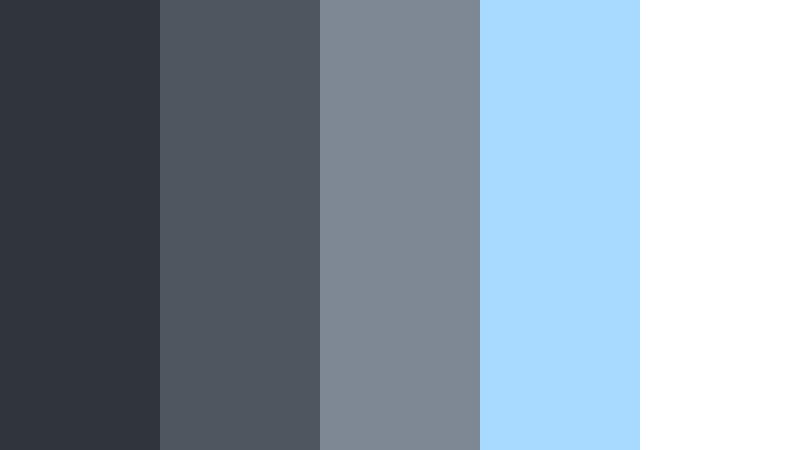
- HEX Codes: #30353b, #4e5660, #7e8894, #a8d9ff, #ffffff
- Mood: Fresh, digital, and trustworthy with a cool highlight.
- Use for: Great for startup explainers, app showcases, and educational tech channels.
Clean Tech Overlay pairs Graphite Slate neutrals with an icy blue accent (#a8d9ff). The grays (#30353b, #4e5660, #7e8894) provide stability, while the blue highlight adds a sense of innovation and clarity.
Use the blue for buttons, highlight text, and icon accents in your videos. The white background and medium slate tones keep screen recordings and diagrams readable, making this palette perfect for explainers, product tours, and tutorial series branding.
Neutral Grid System
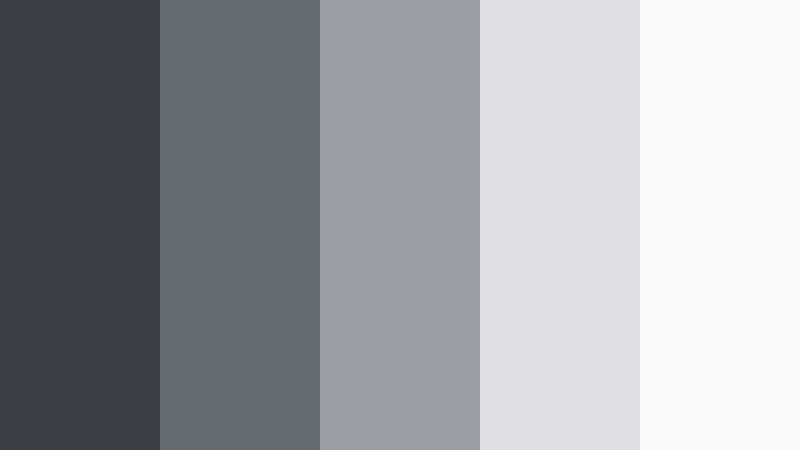
- HEX Codes: #3a3f45, #656b72, #9a9fa6, #dedfe2, #fafafa
- Mood: Balanced, neutral, and highly adaptable.
- Use for: Useful for template packs, tutorial series branding, and multipurpose thumbnails.
Neutral Grid System gives you a versatile ladder of soft Graphite Slate tones topped by nearly white backgrounds (#dedfe2, #fafafa). It is calm, clean, and works with almost any subject color layered on top.
Pick this palette for reusable templates, series intros, and thumbnail systems you want to adapt across topics. Use the darker grays for text, lines, and logo areas, and the light end of the palette for backgrounds so your footage and accent colors stand out.
Warm And Cozy Graphite Slate Color Palettes
Loft Coffee Break
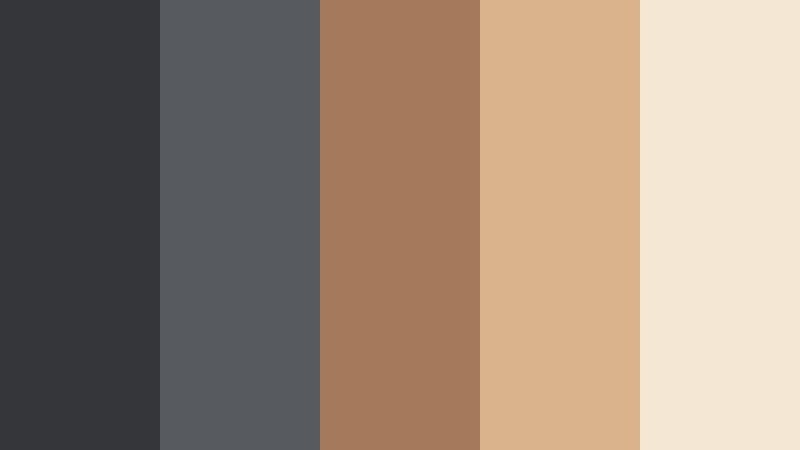
- HEX Codes: #34363a, #575a5f, #a47a5a, #d9b38c, #f4e7d4
- Mood: Warm, cozy, and urban with a hint of coffeehouse comfort.
- Use for: Great for lifestyle vlogs, cozy study streams, and podcast cover art.
Loft Coffee Break combines cool Graphite Slate bases (#34363a, #575a5f) with rich caramel and latte tones (#a47a5a, #d9b38c, #f4e7d4). The result feels like editing from a stylish city cafe, with warmth and texture balanced by modern grays.
Use the warm browns for titles, buttons, or key icons to draw the eye, while keeping backgrounds and frames in slate. It works beautifully for talking-head videos, study-with-me streams, and podcast thumbnails where you want a relaxed yet polished aesthetic.
Editorial Reading Nook
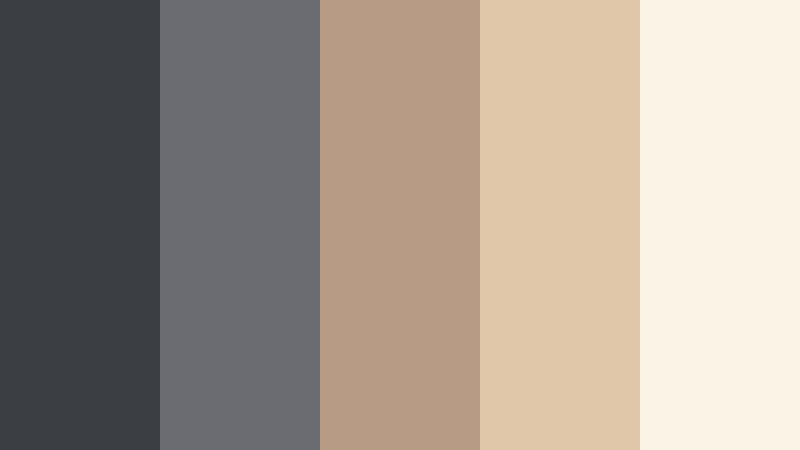
- HEX Codes: #3b3e43, #6a6c72, #b89b84, #e1c7aa, #fbf3e6
- Mood: Calm, intellectual, and softly lit like a magazine spread.
- Use for: Perfect for booktube intros, productivity videos, and editorial-style thumbnails.
Editorial Reading Nook softens Graphite Slate with creamy beiges and paper whites. The grays (#3b3e43, #6a6c72) act as subtle ink on a page, while the warm neutrals (#b89b84, #e1c7aa, #fbf3e6) echo book pages and soft lighting.
This palette is ideal for educational and lifestyle content that aims for a clean editorial look. Use the lightest tones as backgrounds for quotes, chapter titles, and lower thirds, and reserve the darker slate for headings and subtle borders.
Slate And Ember Glow
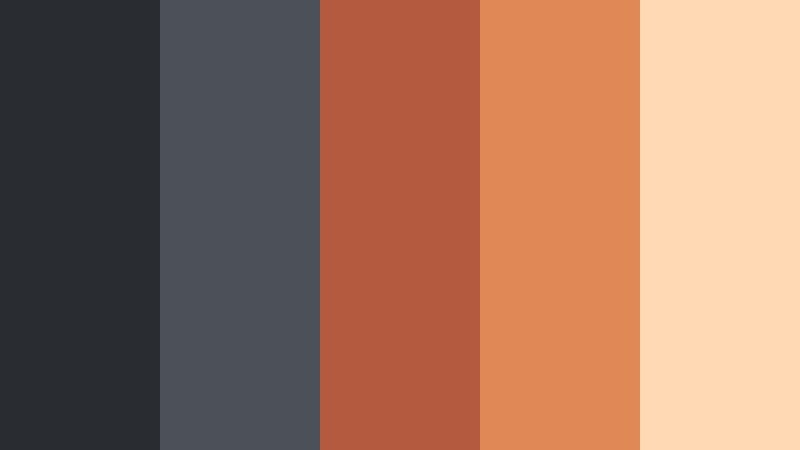
- HEX Codes: #292c31, #4c5157, #b45b3f, #e08954, #ffd9b3
- Mood: Dramatic yet inviting, like a fire against dark stone.
- Use for: Ideal for cinematic intros, autumn vlogs, and energetic announcement graphics.
Slate And Ember Glow sets rich ember oranges (#b45b3f, #e08954, #ffd9b3) against deep Graphite Slate shadows (#292c31, #4c5157). The contrast is bold and eye-catching, but the warm tones keep it friendly and human.
Use dark slate as your primary background and the ember shades for call-to-action buttons, important text, or accent elements in your intros and thumbnails. This palette is especially strong for seasonal content, countdowns, and launch announcements.
Soft Studio Beige Slate
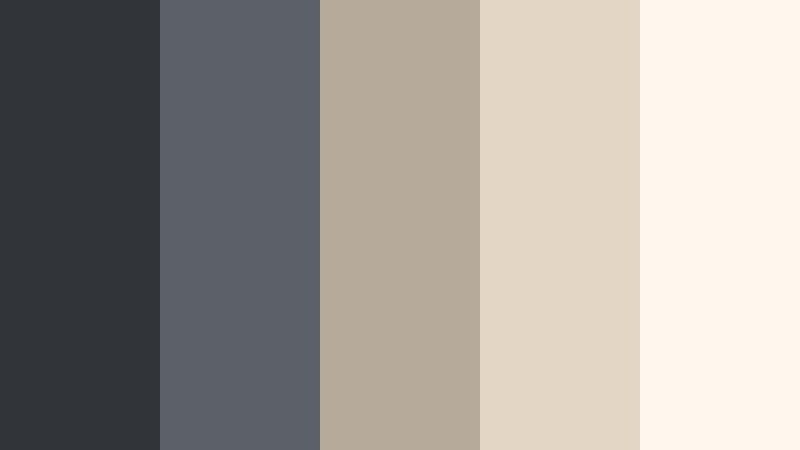
- HEX Codes: #31353a, #5c6167, #b6aa9a, #e3d6c4, #fff8ee
- Mood: Soft, airy, and lifestyle-friendly.
- Use for: Great for beauty channels, home decor tours, and brand collaborations.
Soft Studio Beige Slate balances cool Graphite Slate (#31353a, #5c6167) with muted beiges and creams (#b6aa9a, #e3d6c4, #fff8ee). It creates a gentle studio feel that is flattering for skin tones and product shots.
Use darker slate for text and subtle framing, and lean on the light neutrals for backgrounds, product callouts, and brand logos. This palette keeps your visuals clean and Instagram-ready across thumbnails, reels, and long-form edits.
Vibrant Accent Graphite Slate Color Palettes
Neon Title Burst
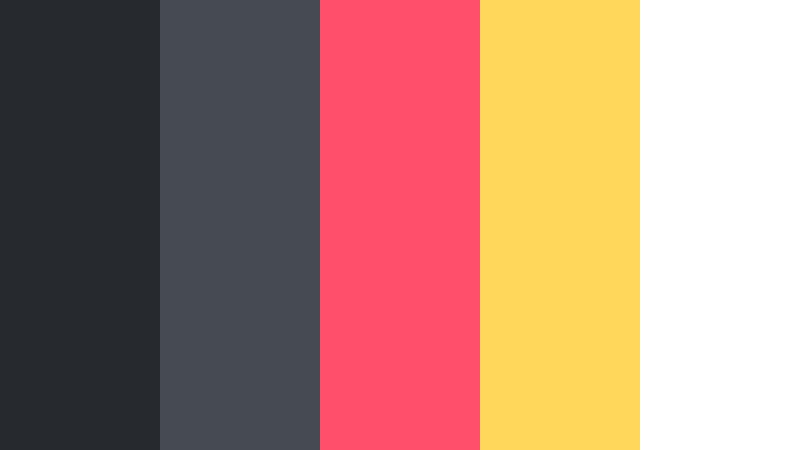
- HEX Codes: #26292e, #464a51, #ff4f6a, #ffd85b, #ffffff
- Mood: Energetic, bold, and eye-catching for fast-paced content.
- Use for: Perfect for gaming intros, hype reels, and clickworthy YouTube thumbnails.
Neon Title Burst uses Graphite Slate (#26292e, #464a51) as a dark stage for bright neon pink and yellow accents (#ff4f6a, #ffd85b). White (#ffffff) keeps key text crisp and readable.
Use this palette when you want instant thumbnail stopping power. Keep backgrounds in slate, reserve neon colors for titles, progress bars, and key icons, and use white for body text. It works especially well for gaming, music edits, and high-energy highlight reels.
Cyan Signal Overlay
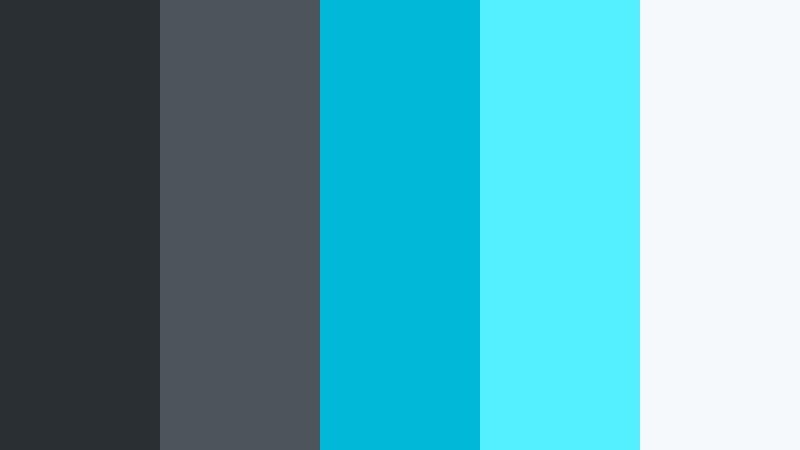
- HEX Codes: #2a2f34, #4e545b, #00b9d8, #54f0ff, #f6f9fb
- Mood: Techy, crisp, and high-energy with cyber vibes.
- Use for: Great for motion graphic HUDs, esports branding, and sci-fi transitions.
Cyan Signal Overlay slices electric cyans (#00b9d8, #54f0ff) through deep Graphite Slate (#2a2f34, #4e545b), creating a futuristic, HUD-style feel. The soft light background (#f6f9fb) can be used for panels where lots of information needs to stay legible.
Use the cyans sparingly as accent lines, glows, and signal elements in overlays and transitions. Keep your main frames in slate to avoid visual overload. This palette is perfect for esports packages, tech countdowns, and sci-fi themed intros built in Filmora.
Tips for Creating Graphite Slate Color Palettes
Graphite Slate is flexible enough to work with warm, cool, and vibrant accent colors. A few simple guidelines help you build palettes that look cinematic on video, stay readable in thumbnails, and feel consistent across your branding.
- Pair Graphite Slate with one primary accent color (warm or cool) and one light neutral to avoid cluttered, noisy visuals.
- Maintain strong contrast between text and backgrounds; use the lightest tones for text on dark slate, and dark slate for text on pale neutrals.
- Keep your logo and channel colors consistent across intros, lower thirds, and end screens so viewers recognize your brand at a glance.
- Test your palette on both desktop and mobile thumbnails; Graphite Slate can look darker on phones, so brighten backgrounds if details disappear.
- Match your grade to your graphics; if your overlays lean cool slate, shift your footage slightly cooler so everything feels unified.
- Use midtone Graphite Slate for UI mockups and panels; extremely dark shades can make interface elements feel heavy or outdated.
- Limit bright neon accents to key calls to action or titles, using Graphite Slate as the base to keep things balanced.
- Create preset color styles in Filmora for titles and shapes using your chosen HEX codes so every new video automatically stays on palette.
Used well, Graphite Slate can make your channel feel cinematic, modern, and intentional. Whether you lean into moody cityscapes, clean dashboards, cozy lifestyle scenes, or neon overlays, the right palette shapes how viewers experience your story and your brand.
Try a few of these HEX combinations inside Filmora, save your favorite looks as presets, and reuse them across intros, thumbnails, and social snippets. Over time, your Graphite Slate style will become part of your signature visual identity.
Filmora gives you the tools to keep every frame on brand, from AI-powered color matching to LUTs and title templates. Combine those tools with these palettes to design videos that look polished from the first second to the last.
secure download