

 100% Security Verified | No Subscription Required | No Malware


 ChatGPT
 Perplexity
 Gemini
 Claude
 Grok
Grok
This collection of kitchen cooking cinematic LUT-style filters is designed for content creators who want warm, appetizing food visuals with a cozy film look.
Use these filters to give your stove-top shots, meal-prep sequences, and recipe close-ups a consistent cinematic style that feels both professional and inviting.
In this article
Golden Prep and Natural Kitchen Light
Soft Morning Glow
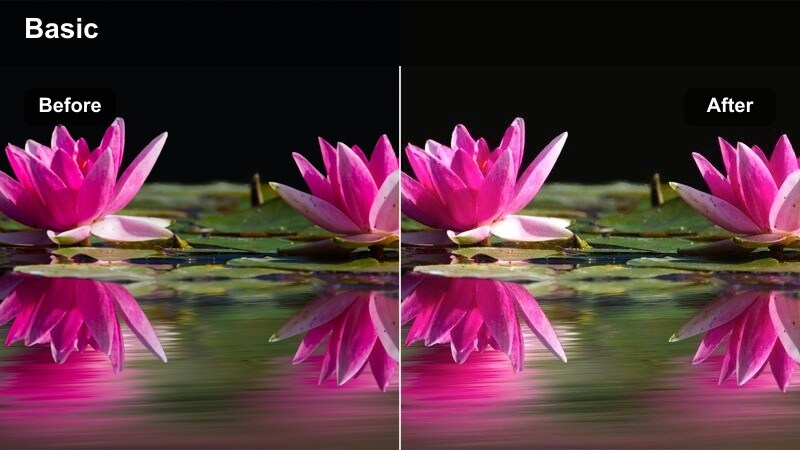
- Effect look: Gentle warm lift with soft highlights and slightly muted shadows for early kitchen light.
- Best for: Breakfast cooking, coffee-making sequences, and airy kitchen b-roll.
- Editing tip: Lower contrast slightly and add a subtle vignette to keep attention on the pan or cutting board.
Soft Morning Glow is ideal when you want to mimic the feel of first light pouring into a bright kitchen. The warm lift in the midtones and softened shadows give eggs, toast, fruit, and coffee a delicate, inviting presence without over-saturating colors.
In Filmora, apply this filter to your breakfast timelines, then gently reduce overall contrast and add a light vignette to center focus on your main action. For even more control, keep whites clean by adjusting highlights and, if skin tones skew too orange, fine-tune the orange saturation in HSL rather than cooling the whole clip.
Instant Kitchen Warmth with AI-Driven Color Balancing
Filmoras AI tools help you quickly balance exposure and white balance so these kitchen cooking cinematic filters sit on a clean base. This is especially useful in kitchens where window daylight mixes with warm overhead bulbs.
Run auto-correction on your clips first to neutralize color casts, then add your favorite warm filter for consistent tones from prep to plating, even if you shot at different times of day.
 secure download

Preview Cooking Filters in Real Time
Filmora lets you hover over different filters and preview their impact on your clips instantly. This makes it easy to compare several kitchen cooking cinematic LUT-style looks on the same shot without committing.
Drop a recipe clip onto the timeline, then audition multiple warm filters to see which one best matches your brand palette. From there, tweak intensity, contrast, and saturation so your food looks mouthwatering on phones, tablets, and desktops.
secure downloadCombine Filters and LUTs for Signature Kitchen Styles
With Filmora, you can stack filters and 3D LUTs to build a unique visual recipe for your cooking channel. Start with a base LUT for contrast and tone, then layer a warm kitchen filter to fine-tune color mood.
Once you love the combination, save it as a custom preset and apply it to every new episode. This keeps your kitchen cooking cinematic LUT style consistent across series, seasons, and platforms.
secure downloadGolden Pan Sizzle
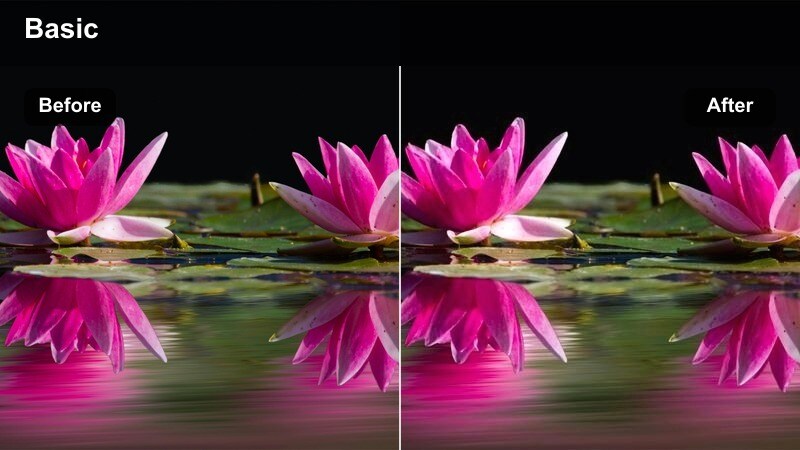
- Effect look: Rich golden tones with crisp contrast that make sizzling food pop on screen.
- Best for: Stove-top frying shots, oil sizzling in pans, and high-heat cooking scenes.
- Editing tip: Boost saturation slightly in yellows and reds to highlight searing and caramelization.
Golden Pan Sizzle brings out the drama of high-heat cooking with punchy contrast and vibrant warm colors. The golden cast enhances browning, oil reflections, and steam, making every flip and stir feel dynamic and appetizing.
In Filmora, apply this look to your pan and wok shots, then fine-tune yellows and reds for the perfect sear without clipping highlights. Combine the grade with subtle slow motion and crackling sound effects so viewers can almost feel the heat coming off the stove.
Countertop Daylight Fade
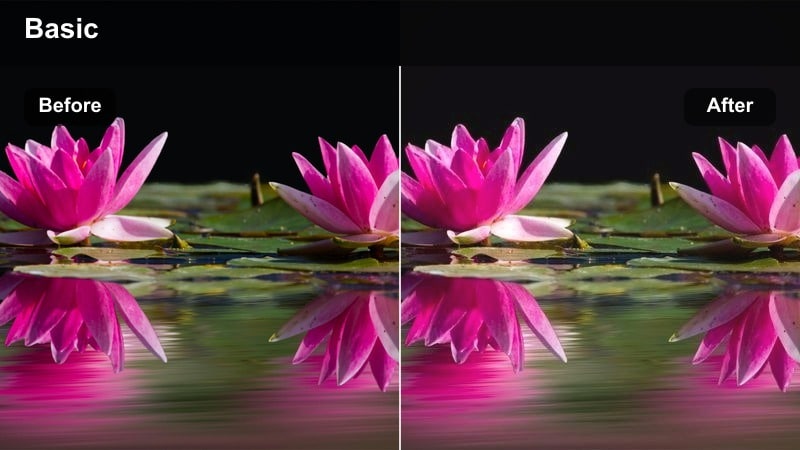
- Effect look: Soft contrast with bright whites and gentle warm midtones for clean counter shots.
- Best for: Overhead meal-prep scenes and recipe step shots on bright counters.
- Editing tip: Raise exposure slightly and use crop or zoom to keep hands and ingredients at the center of the frame.
Countertop Daylight Fade is built for overhead recipe steps where clarity matters. It keeps whites bright and clean while adding just enough warmth to make vegetables, sauces, and utensils look inviting but not over-stylized.
In Filmora, use this filter across your top-down tutorials to maintain a consistent, minimalist aesthetic. Lift exposure a touch, straighten your shot, and add a gentle zoom so viewers stay focused on the hands, chopping board, and ingredients as you explain each cooking step.
Cozy Evening Cookups and Warm Dinners
Amber Stove Top
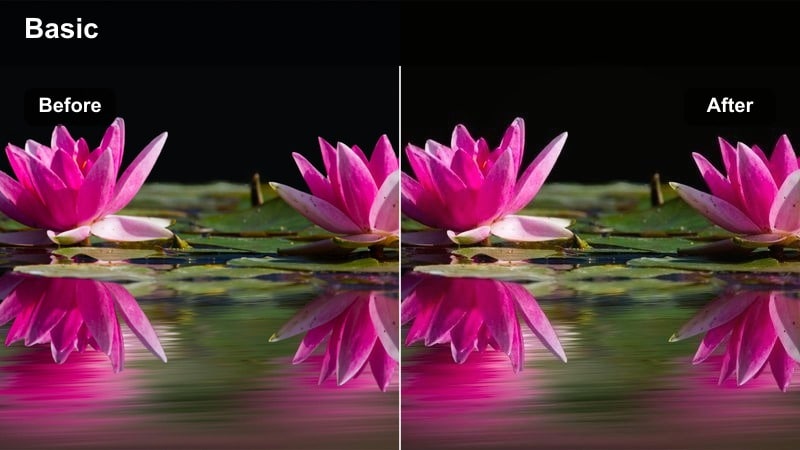
- Effect look: Deep amber warmth with gentle fade in blacks for a cozy, cinematic evening kitchen.
- Best for: Dinner recipes, simmering pots, and low-light stove shots.
- Editing tip: Reduce noise in shadows and keep exposure slightly under for a moodier dinner-time feel.
Amber Stove Top leans into the natural glow of stove hoods and small lamps to create an intimate dinner atmosphere. Faded blacks and amber midtones give soups, pastas, and stews a rich depth that feels like a cozy evening at home.
In Filmora, apply this filter to low-light cooking segments and gently pull exposure down to preserve the moody vibe. Add a bit of noise reduction and subtle film grain so the scene feels cinematic, while still keeping the simmering food and rising steam clearly visible.
Family Dinner Warmth
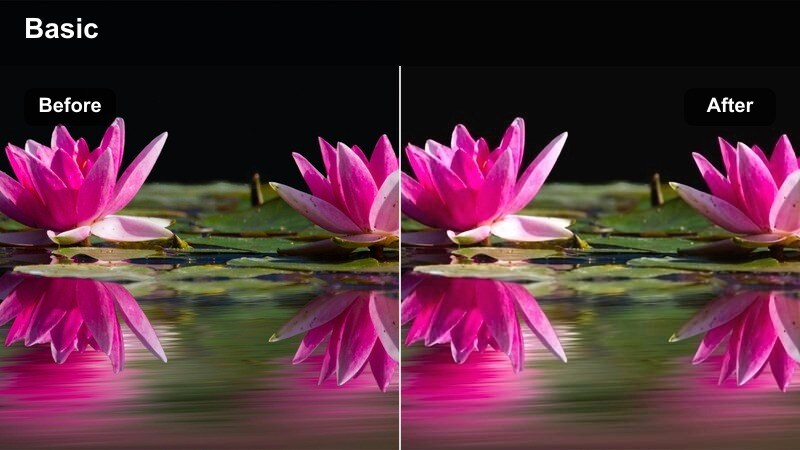
- Effect look: Balanced warm tones with natural skin color and soft contrast great for people around the table.
- Best for: Serving shots, family-style dishes, and people sharing food in the kitchen.
- Editing tip: Slightly brighten faces with local adjustments while keeping the background a bit darker.
Family Dinner Warmth is tuned to flatter both food and faces in the same frame. It keeps skin tones natural while adding a gentle warmth that makes table spreads, shared dishes, and candid moments feel heartfelt and welcoming.
In Filmora, use this look whenever friends or family appear on camera serving or tasting your recipes. Apply the filter, then use masking or the AI portrait tools to nudge exposure up on faces, letting the background fall slightly darker so attention stays on people and plates.
Caramelized Edges
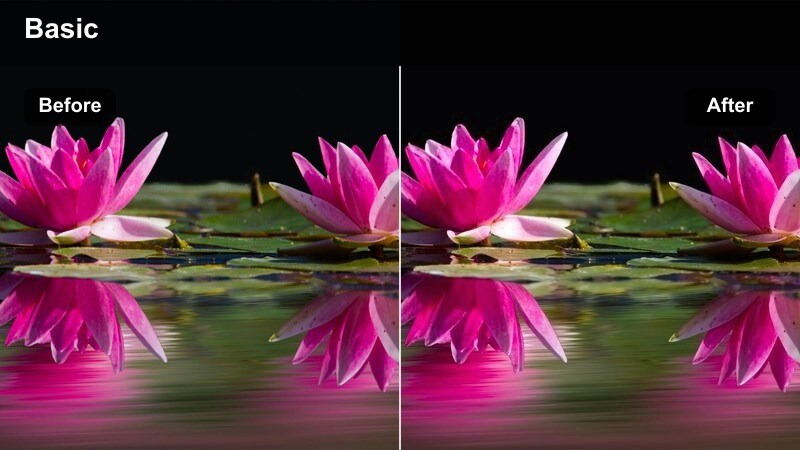
- Effect look: High contrast, slightly darker shadows, and boosted warm highlights to emphasize browned textures.
- Best for: Roasted dishes, grilled foods, and oven-baked recipes with crispy surfaces.
- Editing tip: Use selective sharpening on the food area only to keep backgrounds smooth and cinematic.
Caramelized Edges is designed to make crusts, grill marks, and roasted surfaces look extra crunchy and rich. The stronger contrast and warm highlights pull attention to glistening oils and browned textures that sell flavor on screen.
In Filmora, apply this filter to oven reveals, grill close-ups, and tray shots, then use keyframed masks or the focus tools to sharpen only the food. Keep backgrounds slightly softened so all that visual punch stays where it matters most: on caramelization and crisp edges.
Recipe Close-ups and Ingredient Details
Buttery Close Focus
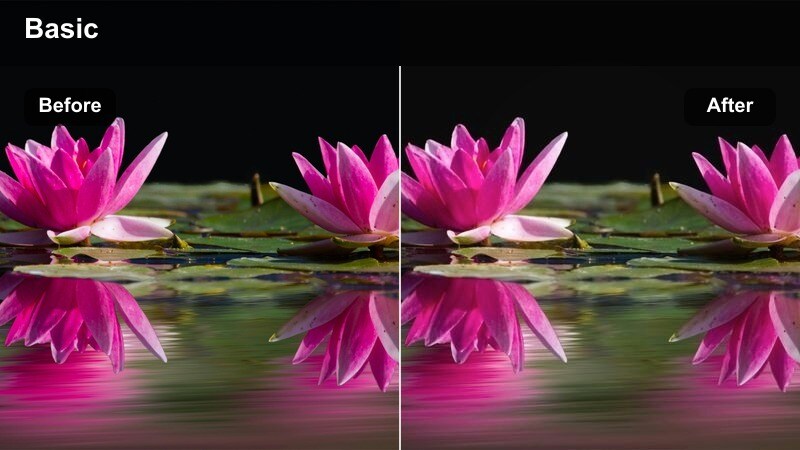
- Effect look: Creamy warm highlights with softened contrast to flatter close-up shots of rich dishes.
- Best for: Macro shots of sauces, melted butter, and rich desserts in the kitchen.
- Editing tip: Add a bit of blur or reduce clarity in the background to separate the hero ingredient from the kitchen.
Buttery Close Focus wraps your macro food shots in a smooth, creamy glow. Highlights on melted butter, glossy sauces, and desserts become more luxurious, while softened contrast keeps the image from feeling harsh at extreme close range.
In Filmora, combine this filter with shallow depth-of-field footage to isolate your hero texture. Use the blur or bokeh effects on the background area and stabilize the clip or slow it down, so every drip, swirl, and melt is clean and cinematic.
Prep Board Focus
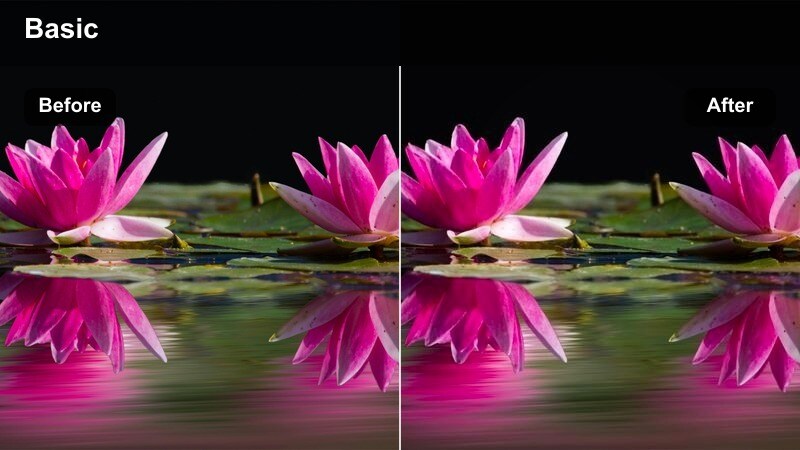
- Effect look: Neutral-warm balance with slightly desaturated backgrounds and crisp details on the cutting area.
- Best for: Chopping, slicing, and ingredient arrangement on cutting boards.
- Editing tip: Use masking to subtly darken the outer edges of the board, guiding attention to the knife and ingredients.
Prep Board Focus is tailored for clear, satisfying chopping sequences. It keeps the cutting surface and ingredients tack sharp while gently pushing background colors down so the frame feels organized and easy to read.
In Filmora, apply the filter to your top-down prep shots, then add a soft vignette or masked darkening around the board edges. Speed ramp repetitive motions slightly to match your music beat, creating loops and transitions that feel rhythmic and professional.
Steam Rise Cinema
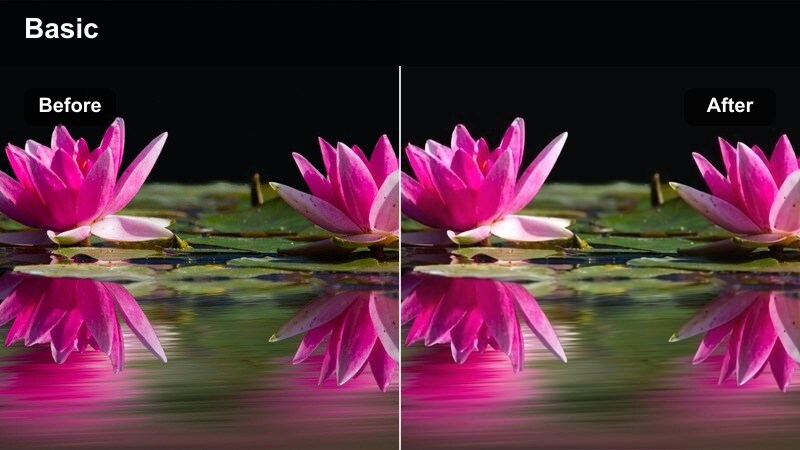
- Effect look: Soft lifted blacks with warm midtones and slightly cooler highlights to make steam stand out.
- Best for: Close-up shots of steaming pots, freshly cooked dishes, and hot drinks in the kitchen.
- Editing tip: Underexpose slightly and shoot against a darker background so the rising steam is clearly visible.
Steam Rise Cinema emphasizes the atmosphere around your food, not just the dish itself. Lifted blacks and warm midtones keep the scene cozy, while subtly cooler highlights help steam, vapors, and heat waves separate from the background.
In Filmora, underexpose your steaming shots a bit and apply this filter, then use backlight in-camera or light leaks in post to accent the steam trails. Slow the footage down and let the cinematic warmth turn simple boiling water or hot drinks into dramatic, sensory moments.
Studio-Style Kitchen and Food Hero Shots
Editorial Kitchen Warm
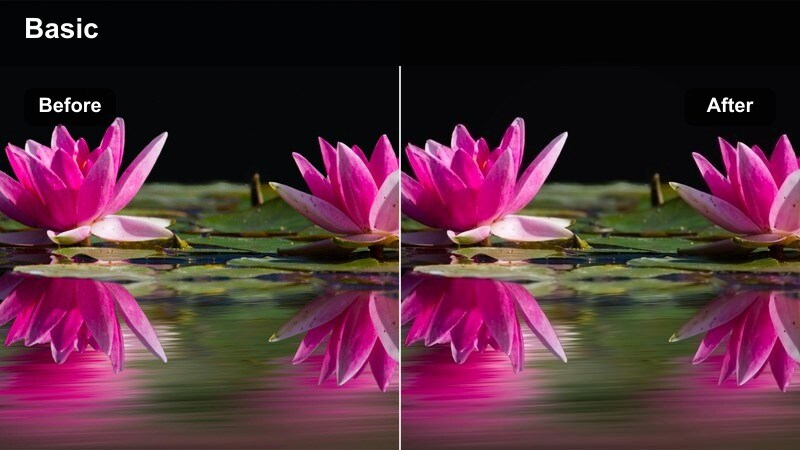
- Effect look: Polished, magazine-style warmth with controlled contrast and clean whites.
- Best for: Thumbnail hero shots, finished plates on the counter, and branded kitchen content.
- Editing tip: Straighten lines and crop to center the dish, then use this filter as the final look across the whole video.
Editorial Kitchen Warm gives your kitchen and dishes a refined, publication-ready finish. It balances warm tones with crisp whites so plates, linens, and countertops remain clean while the food stays rich and inviting.
In Filmora, use this filter on your hero shots, intros, and outros to create a cohesive brand look. Straighten verticals, crop tightly around the plate, and then apply the grade across all related clips so your channel thumbnails match the in-video color styling.
Plate Spotlight Glow
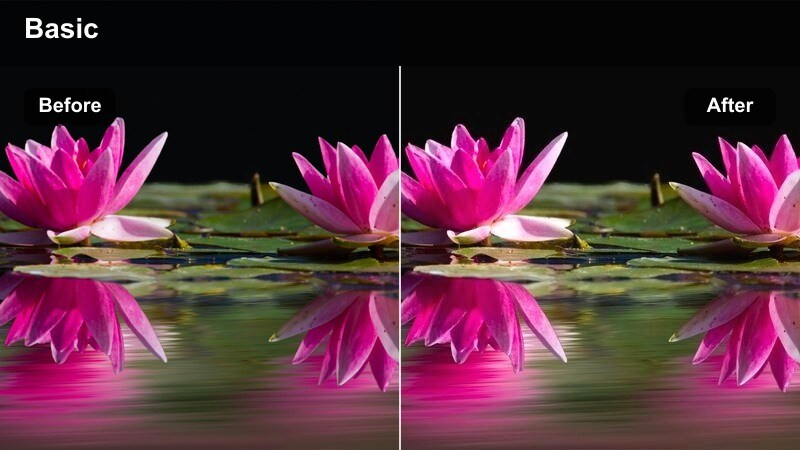
- Effect look: Directional warm vignette with slightly brighter center to mimic a spotlight on the dish.
- Best for: Hero plate reveals, slow spins of finished dishes, and top-down serving shots.
- Editing tip: Animate a slow zoom-in while this filter is applied to create a dramatic reveal of the final plate.
Plate Spotlight Glow is all about directing the viewers eye straight to your star dish. The center of the frame gets a subtle lift in brightness and warmth, while the edges fall off into a gentle vignette that mimics studio lighting.
In Filmora, apply this filter to reveal shots and pair it with a slow push-in or rotate effect for extra drama. Keep the background uncluttered and consider adding minimal text over the darker edges so the central plate remains the clear hero of the composition.
Studio Counter Warm Film
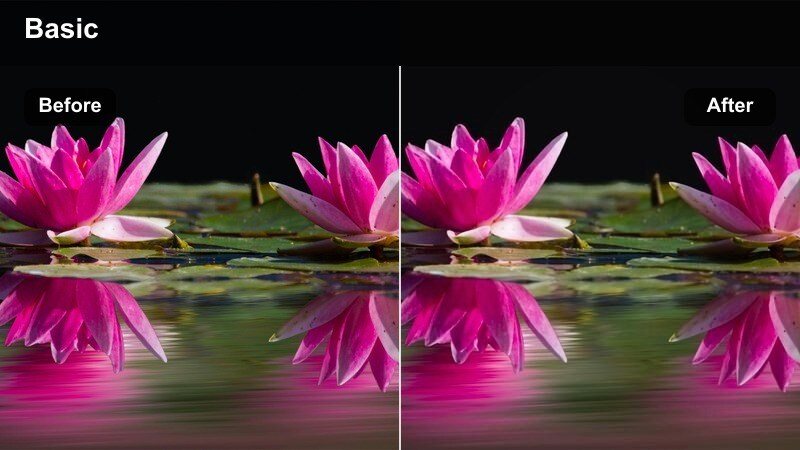
- Effect look: Subtle film-style curve with warm shadows and slightly muted saturation for a cinematic commercial vibe.
- Best for: Branded kitchen ads, product shots on counters, and sponsor segments integrated into cooking videos.
- Editing tip: Keep camera moves slow and minimal, letting the filmic look and framing do the storytelling.
Studio Counter Warm Film adds a commercial-grade polish to your kitchen scenes. With warm shadows and a gentle film curve, it creates a high-end advertising feel that works perfectly for sponsor reads, product placements, and branded recipes.
In Filmora, use this filter on dedicated product shots, logo placements, and any segment where you want the video to feel like a sleek TV ad. Keep movements smooth with stabilization, limit your color palette in props, and leave negative space for on-screen graphics or brand callouts.
Tips for Using Kitchen Cooking Cinematic Lut Filters in Filmora
- Shoot with consistent white balance in your kitchen so warm filters enhance your footage instead of fighting mixed color temperatures.
- Film in 4K or the highest resolution available to keep close-up food textures sharp after grading and cropping.
- Use a mix of wide kitchen shots and tight close-ups so your cinematic filters can highlight both atmosphere and detail.
- Keep your countertops tidy and color-coordinated; simple backgrounds make warm, cinematic filters look more intentional.
- Dial filter strength back to around 60-80 percent to avoid over-saturated food that looks unrealistic on camera.
- Test your graded clips on both phones and larger screens to be sure warmth and contrast feel appetizing everywhere.
- Create and save custom presets in Filmora once you find a favorite kitchen look, so you can apply it in one click to new videos.
With the right kitchen cooking cinematic LUT-style filters, your recipe videos can feel as inviting as a cozy home-cooked meal.
Experiment with warmth, contrast, and close-up detail in Filmora until you land on a signature look that viewers instantly recognize as yours.
secure download