

 100% Security Verified | No Subscription Required | No Malware


 ChatGPT
 Perplexity
 Gemini
 Claude
 Grok
Grok
TikTok car videos hit different at night, when headlights, neon signs, and wet asphalt all blend into a moody cinematic palette. With the right filters and LUT-style looks in Filmora, you can turn raw night drive clips into scroll-stopping edits that feel like scenes from a movie.
This guide breaks down a full set of TikTok car video cinematic LUTs for night drives, showing you which filters to use for dark highways, neon downtown laps, rainy city streets, and cozy in-car POV shots so your next TikTok feels polished and intentional.
In this article
Highway Night Glow and Headlight Trails
Neon Highway Cruise
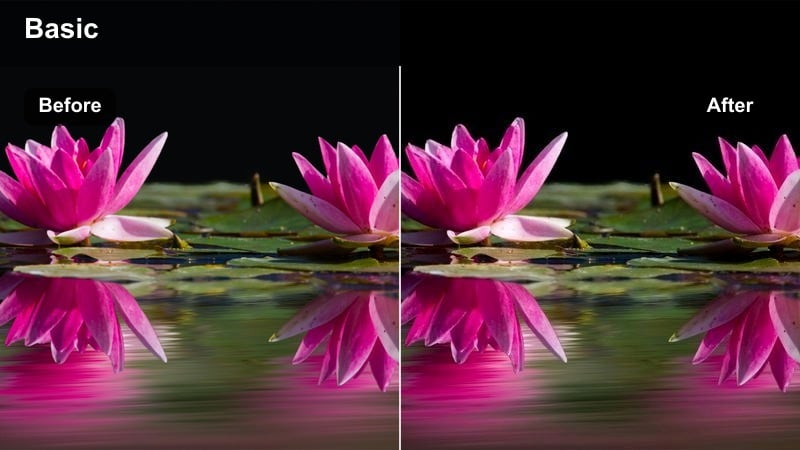
- Effect look: Deep contrast with boosted neon signs and cool blue midtones that make headlights streak and dashboard lights pop.
- Best for: Long highway drives, POV car edits with steady lanes and light trails, and TikToks synced to synthwave or chill electronic tracks.
- Editing tip: Lower exposure slightly, then add a subtle vignette so the brightest parts stay on the road, dashboard, and light trails instead of the sky.
Use Neon Highway Cruise when you want your night drive to feel like a stylized music video straight out of a cyberpunk film. In Filmora, combine this filter with slightly lowered exposure and richer blues in the midtones so overhead signs, billboards, and dashboard lights separate clearly from the dark sky and cabin shadows.
For TikTok, this look works especially well with smooth, continuous POV shots along the highway. Stabilize your footage in Filmora, add a bit of motion blur, and then apply the filter so the enhanced neon and headlight streaks flow cleanly with your synthwave or chill electronic soundtrack.
Automate Your Night Drive Look with AI Color Tools
Filmora's AI color tools help you balance tricky night footage by automatically correcting exposure and white balance before you apply your favorite TikTok car video cinematic LUTs. This is perfect for clips where headlights, dashboards, and streetlights all fight for attention in the frame.
Run AI auto-correction on dim or noisy night drive clips as a first pass, then layer your preferred highway or downtown filters over the cleaned-up footage. This keeps neon edges sharp, prevents blown-out highlights, and lets your LUT-style looks stay consistent across multiple shots in one TikTok.
 secure download

Preview Filters Live on Your TikTok Car Clips
In Filmora you can hover over each filter preset to preview how your night drive footage will look before you commit. This lets you quickly compare neon-heavy highway styles, moody downtown looks, and warm in-car vibes without wasting time on trial-and-error grading.
Once you pick a filter, fine-tune it with subtle exposure, contrast, and vignette tweaks so every TikTok car upload has its own personality while still feeling like part of a cohesive night-drive series on your profile.
secure downloadMatch TikTok LUT-Style Looks with Filmora Filters
Even if you are inspired by cinematic LUTs you see on TikTok, Filmora's library of filters and 3D LUT-style presets can closely match those trendy night-drive aesthetics. Combine them with manual color and grain controls to build signature looks around highways, downtown laps, or rainy glass reflections.
When you create a combo you love, save it as a custom preset so you can apply that same stylized night grade to future car POVs in one click. Over time, this makes your profile feel consistent and professional without extra color-grading work each time you post.
secure downloadMidnight Asphalt
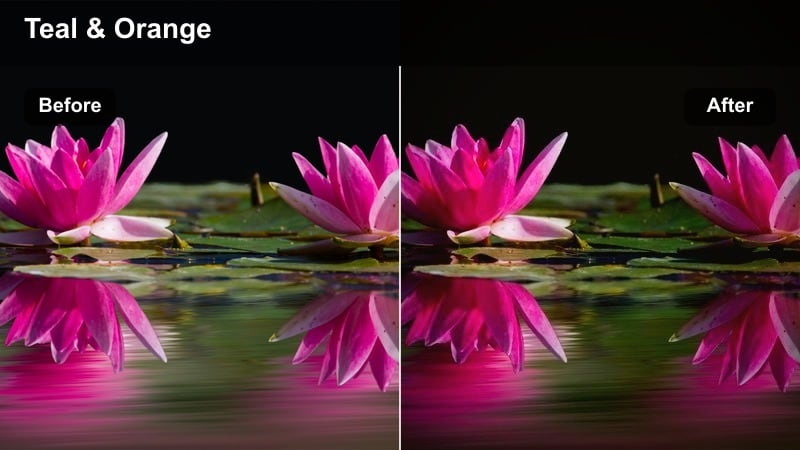
- Effect look: Crushed blacks and glossy highlights that make the road look wet and reflective, with subtle teal shadows for a cinematic street feel.
- Best for: Night drives on empty roads, highway ramps, tunnels, and any shot where the asphalt fills most of the frame.
- Editing tip: Increase clarity and texture slightly to emphasize road details and lane lines, but keep noise reduction on so dark areas stay clean on TikTok.
Midnight Asphalt is ideal when you want the road itself to become your main character. In Filmora, pair this filter with low-angle clips near the wheels or looking straight ahead so the crushed blacks and glossy highlights turn plain pavement into a dramatic, almost liquid surface.
Push clarity and texture just enough to bring out lane lines and tiny reflections, then use noise reduction so your deep shadows stay smooth. On TikTok, these stylized road shots cut perfectly between wider city or cabin angles to keep your edit visually rich.
Lanes of Light
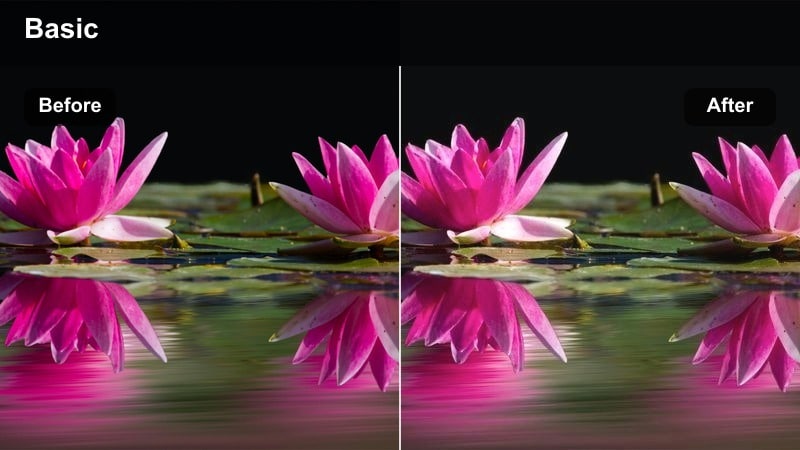
- Effect look: Brightened highlights on lane markers and taillights with soft bloom around distant cars for a dreamy, cinematic highway rush.
- Best for: Fast lane changes, following another car, or timelapse-style clips of traffic during a night drive.
- Editing tip: Slightly ramp the speed of your clip and cut on the beat so the glowing lane lines and taillights feel synced with your TikTok audio.
Lanes of Light turns ordinary traffic into flowing streams of color, perfect for energetic edits. In Filmora, combine this filter with gentle speed ramps and carefully timed cuts so each lane change or burst of taillight glow lands on a strong beat in your soundtrack.
Underexpose your original footage slightly, then let the filter lift the highlights to add a soft halo around bright cars and lane markers. The result is a dreamy highway rush that keeps viewers watching your looped TikToks again and again.
Downtown Neon Loops and City Center Laps
Neon City Drift
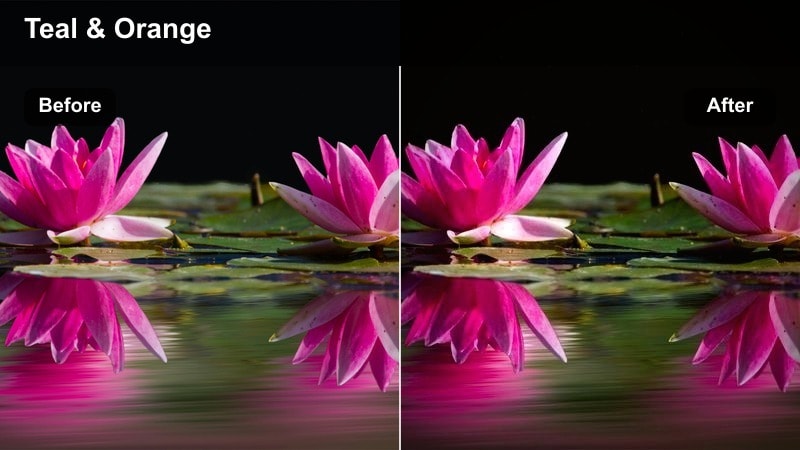
- Effect look: Punchy neon saturation with magenta and teal bias that makes billboards, shopfronts, and streetlights stand out against deep shadows.
- Best for: Loops around downtown districts, neon-heavy streets, and passes under colorful LED signs while cruising.
- Editing tip: Use this filter on clips with strong primary colors, then lower overall saturation just a bit so your neons glow without looking cartoonish.
Neon City Drift is built for busy downtown laps, where every frame is packed with LED signs and glowing storefronts. In Filmora, apply this filter to footage with clear reds, blues, and greens so the magenta-teal shift and boosted saturation carve out a bold cyberpunk palette.
After applying the filter, pull global saturation down slightly and fine-tune contrast so your highlights stay controlled. On TikTok, use these clips as standout sections in a montage, especially when you drive under big billboards or along major shopping streets.
Urban Chrome
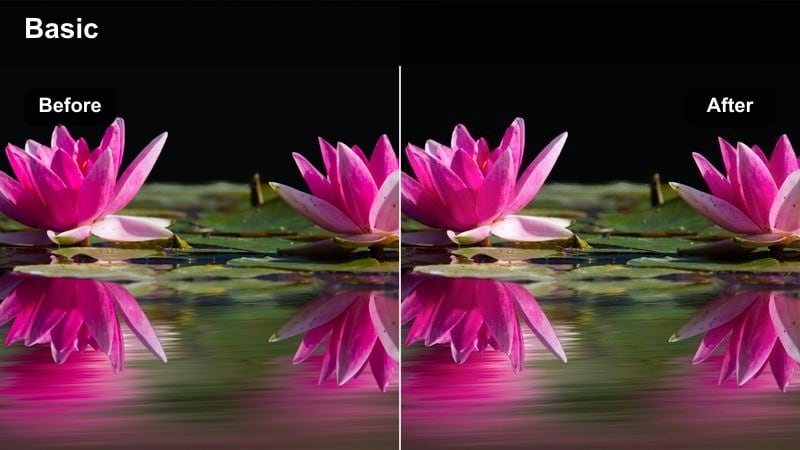
- Effect look: Metallic contrast with slightly desaturated skin tones and boosted reflections on car bodies, windows, and wet pavement.
- Best for: Night car shots parked under streetlights, rolling near glass buildings, and slow moves past chrome or metallic surfaces downtown.
- Editing tip: Tilt your camera slightly to catch reflections along the side of the car, then use this filter to sharpen those highlights for a premium look.
Urban Chrome is perfect when you want your car to look like a polished hero under city lights. In Filmora, use it on clips where the body panels, mirrors, or windows are catching long reflections from skyscrapers, streetlights, and passing traffic.
The filter intensifies those streaks and elevates the metallic feel without oversaturating the scene. Use slow, steady camera moves and maybe a subtle push-in effect so the reflections glide smoothly, giving your TikTok edit a premium, commercial-grade finish.
City Sign Flicker
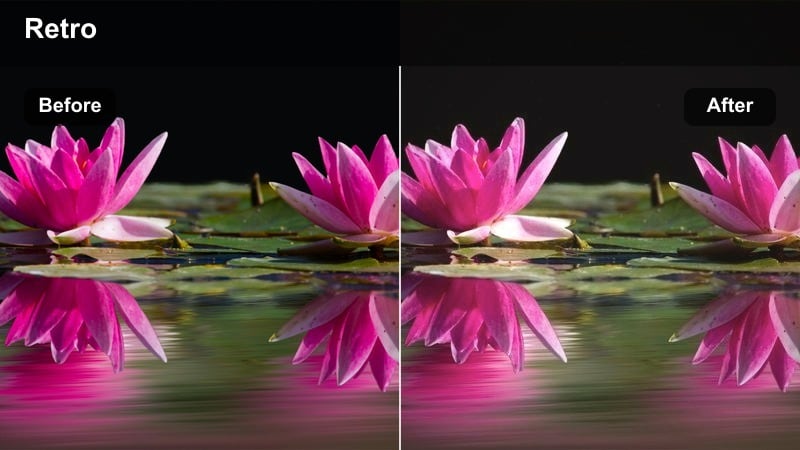
- Effect look: Soft flicker-style contrast with warm highlights on street signs and storefronts, giving a slightly nostalgic, analog night-drive feel.
- Best for: Drive-bys past cafes, convenience stores, gas stations, and small shops with bright signage.
- Editing tip: Cut your clips on each big sign or light change, then add a subtle film grain layer to complement the slightly vintage tone of this filter.
City Sign Flicker gives your downtown clips a warm, retro edge, like they were captured on old film. In Filmora, enhance the analog vibe by stacking a light film grain effect and keeping your cuts timed to each new sign or light source that enters the frame.
This filter works best when you record short five to ten second passes of interesting storefronts, gas stations, or diners. Stitch them into a quick montage, and your TikTok will feel like a nostalgic road movie trailer sliding past glowing signs.
Rainy Night Vibes and Reflections on Glass
Rain Glass Cinema
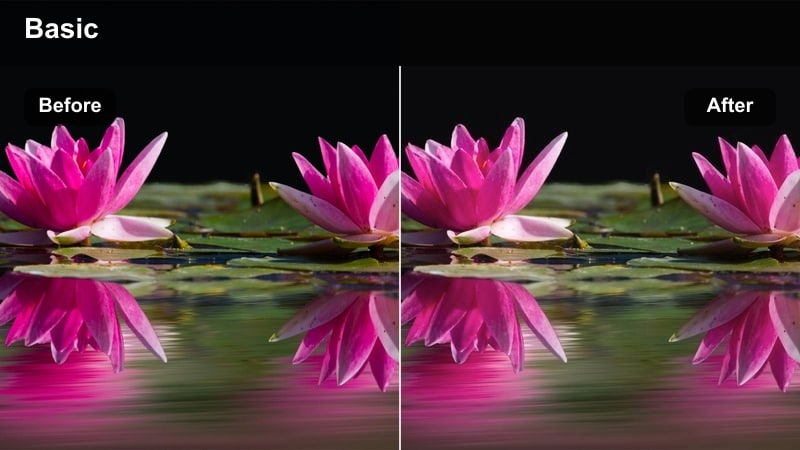
- Effect look: Softened contrast with boosted highlights on raindrops and streetlights, turning windows into dreamy bokeh-covered surfaces.
- Best for: Rainy drives, parked shots with raindrops on the windshield, and slow focus pulls from droplets to street scenes outside.
- Editing tip: Shoot with manual focus to blur the background slightly, then use this filter to brighten raindrop edges and create cinematic bokeh effects.
Rain Glass Cinema is your go-to when the weather turns moody and your windshield fills with droplets. In Filmora, apply this filter to clips where you slowly shift focus or angle the camera so streetlights and signs melt into soft bokeh behind the rain.
The filter brightens each droplet edge and smooths contrast, ideal for emotional TikToks paired with slower or melancholic tracks. Use gentle dissolves or crossfades between shots to keep the dreamy, reflective feeling flowing throughout your edit.
Wet Street Neon
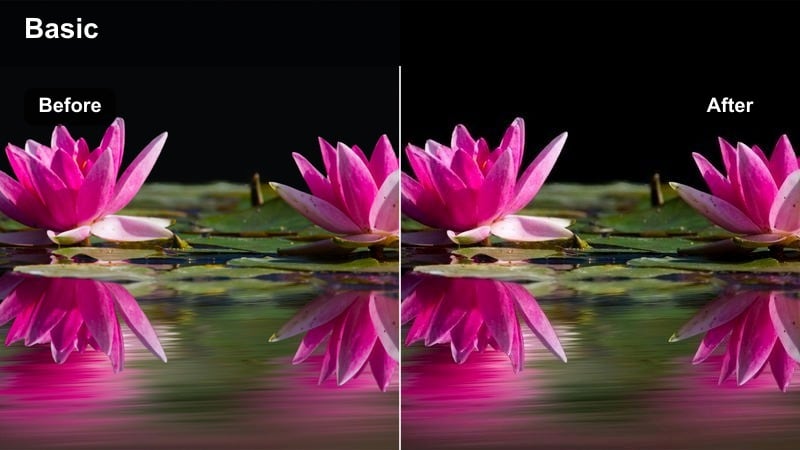
- Effect look: High saturation in reflections with boosted blues and magentas on wet pavement, while keeping the sky and shadows deep and dramatic.
- Best for: Rain-soaked downtown routes, puddle reflections of headlights, and low-angle shots looking down the street from the car door.
- Editing tip: Lower the camera closer to the ground to capture more puddles and reflective surfaces, then apply the filter to turn them into glowing color streaks.
Wet Street Neon transforms rain-soaked streets into vibrant light paintings. In Filmora, use this filter on low-angle shots that capture puddles, road shine, and reflections stretching down the street so the boosted blues and magentas really stand out.
For TikTok, cut these clips between wider driving shots to add bursts of intense color and motion. Time your edits so each pass over a bright reflection or puddle hit matches a beat drop or key moment in your soundtrack.
Foggy Hood Glow
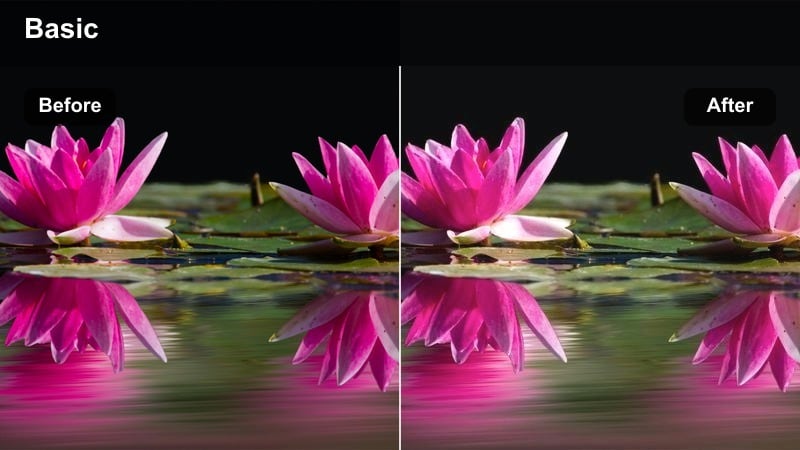
- Effect look: Soft haze in highlights with muted shadows, giving headlights and hood reflections a foggy, atmospheric glow.
- Best for: Misty highways, drizzle, or slightly foggy nights where your hood and headlights are clearly visible from inside or outside the car.
- Editing tip: Aim your camera so part of the hood is always in frame, then let the filter's soft glow guide the viewer's eye toward the brightest parts of the road.
Foggy Hood Glow is made for those misty, cinematic nights when your headlights carve through thin fog. In Filmora, pair this filter with POV clips that keep the hood and road centered so the soft haze effect highlights your main light path.
Underexpose slightly in-camera, then rely on the filter's gentle bloom to wrap around streetlights and signs. On TikTok, these sequences work well with ambient or emotional tracks and can serve as calm transitions between more intense city or highway scenes.
In-Car POV Mood and Dashboard Stories
Dashboard Noir
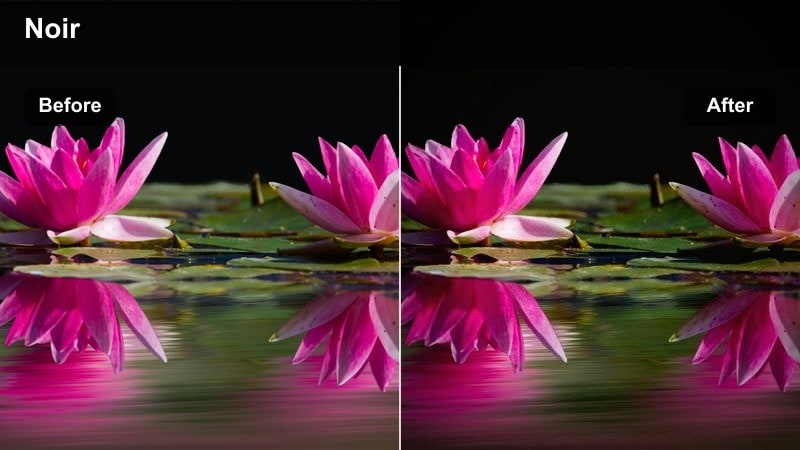
- Effect look: Low-key cinematic lighting with deep blacks, subtle film-style grain, and focused highlights on the steering wheel and dash lights.
- Best for: POV shots from the driver seat, moody voiceovers, and storytelling TikToks filmed inside a parked or slowly moving car at night.
- Editing tip: Turn off interior dome lights and rely on the dashboard and streetlights for illumination, then use this filter to keep the frame intimate and dramatic.
Dashboard Noir gives your in-car shots a suspenseful, film-noir tone that is great for voiceovers and personal storytelling. In Filmora, keep your frame mostly dark, let your dash and streetlights act as motivated light sources, and then apply this filter to deepen blacks and add a subtle grain texture.
Use slow cuts and let pauses breathe in your edit so the negative space feels intentional rather than underexposed. On TikTok, this style pairs nicely with narration, confessions, or late-night thoughts recorded straight from the driver seat.
Cozy Cabin Amber
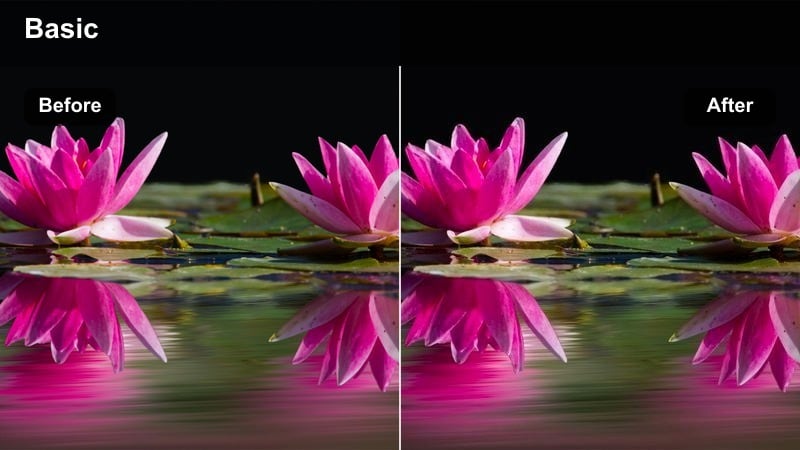
- Effect look: Warm amber tint on interior lights with softened contrast that gives your car cabin an inviting, late-night conversation vibe.
- Best for: Talking-to-camera POVs, singing along to songs, or filming friends in the car during late-night drives and parking-lot hangs.
- Editing tip: Turn on a single soft interior light or use a warm phone light, then apply the filter and slightly reduce saturation so skin tones stay flattering.
Cozy Cabin Amber is designed to make your car feel like a tiny studio for intimate, late-night content. In Filmora, pair this filter with a single warm light source and medium close-ups of faces so the softened contrast and amber tones flatter skin and keep the mood relaxed.
Reduce saturation just a touch to avoid overly orange tones, then cut gently on breaths or lyric changes if you are singing along. This look is ideal for storytime TikToks, duets from the car, or wholesome clips with friends parked under streetlights.
Streetlight Flicker POV
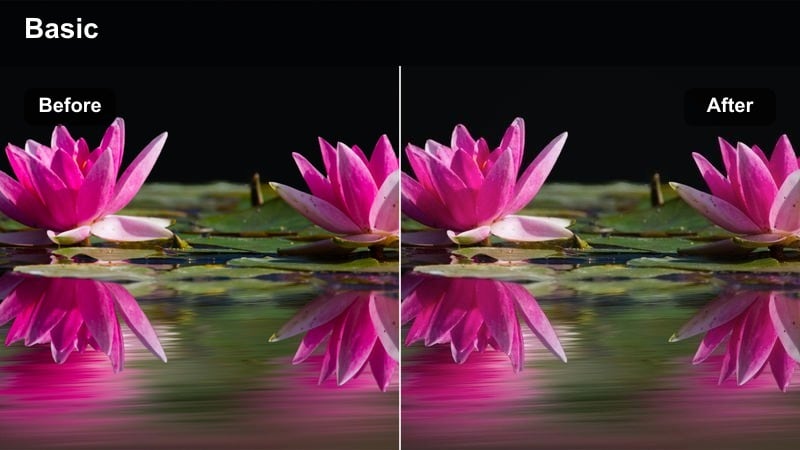
- Effect look: Rhythmic exposure and contrast that subtly emphasizes passing streetlights and tunnel lights across the windshield.
- Best for: POV shots looking straight out the windshield on long stretches with repeating streetlights or underpasses.
- Editing tip: Hold your phone steady against the dashboard or mount it, then cut on each major light streak so the filter's rhythmic contrast lines up with the motion.
Streetlight Flicker POV turns repeating light patterns into a visual metronome for your TikTok edits. In Filmora, apply this filter to stable windshield POV clips where the car moves under evenly spaced lights, tunnels, or overpasses so the subtle contrast pulses enhance each pass.
Trim your clip into a seamless loop by matching the first and last frames, and sync the movement with your audio's rhythm. This creates endlessly rewatchable loops where the flicker of lights, the road motion, and the music groove all lock together.
Tips for Using Tiktok Car Video Cinematic Luts Night Drive Filters in Filmora
- Shoot your TikTok car night videos slightly underexposed so streetlights and neon signs do not blow out when you apply high-contrast cinematic filters.
- Stabilize handheld footage in Filmora before adding strong glow or blur filters so headlight trails and reflections look smooth instead of shaky.
- Match your filter choice to the music mood, using colder tones for synthwave or trap tracks and warmer in-car looks for acoustic or storytelling sounds.
- Keep your lenses clean and avoid pointing directly into ultra-bright LEDs so the filters can enhance natural bloom without ugly flares.
- Use a mix of exterior highway shots and interior POV or dashboard clips in one edit to show different sides of your night drive aesthetic.
- Leverage Filmora's AI and preset tools to build repeatable night-drive looks, then save them as custom presets for future TikTok car edits.
- Filmora can also export compatible color adjustments from a selected clip as a standard .cube LUT for reuse in another project or in DaVinci Resolve, Adobe Premiere Pro, and Final Cut Pro.
With the right combination of TikTok car video cinematic LUT-style filters, night drives can instantly feel like curated scenes from a film, whether you are cruising highways, looping downtown, or talking to the camera in a parked car.
Test a few of these presets in Filmora, save your favorites as custom looks, and build a consistent night drive style that followers recognize every time your TikTok hits their For You Page.
secure download