

 100% Security Verified | No Subscription Required | No Malware


 ChatGPT
 Perplexity
 Gemini
 Claude
 Grok
Grok
High contrast filters are one of the fastest ways to make TikTok dance videos look sharper, bolder, and more intentional, especially on small phone screens where every detail needs to stand out.
Below are 12 Filmora filters inspired by TikTok dance video high contrast LUTs, organized by scene and vibe, so content creators can match the right punchy look to their choreography and lighting.
In this article
Neon Club Dance Floor Energy
Neon Pulse Contrast
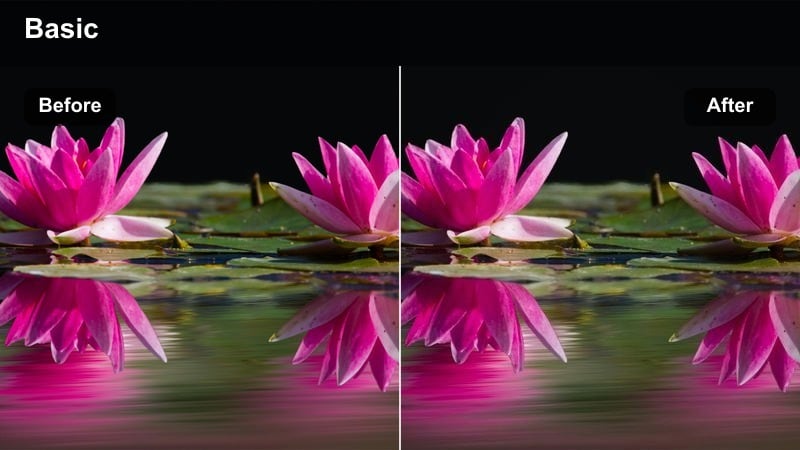
- Effect look: Deep blacks with glowing neon highlights that make LED and RGB lights pop around the dancer.
- Best for: Nightclub or LED strip dance videos with strong colored lights and fast choreography.
- Editing tip: Lower brightness slightly and boost saturation to intensify neon signs and LED reflections without losing detail in the dancer's outfit.
Neon Pulse Contrast in Filmora is ideal when you want your TikTok dance clips to feel like they were shot in a full production club setup. The filter deepens blacks so the room falls away, while neon signs, RGB tubes, and LED strips glow with extra intensity, helping every body wave and hit stand out in the dark.
Apply this filter at the start of your edit, then fine tune exposure so the dancer stays readable even when the background is almost black. For best results, pair it with Filmora skin retouching or subtle local adjustments on faces so the glow stays dramatic without turning skin into harsh patches of color.
Let Filmora Auto-Match Your TikTok Dance Contrast
With Filmora's AI-driven color tools, you can quickly get a high contrast baseline that suits your TikTok dance video before you start stacking creative filters. AI analysis helps even out mixed lighting, lifting shadows on your moves while keeping backgrounds bold and dark.
Once AI has balanced your clip, you can apply high contrast looks like Neon Pulse Contrast with more control, because exposure and color are already normalized across your takes. That means smoother transitions when you cut between angles or different locations in one routine.
 secure download

Preview High Contrast Filters in Real Time
Filmora lets you hover over each filter in the Effects panel to see an instant preview on your TikTok dance clip. This makes it easy to compare multiple high contrast styles on the same eight count and choose the one that makes your lines and hits the clearest.
You can also combine a strong base contrast filter with a lighter, texture-focused effect, then use split-screen or before-and-after preview to check how they look on moves, outfits, and skin tones before committing to the final grade.
secure download1000+ Video Filters and 3D LUTs
Beyond high contrast presets, Filmora includes a large library of cinematic filters and 3D LUTs so you can give each TikTok dance series its own signature mood. You can layer film-style LUTs, color pop looks, and stylized grades on top of clean contrast to create a recognizable creator brand.
Use high contrast filters to carve out shape and clarity, then dial in LUT intensity between subtle and bold to match the song and choreography energy. This workflow keeps skin tones natural while infusing your videos with repeatable, scroll-stopping style.
secure downloadElectric Edge Pop
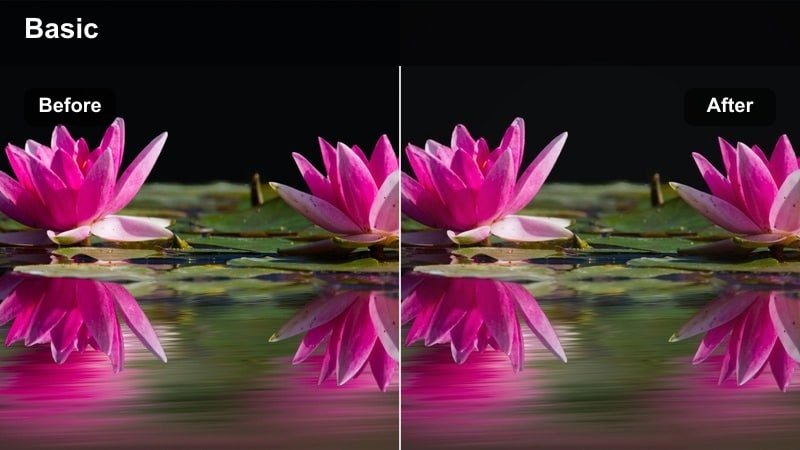
- Effect look: Razor-sharp edges, crisp outlines, and boosted midtone contrast to emphasize every pose and transition.
- Best for: Sharp choreography, tutting, or hand-focused dance routines shot in moody indoor spaces.
- Editing tip: Use tighter framing and increase sharpness slightly to make hands, arms, and footwork slice through the frame with extra clarity.
Electric Edge Pop tightens up every line in your movement, which is perfect for intricate tutting, isolations, and detailed hand choreography. By lifting midtones and strengthening outlines, it makes joints, fingers, and angles read clearly on small TikTok screens.
In Filmora, apply this filter and then adjust sharpness with care so edges stay crisp without creating halos. Combine it with beat-matched cuts and quick punch-in zooms to emphasize signature moves and transitions that you want viewers to replay and learn.
Club Spotlight Crush
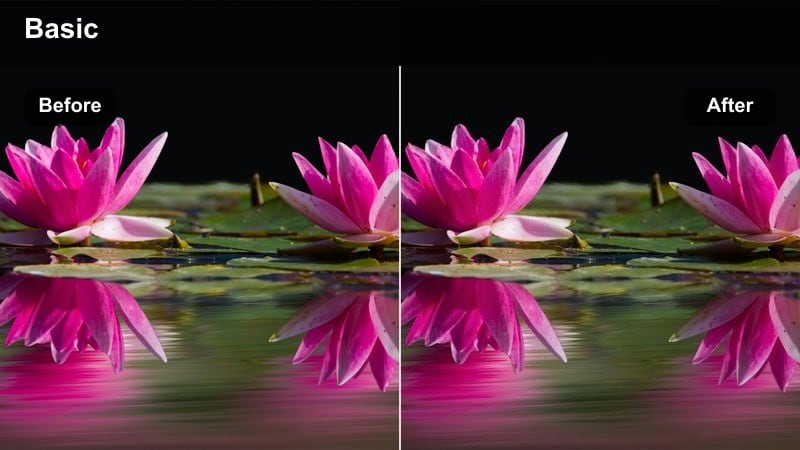
- Effect look: Darkens the background while keeping the subject bright, with intense contrast and a spotlight-style feel.
- Best for: Solo dance performances on small stages, rehearsal rooms, or black box spaces.
- Editing tip: Center your subject in frame and slightly vignette the edges so the spotlight effect feels intentional and cinematic.
Club Spotlight Crush is designed to mimic a stage spotlight by lifting the dancer while pushing everything else into dark, dramatic shadows. This instantly makes solo performances feel like they belong in a live show or music video, even if they were shot in a plain room.
Use this filter in Filmora when you want viewers to focus on one performer or highlight tricks and big moments. Add subtle vignetting and, if needed, a touch of slow motion on key moves so the high contrast spotlight look reinforces the performance energy.
Bedroom and Home Studio Sessions
Room Glow High Pop
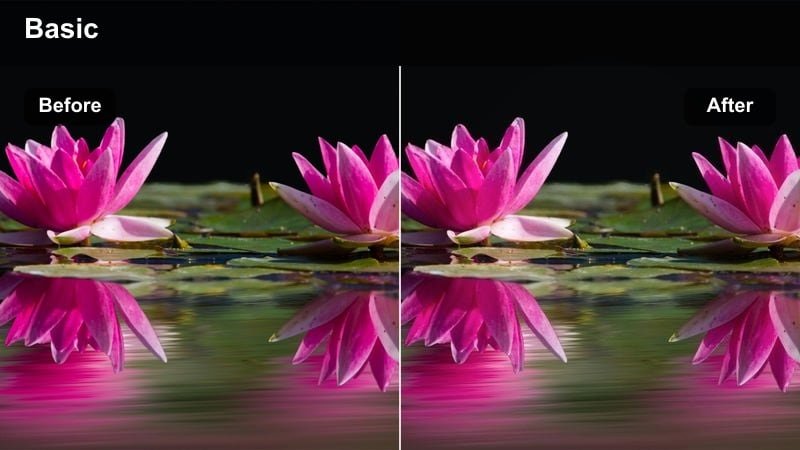
- Effect look: Bright whites, bold blacks, and punchy color accents that make LED strips and posters stand out in small rooms.
- Best for: TikTok dances filmed in bedrooms, living rooms, or small home studios with decorative lighting.
- Editing tip: Angle your key light toward the dancer's face and keep backgrounds slightly darker so the filter does not overexpose walls.
Room Glow High Pop is tuned for cozy indoor setups, turning regular bedroom lighting into a stylized home studio look. It brightens whites just enough to feel clean while deepening shadows, giving LED strips, signs, and poster art a vivid punch behind your moves.
In Filmora, combine this filter with controlled exposure and a single strong key light aimed at your face so expressions remain clear. It works especially well for trend dances and lip sync content where you want both your personality and room decor to become part of your creator identity.
Mirror Sync Contrast
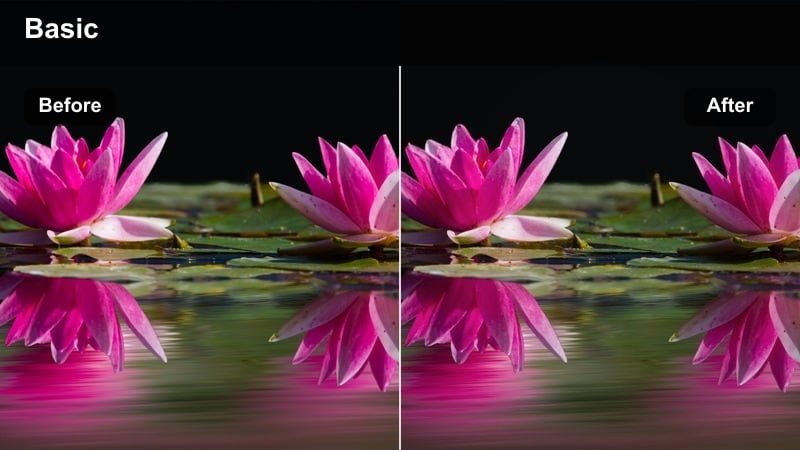
- Effect look: Strong separation between subject and background with clear reflections and punchy midtones.
- Best for: Mirror dance trends, outfit transitions, and full-body TikTok routines shot in tight spaces.
- Editing tip: Clean your mirror thoroughly and keep the area behind you minimal so the filter can clearly define you against the reflection.
Mirror Sync Contrast emphasizes both you and your reflection, making mirror-based TikTok trends look polished rather than cluttered. By boosting midtones and separation, it ensures that your real body and mirrored image remain distinct even in smaller rooms.
In Filmora, use this filter with stable, centered framing so arms, legs, and transitions land simultaneously in both views. It is great for outfit change dances and choreography breakdowns where seeing the move from two angles in one frame helps followers copy your steps.
Cozy Room Crisp
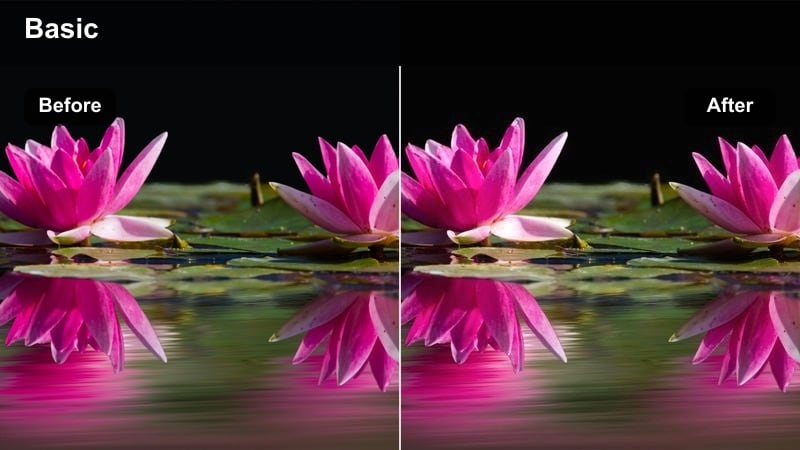
- Effect look: Warm contrast with clean skin tones and darker corners that subtly spotlight the dancer.
- Best for: Casual, personality-driven dance videos in soft indoor lighting with cozy decor.
- Editing tip: Raise shadows just a touch if your room is very dim so facial expressions remain readable while keeping the high contrast feel.
Cozy Room Crisp keeps the inviting feel of a warm living room while still adding enough contrast to make your moves pop. Skin tones stay natural and flattering, while the corners of the frame deepen slightly so attention stays on you in the center.
Use this filter in Filmora for dance challenges, storytelling choreo, or relaxed lip sync videos where your vibe matters as much as your technique. A slight lift in shadows and careful exposure adjustments will keep faces expressive without sacrificing the cinematic, high contrast finish.
Street and Parking Lot Power Moves
Asphalt Punch Contrast
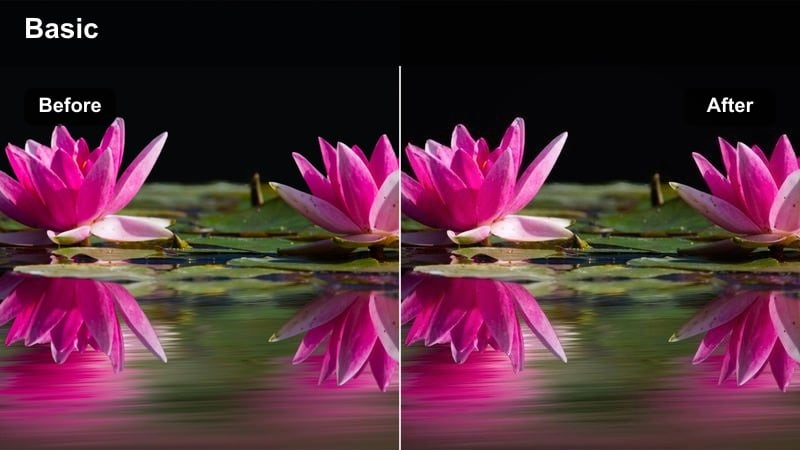
- Effect look: Dark, gritty asphalt tones with bright highlights on the dancer and bold, cinematic contrast.
- Best for: TikTok dance videos in parking lots, empty streets, or rooftop spaces with strong directional light.
- Editing tip: Frame the horizon low and leave negative space above the dancer so the filter can create a bold sky-to-street contrast.
Asphalt Punch Contrast is made for gritty outdoor dance sessions, giving the ground rich texture while keeping your body bright and bold. The filter leans into hard shadows to create a cinematic, street-battle feel that looks intense in the TikTok feed.
In Filmora, pair this filter with clips shot in strong side light so your silhouette and muscle definition stand out against the pavement. Adjust contrast and highlight recovery until clothing details remain visible, then use low-angle shots to exaggerate footwork and power moves.
Urban Pop Lock
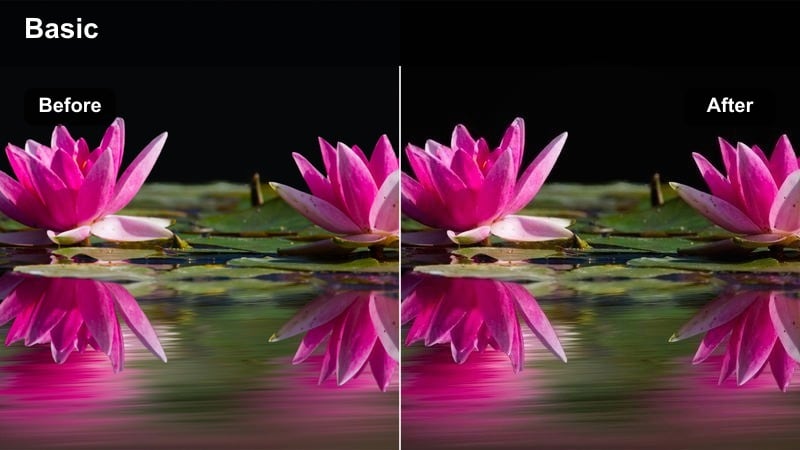
- Effect look: High contrast with slightly cooler tones, making concrete, metal, and street lines feel graphic and bold.
- Best for: Popping, locking, and hip-hop choreo against city backdrops, garages, or graffiti walls.
- Editing tip: Shoot with some leading lines like parking lines or railings pointing toward you to emphasize movement with the filter's graphic edges.
Urban Pop Lock adds a cool, streetwise edge to your hip-hop and popping routines by enhancing concrete, metal, and architectural lines. The cooler color cast and boosted contrast make every hit, lock, and wave feel more graphic and design-driven.
Inside Filmora, use this filter on footage that already has strong structural elements like pillars or road markings. Combine it with dynamic camera angles and beat-synced cuts to turn simple parking garage clips into polished, music-video-style TikTok posts.
Rooftop Sun Slam
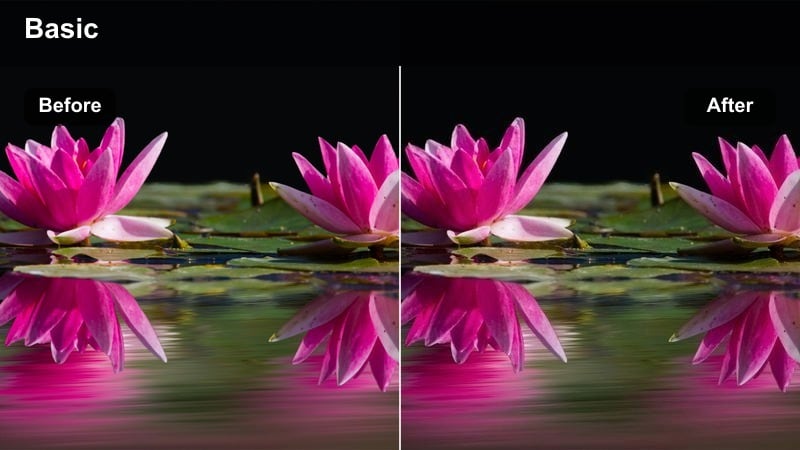
- Effect look: Blazing highlights and crushed shadows that make silhouettes and jump moves dramatic against the sky.
- Best for: Energetic routines on rooftops, terraces, or open decks with strong daylight.
- Editing tip: Position the sun behind you for a semi-silhouette effect, then adjust exposure so the sky stays bold while your outline stays visible.
Rooftop Sun Slam pushes highlights and shadows to the extreme, perfect for dramatic silhouettes and explosive jumps against the sky. It turns open-air locations into high-impact stages where your outline becomes the main graphic element of the shot.
When editing in Filmora, use this filter on clips with strong backlight from the sun or bright clouds. Fine tune exposure so your body remains recognizable while the sky stays vivid, and sprinkle in slow motion or freeze frames to underline the bold shapes you create midair.
Studio and Rehearsal Hall Precision
Studio Line Crisp
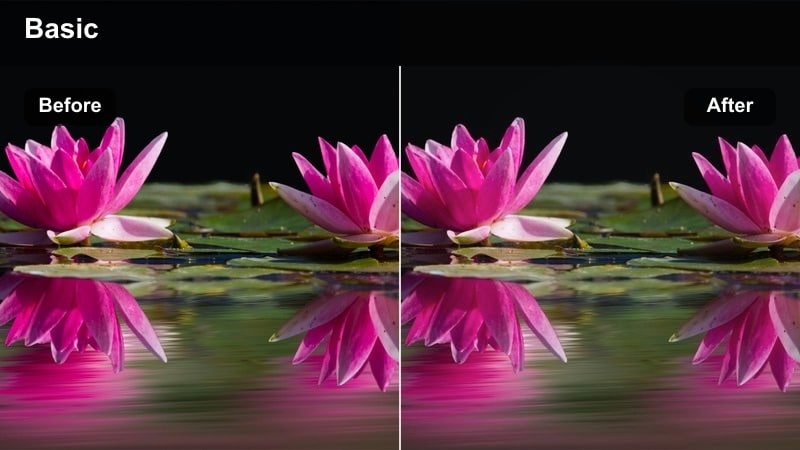
- Effect look: Clean whites, deep shadows, and strong definition on floor markings, mirrors, and limbs.
- Best for: Group choreography, class recaps, and formation-heavy routines in dance studios.
- Editing tip: Align the camera to be perfectly level with the floor so the high contrast lines emphasize formations and spacing.
Studio Line Crisp is built for clean rehearsal spaces, enhancing lines on floors, mirrors, and bodies so formations read clearly. It deepens shadows just enough to carve out limbs and spacing without losing the bright, professional studio feel.
Apply this in Filmora to group dance recaps, class combinations, and formation-heavy choreo videos you plan to post on TikTok. A perfectly level camera and steady framing will let the high contrast edges show off spacing, angles, and synchronization across the whole crew.
White Wall Impact
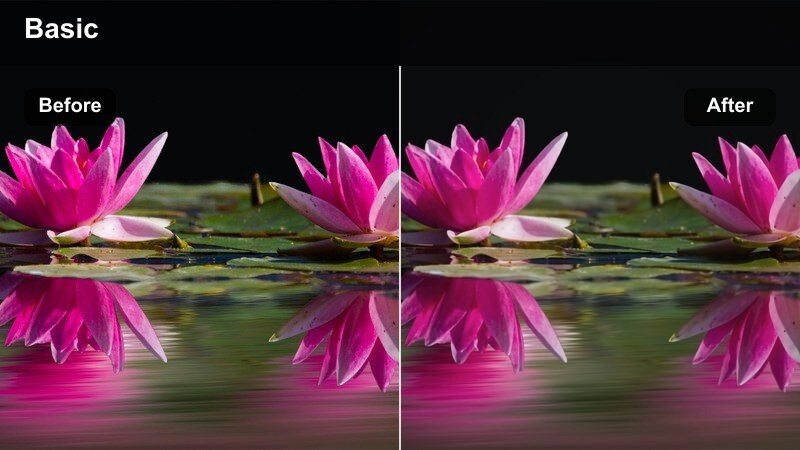
- Effect look: Bright, nearly pure whites behind the dancer with heavy contrast on clothing, hair, and facial features.
- Best for: Minimalist studio shoots in front of blank walls or seamless backdrops focusing on pure choreography.
- Editing tip: Wear darker or more saturated outfits so the filter has something to separate strongly from the white background.
White Wall Impact creates a clean, minimalist backdrop that pushes all attention onto your body, outfit, and timing. The filter brightens the wall toward pure white while deepening contrast on you, which is perfect for tutorials and choreography highlights.
In Filmora, use this filter on clips shot against seamless paper, plain walls, or simple backdrops. Combine with mid-wide framing and occasional close-ups on tricky sections so viewers can clearly study your technique without any visual distractions.
Rehearsal Grit Boost
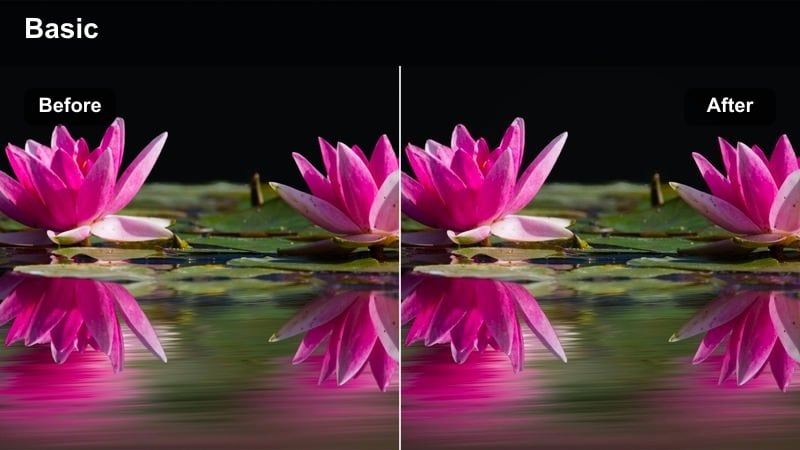
- Effect look: Adds texture and high contrast to slightly flat rehearsal footage, making sweat, effort, and intensity more visible.
- Best for: Behind-the-scenes practice clips, blooper reels, and progress videos in less polished spaces.
- Editing tip: Leave in natural camera shake and ambient sound so the filter enhances the realness of the grind, not just the performance.
Rehearsal Grit Boost is perfect for turning raw, unpolished practice footage into compelling behind-the-scenes TikTok content. It enhances texture on floors, walls, and clothing, so sweat, effort, and movement blur feel intentional instead of messy.
Inside Filmora, apply this filter to warmups, failed takes, and drill sessions, then keep some handheld camera shake and room audio. The result is a high contrast, documentary-style look that pairs well with captions about your progress and transformation as a dancer.
Tips for Using Tiktok Dance Video High Contrast Luts Filters in Filmora
- Film your TikTok dance videos with the brightest possible source on your face or upper body so high contrast filters do not turn your features into pure shadow.
- Avoid mixing too many small light sources in the background, which can become distracting hotspots once contrast is increased.
- Lock exposure on your phone camera before recording so the brightness does not fluctuate when you move closer or farther from the lens.
- Shoot at a slightly higher resolution than you need so you can crop or reframe after applying filters without losing clarity.
- Use consistent outfits and color themes across a batch of videos so viewers start to associate your high contrast look with your creator brand.
- Always check your edit on a phone screen before posting, because high contrast that looks good on a laptop can appear too intense on smaller displays.
High contrast filters can turn simple TikTok dance videos into visually striking clips where every move, shape, and expression reads clearly on small screens.
By pairing the right Filmora filters with thoughtful lighting, framing, and choreography, content creators can build a consistent, scroll-stopping dance aesthetic and confidently move on to looks like TikTok outdoor portrait LUTs golden hour for their next shoots.
secure download