

 100% Security Verified | No Subscription Required | No Malware


 ChatGPT
 Perplexity
 Gemini
 Claude
 Grok
Grok
This TikTok Fashion Lookbook LUTs Aesthetic filter collection in Filmora is built for content creators who want their outfit videos to feel cohesive, dreamy, and on-trend in just a few clicks.
Use these 12 fashion-focused filters to unify colors, soften harsh lighting, and give every outfit transition a cinematic TikTok-ready aesthetic without advanced color grading skills.
In this article
Sunny Street Style Lookbooks
Golden Sidewalk Glow
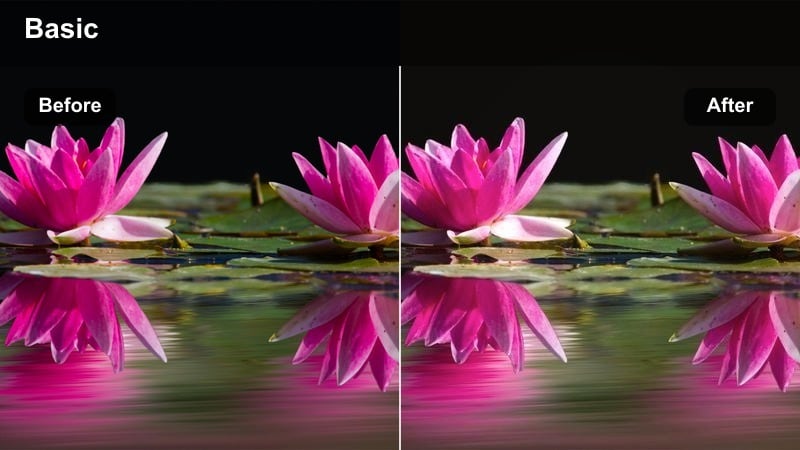
- Effect look: Warm, sun-kissed tones with slightly lifted shadows that flatter skin and bright outfits.
- Best for: Daytime street fashion lookbooks filmed in open shade or soft sunlight.
- Editing tip: Lower contrast slightly to keep bright outfits from clipping while preserving the golden vibe.
Golden Sidewalk Glow wraps your TikTok street style clips in a soft, golden-hour warmth even if you shot in regular daylight. In Filmora, this filter lifts shadows just enough to keep sidewalks, buildings, and skin tones looking smooth while maintaining detail in fabrics and accessories.
Apply it to walking shots, step transitions, and bag or shoe close-ups to instantly unify mixed daylight conditions in one warm aesthetic. If highlights feel too intense, use Filmora sliders to pull down highlights and contrast a touch so white sneakers and light-colored outfits stay detailed but still glow.
Match Every Outfit With AI-Powered Color Control
Filmora AI color tools help you balance exposure and color temperature before you add any TikTok fashion lookbook LUTs aesthetic filter. This keeps skin tones natural and makes your neutrals, pastels, and bold colors respond more predictably to every look.
Run AI color correction on your clips first to fix mixed lighting from shop windows, shade, and direct sun, then layer Golden Sidewalk Glow or any other filter on top for a cohesive feed.
 secure download

See Fashion Filters in Action on Real TikTok Clips
Test how Golden Sidewalk Glow and the rest of this fashion lookbook pack behave on real street, mirror, and studio clips by loading a few raw videos into Filmora. Switching filters back-to-back makes it easy to spot which style matches your brand and TikTok grid.
Use split-screen previews to compare different LUTs on the same walk, spin, or transition, then lock in your go-to look for a consistent series or hashtag playlist.
secure download1000+ Video Filters and 3D LUTs
Beyond this TikTok fashion lookbook LUTs aesthetic pack, Filmora includes hundreds of filters, 3D LUTs, and effects you can stack for signature looks. Mix glow, grain, light leaks, and subtle color shifts to build a preset that fits your personal style and niche.
Once you find a combo that works for your outfit lookbooks, save it as a custom preset so you can apply the same polished grade to every new batch of content in one click.
secure downloadClean Pavement Neutrals
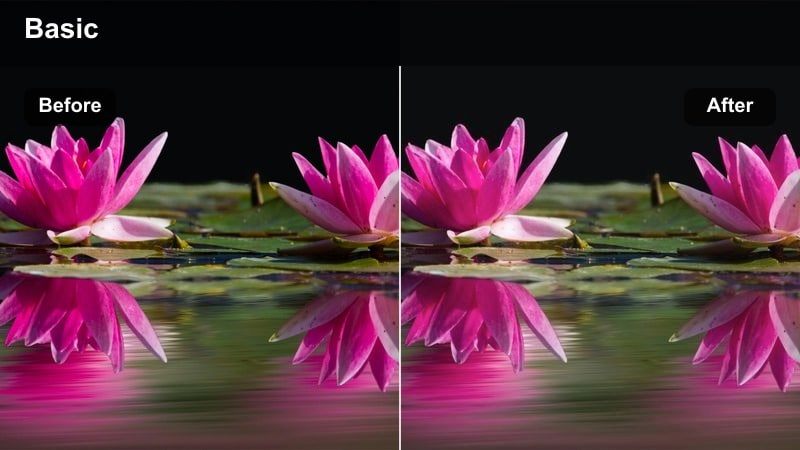
- Effect look: Soft neutral contrast with desaturated backgrounds that make minimalist outfits pop.
- Best for: Neutral capsule wardrobe lookbooks filmed on city sidewalks or minimal streets.
- Editing tip: Use subtle vignette and keep saturation low to make beige, white, and black outfits feel editorial.
Clean Pavement Neutrals turns busy sidewalks into a simple backdrop by pulling saturation and contrast away from the environment while keeping your outfits clear. In Filmora, this filter is ideal for capsule wardrobe clips where beige, white, gray, and black pieces need to stand out in a frame filled with signs and storefronts.
Add a gentle vignette in Filmora and slightly boost local contrast only on your subject using masking, so the eye goes straight to the outfit. Combine this look with stationary tripod shots and jump-cut outfit swaps to achieve an editorial, magazine-inspired TikTok lookbook feel.
Pastel Crosswalk Soft
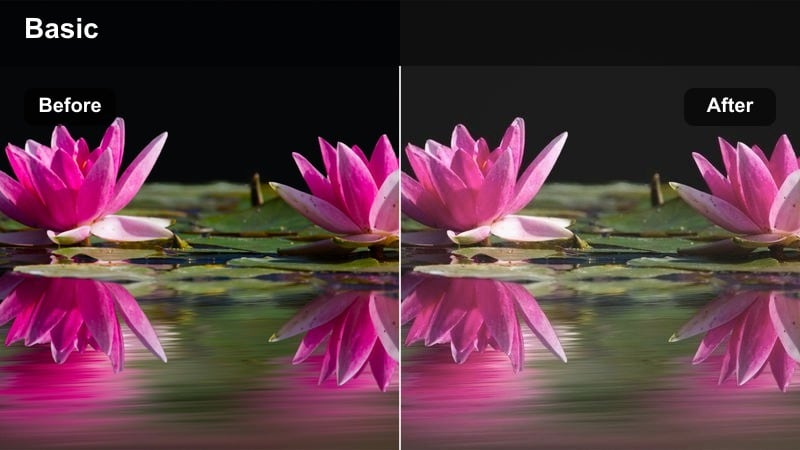
- Effect look: Dreamy pastel tint with softened highlights and gentle color shifts in blues and pinks.
- Best for: Playful spring or summer outfits filmed near crosswalks, corners, and city blocks.
- Editing tip: Slightly reduce clarity for an airy, soft-focus effect while keeping key outfit details sharp.
Pastel Crosswalk Soft gives your walk-by and crosswalk transitions a romantic, airy finish with a pastel tint that leans into soft blues and pinks. In Filmora, it smooths bright whites and reflective surfaces so pedestrian crossings, road markings, and cars fade into a dreamy backdrop for your outfits.
To keep the aesthetic light and whimsical, lower clarity and sharpness on wide shots while using Filmora masks to preserve detail on your clothes and accessories. Pair this with slow-motion steps, gentle push-in camera moves, and subtle motion blur transitions to maintain a soft, flowing TikTok fashion vibe.
Indoor Mirror and Apartment Fits
Mirror Morning Minimal
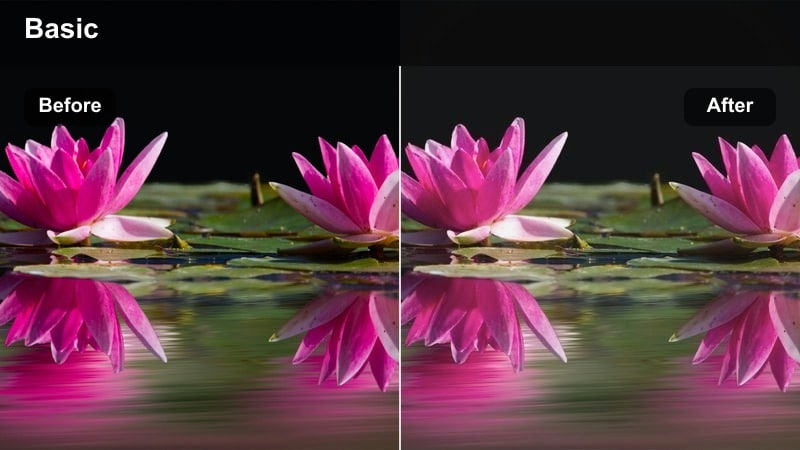
- Effect look: Bright, low-contrast whites with gentle skin smoothing and clean mirror reflections.
- Best for: Mirror OOTD clips in bedrooms, closets, or hallways with natural window light.
- Editing tip: Raise shadows to avoid crushed blacks in corners and keep the whole room feeling open and minimal.
Mirror Morning Minimal brightens indoor spaces and softens contrast so your bedroom or hallway feels fresh and uncluttered. In Filmora, this filter is perfect for daily mirror outfit checks, keeping walls and bedding crisp while gently smoothing skin and reducing harsh mirror reflections.
If corners or closets look too dark, lift shadows and slightly increase exposure to achieve an airy, lifestyle aesthetic without blowing out highlights. Frame your phone toward the window and let the filter handle the rest for simple, polished OOTD TikToks that match a clean, minimal feed.
Soft Loft Aesthetic
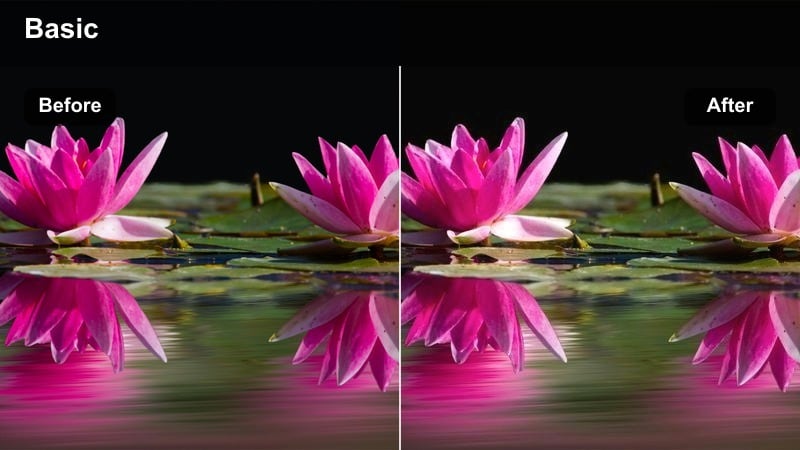
- Effect look: Creamy warm whites and subtle film-like grain that make apartments feel cozy yet modern.
- Best for: Apartment try-on hauls, rack styling, and corner lookbooks with visible decor.
- Editing tip: Use light grain and a tiny fade in blacks to make the scene feel cinematic without losing clarity on fabrics.
Soft Loft Aesthetic leans into warm, creamy tones that flatter both your outfits and your interior decor. In Filmora, this filter adds a touch of film-like grain and slightly faded blacks, making your apartment look curated and cozy while preserving color accuracy on clothes.
Use it for try-on hauls, styling rails, or corner setups where plants, shelves, and furniture become part of the aesthetic frame. Combine a small grain layer and minimal camera movement with quick jump cuts between looks so the audience focuses on silhouette changes and styling details.
Closet Rail Clarity
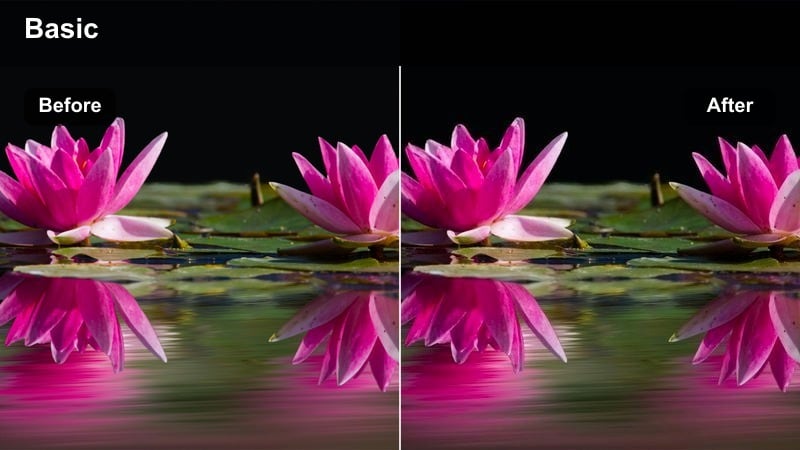
- Effect look: Clean, cool-toned whites with crisp detail on fabrics and subtle background blur.
- Best for: Rack styling videos, closet tours, and outfit planning lookbooks filmed indoors.
- Editing tip: Boost sharpness just on the clothing using masking so textures stand out without making skin too harsh.
Closet Rail Clarity is made for organization and planning content, keeping whites cool and stable so your rack, hangers, and storage all look tidy. In Filmora, the filter gently emphasizes fabric texture and stitching, which is ideal for showcasing quality and details in styling videos.
Use masks to increase sharpness and a touch of contrast only on clothes while leaving faces softer to avoid a harsh, over-edited feel. Combine slow pans across the rail, close-ups of fabrics, and on-screen text naming outfits to create polished, Pinterest-ready planning lookbooks for TikTok.
Evening City Lights and Night Out Fits
Neon Side Street Chic
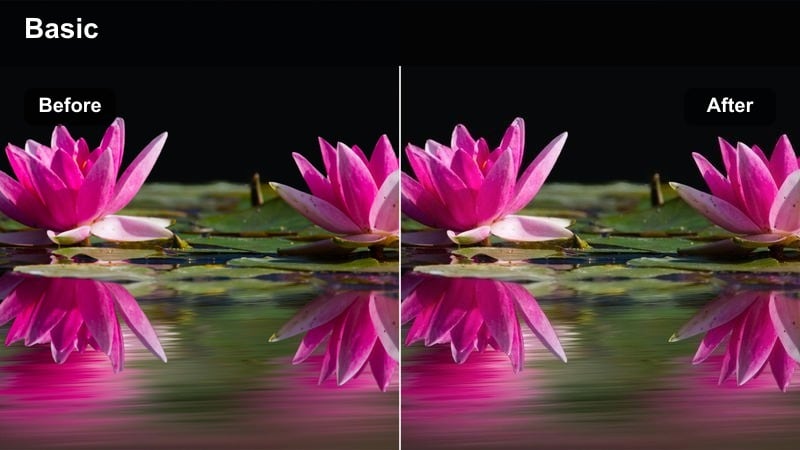
- Effect look: Punchy contrast with boosted neon signs and deep yet clean shadows.
- Best for: Night-out looks filmed near neon storefronts, alleys, or colorful city streets.
- Editing tip: Drop saturation in yellows to keep skin natural while letting pink and blue neons stand out.
Neon Side Street Chic is designed for bold city nights, intensifying pinks, blues, and purples while holding onto clean blacks and controlled noise. In Filmora, this filter helps neon signs and reflections pop without turning your skin orange or overly tinted.
Use color controls to reduce yellow and orange saturation after applying the filter so faces stay natural against vivid lights. Pair it with dynamic whip-pan transitions, quick cuts between locations, and close-ups of accessories to build high-energy nightlife fashion sequences on TikTok.
Rooftop Midnight Gloss
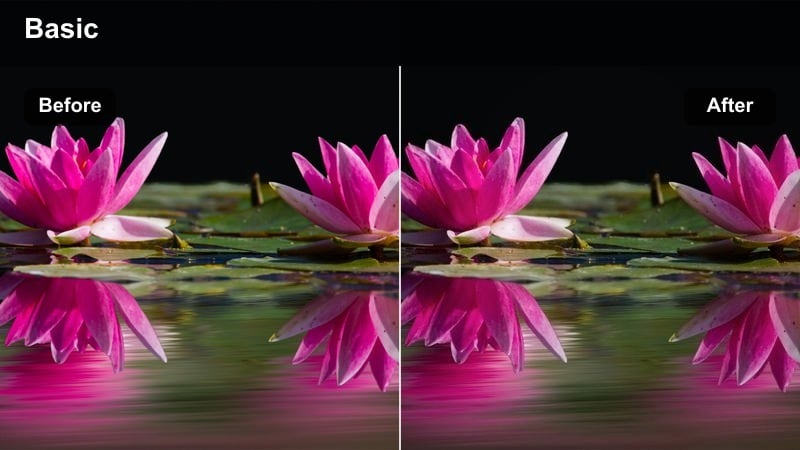
- Effect look: Cool cinematic blues with glossy highlights that flatter metallic and black outfits.
- Best for: Rooftop, balcony, or parking garage fashion shoots after sunset.
- Editing tip: Use a slight fade on blacks to avoid banding in dark skies while keeping city lights crisp.
Rooftop Midnight Gloss brings a cinematic, cool-toned grade to skyline and rooftop looks, ideal for black, silver, and metallic outfits. In Filmora, this filter pushes blues in the shadows and midtones, making city lights and glass reflections feel glossy and upscale.
To keep night skies smooth, add a minimal fade to blacks and consider a light grain overlay so digital noise feels intentional. Film slower, more intentional poses, then cut sparingly so the filter, skyline, and outfit details deliver a luxurious night-out fashion mood.
Streetlamp Soft Focus
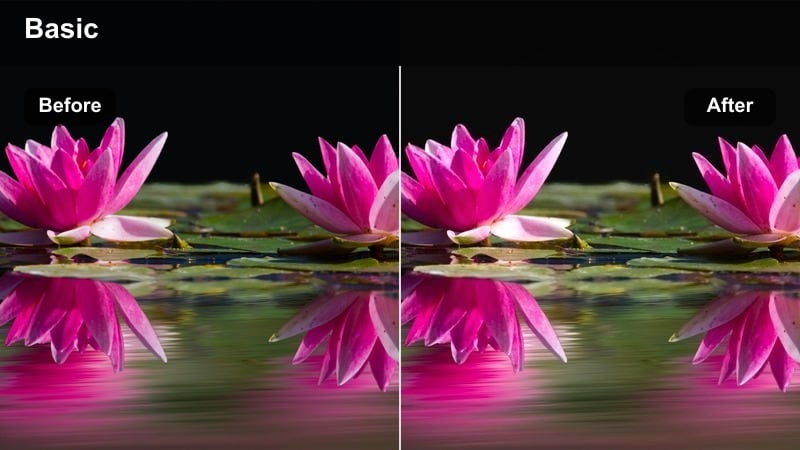
- Effect look: Warm streetlamp glow with softened contrast and gentle bloom on bright lights.
- Best for: Romantic night walks, date-night outfits, and slow-motion spins under streetlights.
- Editing tip: Lower sharpness slightly on wide shots to reinforce the dreamy look while keeping close-ups crisper.
Streetlamp Soft Focus transforms regular sidewalks into romantic movie scenes by warming up light sources and adding a soft bloom around highlights. In Filmora, it lowers contrast just enough to make shadows less harsh while still preserving shape and silhouette on your outfits.
Drop overall sharpness a little on wide shots to enhance the dreamy haze, and keep close-up shots minimally sharpened so makeup and fabrics remain defined. Combine slow walks, spins, and hair flips synced to gentle audio for TikToks that feel like cinematic date-night montages.
Studio, Runway, and Editorial Vibes
White Backdrop Editorial
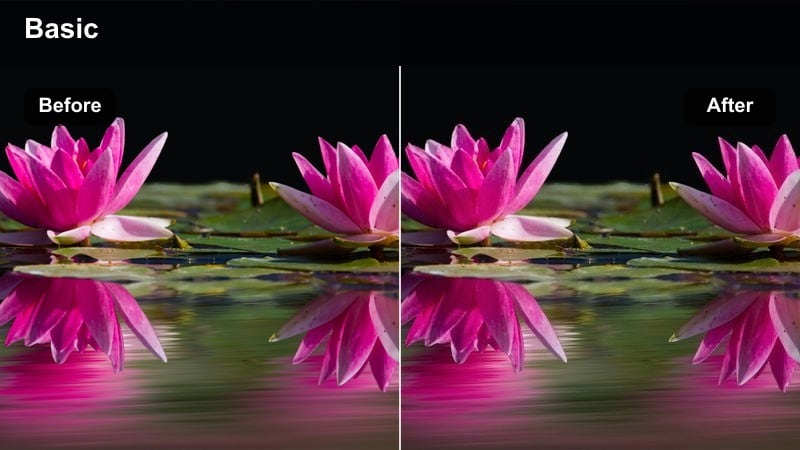
- Effect look: High-key whites with clean contrast and accurate colors for studio-style looks.
- Best for: TikTok runway walks, spin transitions, and studio lookbooks against plain backdrops.
- Editing tip: Use crops and vertical close-ups to mimic editorial shots while this filter keeps whites neutral and sharp.
White Backdrop Editorial is made to turn any plain wall into a studio-grade runway set. In Filmora, the filter keeps whites neutral and bright without color casts, while preserving accurate tones in clothing so bold pieces still look true to life.
Film vertical full-body walks and spins, then cut to tight crops on faces, bags, or shoes to mirror editorial campaigns. The consistent white base makes it easy to maintain a cohesive visual style across an entire TikTok series or brand collaboration.
Runway Row Vintage Film
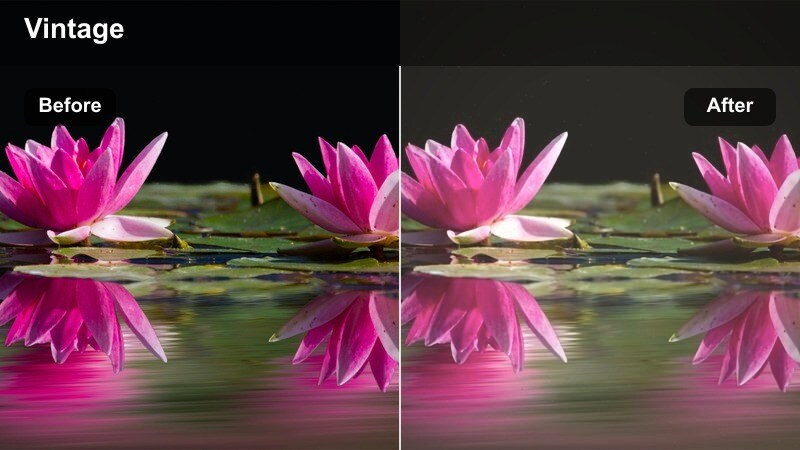
- Effect look: Slightly faded blacks, soft warmth, and light film grain for a retro runway feel.
- Best for: Fashion week-inspired walk-throughs, long hallway shots, and editorial-style posing.
- Editing tip: Add subtle fake film borders or dust overlays to push the vintage fashion editorial vibe further.
Runway Row Vintage Film delivers a nostalgic, archival runway look with gentle warmth, faded blacks, and a touch of grain. In Filmora, this filter works beautifully on hallway walks, staircases, or any long perspective that can pass as a runway.
Enhance the retro mood by layering in subtle film borders or dust overlays from Filmora effects, and pair with slower, nostalgic audio or runway show sounds. Quick zoom cuts on footwear, bags, and jewelry help mimic fashion show cutaways and give your TikTok lookbooks an editorial storyline.
Color Block Studio Pop
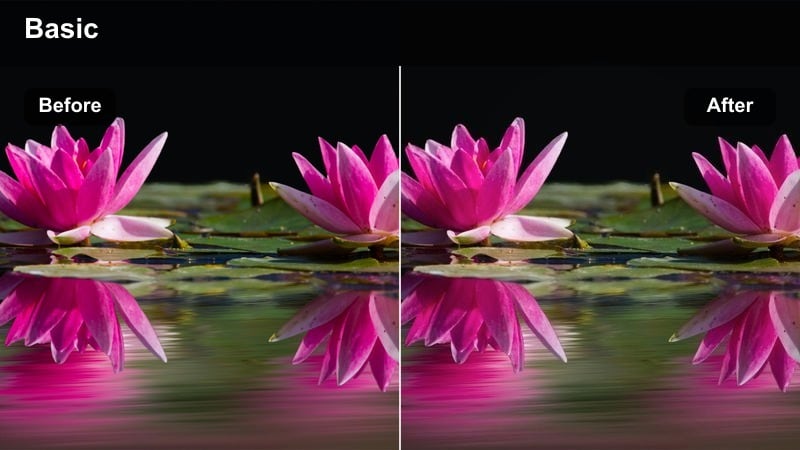
- Effect look: Punchy yet controlled saturation that makes bold color-block outfits stand out against clean spaces.
- Best for: High-energy try-ons, bold streetwear sets, and studio clips with strong accent colors.
- Editing tip: Mask your background and drop its saturation slightly while leaving outfits intense and crisp.
Color Block Studio Pop is designed to amplify bold palettes while keeping your background calm, so bright jackets, cargos, and sneakers carry the frame. In Filmora, the filter pushes saturation in a controlled way so reds, yellows, and blues look vivid without bleeding or clipping.
For maximum impact, use masks to slightly desaturate walls and floors, leaving only your clothes at full intensity. Edit with fast cuts on the beat, switching poses or pieces each time, to match the high-energy mood this filter brings to TikTok fashion reels and lookbooks.
Tips for Using Tiktok Fashion Lookbook Luts Aesthetic Filters in Filmora
- Batch-film multiple outfits in the same location and apply one TikTok fashion lookbook LUTs aesthetic filter across the whole sequence for a stronger, more recognizable style.
- Lock your white balance in-camera before recording so Filmora filters do not have to fight changing color temperatures between outfits.
- Shoot with a slightly flatter, lower-contrast profile so Filmora LUTs and filters have more room to shape the final look without crushing shadows or blowing highlights.
- Plan a three-look structure for each TikTok video casual, elevated, and night-out and choose one filter that complements all three for a cohesive storyline.
- Use Filmora AI color correction first to fix exposure and mixed lighting, then layer your favorite fashion filter on top for a polished finish.
- Save your most-used filter settings as custom presets in Filmora so every new lookbook or haul can match your existing aesthetic in one click.
- Test each filter on both wide and close-up shots to ensure skin tones, fabrics, and accessories all look flattering before you commit to a full series.
- Combine filters with subtle grain, vignettes, and text overlays in Filmora to create a signature look that viewers instantly associate with your fashion content.
These 12 TikTok fashion lookbook LUTs aesthetic filters give content creators an easy way to turn raw outfit clips into cohesive, scroll-stopping edits.
Experiment with different scenes, then save your favorite filter combinations as Filmora presets so every new fashion series keeps the same polished signature style.
secure download