

 100% Security Verified | No Subscription Required | No Malware


 ChatGPT
 Perplexity
 Gemini
 Claude
 Grok
Grok
Clean, minimalist product videos perform incredibly well on TikTok because they keep every viewer's eye locked on what matters most: the product. With the right clean-style filters and LUT-inspired looks, you can make your colors accurate, your backgrounds tidy, and your details razor sharp.
This guide walks content creators through TikTok product showcase LUTs and clean style filters in Filmora, so you can turn simple tabletop shots into scroll-stopping ads, UGC clips, and catalog-ready demos without complicated color grading.
In this article
Minimal Desk Setups and Tech Unboxings
Glass-Clear Focus
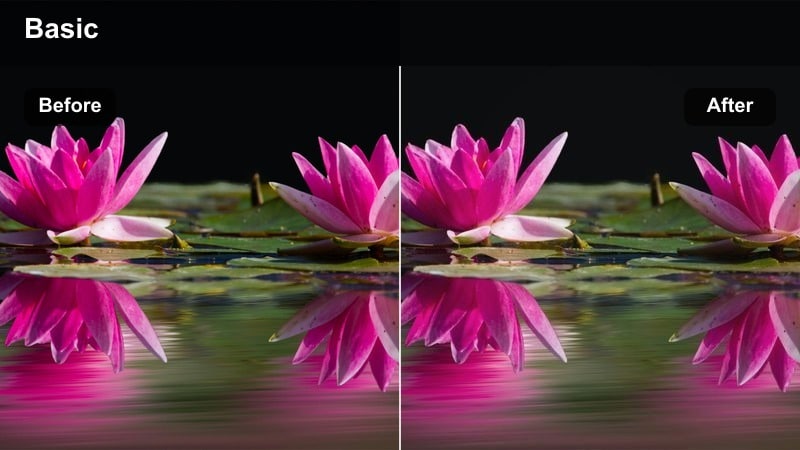
- Effect look: Ultra-clean contrast with neutral color and bright whites that make tech products pop off the desk.
- Best for: Smartphones, earbuds, and small gadgets shot on a white or light gray tabletop.
- Editing tip: Lower saturation slightly if your product packaging is neon so the focus stays on logos and details, not loud color.
Glass-Clear Focus is ideal when you want TikTok viewers to immediately notice sharp edges, true-to-life colors, and flawless typography on your tech packaging. In Filmora, this clean-style look works especially well with overhead or 45-degree angles where straight lines and neat layouts are part of your aesthetic.
Apply this look, then tweak saturation and contrast so bright whites stay crisp without clipping and darker elements retain subtle detail. For TikTok product showcases, combine it with precise cuts on beat, simple text overlays, and 60 fps footage slowed slightly in Filmora to create premium-feeling unboxings that still export quickly.
Match Your Product Aesthetic with Filmora's AI Color Tools
Filmora's AI-driven color features help you keep a consistent clean style across every TikTok product showcase you film. Instead of manually tweaking each clip, you can align tones, whites, and contrast in seconds.
Analyze your favorite reference videos, save a neutral, clean palette, and apply it across all your shots so unboxings, flat lays, and try-ons look like they belong to the same polished brand.
 secure download

Preview Clean Style Filters in Real Time
With Filmora's real-time filter previews, you can scrub through your TikTok product clips while cycling different clean presets instantly. This makes it easy to compare subtle differences in contrast, whites, and sharpness.
Once you find a filter that flatters your product, save it as a custom preset so future videos use the same clean foundation from the first edit.
secure download1000+ Video Filters and 3D LUTs
Filmora includes an extensive library of over 1000 video filters and 3D LUT-style looks, so you can build a clean TikTok product style while still having room to experiment. Stack subtle LUT corrections with minimalist filters to get the exact combination of sharpness, contrast, and color you want.
For TikTok product showcases, start with a neutral LUT to correct your camera profile, then add one of your favorite clean filters as a final polish. This workflow keeps your products consistent across different shooting days and lighting conditions.
secure downloadSoft Shadow Showroom
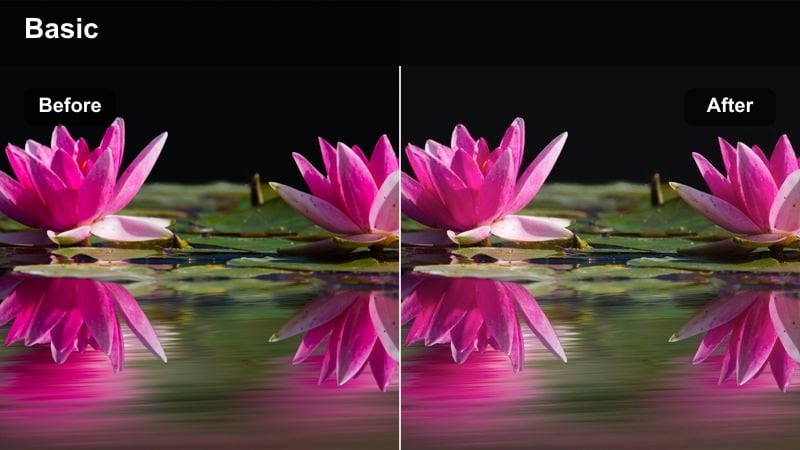
- Effect look: Gentle contrast and softened shadows that keep every corner visible without harsh lines.
- Best for: Unboxing sequences where hands, packaging, and products share the frame.
- Editing tip: Add a slight blur to the background using Filmora's depth tools to mimic a showroom-style focus on the product.
Soft Shadow Showroom is built for hands-on TikTok unboxings where you want details to stay visible but the overall frame to feel calm and polished. In Filmora, this look helps reduce the distraction of strong shadows while keeping edges and logos clear, making it easier for viewers to follow each step of the unboxing.
Pair this style with slow, controlled camera moves and simple cuts that track the story from sealed box to powered-on product. Use Filmora's background blur and subtle vignette tools to nudge attention toward the product center, and keep your desk props minimal so the clean filter and soft light can do the visual heavy lifting.
Chrome Edge Highlight
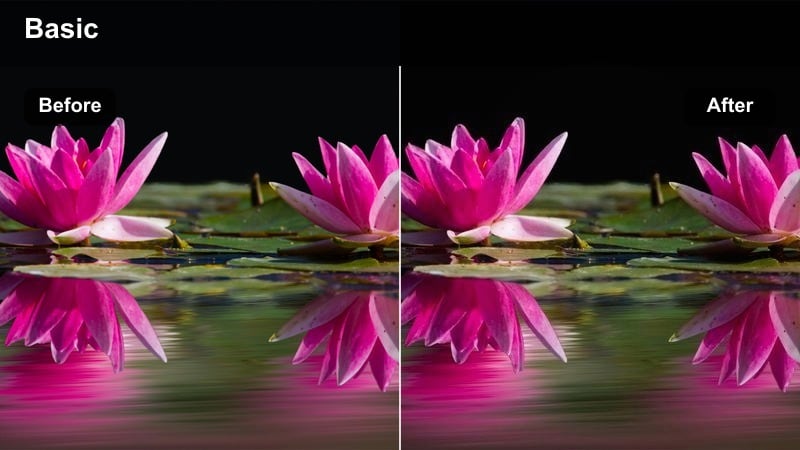
- Effect look: Clean, slightly punchy contrast that sharpens metallic edges without oversaturating colors.
- Best for: Laptops, smartwatches, and aluminum or chrome-finished products shown on desk setups.
- Editing tip: Increase sharpness subtly and avoid heavy grain so the metallic finishes stay glossy instead of noisy.
Chrome Edge Highlight is tailored for metallic finishes, giving laptops, watches, and accessories a premium, high-end glow without pushing colors too far. In Filmora, this filter accentuates reflections and chamfered edges so your product feels more three-dimensional on small TikTok screens.
Combine this look with slow pans along device edges, macro shots of buttons or dials, and smooth transitions between angles. Keep noise reduction modest and skip intense film grain effects so your metals stay glossy, and layer in simple text callouts or specs that match the minimal aesthetic of the overall shot.
Beauty and Skincare Flat Lays
Porcelain Shelf Light
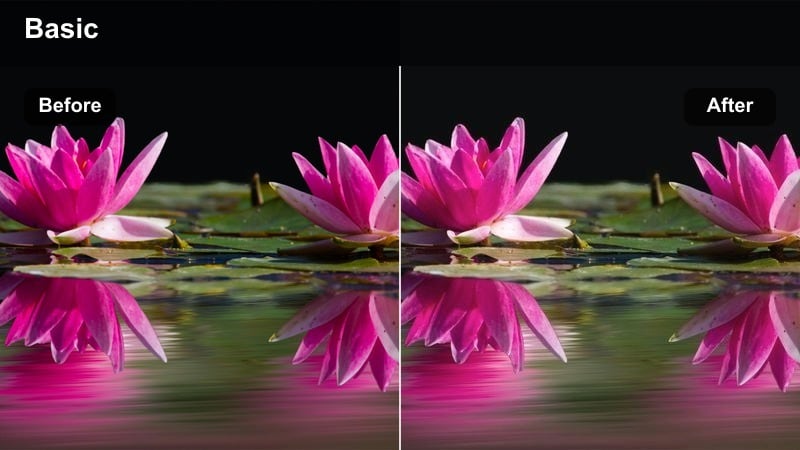
- Effect look: Bright whites, soft contrast, and neutral skin tones that keep skincare packaging looking pure and honest.
- Best for: Serums, moisturizers, and clean-beauty products arranged on bathroom shelves or tabletops.
- Editing tip: Boost exposure slightly and pull down highlights a touch to keep labels legible under bright lighting.
Porcelain Shelf Light is designed to make skincare and beauty products feel fresh, clinical, and trustworthy on TikTok. In Filmora, this filter brightens whites and cleans up color casts, so bottles and jars stand out against shelves without losing printed details or true brand colors.
Use this look with symmetrical shelf shots, minimal props, and gentle camera moves like slow vertical tilts that reveal each product. Adjust exposure and highlight levels just enough to keep labels readable, then add concise text overlays that echo your main claims, such as fragrance-free or dermatologist-tested, to support the clean visual vibe.
Frosted Label Clarity
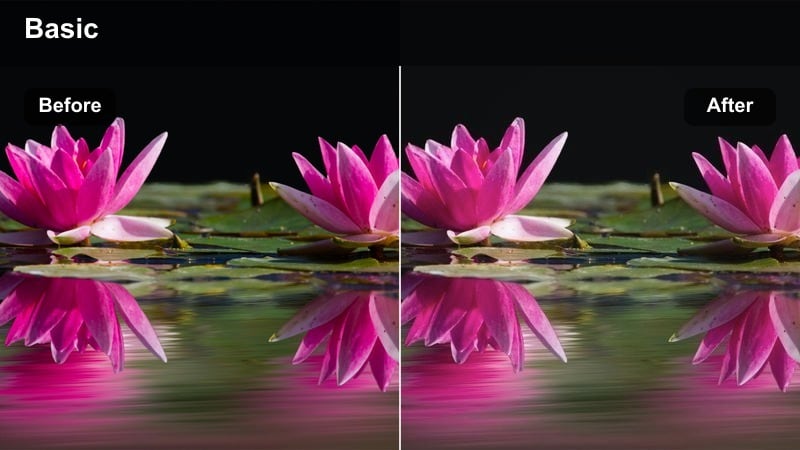
- Effect look: Softened highlights with gentle micro-contrast around text for ultra-readable product labels.
- Best for: Close-up label reveals, ingredient callouts, and detail shots of packaging.
- Editing tip: Use subtle zoom-ins synced with beat drops so viewers can read every ingredient line clearly.
Frosted Label Clarity puts all the attention on your labels, perfect for TikTok clips where you highlight ingredients, benefits, or certifications. In Filmora, the added micro-contrast around text helps logos and typography stay sharp while keeping the rest of the frame understated and clean.
Pair this effect with tight crops, smooth push-ins, and tap-to-focus style motions that guide the viewer directly to the label. You can sync small zoom animations to music beats using Filmora's keyframing, and add discreet text overlays that mirror what is printed so audiences can skim quickly without pausing the video.
Glass Shelf Glow
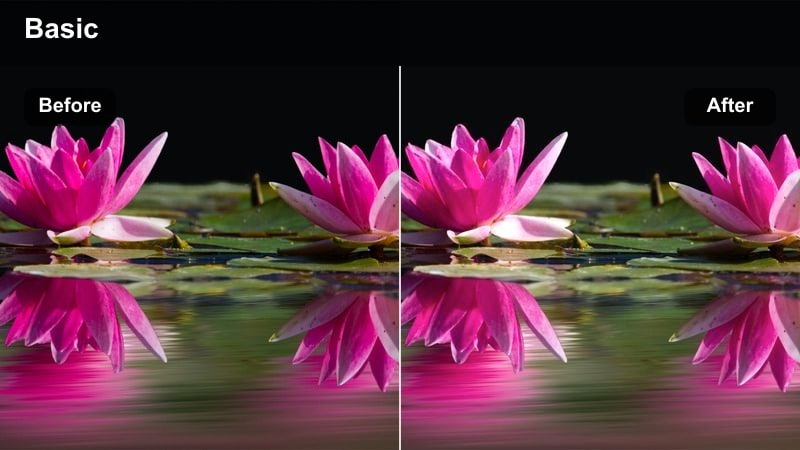
- Effect look: Soft glow on bright areas while maintaining neutral, realistic colors for glass and liquids.
- Best for: Transparent bottles, droppers, and toners arranged on glass or acrylic surfaces.
- Editing tip: Keep camera movement slow and steady so reflections and glow feel intentional, not distracting.
Glass Shelf Glow is tailored for transparent or semi-transparent packaging, enhancing reflections and highlights without tipping into a dreamy, unrealistic style. In Filmora, this filter keeps liquids, glass edges, and reflections controlled so your TikTok beauty shots stay clean and product-focused.
Use this look for slow, intentional movements across glass shelves, hero bottle reveals, and droplet shots. Stabilize handheld clips inside Filmora if needed, then add gentle speed ramps and subtle light leaks or bokeh overlays only if they support the minimal, neutral color palette you are building.
Fashion and Accessory Displays
Runway Rack Neutral
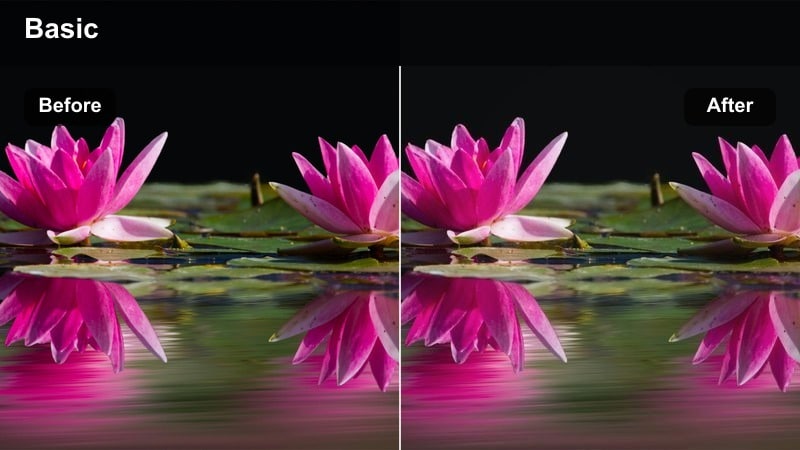
- Effect look: Balanced contrast with gentle saturation, keeping fabrics and textures true to life.
- Best for: Clothing racks, folded outfits, and capsule wardrobe reveals on TikTok.
- Editing tip: Keep your color palette to two or three tones so the filter can emphasize clean lines and outfit structure.
Runway Rack Neutral is made for wardrobe and capsule closet videos where accurate colors matter as much as a tidy presentation. In Filmora, this filter gently lifts contrast and preserves fabric detail, helping viewers judge fit, texture, and shade even on small TikTok screens.
Film wide shots of your rack or folded outfits, then cut to closer details while keeping the same filter for consistency. Keep your palette limited in-camera and add simple text labels for each outfit, then use Filmora transitions like quick cuts or minimal whip-pans to move between looks without breaking the clean, editorial feel.
Detail Stitch Crisp
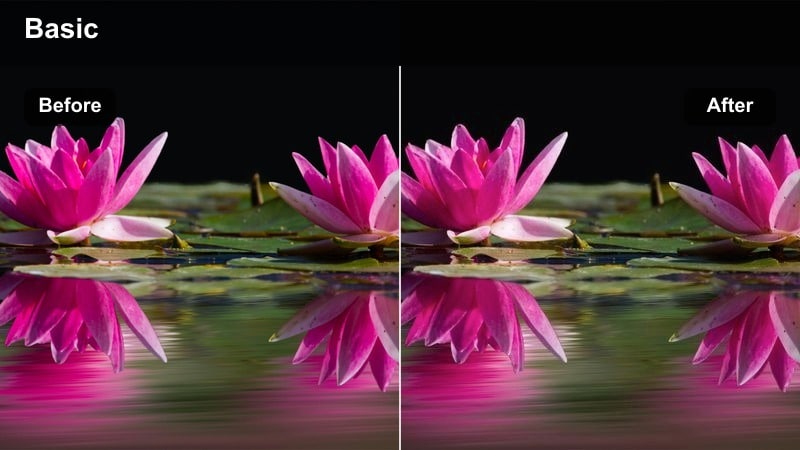
- Effect look: High clarity on edges and stitching without adding harsh grit to the image.
- Best for: Close-ups of stitching, zippers, watch faces, and jewelry details.
- Editing tip: Zoom or crop tighter than usual so the viewer fills the frame with your most premium materials.
Detail Stitch Crisp focuses attention on craftsmanship, adding clarity to seams, metal hardware, and fine textures. In Filmora, apply this to macro or tight shots of bags, watches, belts, or jewelry to make premium details stand out in your TikTok product sequences.
Record slow, close passes over stitching or metal elements and stabilize them if needed, then apply this filter and adjust sharpness just enough to avoid haloing. Intercut these detail shots with wider outfit or lifestyle scenes using the same overall clean style so viewers connect quality close-ups with how the product looks when worn.
Studio Fitting Daylight
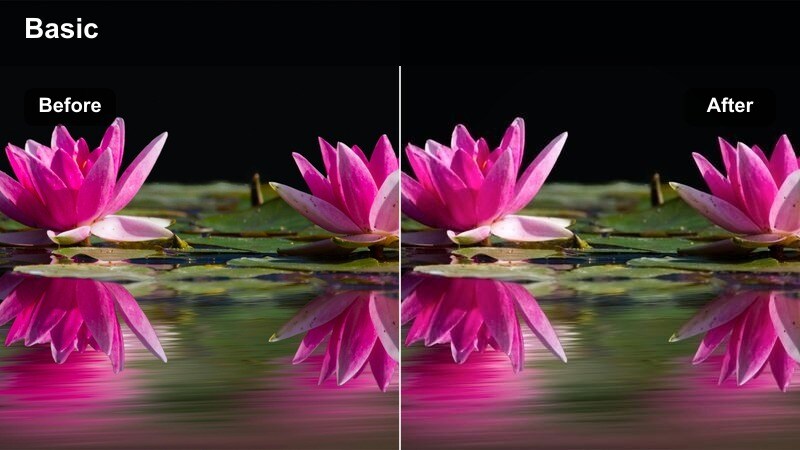
- Effect look: Bright, daylight-balanced tones that keep skin natural and fabrics accurate in try-on clips.
- Best for: Mirror try-ons, outfit-of-the-day reveals, and standing product showcases in small studio spaces.
- Editing tip: Position yourself perpendicular to a window or soft light so the filter has even lighting to work with.
Studio Fitting Daylight is perfect for TikTok try-ons and standing product demos, where you and the outfit share the frame. In Filmora, this filter balances skin tones with fabric hues so neither looks washed out, preserving realistic colors for your audience.
Shoot with steady framing and minimal background clutter, then apply the filter and fine-tune exposure so whites stay clean but not blown out. Cut multiple angles or takes together with jump cuts on motion, and add concise captions about sizing or styling tips while maintaining the bright, showroom-like atmosphere.
Workspace and Home Decor Product Shots
Aesthetic Desk Grid
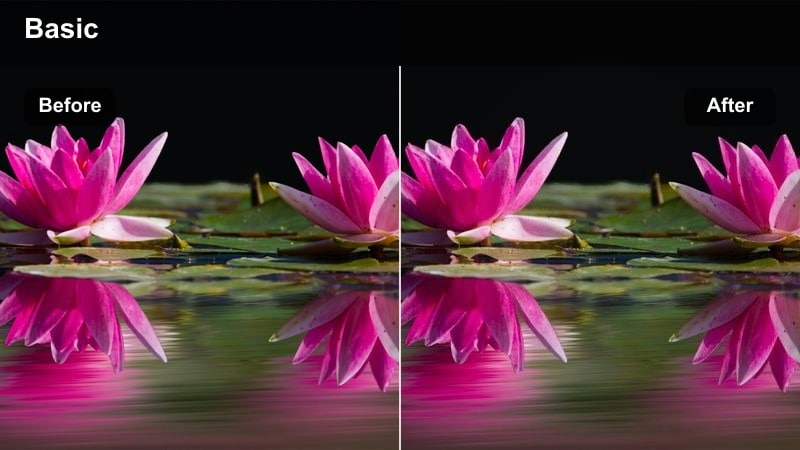
- Effect look: Even contrast with subtle micro-clarity that keeps product lines straight and surfaces tidy.
- Best for: Organizers, desk accessories, stands, and minimalist home office decor.
- Editing tip: Align edges of desks or shelves with the frame lines to match the organized feel of the filter.
Aesthetic Desk Grid emphasizes structure and order, making it ideal for TikTok shots of organizers, stands, and workspace accessories. In Filmora, this filter is great for top-down or straight-on angles where you want every line to feel intentional and every object to sit in its own space.
Use it on restock videos, desk makeovers, and before-and-after sequences, pairing the filter with straightened horizons and grid-like layouts. Speed up repetitive motions slightly to make satisfying loops, then add clean text labels or arrows that show where items belong without breaking the minimalist, tidy look.
Neutral Shelf Spotlight
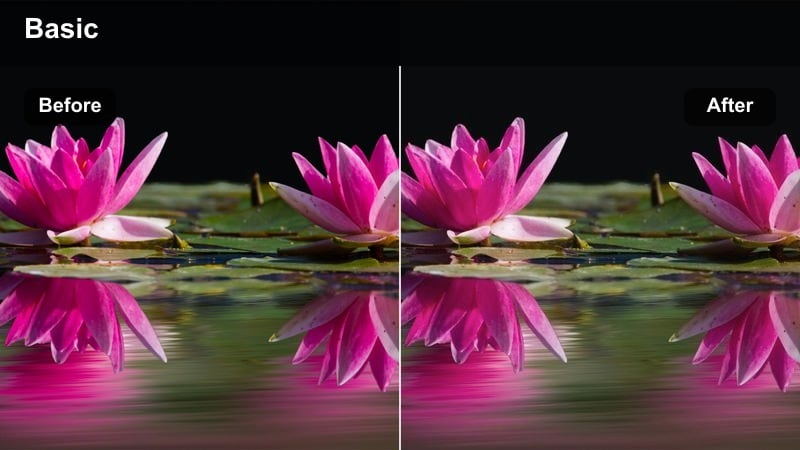
- Effect look: Soft, centered brightness that gently spotlights decor pieces while keeping walls neutral.
- Best for: Shelf styling, room corner makeovers, and decor bundles for TikTok product tours.
- Editing tip: Use slow pans from left to right to let the filter's gentle spotlight guide the viewer's eyes across each product.
Neutral Shelf Spotlight is made for decor vignettes where you want a quiet highlight on key pieces without overpowering the scene. In Filmora, this filter lifts center brightness subtly, keeping backgrounds neutral so your styled shelves and objects become the clear focus.
Film slow, steady pans across your shelf or console table and stabilize if necessary, then apply this look and refine exposure so nothing feels overlit. Cut between straight-on and slight angled shots, and add brief captions or price tags near each object while leaving plenty of negative space to preserve the minimalist aesthetic.
Tidy Corner Daylight
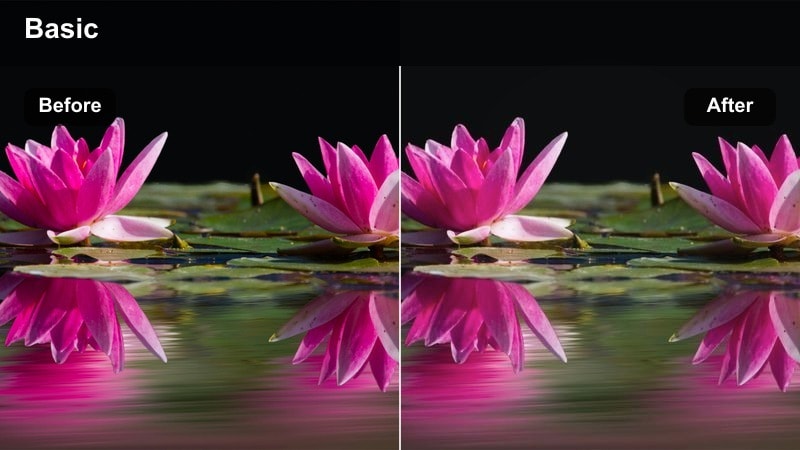
- Effect look: Soft daylight tones with clean whites and low saturation for a calm, modern room feel.
- Best for: Full-room corners featuring chairs, lamps, and storage products in home office or living spaces.
- Editing tip: Lock white balance in-camera close to daylight so this filter does not need to fight color shifts.
Tidy Corner Daylight gives room corners and mini-makeovers an airy, modern feel, perfect for TikTok transformations and product staging. In Filmora, the filter evens out whites and gently desaturates colors so furniture and decor look cohesive and on-brand.
Film simple sequences where you gradually add products into an empty corner and cut them into a quick transformation edit. After applying the filter, adjust white balance only slightly so daylight feels natural, then overlay short captions or chapter titles that guide viewers through each stage of the makeover while keeping visuals clean.
Tips for Using Tiktok Product Showcase Luts Clean Style Filters in Filmora
- Shoot near a large soft light source, like a window with sheer curtains, so clean filters have smooth base lighting to work with.
- Limit your color palette in each shot to two or three tones so the product remains the focal point.
- Use a tripod or phone stand for top-down desk and flat lay shots to keep lines straight and consistent.
- Hide cables, tags, and background clutter before filming to protect the minimalist aesthetic of your clean style filters.
- Film at a higher frame rate, such as 60 fps, and slow clips slightly in Filmora for smoother, premium-feeling movements.
- Keep text overlays short and aligned to edges so they support, not clutter, your clean compositions.
- Save your favorite filter and LUT combinations as custom presets in Filmora to reuse across all TikTok product series.
- Test your edit on a phone screen before posting to be sure whites, edges, and labels remain crisp at TikTok size.
Clean style filters tailored for TikTok product showcases help you highlight real colors, sharp details, and uncluttered compositions that viewers trust and engage with.
Load these Filmora presets into your workflow, keep your scenes minimal, and apply the same clean look across every video to build a recognizable, professional product brand on TikTok.
secure download