

 100% Security Verified | No Subscription Required | No Malware


 ChatGPT
 Perplexity
 Gemini
 Claude
 Grok
Grok
If you shoot TikTok gym content, you know that lighting is rarely perfect, but your workout energy always has to be. High energy LUT-style filters in Filmora can instantly turn flat treadmill clips and heavy squat sets into bold, scroll-stopping videos.
Below you will find scene-based filter ideas tailored for TikTok gym workouts, plus tips on when to use each one so you can keep your footage punchy, cohesive, and ready to go viral.
In this article
Dynamic Gym Floor Warmups
Electric Warmup Pump
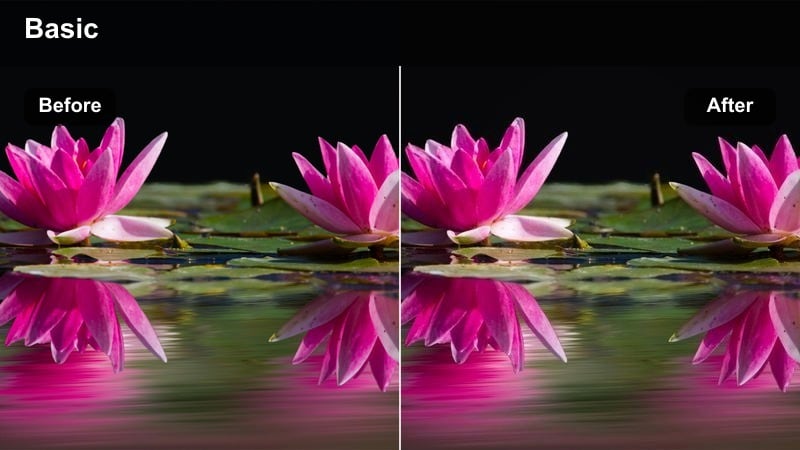
- Effect look: Vivid contrast with crisp whites and saturated neons that make warmup sets feel explosive.
- Best for: Pre-workout TikTok clips, dynamic stretching, jump ropes, and fast-paced warmup circuits.
- Editing tip: Increase playback speed slightly and sync cuts with beat drops to match the high energy pop of the filter.
In Filmora, Electric Warmup Pump is perfect for turning otherwise basic warmup shots into high energy hooks that grab attention in the first seconds of your TikTok. The vivid contrast and neon push make gym floor lines, shoes, resistance bands, and colorful equipment jump out of the frame, even if your gym lighting is flat or mixed.
Apply this filter to your warmup clips, then use Filmora speed controls to nudge playback a bit faster and cut directly on the beat for each big move. Stack quick angles of jump squats, high knees, or dynamic stretches and keep the filter intensity consistent so your entire warmup sequence feels like one cohesive, electrified intro to the workout.
Dial In High Energy Gym Colors with AI
Use Filmora's AI-driven color tools to quickly balance tricky gym lighting before you stack your favorite high energy filters on top. With one-click corrections, you can tame harsh fluorescents, yellow spots, or blue window light so your workout clips look clean and ready for TikTok.
Once your base color is balanced, your gym workout LUT-style looks stay consistent across different angles, racks, and machines. This gives Electric Warmup Pump and similar filters a solid foundation, preventing blown-out highlights or muddy shadows when you push contrast and saturation.
 secure download

Preview Filters on Real Gym Footage
Drop a short warmup or working set clip into Filmora and cycle through filters in the Effects panel to see how each style reacts to your specific gym lighting. Watching your footage while you scrub through presets is the fastest way to find filters that match your TikTok gym brand.
Pay attention to how skin tones, neon accents, and equipment details look as you test different options. Once you find a trio of high energy filters you like, you can rotate them across warmups, lifts, and finishers to keep your content fresh but still visually consistent.
secure downloadBuild a Signature TikTok Gym Look
Combine Filmora filters with LUT-style color grading, HSL controls, and contrast tweaks to create a signature gym aesthetic that viewers recognize instantly. By fine-tuning saturation for reds, blues, and greens, you can make plates, racks, and outfits pop without breaking skin tones.
When you lock in a look you love, save it as a custom preset so every TikTok you export shares the same high energy vibe. This workflow keeps editing fast while still giving your content a polished, on-brand finish across warmups, heavy sets, and PRs.
secure downloadNeon Cardio Boost
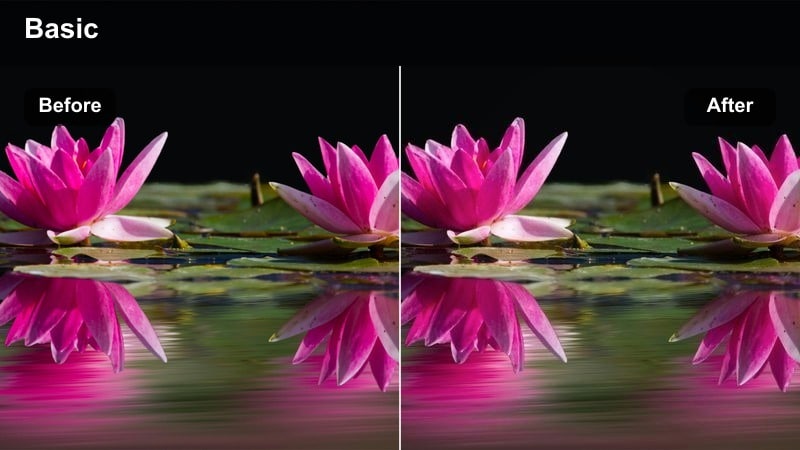
- Effect look: Cool-toned neon glow that makes treadmills, bikes, and LED gym accents pop with cyber-gym energy.
- Best for: Treadmill sprints, stairmaster sessions, cycling, and any cardio shot with LED lights or screens.
- Editing tip: Lower exposure slightly and add motion blur clips on transitions to amplify the futuristic neon look.
Neon Cardio Boost is ideal in Filmora when your gym has RGB lights, glowing logos, or bright machine displays that you want to lean into. The cool-toned glow shifts your scene toward a cyber-gym aesthetic, so your treadmill sprints and stairmaster climbs feel more like a music video than a basic cardio log.
Drop this filter on clips shot near LED strips, then slightly lower exposure in the Color panel to avoid blown-out highlights. Add speed ramps and motion blur transitions between angles to give your TikTok a tunnel-like, endless-motion feel that loops seamlessly on repeat views.
Sunrise Gym Glow
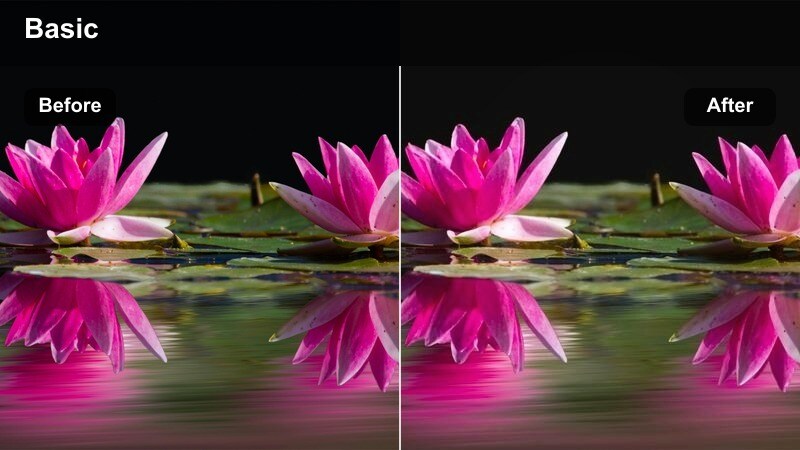
- Effect look: Warm, golden tones that make early morning gym sessions feel cinematic and motivating.
- Best for: Morning gym vlogs, pre-work workouts, and window-lit warmup stretches.
- Editing tip: Use slower cuts and subtle zoom-ins so the soft golden tones have time to sell the calm but determined energy.
Sunrise Gym Glow works best in Filmora when you are capturing early sessions with natural light sneaking through windows or doors. The filter layers in a motivational golden cast that makes even simple stretching or light cardio look like part of a cinematic morning routine.
Apply this filter to your pre-work clips, then slow your cuts and use Filmora's keyframed zooms to gently push in on key moments, like tying your shoes or taking the first sip of pre-workout. This calmer pacing balances your high energy content and gives your TikTok grid a more relatable, day-in-the-life texture.
Heavy Lifts and Strength Sets
Iron Focus Punch
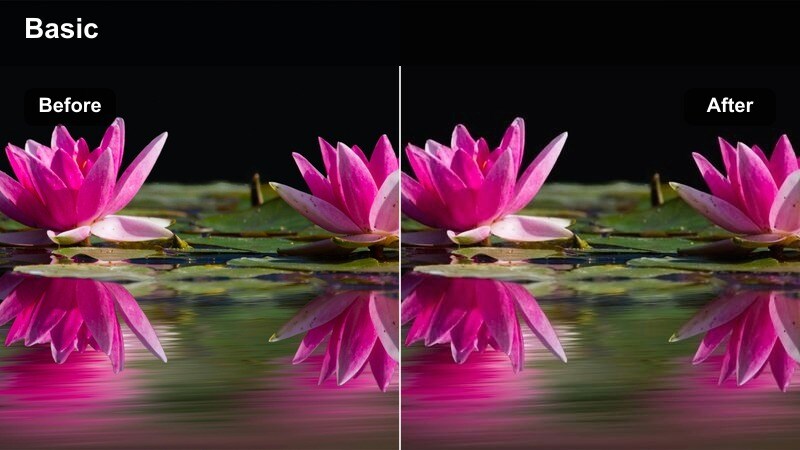
- Effect look: Hard contrast with deep blacks and sharp highlights that make plates, bars, and muscle definition stand out.
- Best for: Heavy squats, deadlifts, bench press PR attempts, and slow-motion strength clips.
- Editing tip: Cut on the concentric part of the lift and slow it slightly while boosting this filter for maximum drama.
Iron Focus Punch is built for those clips where the weight is heavy and you want that intensity to be obvious at a glance. In Filmora, the deep blacks and crisp highlights carve out plates, bars, and muscle lines so your form and effort look dramatic even on a small TikTok screen.
Use this filter on your heaviest sets, then add a slight slow motion segment over the concentric portion of the lift to stretch out the most impressive moment. Combine tight angle changes with subtle shake or zoom to amplify tension, and layer text with the weight and set number to keep viewers watching through the full rep.
Steel Blue Power
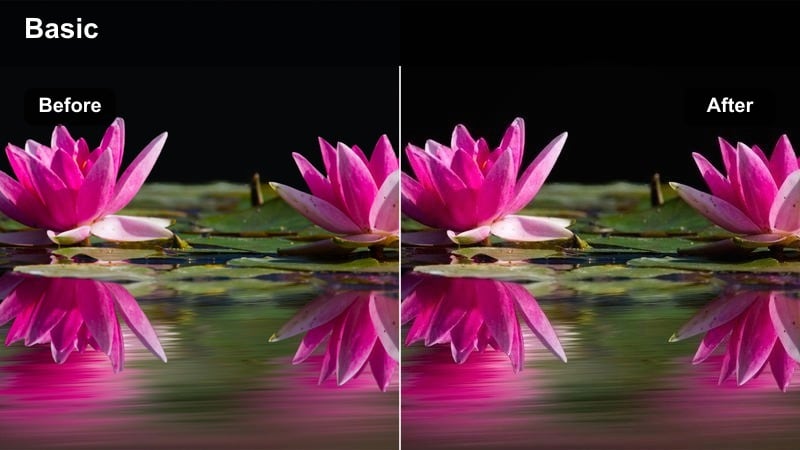
- Effect look: Cool blue cast with clean midtones that makes metal equipment and sweat glisten without oversaturating skin.
- Best for: Pull days, cable work, and any shot where machines and steel frames dominate the background.
- Editing tip: Crop tighter around the bar or cable path so the cool tones emphasize motion and equipment detail.
Steel Blue Power is a strong choice in Filmora when your footage is full of cables, pulleys, and metal frames that you want to feel sleek and powerful. The cool cast keeps the scene sharp while preserving realistic skin tones, making it great for educational content where form must stay visible.
Apply this filter to your pull-day clips and then use Filmora's cropping and framing tools to keep the bar path or cable line centered. The blue-tinted metal and clean midtones will guide the viewer's eye along the movement, allowing you to add arrows or labels on top without overcrowding the visual.
Grit and Grind
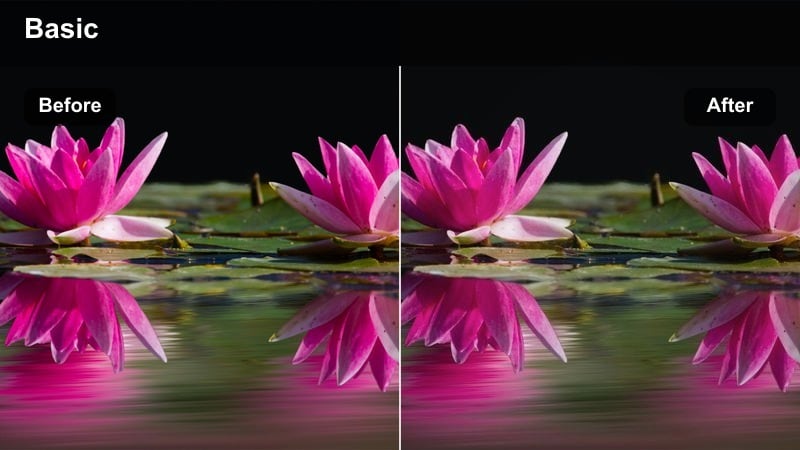
- Effect look: Muted colors with boosted texture and clarity that give a raw, no-frills underground gym feel.
- Best for: Garage gyms, hardcore bodybuilding clips, chalky deadlifts, and sweat-heavy sets.
- Editing tip: Add subtle grain and keep handheld camera shake for a documentary-style TikTok aesthetic.
Grit and Grind is designed in Filmora for days when the gym is dusty, the lighting is rough, and you want that rawness to show. The muted palette and enhanced texture make chalk dust, rusted racks, and sweat droplets look intentional, turning imperfections into part of your brand.
Layer this filter over handheld clips of deadlifts, rows, or strongman movements, and add a bit of film grain in the Effects panel for an old-school training montage feel. Keep your edits slightly slower and pair with voiceover or captions about the work you are putting in to differentiate these posts from your more polished, neon-heavy content.
HIIT, Circuits, and Functional Training
HIIT Energy Burst
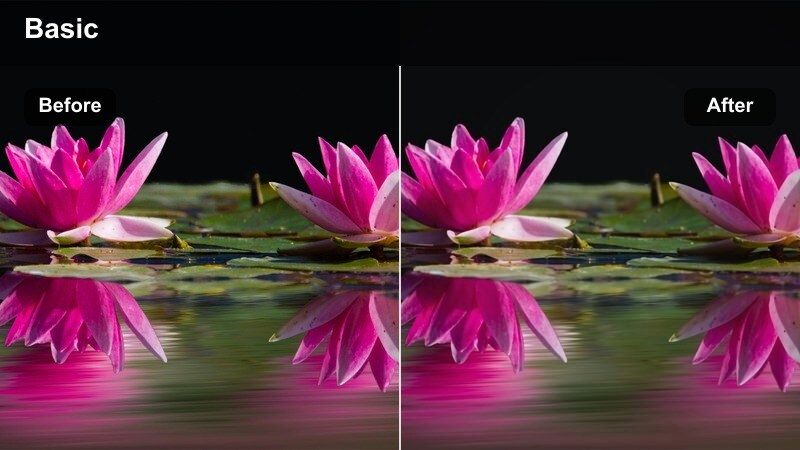
- Effect look: Punchy saturation and bright mids that make fast compound moves and circuits feel hyperactive.
- Best for: Burpees, kettlebell swings, EMOMs, AMRAPs, and short intense TikTok workout challenges.
- Editing tip: Cut quickly between angles every 1-2 seconds and sync transitions to beat drops to keep energy high.
HIIT Energy Burst is built for speed. In Filmora, this filter pushes saturation and brightens the action so explosive moves like burpees, box jumps, and kettlebell swings feel as intense on-screen as they do in real life. It is ideal for short-form TikToks where you want nonstop motion and color.
Drop the filter on your circuit footage, then slice clips into 1-2 second bursts and align each angle change with the track's beat drops. Use Filmora's text and timer overlays to call out work and rest intervals so viewers can follow along, even while the visuals cut quickly between exercises.
Arena Spotlight
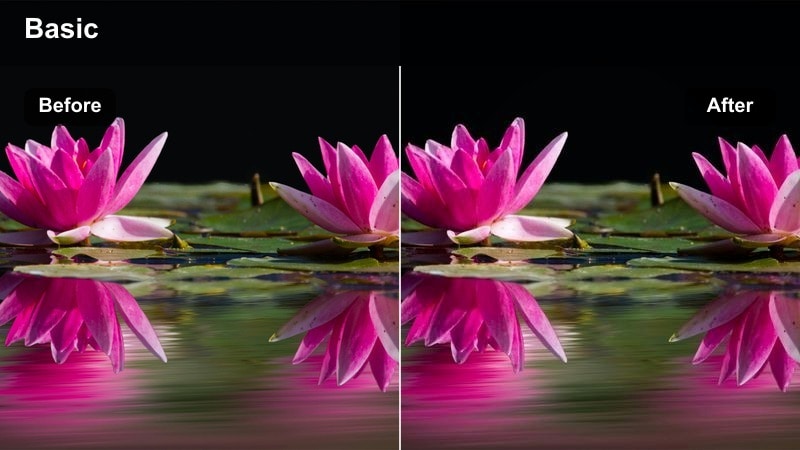
- Effect look: Bright center exposure with vignetting that makes you look like you are training under a spotlight.
- Best for: Solo functional workouts, battle ropes, sled pushes, and cardio finishers in open gym spaces.
- Editing tip: Frame exercises so you stay centered and let the darker edges push the audience's attention onto your movement.
Arena Spotlight in Filmora is great for clips where you want all eyes on you and your movement path. The bright center and gentle vignette simulate a spotlight effect, which is perfect for open-turf prowler pushes, battle ropes, or shuttle runs that frame you as the star of the scene.
Apply the filter and then use Filmora's cropping and alignment tools to keep your body and main movement centered in the frame. This way, the darker edges naturally push attention toward your form, allowing you to add dramatic text like Round 3 or Final push without distracting from the main action.
Sweat Session Hype
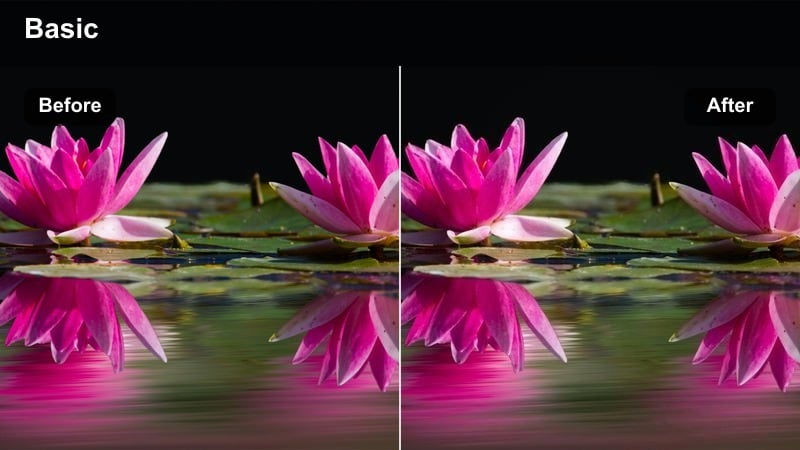
- Effect look: Warm skin tones with glistening highlights that emphasize sweat, effort, and movement trails.
- Best for: End-of-workout finisher clips, core burners, and TikTok reels showing how hard you actually worked.
- Editing tip: Use close-up shots of your face, arms, and shoulders to show sweat catching the light and amplify the emotional payoff.
Sweat Session Hype is the payoff filter. In Filmora, it warms skin and boosts highlights so sweat beads, flushed cheeks, and heavy breathing look intense and earned, making it perfect for your final clips after a brutal workout. It is designed to sell effort more than environment.
Use this filter on close-up shots at the end of your session: sitting on a bench, lying on the turf, or catching your breath against the wall. Keep the camera close and steady, then add short, bold captions like That last set hit or EMOM destroyed me to create relatable TikToks that invite comments and shares.
Gym Aesthetic and TikTok B-Roll
Locker Room Vibes
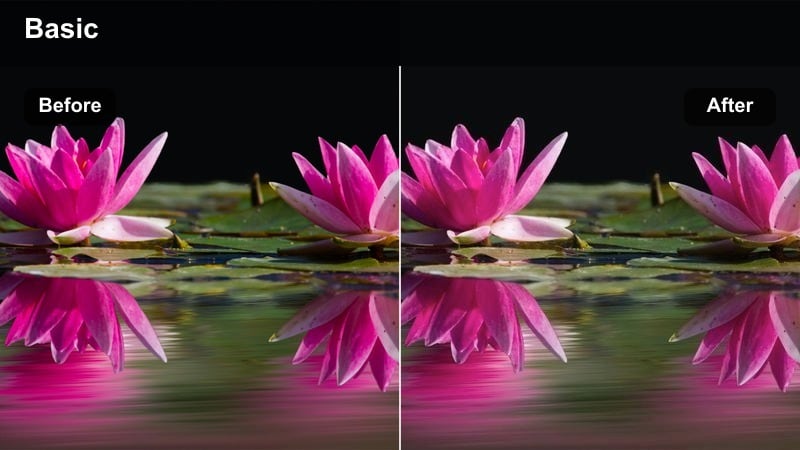
- Effect look: Soft matte finish with subtle cool highlights for aesthetic fit checks and mirror shots.
- Best for: Outfit-of-the-day clips, mirror selfies, pre and post workout transitions, and TikTok trends.
- Editing tip: Combine with smooth zooms and match-cut transitions to keep outfit changes looking polished and on-trend.
Locker Room Vibes in Filmora adds a gentle matte look that flatters both skin and clothing, making it ideal for fit checks, mirror videos, and transition trends. The soft finish hides harsh locker room lighting and reflections, so your outfits and physique stay the focus.
Apply this filter consistently to all your fashion and transition clips, then use Filmora's match cuts or finger-snap transitions to jump between outfits or before-and-after gym looks. This keeps your TikTok profile from being only training clips and adds a lifestyle angle that attracts a broader audience.
Gym Ambient B-Roll
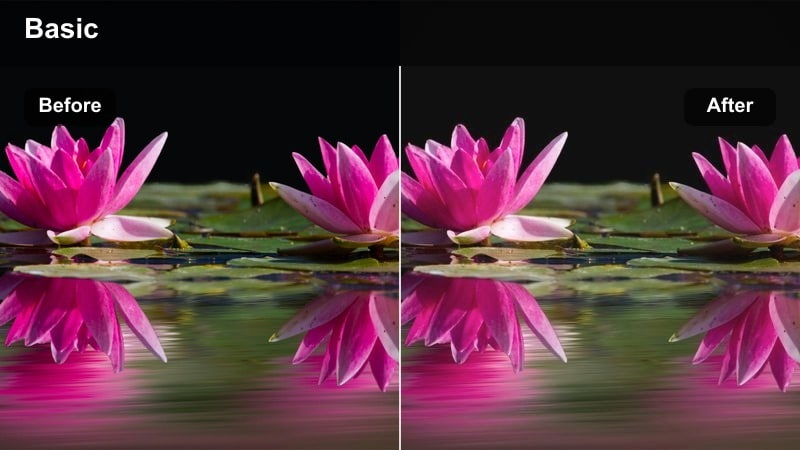
- Effect look: Balanced tones with a slight cinematic fade, perfect for capturing the overall gym atmosphere.
- Best for: Pan shots of the weight floor, close-ups of plates, slow motion machine details, and gym tour clips.
- Editing tip: Use slower camera movements and longer clips so viewers can absorb the environment and aesthetic.
Gym Ambient B-Roll gives you a cinematic base for all those aesthetic pans and detail shots that open or close your TikTok workouts. In Filmora, the balanced tones and slight fade smooth out mixed lighting while still keeping enough contrast so dumbbells, racks, and logos feel crisp.
Use this filter on 3-5 short B-roll clips and place them at the start of each workout video as a quick branded intro. Slow your camera movements, consider a bit of slow motion, and let the shots breathe for at least a second each so viewers can absorb the space before you cut to high energy sets.
PR Highlight Reel
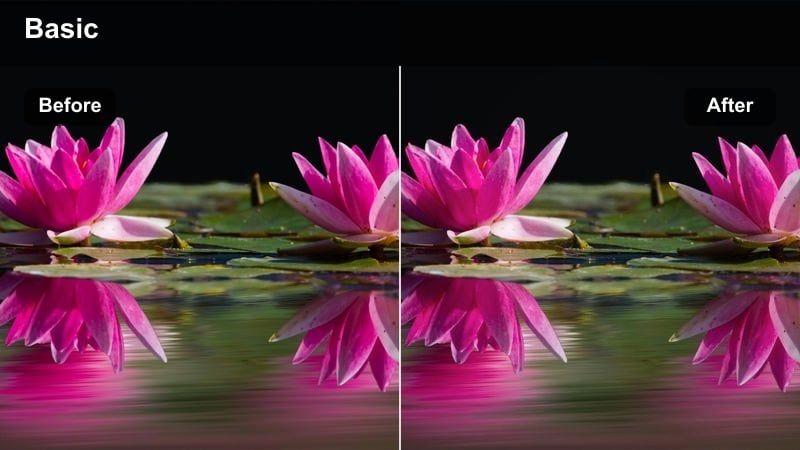
- Effect look: High clarity and vivid highlights that turn personal records into bright, shareable milestone clips.
- Best for: PR attempts, before and after strength comparisons, and big milestone achievements.
- Editing tip: Layer side-by-side or quick jump cuts between old and new footage while keeping the filter consistent on your latest clips.
PR Highlight Reel is your go-to filter in Filmora for milestone lifts and transformation moments. The heightened clarity and bright highlights make bars, plates, and facial expressions stand out, so your achievements read instantly in the feed, even for casual scrollers.
Apply this filter to your latest PR clips, then edit in older attempts either side-by-side or as quick jump cuts for a progress comparison. Keep the filter consistent on your newest footage and label the old attempts with dates and loads in text, so the story of your improvement is obvious in just a few seconds of TikTok runtime.
Tips for Using Tiktok Gym Workout Luts High Energy Filters in Filmora
- Film at the same few spots in your gym so your high energy filter combinations look consistent across your TikTok grid.
- Lock your exposure and focus before you start lifting to prevent filters from reacting unpredictably to shifting light.
- Batch record multiple angles of the same set, then apply one filter preset to all of them for faster editing and cohesive branding.
- Use speed ramps and beat-synced cuts alongside bold filters to match the intensity of your hardest sets.
- Save your favorite filter and color combinations as custom presets so every new clip can match your established gym aesthetic instantly.
- Keep at least one softer-toned filter for vlogs and educational breakdowns so your feed balances hype edits with approachable content.
- Test filters on short 5-10 second clips first to see how skin tones and equipment respond before committing them to full workouts.
- Mix high energy looks with occasional gritty or cinematic filters to give your audience visual variety without losing your core style.
High energy TikTok gym workout LUT-style filters in Filmora can turn everyday training clips into polished, brand-ready content that holds attention from the first rep to the last. Whether you are filming warmups, heavy sets, or sweaty finishers, the right look will keep your videos feeling intentional instead of random.
Experiment with a few go-to presets, lock in your favorite combinations as custom filters, and you will spend less time editing and more time creating the workouts your audience loves. Over time, that consistent visual identity makes your TikToks recognizable in the feed and helps you stand out as a dedicated fitness creator.
secure download