

 100% Security Verified | No Subscription Required | No Malware


 ChatGPT
 Perplexity
 Gemini
 Claude
 Grok
Grok
These TikTok makeup tutorial filters are designed to keep skin tones accurate while still giving your beauty content a polished, professional finish. Each look is tuned for different lighting setups, skin types, and tutorial styles so you can grade fast and stay on-brand.
Use these presets as your go-to base grade, then adjust exposure and white balance to match your recording environment. Whether you film GRWM, detailed eyeliner breakdowns, or before-and-after transformations, you will get clean, consistent skin in every TikTok upload.
In this article
Soft Natural Daylight Tutorials
Natural Soft Glow
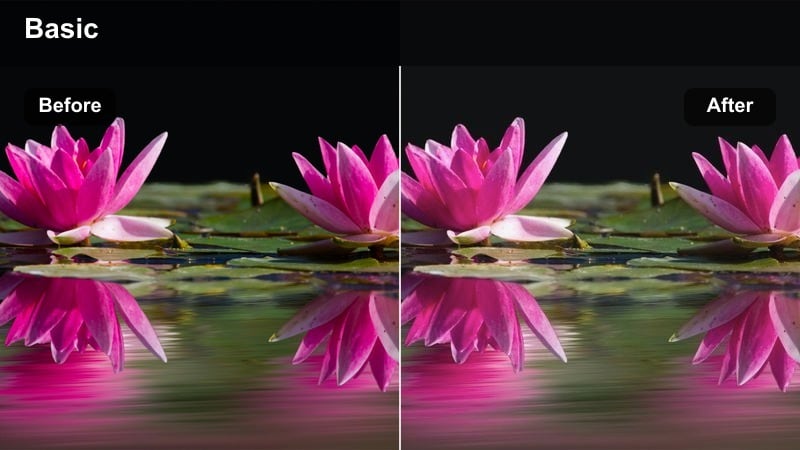
- Effect look: Subtle brightening with gentle contrast that keeps skin realistic and softly illuminated for everyday makeup tutorials.
- Best for: GRWM videos filmed near a window or in indirect daylight where you want minimal editing but a cleaner, smoother result.
- Editing tip: Apply first, then slightly reduce highlights to preserve texture on the high points of the face like cheekbones and forehead.
Natural Soft Glow is ideal when you want your TikTok makeup tutorials to look softly polished without hiding real-life texture. In Filmora, apply this preset as your first step, then fine-tune the Highlights and Shadows sliders so bright areas stay gentle and flattering while midtones remain true to your natural complexion.
Use this filter as a base grade for light-coverage foundations, cream blush, and subtle concealer routines. Once it is on, adjust white balance to keep whites neutral and skin undertones accurate, then add light sharpening around the eyes and lips so the focus stays on your technique, not heavy post-processing.
AI-Tuned Filters for Accurate TikTok Skin Tones
Filmoras AI-driven color engine helps each of these TikTok makeup tutorial filters keep undertones, blush, and contour shades as close to real life as possible. Instead of manually tweaking curves and color wheels, you get a smart starting point that already understands how skin should look on camera.
Apply one of these AI-tuned filters in Filmora, then make small adjustments to exposure and white balance to match your setup. You will avoid common issues like orange skin, flat complexions, and over-smoothed faces while keeping your tutorials consistent from clip to clip.
 secure download

See Your Makeup Transform in a Few Clicks
Drop your vertical footage into the Filmora timeline, apply a preset like TikTok Makeup Tutorial LUTs Skin Accurate, and use the split-view preview to compare before and after in real time. You will instantly see smoother exposure, cleaner color, and refined detail across your foundation, blush, and eye looks.
Once you are happy with the result on one clip, you can copy and paste the color settings or save them as a custom preset, so every segment of your TikTok tutorial matches perfectly. This keeps your GRWMs and transformations looking cohesive from first swipe to final reveal.
secure downloadCombine Filters with LUTs for Signature Looks
Filmora includes 1000 plus video filters and 3D LUTs that you can stack on top of these skin-accurate presets to build a recognizable TikTok style. Start with a correction filter that keeps skin neutral, then add creative LUTs for different moods, from soft everyday glam to bold editorial color stories.
Once you find a combination that flatters your skin tone and showcases your makeup true-to-color, save it as a custom preset. This lets you apply your signature look across every new TikTok tutorial in just a few clicks, keeping your feed cohesive and on-brand.
secure downloadFresh Skin Reality
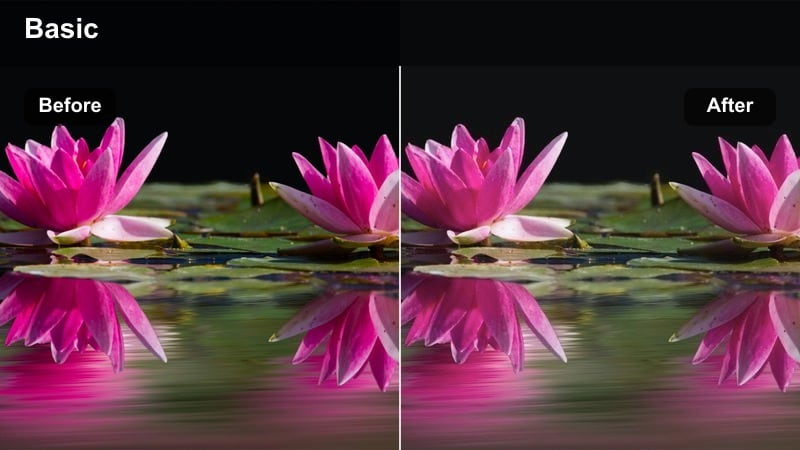
- Effect look: True-to-life color with slight clarity and micro-contrast that keep pores, freckles, and undertones honest but flattering.
- Best for: Authentic, no-foundation or light-coverage looks where you teach skincare-driven makeup routines on TikTok.
- Editing tip: Pull the strength down to around 60–70 percent if you are shooting in already high-contrast daylight to avoid harshness.
Fresh Skin Reality is built for creators who want to showcase real texture while still looking polished. In Filmora, use this filter when filming bare-skin routines, tint and concealer days, or when you are demonstrating how skincare sits under makeup so viewers can see every detail.
After applying, adjust the filter intensity slider until freckles, pores, and fine lines look believable but not exaggerated. Combine it with light noise reduction and subtle sharpening on eyes and brows so your audience can focus on the technique while still appreciating an honest, unfiltered-looking complexion.
Window Light Balanced
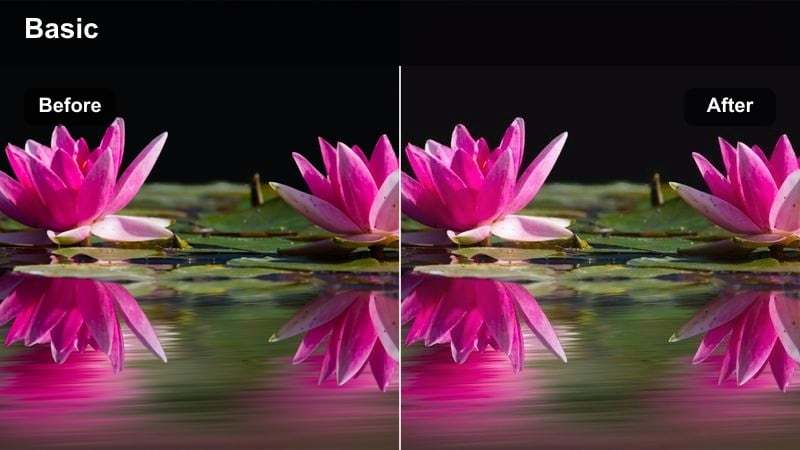
- Effect look: Balanced exposure and warmth that neutralize bluish daylight, preventing washed-out or greyish complexions.
- Best for: TikTok tutorials filmed right next to large windows or balcony doors with cool or shifting daylight.
- Editing tip: Increase saturation just slightly after applying if your blush and bronzer appear too muted from natural lighting.
Window Light Balanced is great for creators who love filming next to big windows but struggle with skin looking icy or washed out. In Filmora, this filter restores warmth and richness to your face while keeping the ambient daylight feeling fresh and natural.
Apply it to all clips shot in the same session, then tweak exposure clip by clip if the sun moves or clouds pass. If your blush or bronzer disappears on camera, gently raise saturation and midtone contrast so cheek color, contour lines, and eye depth read clearly in TikTok s vertical feed.
Ring Light and Beauty Studio Looks
Ringlight Skin True
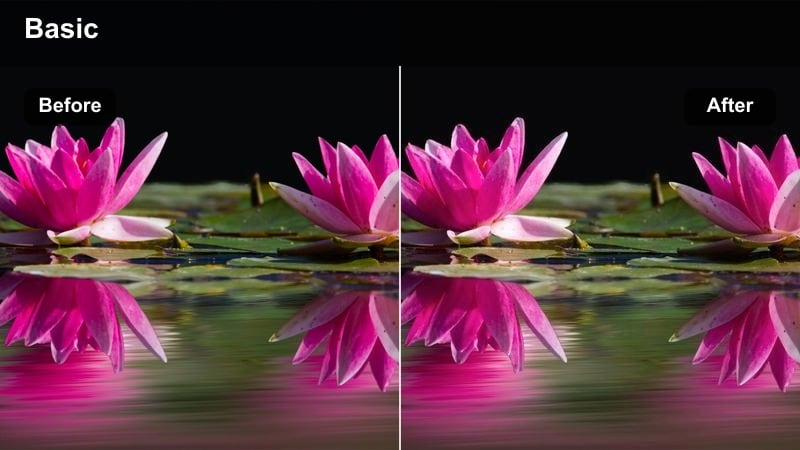
- Effect look: Neutralizes ring light harshness, softens hotspots, and keeps midtones accurate so skin stays dimensional under strong light.
- Best for: TikTok makeup tutorials filmed with bright ring lights where skin can easily look flat or overexposed.
- Editing tip: Drop highlights slightly and raise shadows a touch after applying to keep the face looking three-dimensional.
Ringlight Skin True is designed to fix the common issue of faces looking flat or blown out under intense circular lighting. In Filmora, it pulls back harsh hotspots while protecting the depth of your foundation, bronzer, and contour so your sculpting work still shows up on TikTok.
Use this preset whenever you are filming detailed eyeliner, lash application, or lip lining under a ring light. After applying, trim highlights and gently lift shadows until cheekbones, nose bridge, and jawline have clear separation, giving your tutorial a pro studio feel without losing your real skin color.
Studio Soft Matte
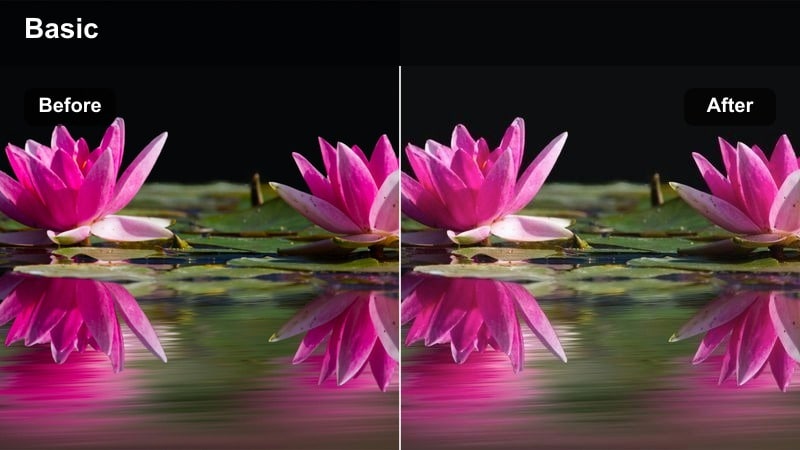
- Effect look: Gently reduces shine and adds a soft matte finish while keeping contour and highlight visible and accurate.
- Best for: Oil-prone or long-wear foundation tutorials where you want to showcase matte finishes clearly on TikTok.
- Editing tip: Avoid over-reducing contrast; keep a bit of separation so matte makeup still looks sculpted and defined.
Studio Soft Matte is perfect for creators filming oil-control or long-wear foundation routines who want skin to look softly matte, not flat. In Filmora, apply this filter to tone down shine from studio lights while preserving the definition of your contour and powder highlight.
Pair it with a slight increase in clarity around the eyes and brows so they remain sharp against the smoother skin. If your look feels too flat, nudge the contrast back up and adjust the filter intensity until you get that balanced, photo-ready matte finish that still shows your blending skills.
Studio Glam Highlight
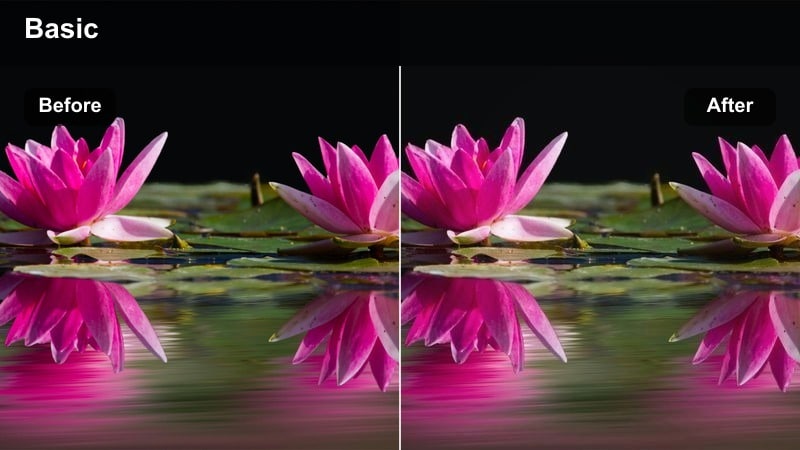
- Effect look: Boosts highlight roll-off and shimmer visibility while preserving the true color of bronzer, blush, and highlighter.
- Best for: Full-glam TikTok looks with strong cheek highlight, colorful blush, and sculpted contour in controlled lighting.
- Editing tip: If your highlight looks too icy, warm the temperature by a few points rather than increasing saturation.
Studio Glam Highlight is tailored for full-glam days when your cheekbones, nose bridge, and brow bone need to pop under studio lighting. In Filmora, it enhances the way shimmer and metallic products catch the light while keeping base skin tones realistic and not overly frosty.
After applying, check your bronzer, blush, and highlight shades against the real-life product, then adjust color temperature slightly warmer or cooler until they match. This ensures your TikTok followers see an accurate representation of payoff and glow, building trust in your recommendations.
Warm Evening and Golden Hour Glam
Golden Hour Skin True
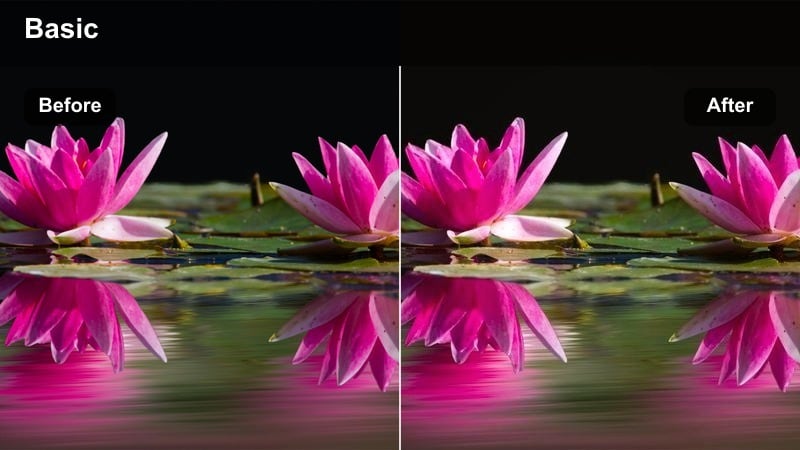
- Effect look: Balances strong warm light so skin stays flattering and not overly orange while keeping the golden vibe.
- Best for: Golden hour TikTok transitions and soft glam looks filmed near windows or outdoors at sunset.
- Editing tip: Use the tint slider to neutralize magenta or green casts while leaving the general warmth from the sun.
Golden Hour Skin True keeps the dreamy sunset atmosphere while stopping your complexion from going too orange or oversaturated. In Filmora, this preset reins in extreme warmth so your foundation, bronzer, and blush stay close to their real undertones.
It works especially well for TikTok transitions, before-and-afters, and soft glam looks filmed near windows or outdoors. Apply the filter to all clips from the same session, then adjust Tint to cancel out any extra magenta or green so your skin remains natural against the golden background.
Warm Date Night Glam
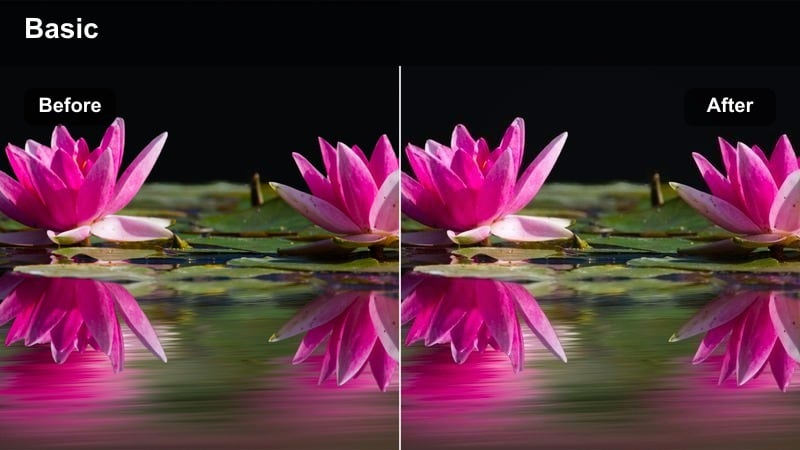
- Effect look: Enhances warm indoor lighting, richens lip and eye colors, and keeps complexion even in dimmer conditions.
- Best for: Evening or date-night TikTok makeup looks filmed in bedrooms, living rooms, or soft lamp lighting.
- Editing tip: Increase midtone contrast a little after applying to stop the face from looking flat in low light.
Warm Date Night Glam is designed for cozy, low-light environments where you want your glam to read clearly without blowing out the room s ambiance. In Filmora, this filter adds richness to lips and eyes while gently evening out skin tone under warm lamps or fairy lights.
Use it for date-night routines, night-out transformations, or soft glam chats filmed in your bedroom. After applying, gently increase midtone contrast so your face stays dimensional and products like smokey shadow and lipstick remain defined, even when overall brightness is lower.
Evening Soft Glam Balance
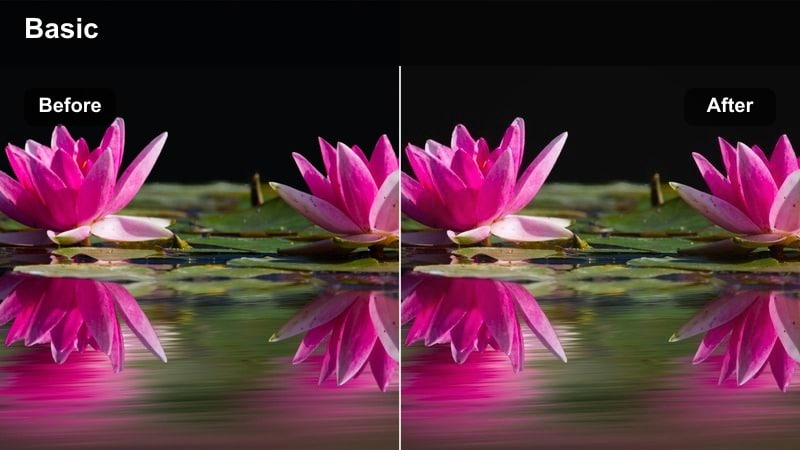
- Effect look: Gently boosts exposure and refines contrast so soft glam details remain clear in warm, shadowy rooms.
- Best for: Soft glam TikTok tutorials shot in apartments or small studios with mixed overhead and lamp lighting.
- Editing tip: Use a subtle vignette only if the room background is distracting; keep it light so skin does not sink into shadows.
Evening Soft Glam Balance helps you keep your makeup visible and flattering in mixed, slightly dim lighting. In Filmora, it brightens faces just enough to show off your shimmer, liner, and lashes while protecting the warm, cozy mood of your room.
Apply this filter to tutorials shot with a mix of ceiling lights and lamps, then make small exposure tweaks until your skin and eye details are easy to read. If the background feels too busy, add a light vignette so the viewers eye stays centered on your face without darkening your skin too much.
Cool, Neon, and Screen-Light Setups
Cool Screen Correct
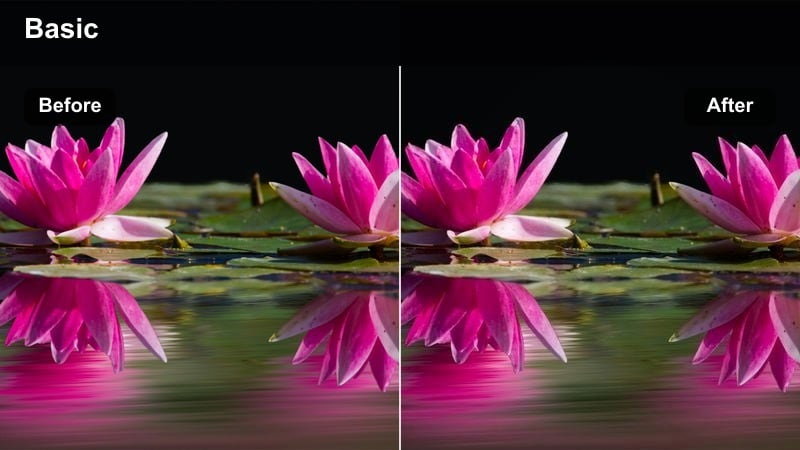
- Effect look: Neutralizes heavy blue from monitors or LED strips so skin tones do not turn grey or overly cool.
- Best for: TikTok makeup tutorials filmed at a desk in front of a computer screen or RGB lights.
- Editing tip: After applying, add a touch of warmth to midtones only so the background stays cool but faces look healthy.
Cool Screen Correct is made for gaming or desk setups where RGB lights and screens can make your skin look lifeless. In Filmora, this filter pulls your complexion back to a natural, neutral tone without killing the aesthetic of your blue and purple background.
Use it for desk GRWMs, streaming-ready makeup, or content-creator lifestyle tutorials. After applying, warm up the midtones slightly so your skin looks healthy while keeping shadows and background tones cool for a clean, cyber-inspired contrast that reads well on TikTok.
Neon Glam Accurate
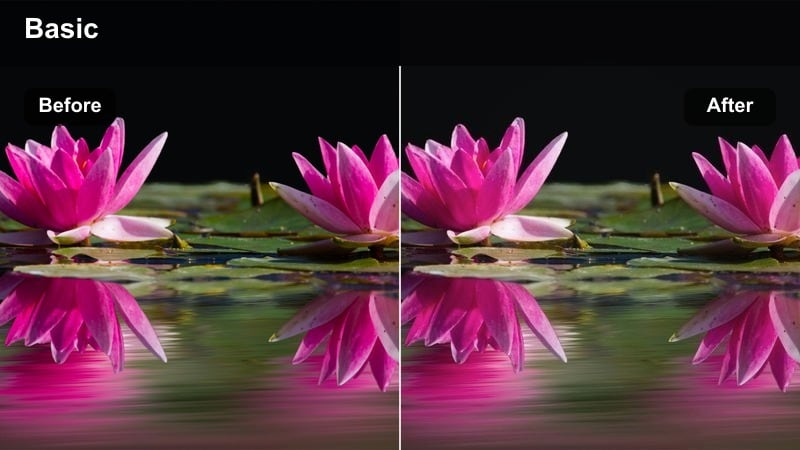
- Effect look: Preserves bright neon accents while subtly desaturating their spill on the face for more accurate complexion.
- Best for: Bold TikTok glam looks with colored LEDs or neon signs behind or around the subject.
- Editing tip: Mask heavy color spill on one side of the face if needed and reduce saturation locally to keep undertones consistent.
Neon Glam Accurate lets you enjoy neon signs and bold RGB setups without letting those colors take over your skin. In Filmora, this filter controls the color spill on your cheeks and forehead so your foundation and eyeshadow undertones stay visible and true.
It is especially useful for editorial glam, festival looks, or themed tutorials where the background lighting is part of the story. If one side of your face catches too much neon, use Filmora s masking tools to selectively dial back saturation there, keeping your complexion balanced across the frame.
Night Mode Skin Safe
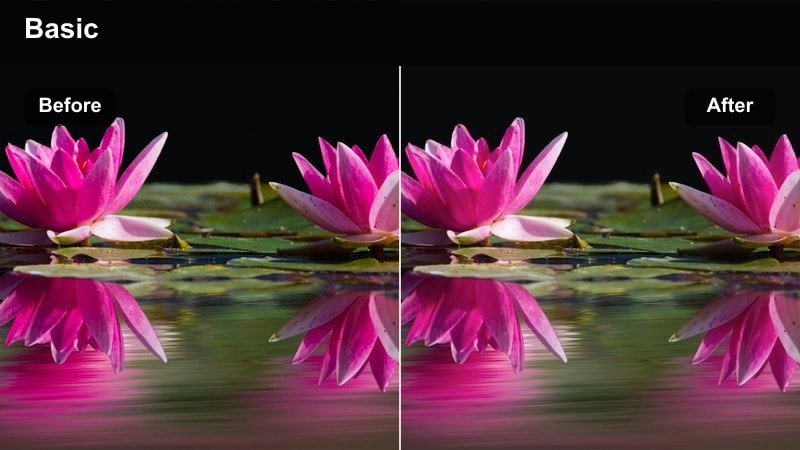
- Effect look: Lifts shadows, calms harsh color casts, and reduces noise so night-time TikTok looks stay flattering yet realistic.
- Best for: Late-night chatty GRWM or makeup removal tutorials filmed with phone flash or minimal lighting.
- Editing tip: Use gentle noise reduction after applying this filter to keep skin smooth without destroying fine detail.
Night Mode Skin Safe is designed to rescue late-night clips shot under phone flash or tiny lamps, where skin often looks patchy and noisy. In Filmora, this preset brightens shadows and cleans up color so your face looks soft but still real in low light.
Apply it to your bedtime routines, makeup removal videos, or chatty GRWMs filmed on the couch. Follow up with subtle noise reduction and small exposure tweaks so product textures, like balms and cleansers, remain visible while grain stays under control for a calmer, more polished TikTok upload.
Tips for Using Tiktok Makeup Tutorial Luts Skin Accurate Filters in Filmora
- Lock white balance in-camera before applying filters so your skin tone stays stable across multiple TikTok clips.
- Always fine-tune exposure and contrast after applying a filter to match your specific lighting and skin type.
- Use lower filter intensity for full-coverage foundation and slightly higher intensity for light or sheer looks.
- Check how your makeup colors appear on a second device to ensure the filter is not misrepresenting product shades.
- Film a five-second test shot whenever your lighting changes and adjust your filter settings before continuing the tutorial.
- Save your favorite filter adjustments as custom Filmora presets so every new TikTok tutorial starts from a consistent base.
- Combine skin-accurate filters with subtle sharpening on eyes and lips to keep attention on detailed makeup work.
- Batch apply your chosen filter to all clips in the timeline, then tweak individual shots only where lighting noticeably shifts.
Skin-accurate filters help your TikTok makeup tutorials look professional and trustworthy without hours of manual color grading. When your base tones, blush, and contour read correctly on camera, viewers can rely on what they see and feel more confident following your techniques.
Use these presets in Filmora as a fast, reliable base, then tweak them to match your unique lighting, style, and audience expectations. With a solid color foundation in place, you can focus on storytelling, transitions, and creative edits that make your beauty content truly stand out.
secure download