

 100% Security Verified | No Subscription Required | No Malware


 ChatGPT
 Perplexity
 Gemini
 Claude
 Grok
Grok
These TikTok pet video LUT-style filters in Filmora are designed to keep fur textures crisp, colors vivid, and your clips bright and clean without losing natural detail.
Whether you are filming your dog zoomies in the living room or your cat sunbathing by the window, use these presets to get a polished, scroll-stopping TikTok look in a few clicks.
In this article
Sunlit Home Moments with Pets
Soft Morning Fur Glow
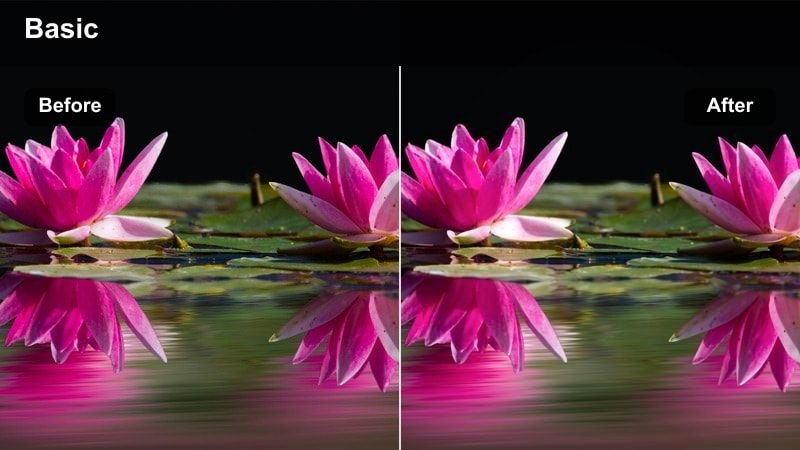
- Effect look: Gentle brightening with soft contrast that makes fur look fluffy and luminous in morning light.
- Best for: Pets lounging by a window, slow cuddling shots on the couch, or sleepy morning routines.
- Editing tip: Lower the contrast slightly if your scene has harsh sun patches to keep highlights from looking blown out.
Soft Morning Fur Glow gives your pet clips that calm, bright start-of-the-day feeling, keeping whites clean while preserving soft fur texture. In Filmora, this look is great when your footage already has natural window light but the camera made the scene look a little dull or gray.
Apply the filter, then fine-tune exposure and contrast so you can still see detail in the brightest parts of the fur, especially on white or cream pets. If your window area is blowing out, pull back the highlights while leaving midtones gently lifted, so your pet remains the focus and the background stays airy instead of harsh.
One-click bright and clean vibes with AI-powered color control
Filmora AI color tools help you quickly fix flat or uneven lighting before you add any bright and clean pet filters. With a few sliders, you can balance exposure, neutralize color casts, and set a solid base so your LUT-style looks stay natural instead of overprocessed.
Once your base color is corrected, stacking bright pet presets on top keeps fur texture intact and prevents clipped highlights in sunny window scenes.
 secure download

Preview pet filters live while you edit
In Filmora, you can browse through bright and clean TikTok pet filters and see them update in real time on your timeline clip. This makes it easy to compare subtle differences in contrast and color on light versus dark fur without endless test exports.
Combine previewed filters with quick exposure or saturation tweaks so your final look feels polished and ready for the For You page.
secure download1000+ Video Filters and 3D LUTs
Filmora includes an extensive library of filters and 3D LUT-style presets, so you can build a consistent, bright aesthetic across every TikTok pet clip. Save your favorite combinations as custom presets to keep your dog and cat videos instantly recognizable.
By reusing the same bright and clean looks, your profile grid feels cohesive, and followers know exactly what visual style to expect from your content.
secure downloadSunny Living Room Pop
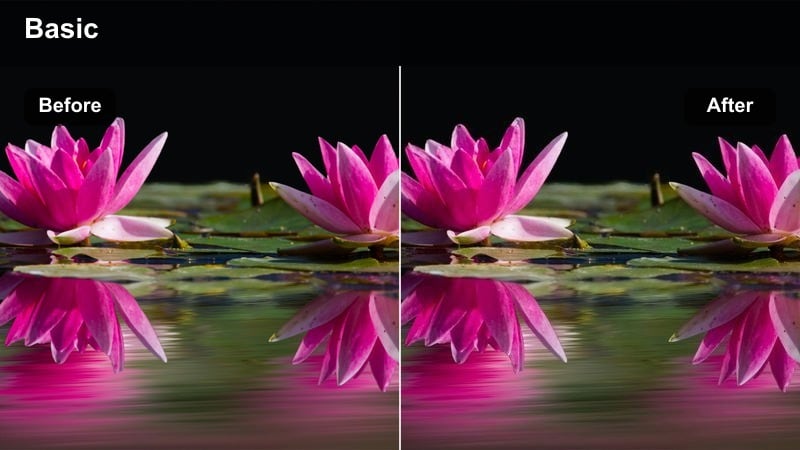
- Effect look: Punchy brightness with vivid but clean colors that make toys, blankets, and pet collars pop.
- Best for: Indoor zoomies, playtime on rugs, and quick handheld TikToks in well-lit living rooms.
- Editing tip: Add a touch of stabilization and crop to vertical before exporting to keep the action centered and energetic.
Sunny Living Room Pop is made for high-energy clips where toys and decor add bursts of color around your pet. It boosts saturation and brightness just enough to make eyes, collars, and toys stand out while keeping skin and fur tones believable.
In Filmora, apply this filter to your living-room clips, then switch your project to 9:16 and crop so your pet stays centered during zoomies. Add a small dose of stabilization to handheld shots so the punchy color and bright exposure feel energetic, not chaotic, on TikTok.
Minimal White Room Clean
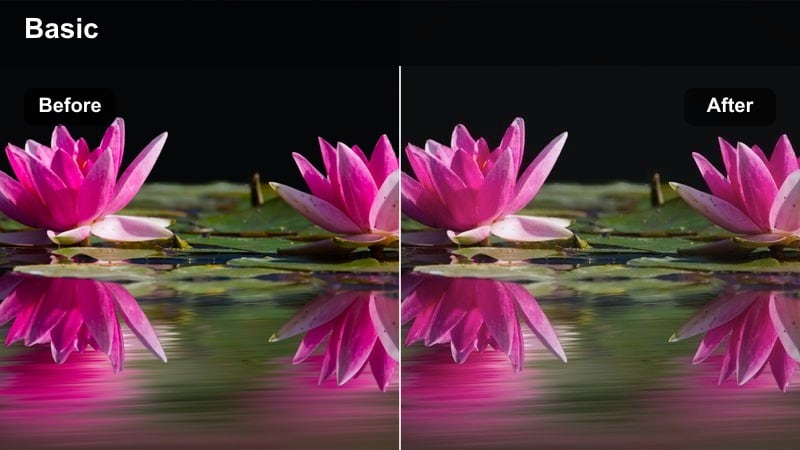
- Effect look: High-key, bright whites with neutral, tidy color rendering ideal for minimalist interiors.
- Best for: Clips in white or light-colored rooms, aesthetic pet accounts, and clean TikTok feed styles.
- Editing tip: Use the vignette tool very lightly to keep attention on your pet while preserving that crisp minimal background.
Minimal White Room Clean is perfect if your home has pale walls, light bedding, or studio-like corners and you want everything to look spotless. It brightens whites and evens out colors so the room becomes a soft backdrop and your pet becomes the hero.
In Filmora, add this filter to bedroom or studio shots, then check your white balance to keep whites neutral instead of blue or yellow. Apply a very subtle vignette and adjust exposure so your pet remains the brightest element, ensuring a sleek, aesthetic TikTok-friendly look.
Bright Outdoor Walks and Play
Park Day Crisp Color
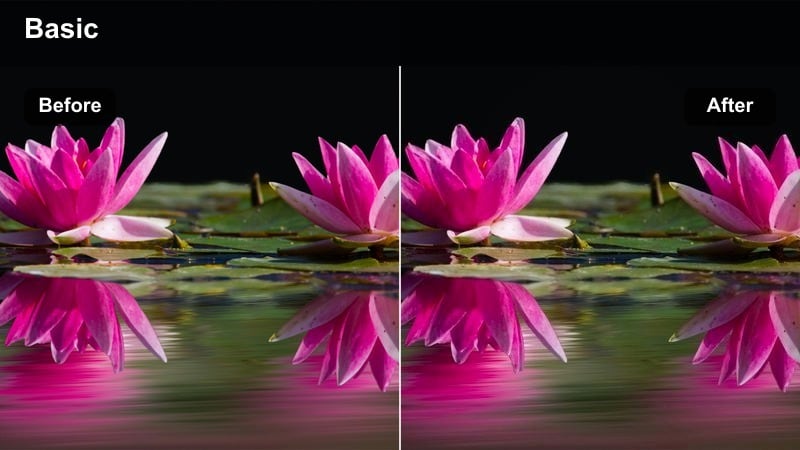
- Effect look: Clean, crisp contrast with natural greens and sky tones that make outdoor scenes feel fresh.
- Best for: Dogs running in the park, leashed walks, and wide shots of pets exploring outdoors.
- Editing tip: Use speed ramping on key moments like jumps or spins to pair this sharp look with dynamic TikTok transitions.
Park Day Crisp Color enhances blue skies and green grass while keeping fur tones natural, making your outdoor pet clips look like mini commercials. It adds clarity and gentle contrast so details in motion, like paws kicking up grass, remain visible.
After applying this filter in Filmora, trim your best moments and add speed ramps to jumps, turns, or zoomie sprints. Keep saturation controlled so the environment feels lively but not neon, letting the sharp, bright aesthetic stay clean on TikTok.
Sidewalk Sunshine Clean
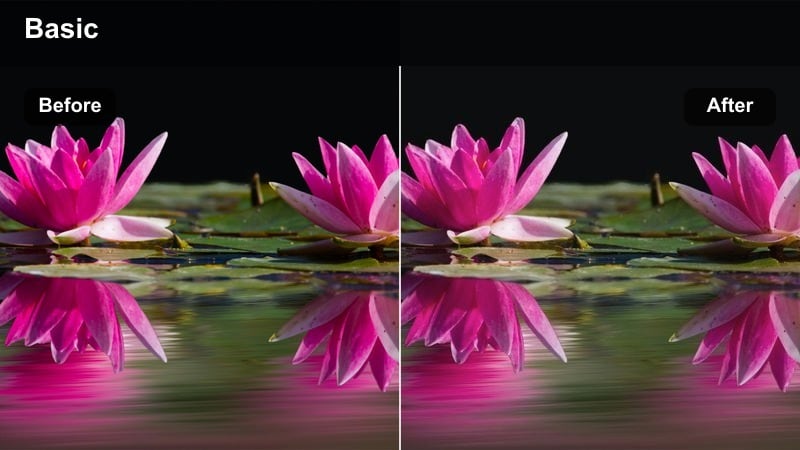
- Effect look: Balanced brightness and soft shadows that smooth hard midday light on sidewalks and streets.
- Best for: Leash POV shots, quick clips crossing streets, and casual city block walks with your pet.
- Editing tip: Trim out shaky starts and ends, then use this filter to keep cement and building colors simple and non-distracting.
Sidewalk Sunshine Clean is designed for city or neighborhood walks where concrete and buildings can throw harsh reflections. It gently lifts shadows and softens contrast so your pet stays readable even under strong midday sun.
In Filmora, use this filter on POV and leash shots, then slightly lower overall exposure so concrete does not dominate the frame. Cut away the shakiest parts and stabilize if needed, letting the bright but softened look keep attention on your pet as you move through the city.
Golden Hour Leash Glow
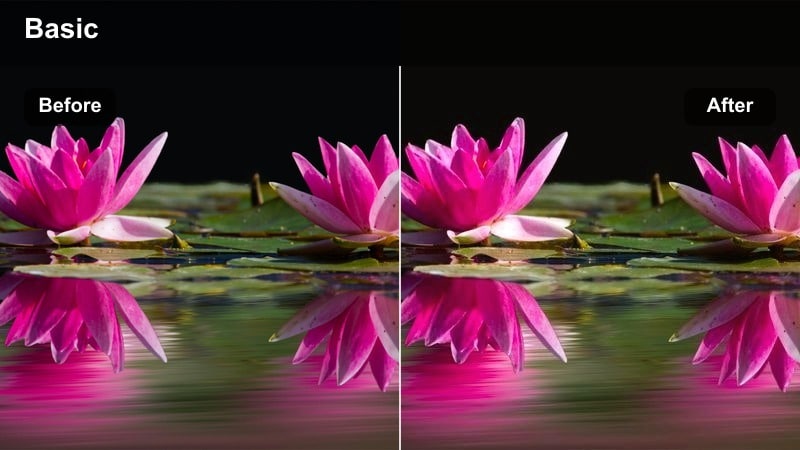
- Effect look: Warm, glowing highlights with clean midtones that keep fur detail visible in sunset light.
- Best for: Evening walks, slow-motion leash shots, and silhouettes with visible fur texture.
- Editing tip: Combine this filter with a slight slow motion and gentle background blur for dreamy golden-hour TikToks.
Golden Hour Leash Glow leans into warm, cinematic sunset tones without turning your scene orange. It boosts highlight warmth while keeping midtones clear, so white fur and darker coats still hold detail against a bright sky.
Apply it in Filmora, then slow clips slightly and add a touch of background blur using depth-of-field style effects if available. If your highlights start to look too intense, reduce warmth and highlights just a bit to keep a soft honey glow that feels dreamy but still bright and clean on TikTok.
Bright Indoor Nights and Low Light
Cozy Lamp Light Clean
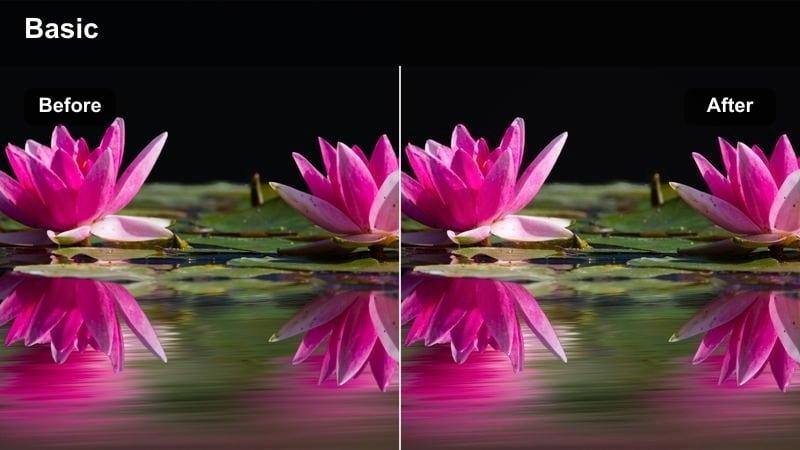
- Effect look: Softens yellow lamp tones while lifting shadows for a clean, cozy nighttime feel.
- Best for: Evening couch cuddles, pets sleeping near floor lamps, or bedtime TikTok routines.
- Editing tip: Raise shadows slightly instead of pushing exposure too high to avoid grain in darker corners.
Cozy Lamp Light Clean is tailored for warm, indoor lamp scenes where your camera often adds a heavy orange cast. It evens out that warmth and brightens shadows so your pet looks soft and cuddly but the room still feels clean and modern.
In Filmora, apply this filter first, then gently cool white balance until whites and cream fur look natural again. Lift shadows instead of cranking exposure to avoid visible noise, keeping your night clips bright enough for TikTok without sacrificing quality.
TV Glow Crisp Detail
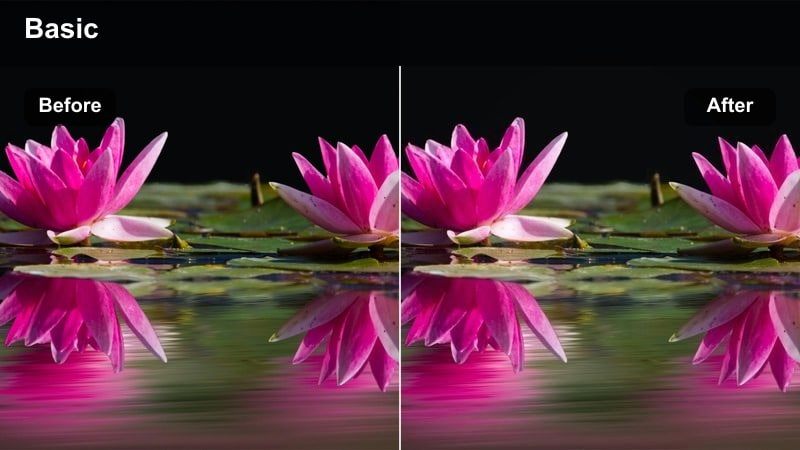
- Effect look: Boosts midtones and clarity so your pet stands out under dim TV or monitor light.
- Best for: Nighttime gaming sessions with pets, couch binging clips, and low-light reactions.
- Editing tip: Use noise reduction lightly after this filter to smooth any grain added by brightening the scene.
TV Glow Crisp Detail focuses on lifting the parts of the image that matter most, like your pet's face and body, when the main light source is a screen. It adds midtone brightness and clarity so details are visible without fully flattening the dark room vibe.
In Filmora, apply this filter, then add a gentle layer of noise reduction if you notice grain from shooting in low light. Keep the TV or monitor from blowing out by lowering highlight levels, and lean on this bright-but-clean look so your pet remains readable in TikTok feeds even in near-dark rooms.
Hallway Night Bright
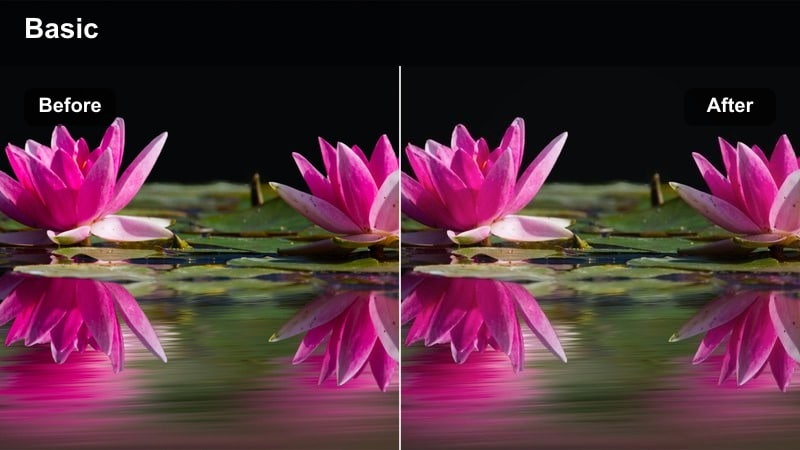
- Effect look: Bright, clean lift on dim hallway lighting with subtle desaturation for a tidy, neutral look.
- Best for: Late-night potty breaks, hallway zoomies, and quick doorbell reaction clips.
- Editing tip: Keep clips short and snappy, then use this filter to ensure walls and doors look clean, not dingy.
Hallway Night Bright is built to rescue dim, narrow spaces where overhead bulbs can make walls look yellow or gray. It brightens the whole scene, lightly desaturates messy color casts, and pushes your pet forward as the clean focal point.
In Filmora, drop this filter on late-night hallway clips and then fine-tune highlights to avoid overbright door frames. Trim your shots aggressively so the funniest zoomie or reaction moments hit fast, using the clean, bright aesthetic to keep cramped spaces from feeling cluttered on TikTok.
Trendy TikTok Pet Aesthetics
Pastel Feed Pup Clean
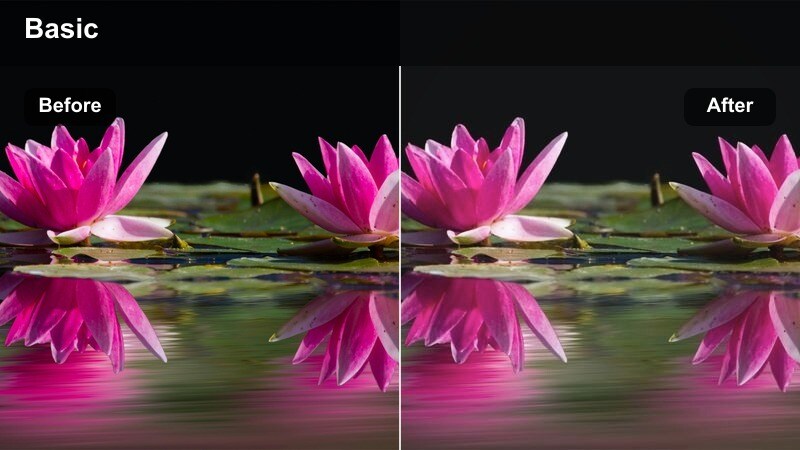
- Effect look: Soft pastel highlights with a bright, low-contrast finish that suits aesthetic TikTok feeds.
- Best for: Carefully styled shots, pastel blankets, cute outfits, and aesthetic pet product features.
- Editing tip: Reduce sharpness just a touch so the entire frame feels soft and dreamy while staying bright.
Pastel Feed Pup Clean is aimed at creators who want a gentle, dreamy vibe instead of punchy contrast. It lightens colors into pastel territory and keeps contrast low, which makes blankets, pillows, and outfits look soft and aesthetic.
Use this filter in Filmora on staged clips with coordinated colors, then lower overall sharpness slightly so edges do not feel harsh. If eyes lose too much definition, add a selective sharpen or clarity boost just around the face to keep your pet expressive within the soft, bright scene.
Viral Zoomies Bright Punch
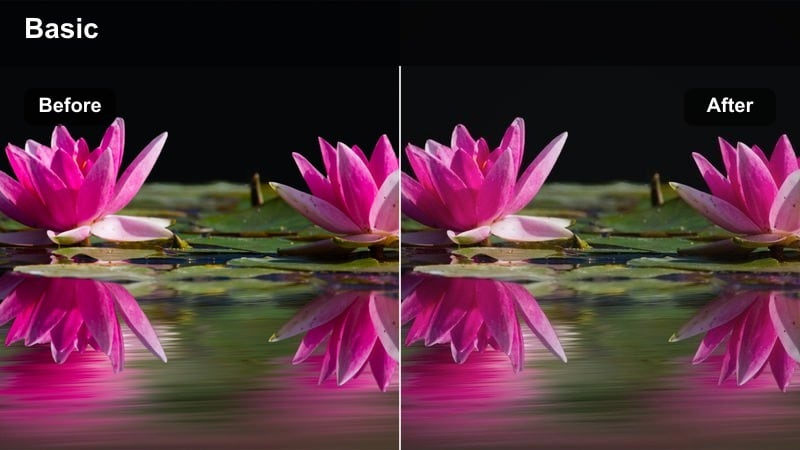
- Effect look: High-energy brightness and clean contrast that makes fast motion pop without heavy shadows.
- Best for: Indoor or outdoor zoomies, fast chases, and chaotic funny clips aimed at going viral.
- Editing tip: Pair with speed ramps and beat-synced cuts so every jump or turn hits right on the music.
Viral Zoomies Bright Punch is tuned for speed, making quick movements crisp and eye-catching in a TikTok scroll. It lifts exposure and adds clean contrast to help freeze action and keep your pet distinct from the background during chaotic runs.
In Filmora, cut your zoomies clips into short bursts and sync cuts with music beats, then apply this filter to unify brightness across all segments. If colors feel too intense on light fur, pull saturation back slightly; if the environment looks dull, keep saturation higher so the whole scene radiates high-energy fun.
Clean Storytime Caption
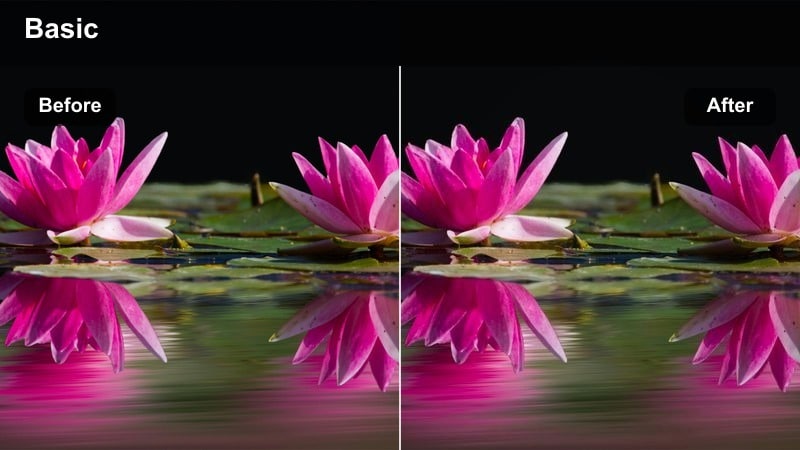
- Effect look: Neutral brightening with very clean whites, designed so on-screen captions stay readable.
- Best for: Storytime narration over pet clips, talking-to-camera moments, and meme caption videos.
- Editing tip: Place text over areas with simple color and use this filter to keep the background subtle but bright.
Clean Storytime Caption keeps your frame bright and tidy without strong color shifts, which is ideal when you plan to stack text overlays on top. It evens out exposure and keeps whites pure, so subtitles and headlines stand out clearly on small phone screens.
In Filmora, apply this filter to talking clips or cozy pet shots, then design your captions in lower-third or top-safe areas where the background is simple. Avoid placing text across your pet's face; use the clean, understated look to ensure memes, jokes, and narrations stay readable on TikTok.
Tips for Using Tiktok Pet Video Luts Bright And Clean Filters in Filmora
- Shoot in the brightest room or time of day you can so these clean filters do not need to fight heavy noise.
- Keep your lens and phone camera clean; bright filters will emphasize any smudges or haze over your pet.
- Lock focus on your pet's eyes before recording so added clarity and brightening enhance their expression.
- Stick to one or two favorite bright and clean looks so your TikTok pet feed feels consistent.
- Trim clips tightly around the cutest moment, then add filters; short, polished videos perform best.
- Avoid mixing very warm and very cool clips in the same TikTok unless you adjust them into a similar tone.
- Use vertical framing from the start so your pet stays centered after applying filters and crops.
- Test filters on both light and dark fur to make sure detail holds across your pet's entire coat.
With the right Filmora filters, your TikTok pet videos can stay bright, clean, and professional-looking while still feeling playful and natural.
Pick a few go-to presets from this collection, save them as your signature look, and you will spend less time color correcting and more time capturing adorable moments.
secure download