
20+ Magazine Covers Prompts:
Copy, Paste & Go Viral
Make your photos look like real magazine covers—TIME, Vogue, National Geographic, and more! These Gemini AI magazine covers prompts are trending on TikTok and Instagram right now.
Scroll through all the Gemini AI magazine cover prompts, tap an image, copy-paste to Nano Banana Pro, and watch your cover appear in seconds—perfect for sharing on social, thumbnails, or profile pics.
Loading more templates...
 Category:
 Duration:
 Aspect Ratio:
Generate Magazine Covers in Seconds
with Nano Banana Pro AI Templates
Want to go viral with your own magazine covers? Instantly turn your photos and prompts into popular magazine cover effects and layouts using the latest Nano Banana Pro prompts. Filmora’s smart AI image generator, powered by Google's Nano Banana model (Pro integration coming soon), lets you create eye-catching magazine covers for TikTok, Instagram, and YouTube with trending styles and custom headlines.
Experience how AI magazine cover generation gives your content professionally designed impact, viral layouts, and sharp text rendering. Make covers that get shares, likes, and stand out across your favorite social channels.
Turn Any Photo Into a Magazine Cover Effect

Turn Any Photo Into a Magazine Cover Effect
Make your magazine covers look just like the real thing—Vogue, TIME, Forbes, and more—by selecting your preferred cover layout in the prompt. The Filmora desktop AI Image Generator, with Google's Nano Banana model, guarantees viral results for profile shots, friend selfies, or influencer edits. Perfect text overlays, color backgrounds, captions, and classic magazine branding using flexible Gemini magazine cover templates in just one click. in just one click.
- 1-Click Trending Prompts - Use 16+ magazine templates (fashion, tech, beauty, retro, news) directly.
- Multiple Magazine Styles - From glossy covers to vintage newsstand, lifestyle, and celebrity.
- Photo Consistency - Upload your photo for perfect cutouts, backgrounds, and consistent edits based on your Gemini magazine cover prompt.
Create Animated Magazine Covers On Your Phone
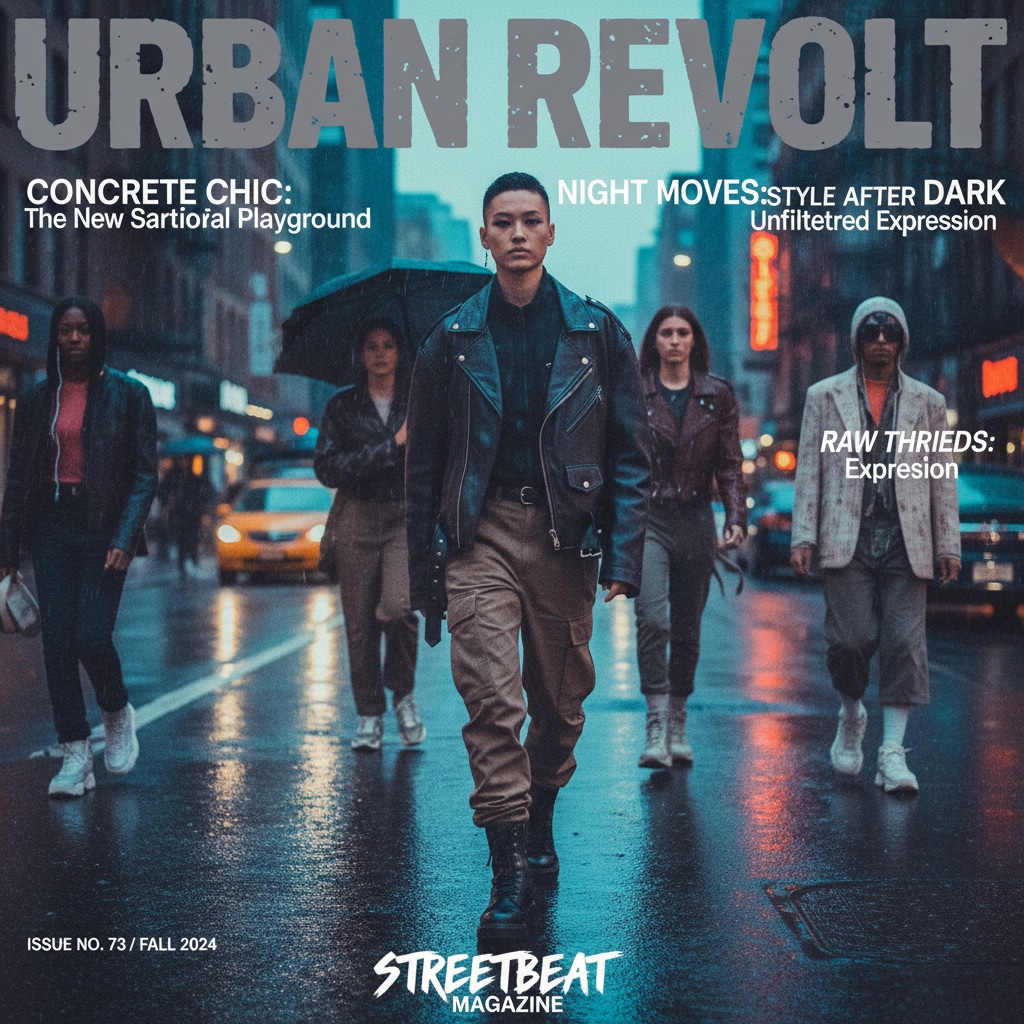
Create Animated Magazine Covers On Your Phone
The Filmora mobile app comes with Nano Banana Pro and trending magazine cover templates that instantly turn any photo into a viral magazine animation—no design skills needed. Perfect for TikTok magazine cover trends, Instagram posts, or YouTube Shorts.
- Ready-Made Magazine Templates - Get Vogue, TIME, news, and more cover templates designed for viral videos and posts.
- No Prompt Needed - Upload a photo → Tap a template → Your magazine cover video is ready.
- Edit Text Live - Use your own headlines or quotes on the magazine cover.
- Dynamic Photo-to-Video - Your static image gets animated magazine effects and transitions.
- Music & SFX Library - Add trending audio and classic magazine sound effects for extra impact.
Add Headlines & Magazine-Style Text Instantly
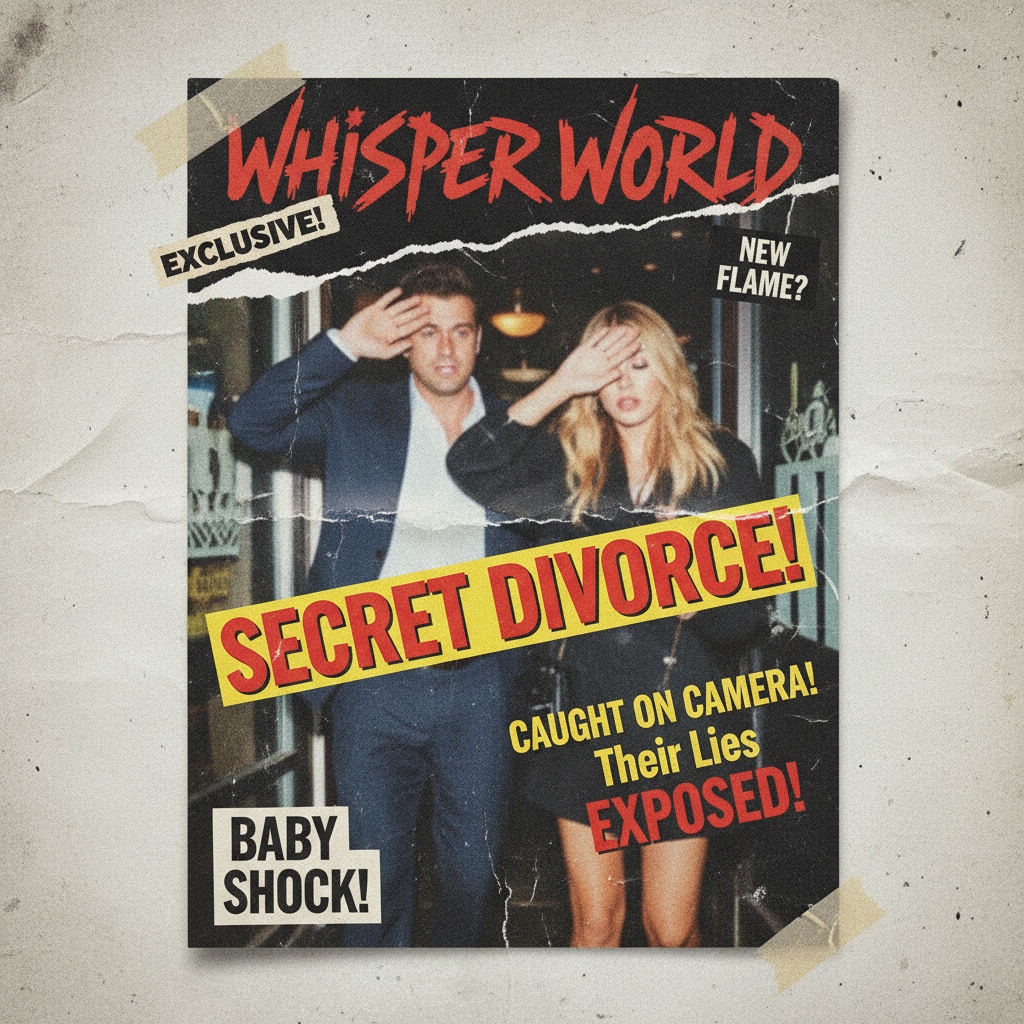
Add Headlines & Magazine-Style Text Instantly
Use Nano Banana Pro's built-in magazine text tools with Filmora to easily add headlines, subtitles, badges, and quotes—no Photoshop needed-for your Gemini magazine cover. Customize fonts, colors, and effects to match classic magazine cover looks like Vogue bold, retro, or elegant editorial. Or use speech bubbles and banners to highlight main topics and trends.
- 🗞️ Editable Headlines – Drag, resize, reposition and style magazine title text and cover lines for a professional Gemini magazine cover..
- 🔤 Authentic Fonts – Classic magazine mastheads, tabloid bold, script signatures, and multi-language support.
- 🎨 Text Effects Suite – Instantly apply color splashes, drop shadows, gradient fills, and curved or vertical layouts.
FAQs about Magazine Covers
- Open an online magazine cover maker or graphic editor.
- Upload the photo you want featured.
- Choose a magazine cover template or start from scratch.
- Add text for your magazine name, headlines, date, and barcode for realism.
- Download your finished magazine cover and share or use for social media.
How to Create Magazine Covers with Filmora
Creating trending magazine covers for TikTok, Instagram, or YouTube is easy with Filmora. Even if you’re new to graphic design, you can make viral magazine cover photos in minutes. This simple guide shows you step-by-step how to design magazine covers using AI or templates, add text, and export for instant sharing.
Step 1 Launch Filmora and Open AI Image Generator

Step 2 Turn Your Photo into a Magazine Cover

Step 3 Export and Share Your Magazine Cover

-
1:Launch Filmora and Open AI Image Generator
Open Filmora, make a new project, click "Stock Media," then "AI Image" so you can start making your own magazine covers with photos or templates. -
2:Turn Your Photo into a Magazine Cover
Select a magazine cover style, upload your photo, and add magazine name, headlines, or barcode for that authentic look. You can also try AI tools for automatic cover generation. -
3:Export and Share Your Magazine Cover
Preview your design, download, drag to the Filmora timeline for extra edits, or export straight away to show off on social media.
More Than Just Magazine Covers
Filmora isn’t only for making magazine covers. You can also generate profile photos, YouTube thumbnails, and AI videos from prompts or pictures, and edit them all with Filmora’s pro-level features.








