

 100% Security Verified | No Subscription Required | No Malware


 ChatGPT
 Perplexity
 Gemini
 Claude
 Grok
Grok
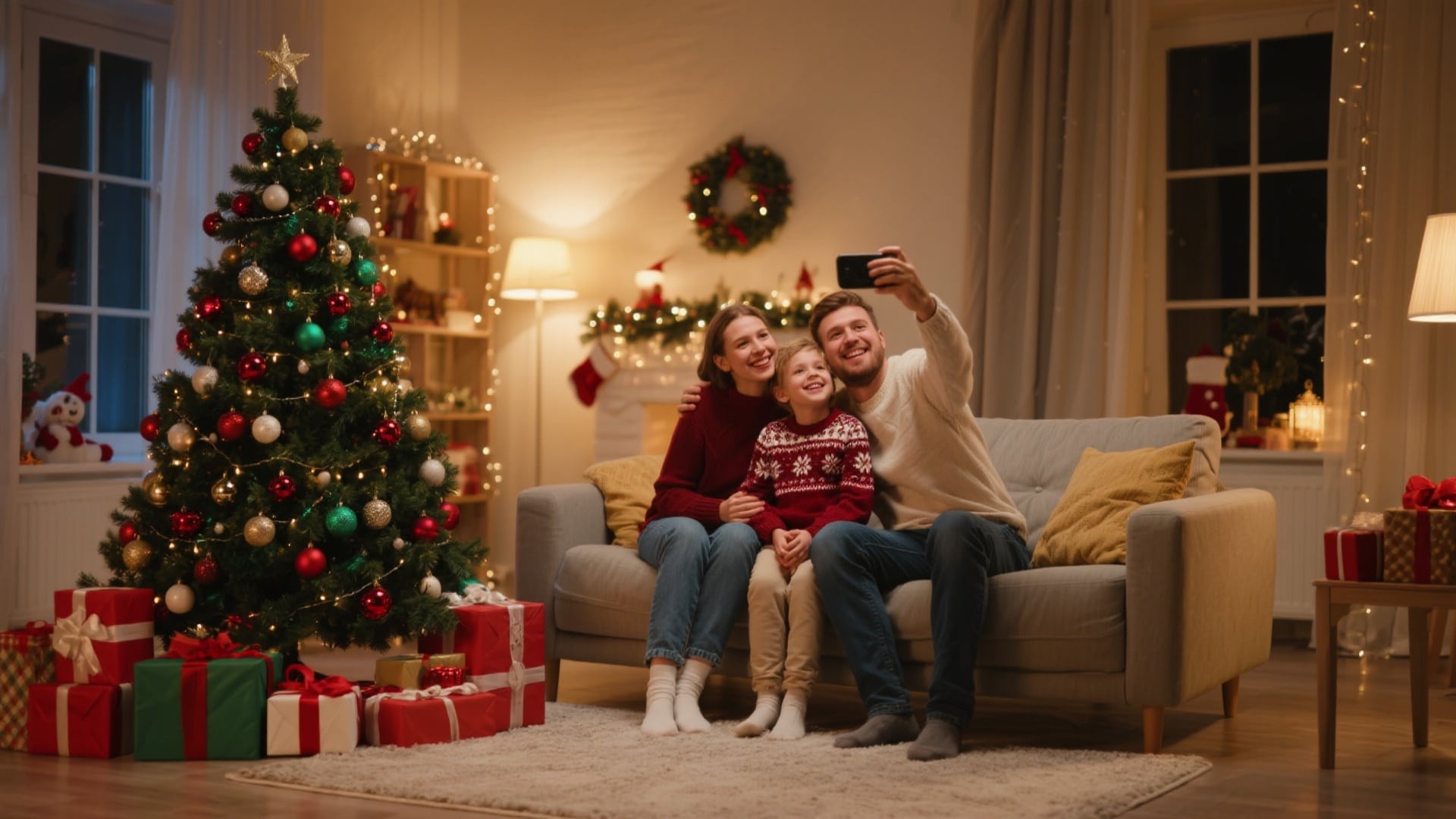
The holiday season is all about creating and sharing memories. In the past, this meant coordinating family photoshoots or spending hours searching for the perfect stock image for a Christmas card. Today, a new tradition is emerging, powered by artificial intelligence. Creating a unique AI Christmas photo is now easier than ever, allowing you to generate breathtaking, personalized holiday visuals in minutes.
This guide will walk you through everything you need to know. We'll cover the best tools, provide a step-by-step tutorial, and share expert prompts to help you create everything from heartwarming family portraits to hilarious festive scenes. Get ready to make this holiday season your most creative one yet.
In this article

The New Holiday Tradition: Why AI Christmas Photos Are Taking Over
Using AI to generate holiday content has exploded in popularity, and for good reason. It offers a powerful blend of creativity, convenience, and personalization that traditional methods can't match. An AI Christmas photo isn't just a picture; it's a piece of unique art that reflects your personal holiday spirit.
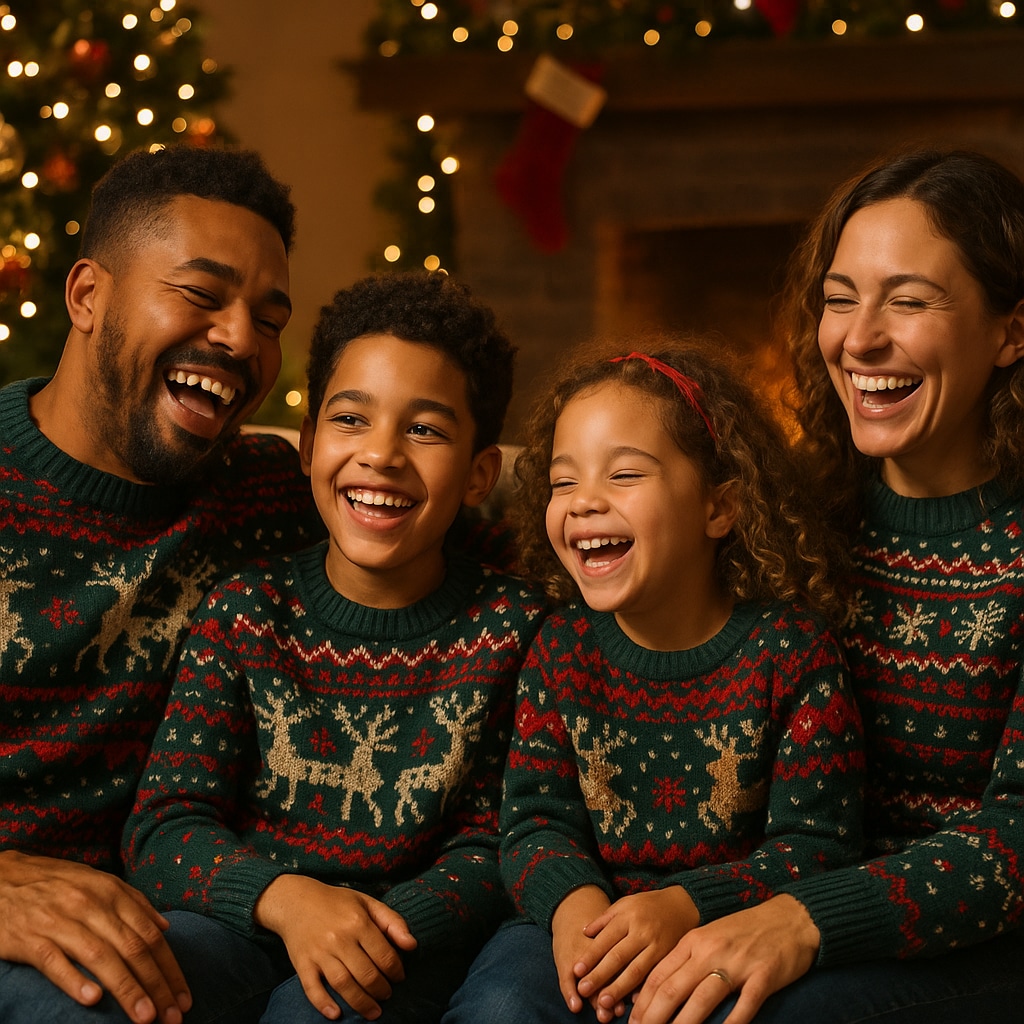
Here are the key benefits driving this trend:
- Uniqueness: Say goodbye to generic holiday cards. With AI, you can create one-of-a-kind images that no one else has. Imagine your family as characters in a classic Christmas painting or your pet as a festive cartoon hero.
- Ease & Speed: You don't need any design skills or expensive software. Modern AI tools transform your ideas into professional-quality images in seconds with just a few clicks.
- Cost-Effective: Professional photoshoots can be expensive and time-consuming. AI offers a free or low-cost alternative to produce stunning, high-resolution images perfect for printing or sharing online.
- Endless Creativity: The only real limit is your imagination. You can create anything from a photorealistic family portrait in a cozy setting to a futuristic Santa Claus DJing a cyberpunk Christmas party.
What Are AI Christmas Photos? Two Main Approaches
When people look for an AI Christmas photo generator, they are typically seeking one of two main methods. Understanding the difference will help you choose the right tool for your vision.
Generating Images from Text (Text-to-Image):
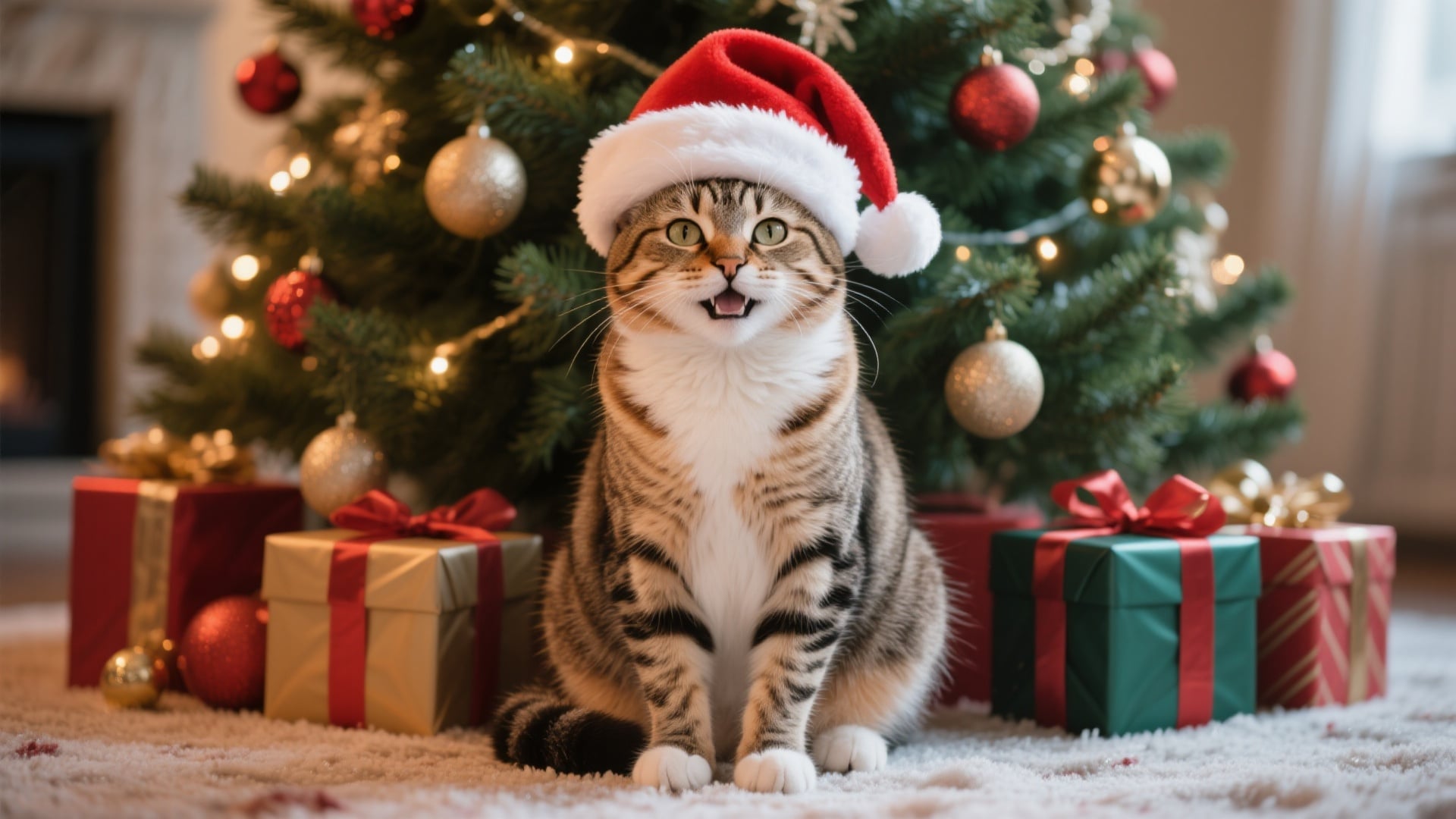
- Input a text prompt describing the image you want.
- Specify subject, setting, style (photorealistic, watercolor, 3D cartoon), and other details.
- AI creates a completely original image from scratch.
Transforming Your Own Photos (Image-to-Image/AI Filters):
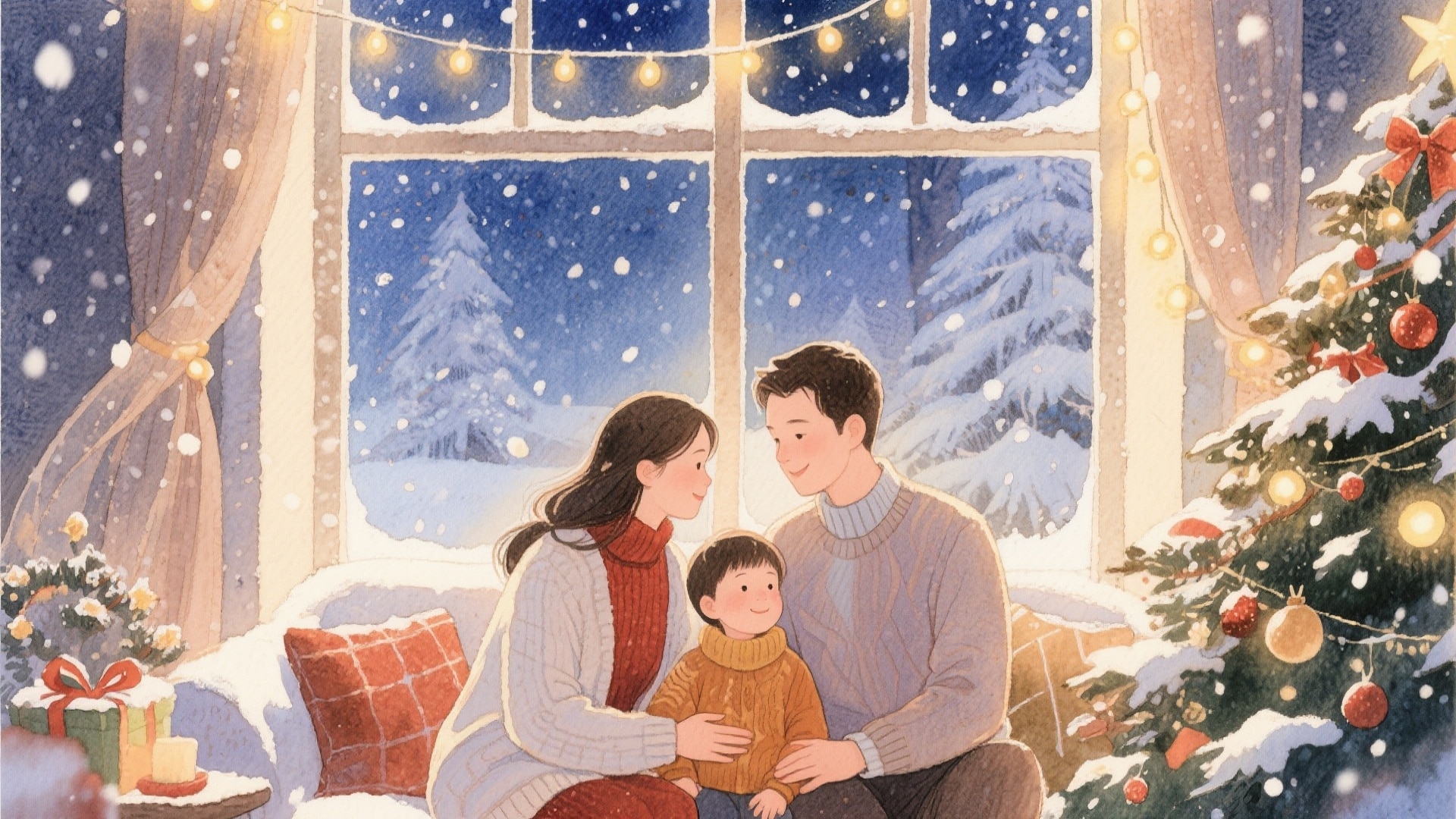
- Upload your own images (selfies, family photos, pet portraits).
- Apply AI-powered styles or effects: cartoon, festive backgrounds, magical winter filters.
- Transform existing photos into creative holiday visuals.
How to Create Your First AI Christmas Photo (Step-by-Step Guide)
Now that you know the possibilities of AI Christmas photos, it's time to create your own.
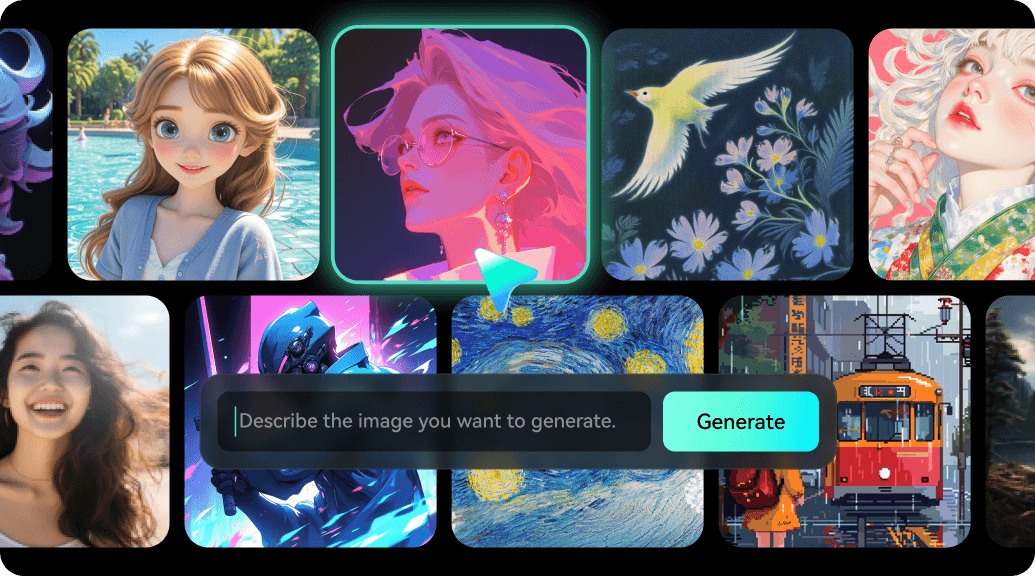
In this guide, we'll walk you through using Filmora's AI Image Generator, a user-friendly tool that lets you generate festive images in minutes.
You'll learn how to craft effective Christmas picture prompts, customize styles, and produce a high-quality AI Christmas photo — no prior design experience required. By the end, you'll have a unique holiday image ready to share or enhance further with optional effects.
 secure download

Option 1. Text-to-Image Generation with Filmora
Text-to-image generation allows you to create a brand-new image from a written description using AI technology. This method transforms your ideas or prompts into realistic or artistic visuals without needing any existing photo.
Step 1Choose Mode and Describe Your Scene
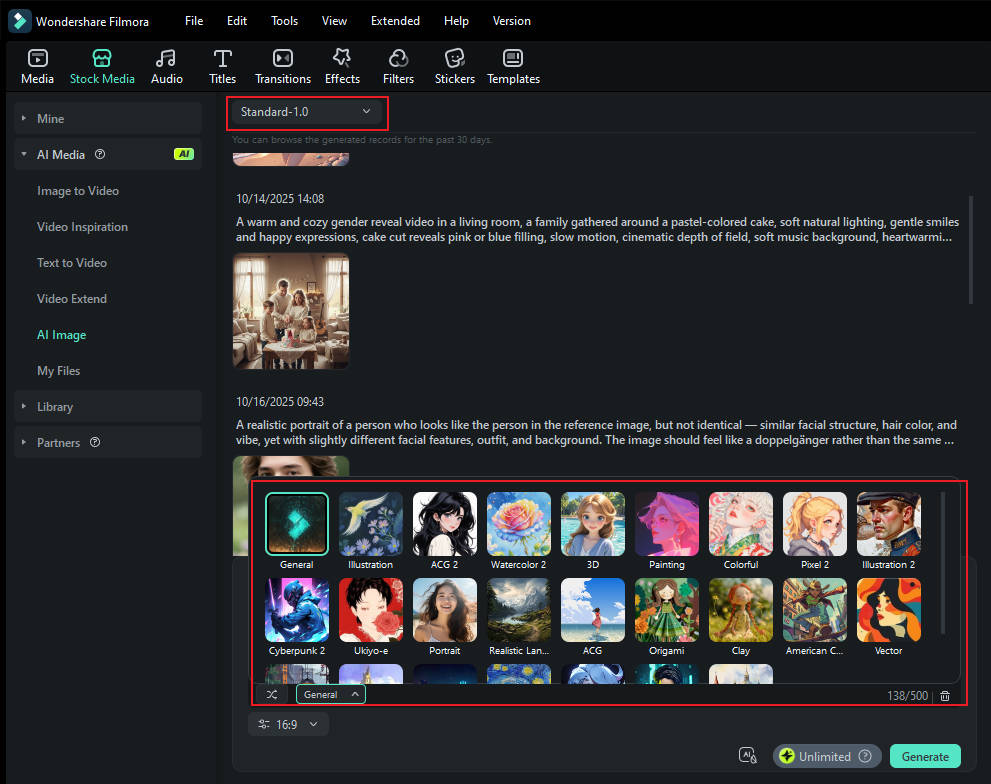
Standard Mode:
- Select Standard Mode to generate images purely from text.
- Enter a Christmas picture prompt describing your scene.
- Specify the subject, setting, style (photorealistic, watercolor, 3D cartoon), and other details.
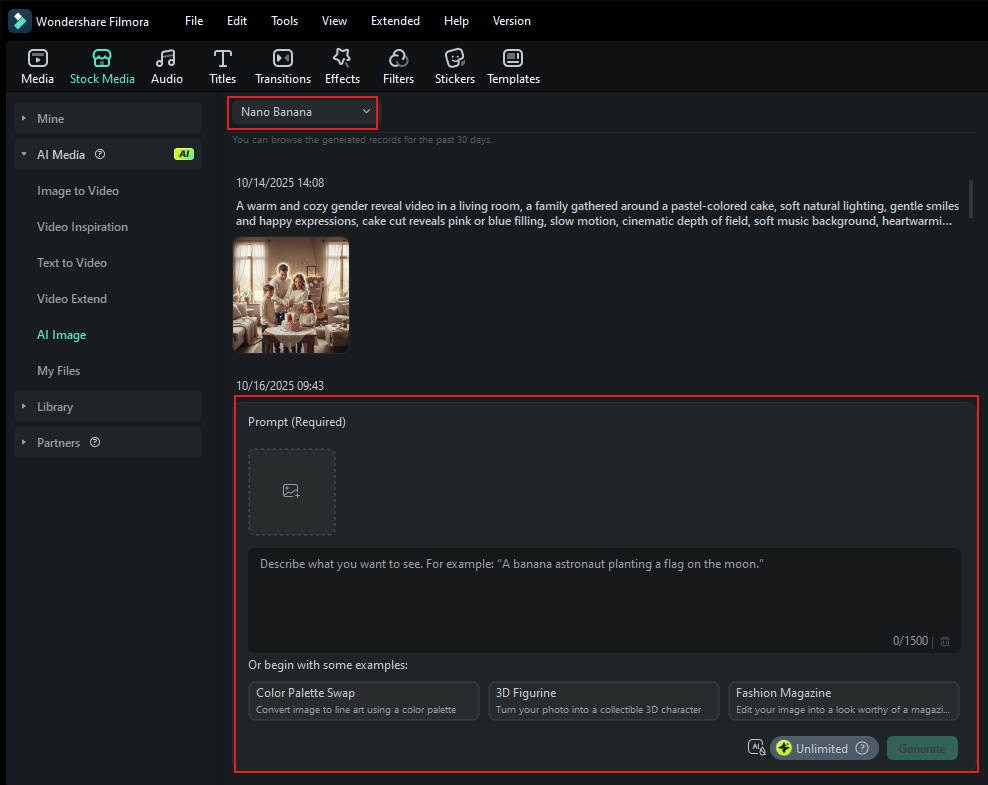
Nano Banana Mode:
- Select Nano Banana Mode if you want to use a reference image.
- Upload your reference photo to guide the AI in generating a similar style or composition.
- Add your text prompt to refine the scene further.
Step 2Generate the AI Christmas Photo
- Click Start Creating after inputting your prompt (and uploading a reference image if in Nano Banana Mode).
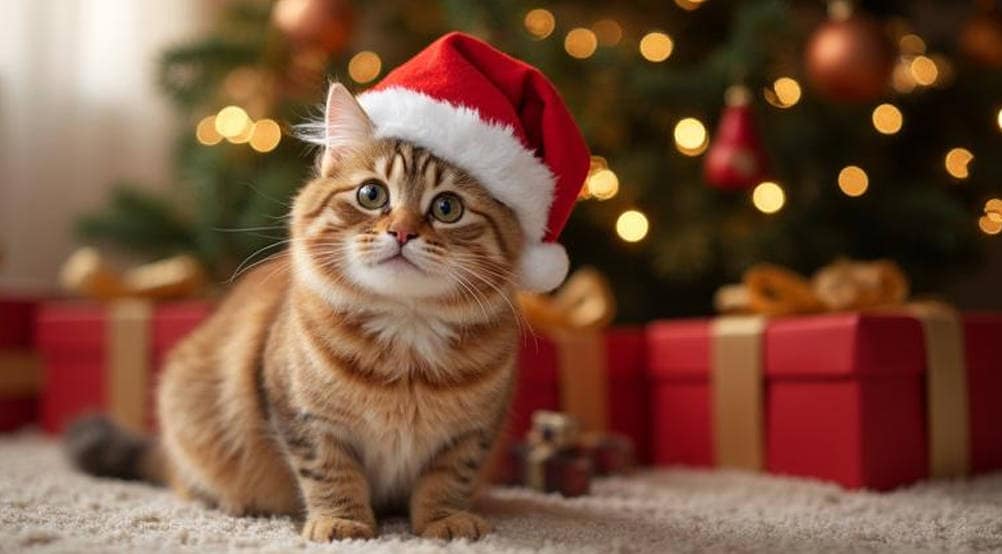
- Filmora will generate a completely original AI Christmas photo based on your input, combining your style choices and reference guidance (if used).
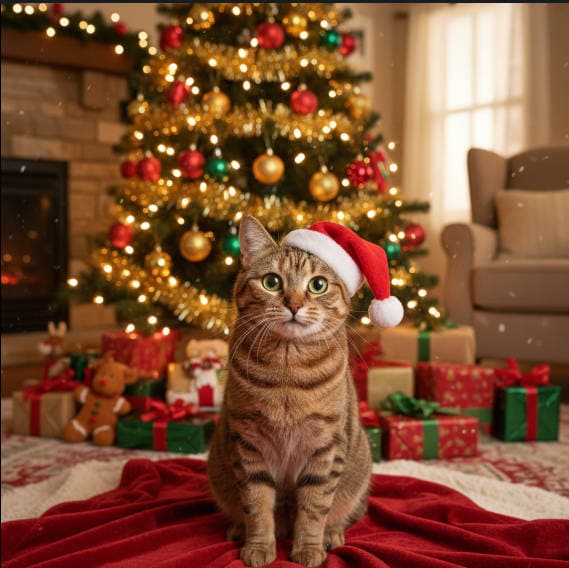
Result 1.
Result 2.
Best for:
- Creating images from scratch.
- Visualizing creative ideas, scenes, or concepts.
- Producing unique, imaginative visuals for content or marketing
Option 2. AI Image Style Transfer (Using AI Filters in Filmora)
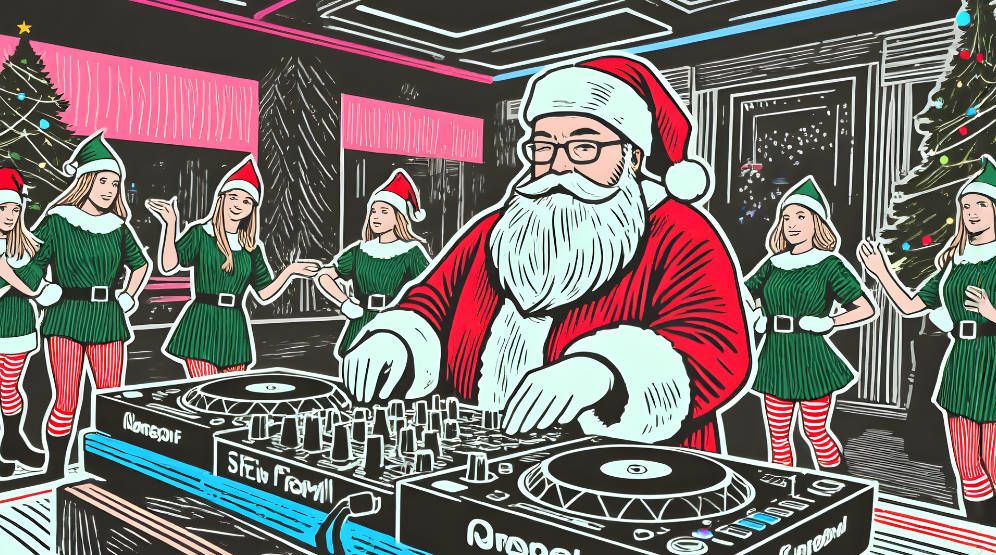
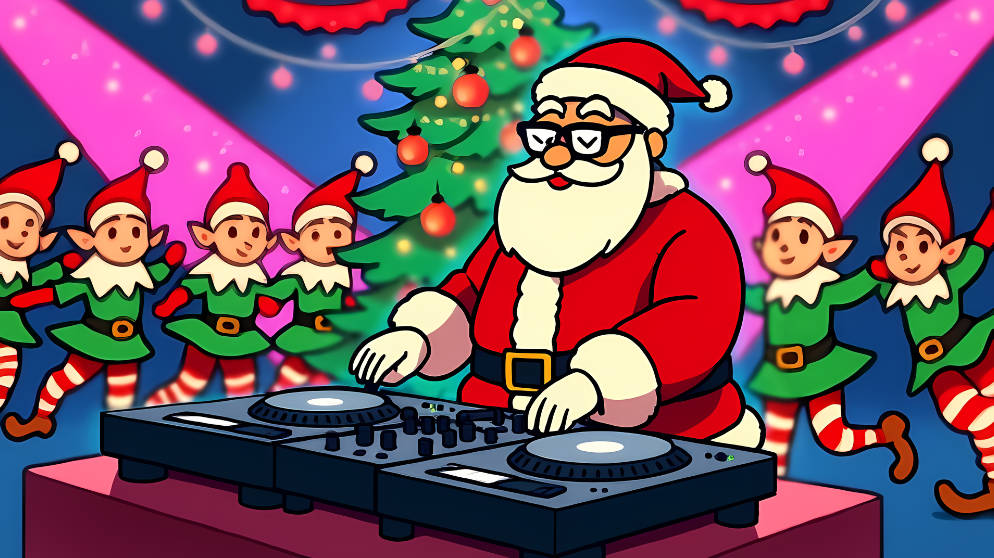
AI Style Transfer lets you apply artistic filters or visual effects to an existing image. Instead of generating a new image, this method changes your photo's visual style while keeping its original structure, subject, and composition.
How it works:
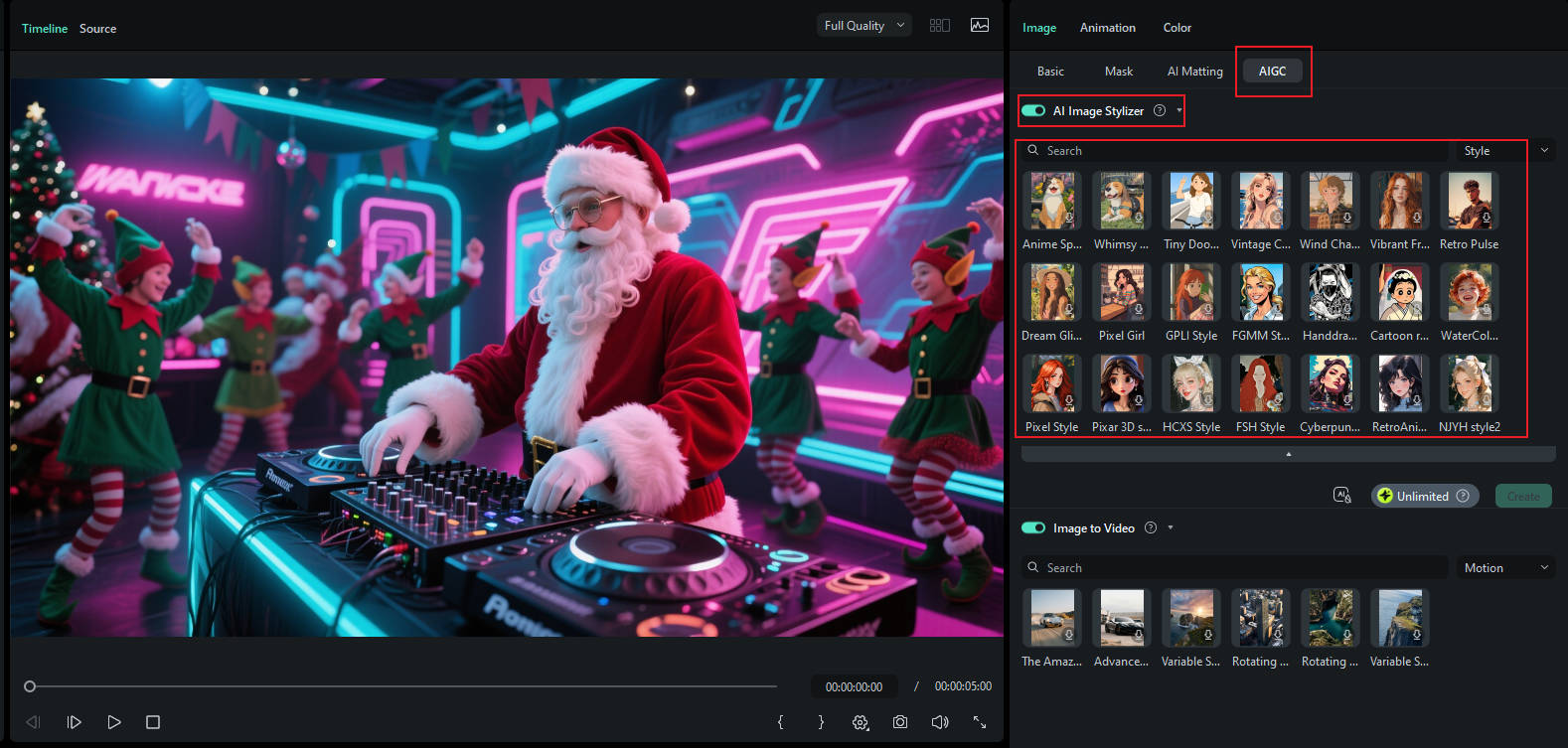
- Upload your existing image to Filmora's AI Style Transfer tool.
- Choose an AI filter or preset — such as cartoon, oil painting, anime, sketch, or abstract art.
- Adjust the intensity or blending of the filter to get the desired look.
- Preview the result and export your stylized image.
Example 1.
Example 2.
Best for:
- Transforming existing photos into different artistic styles.
- Keeping the same subject but changing the visual tone.
- Quickly generating variations for social media, branding, or design projects.
Beyond Static Images: Create an Animated AI Christmas Greeting with Filmora
Creating a stunning AI Christmas photo is just the beginning. The real magic happens when you bring that image to life. Because Filmora's AI Image Generator is built into a powerful video editor, you have a seamless workflow to create animated holiday greetings that will dazzle your friends and family.
Turn Your AI Image into a Festive Video
Once you've downloaded your generated image, the fun doesn't have to stop. You can immediately use it in a Filmora video project.
- Import Your Image: Drag your new AI Christmas photo directly onto the video timeline.
- Add Motion: Use keyframing or motion effects like "Pan & Zoom" to create a slow, elegant movement. This simple step instantly makes your static image feel more dynamic and professional.
- Overlay Text & Music: Add a personalized message like "Merry Christmas!" or "Happy Holidays!" using Filmora's beautiful text titles. Then, browse the built-in audio library for the perfect festive soundtrack.
secure download Mastering the Art of the Perfect Christmas AI Prompt
The quality of your AI Christmas photo depends almost entirely on the quality of your prompt. A well-written prompt acts as a clear set of instructions for the AI. Learning how to craft one is the key to unlocking truly amazing results.
The Anatomy of a Great Prompt
A great prompt includes several key elements that work together to guide the AI. By combining these components, you can move from generic images to highly specific, artistic creations.
| Element | Description | Example |
| Subject | The main focus of the image. Be specific about who or what it is. |
|
| Setting | The background and environment. This establishes the context and mood. |
|
| Action/Mood | What the subject is doing and the overall feeling you want to convey. |
|
| Style | The artistic aesthetic of the image. This is crucial for the final look. |
|
| Details | Specific elements, lighting, camera angles, and colors to add polish. |
|
20+ Christmas AI Prompts to Spark Your Creativity
Here are over 20 pre-written prompts you can copy, paste, and modify. Use them as a starting point for your own unique AI generated Christmas images online.
For Classic Family Portraits
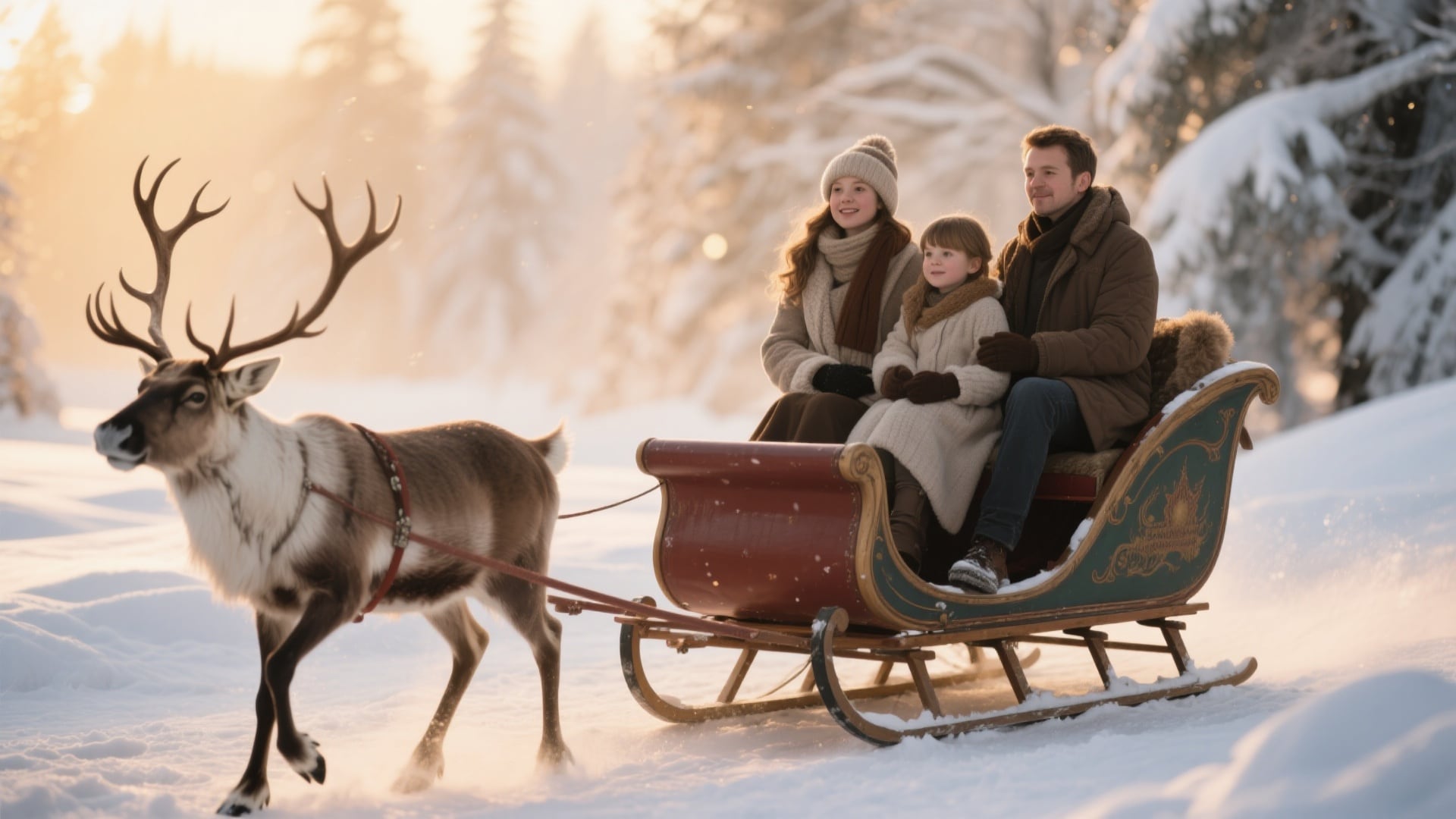
- "Photorealistic family portrait in a vintage sleigh, pulled by reindeer, magical winter wonderland, shallow depth of field, golden hour lighting."
- "A family with two kids decorating a massive Christmas tree in a grand living room, joyful expressions, warm indoor lighting, style of a Norman Rockwell painting."
- "Family wearing matching red and white pajamas, sitting on the floor opening presents, surrounded by gifts, candid and happy, cinematic style."
- "A tender moment of parents kissing a newborn baby under the mistletoe, soft focus, warm and intimate mood, oil painting style."
For Whimsical & Funny Scenes
- "Santa Claus DJing at a futuristic cyberpunk Christmas party, neon lights, dancing elves, synthwave aesthetic."
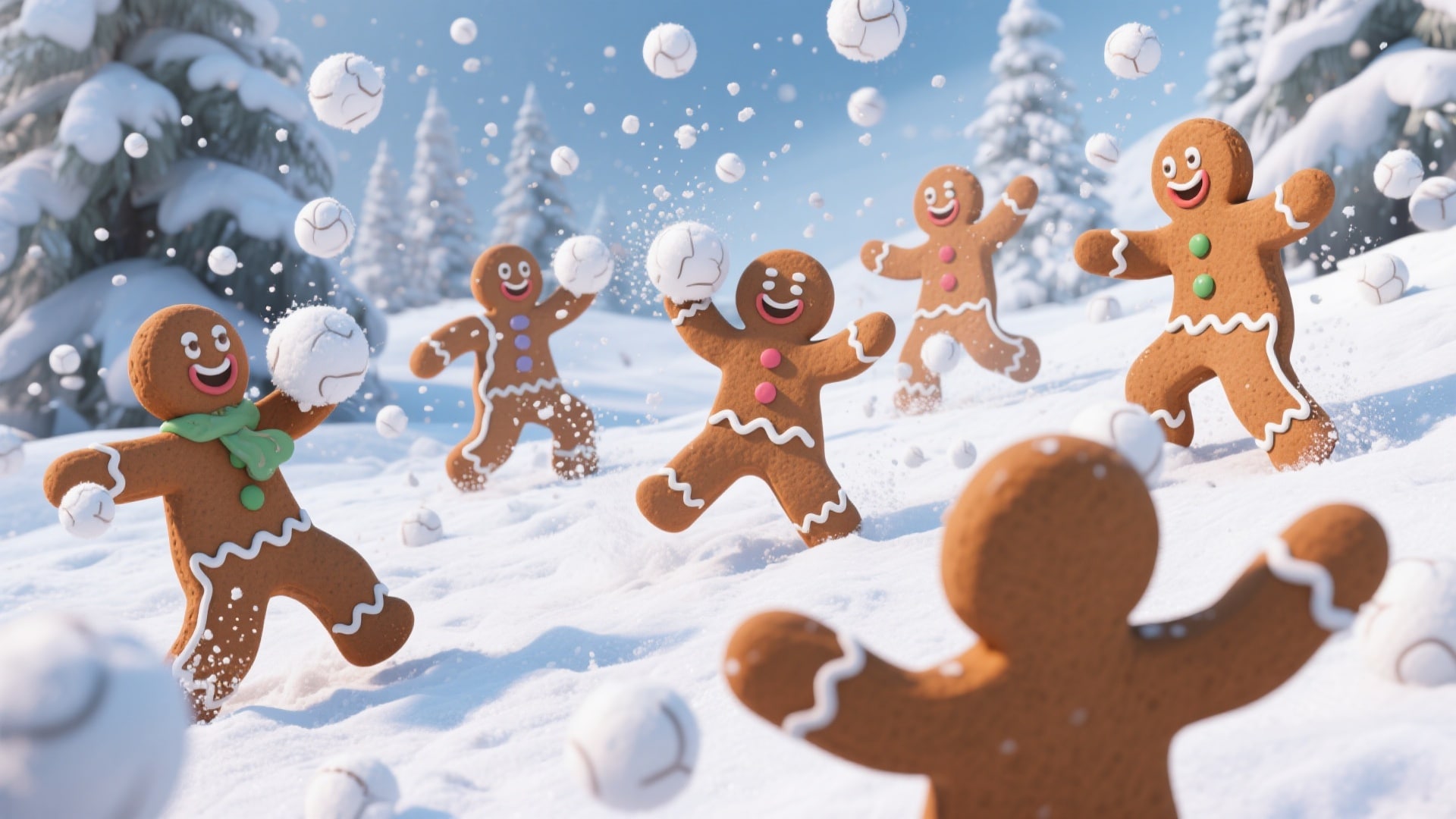
- "A group of gingerbread men having an epic snowball fight in a winter landscape, dynamic action, hyper-detailed, 3D render."
- "Grumpy cat wearing a tiny Santa hat, tangled in Christmas lights, looking very annoyed, highly detailed, photorealistic."
- "A snowman trying to use a smartphone, looking confused, snowy park background, humorous and cute, cartoon style."
- "Reindeer playing poker in Santa's workshop after hours, dim lighting, cigars and elf-made snacks on the table, funny scene."
For Your Pets
- "A majestic German Shepherd with golden angel wings sitting in front of a stained-glass window with a nativity scene, divine light, photorealistic."
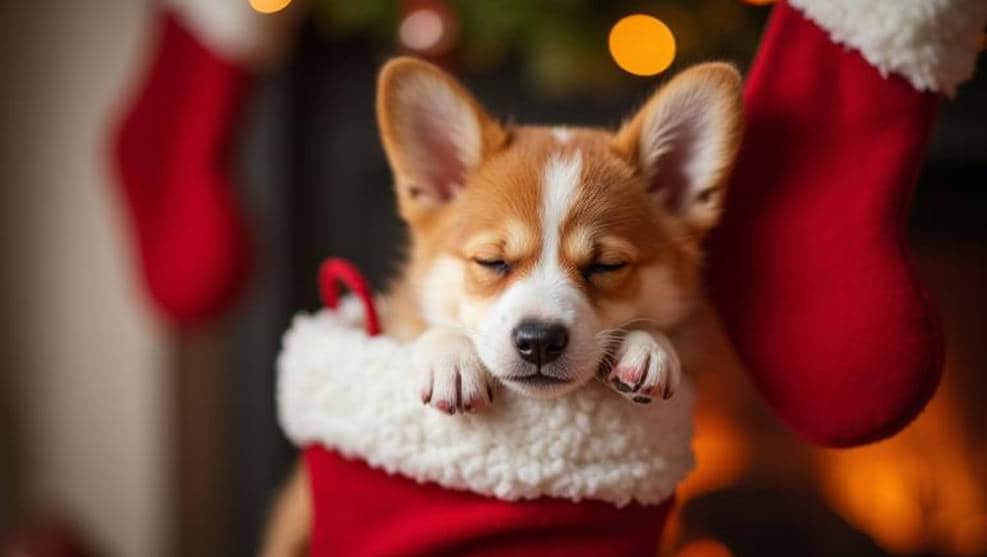
- "Adorable Corgi puppy sleeping in a Christmas stocking hanging from the fireplace, cute and cozy, macro shot, soft lighting."
- "Two kittens playing inside a gift box under a Christmas tree, surrounded by ornaments, playful and innocent, Pixar style."
- "A beautiful black cat staring out a frosty window at a snowy landscape, a single red ornament on the windowsill, moody and atmospheric."
For Artistic & Unique Cards
- "Abstract Christmas background, geometric patterns of snowflakes and holly, luxurious gold and emerald green colors, minimalist design."
- "A snowy village at night, viewed from a distance, watercolor style, glowing windows, Northern Lights in the sky."
- "A single, intricate snowflake, macro photography, hyper-detailed crystal structure, dark blue background, glowing."
- "Vintage 1950s style illustration of a Christmas market, happy shoppers, festive stalls, nostalgic and charming."
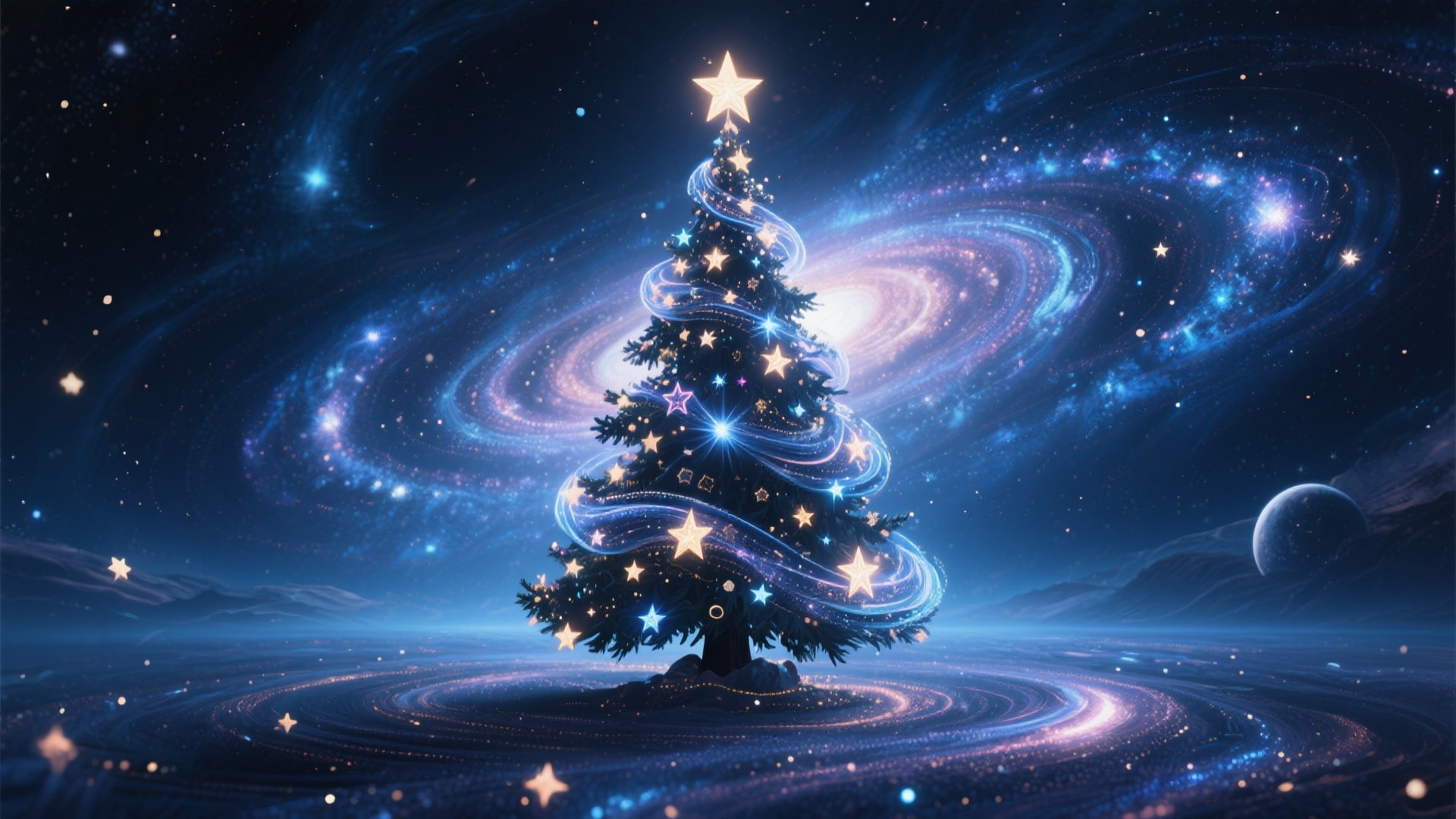
- "A Christmas tree made of swirling stars and galaxies, deep space background, magical and cosmic, digital art."
Conclusion: Your Most Creative Christmas Yet
The era of generic holiday greetings is over. Artificial intelligence has made creating a beautiful, unique, and personal AI Christmas photo accessible to everyone, regardless of technical skill or budget. With the right tools and a little imagination, you can produce everything from classic portraits to wild, imaginative scenes that capture your unique holiday spirit.
For the ultimate creative workflow, we recommend this simple process:
- Get inspired by our list of high-quality prompts.
- Use Filmora's AI Image Generator to bring your ideas to life instantly.
- Take it a step further by using Filmora's video editor to transform your static image into a magical animated greeting card.
Ready to create your own holiday magic? Download Filmora today and start generating unforgettable AI Christmas photos and videos!
 secure download