
30+ Valentine Filter Templates:
Add Romantic Effects & Vibes
Transform your Valentine's Day content with Filmora's curated valentine filter collection. These ready-to-use filters let you add romantic pink tones, heart overlays, dreamy glows, and love-themed effects to photos and videos in just one click—no editing skills required. Browse all Valentine filters below, preview different romantic styles from soft vintage to bold passionate, and enhance your Instagram Reels, TikTok videos, or couple photos with stunning Valentine aesthetics made for visual storytelling.
Loading more templates...
 Category:
 Duration:
 Aspect Ratio:
Create Stunning Valentine's Day Videos & Photos Instantly
with Filmora Valentine Filters
Want to make romantic Valentine's Day photos and videos that capture hearts? Filmora's Valentine filter collection lets you instantly add heart overlays, soft pink glows, and dreamy love effects—no editing skills needed. Perfect for Instagram posts, TikTok love stories, couple photos, or romantic video montages, Filmora delivers professional results in seconds with trending heart effects, rosy tones, and warm romantic aesthetics.
With Filmora, you get not just filters, but easy-to-use tools and templates to make every Valentine's moment unforgettable.
One-Click Valentine Filter Application
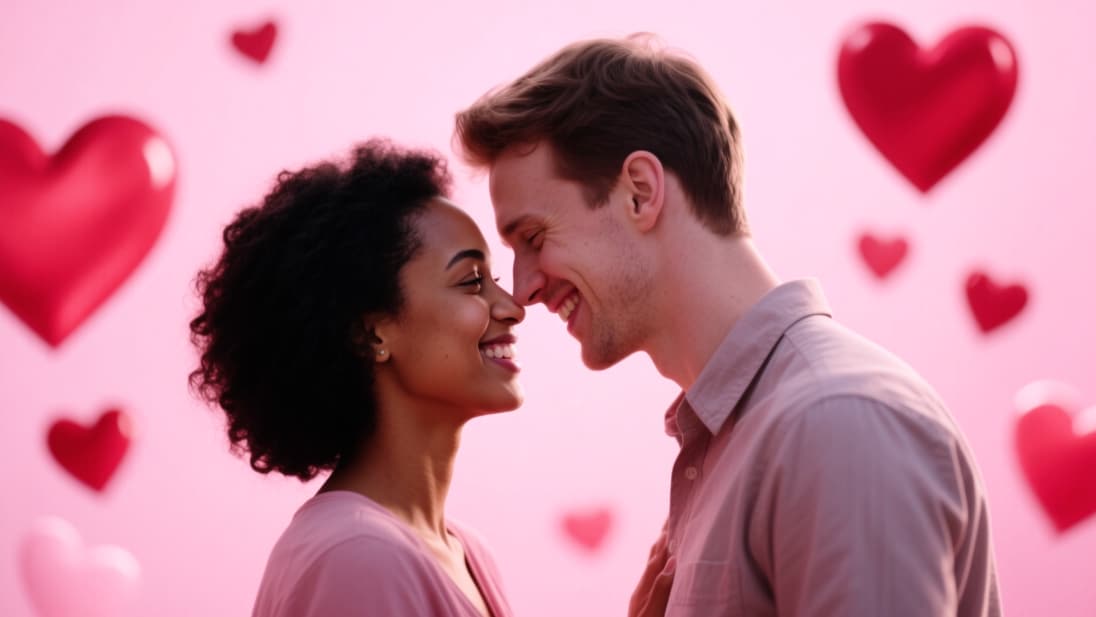
One-Click Valentine Filter Application
Transform ordinary photos and videos into romantic Valentine's Day masterpieces in seconds. Simply import your media into Filmora, browse the valentine filter library, and apply your favorite romantic effect with one click. No complex adjustments needed—our filters are pre-designed for perfect Valentine's aesthetics.
- 30+ Valentine Filters - Heart overlays, pink glows, red tints, romantic bokeh, and love-themed effects.
- Multiple Romantic Styles - Vintage love, modern chic, dreamy soft, bold passionate, and elegant classic.
- One-Click Application - No manual color grading or effect layering required
Perfect for Valentine's Day Videos & Photos
Perfect for Valentine's Day Videos & Photos
Filmora's valentine video filters work seamlessly on both photos and videos, making them perfect for Instagram Reels, TikTok videos, YouTube Shorts, and romantic slideshows. Create consistent romantic aesthetics across all your Valentine's content with matching filters.
- Photo & Video Compatible - Apply the same Valentine filter to maintain style consistency.
- Adjustable Intensity - Control filter strength to match your creative vision.
- Romantic Color Presets - Soft pinks, passionate reds, warm rose golds, dreamy purples.
- Animated Heart Effects - Floating hearts, sparkling overlays, love-themed animations.
- Couple-Friendly Filters - Designed to enhance skin tones and romantic lighting.
Customize Your Valentine Filter Effects
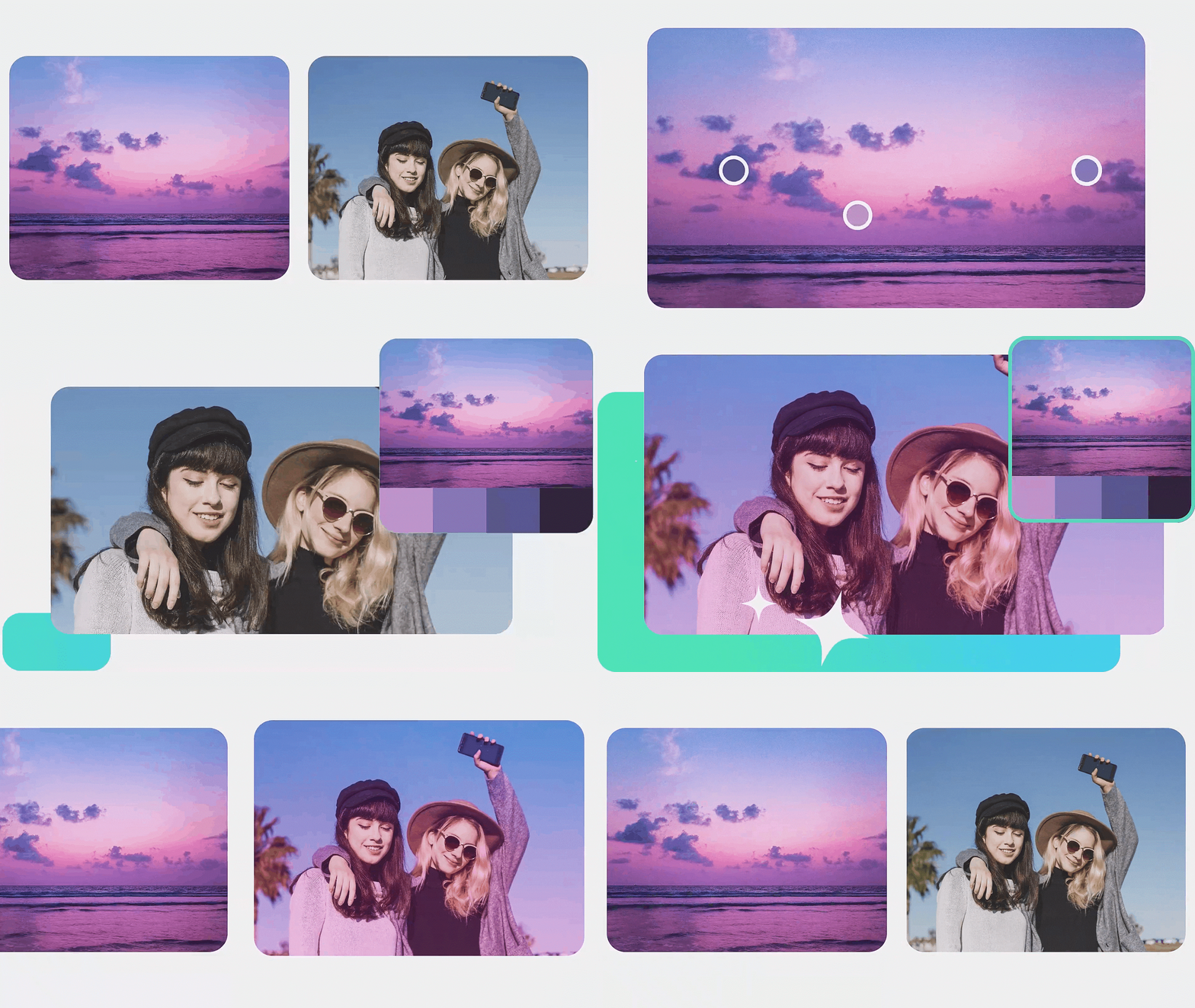
Customize Your Valentine Filter Effects
While our Valentine filters work perfectly out-of-the-box, Filmora's AI-powered video filters let you customize intensity, color, and layered effects effortlessly. Combine Valentine filters with text overlays, stickers, music, and transitions to create truly unique romantic content. Let AI do the work—automatically adjust colors, lighting, and skin tones.
- 🎨 Adjustable Intensity - Dial filter strength from subtle to dramatic.
- 💝 Layered Effects - Stack multiple Valentine filters for unique combinations.
- 📝 Text & Stickers - Add "Happy Valentine's Day", heart emojis, and romantic quotes.
- 🎵 Romantic Music Library - Pair your filtered content with love songs and tender melodies.
- ✂️ Advanced Editing - Combine filters with transitions, animations, and effects, powered by AI for color enhancement, white balance, and matching color palettes.
FAQs for Valentine Filter
- Open your favorite editing app or TikTok video editor.
- Import your photo or video content where you want to use a Valentine Filter.
- Search for "Valentine Filter" in the effects, stickers, or overlays section.
- Select the overlay you like and adjust its position, opacity, or blend mode as needed.
- Export or share your Valentine-themed post instantly.
How to Use Valentine Filter on Photos and Videos
The Valentine Filter effect is super popular on TikTok, Instagram, and YouTube. Whether adding hearts for your couple photo or making Valentine's Day Reels, this quick guide shows how to apply a trending Valentine Filter to any image or clip—even if you've never edited before.
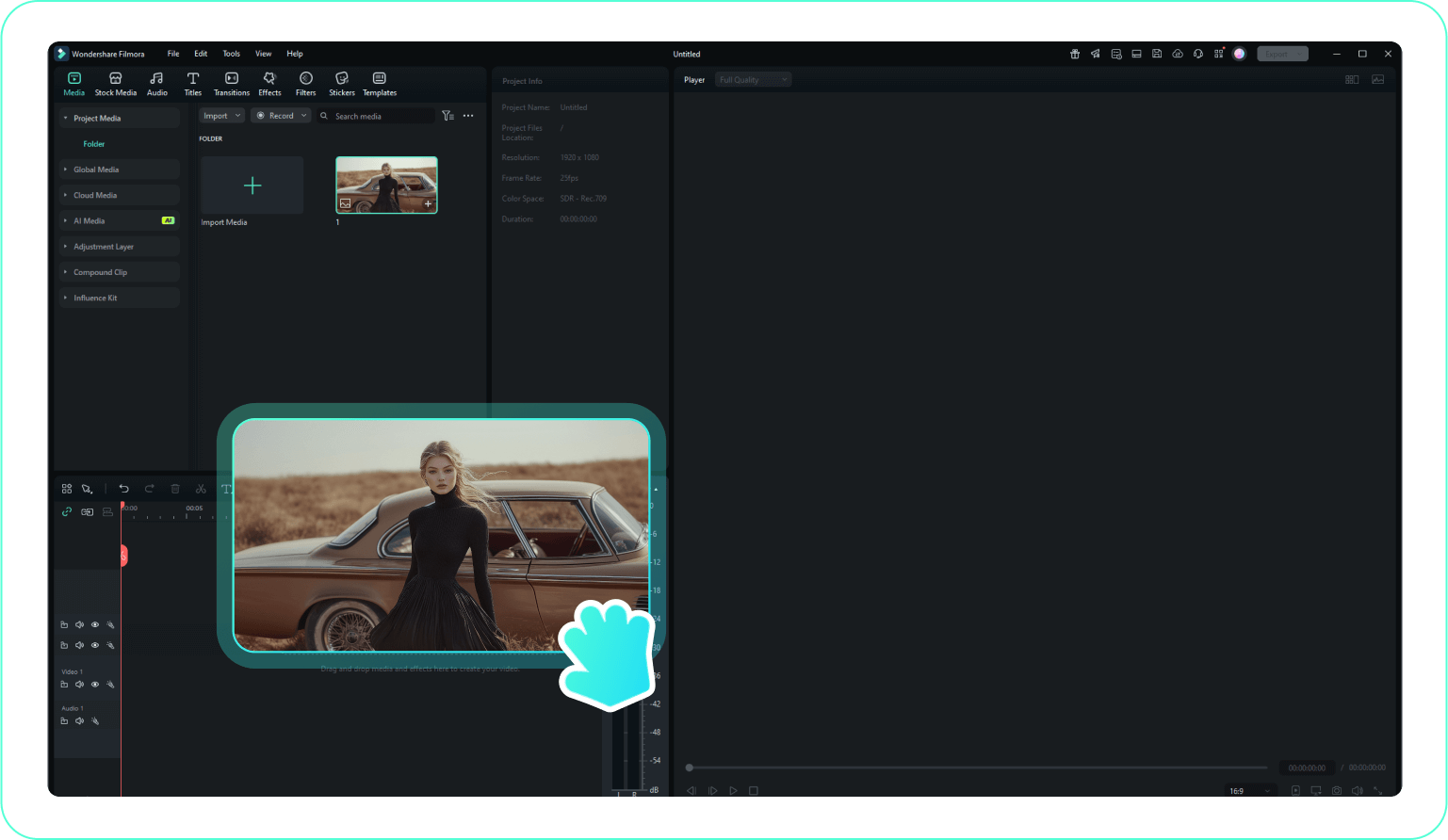
Step 1 Open Photo/Video Editor and Choose Content
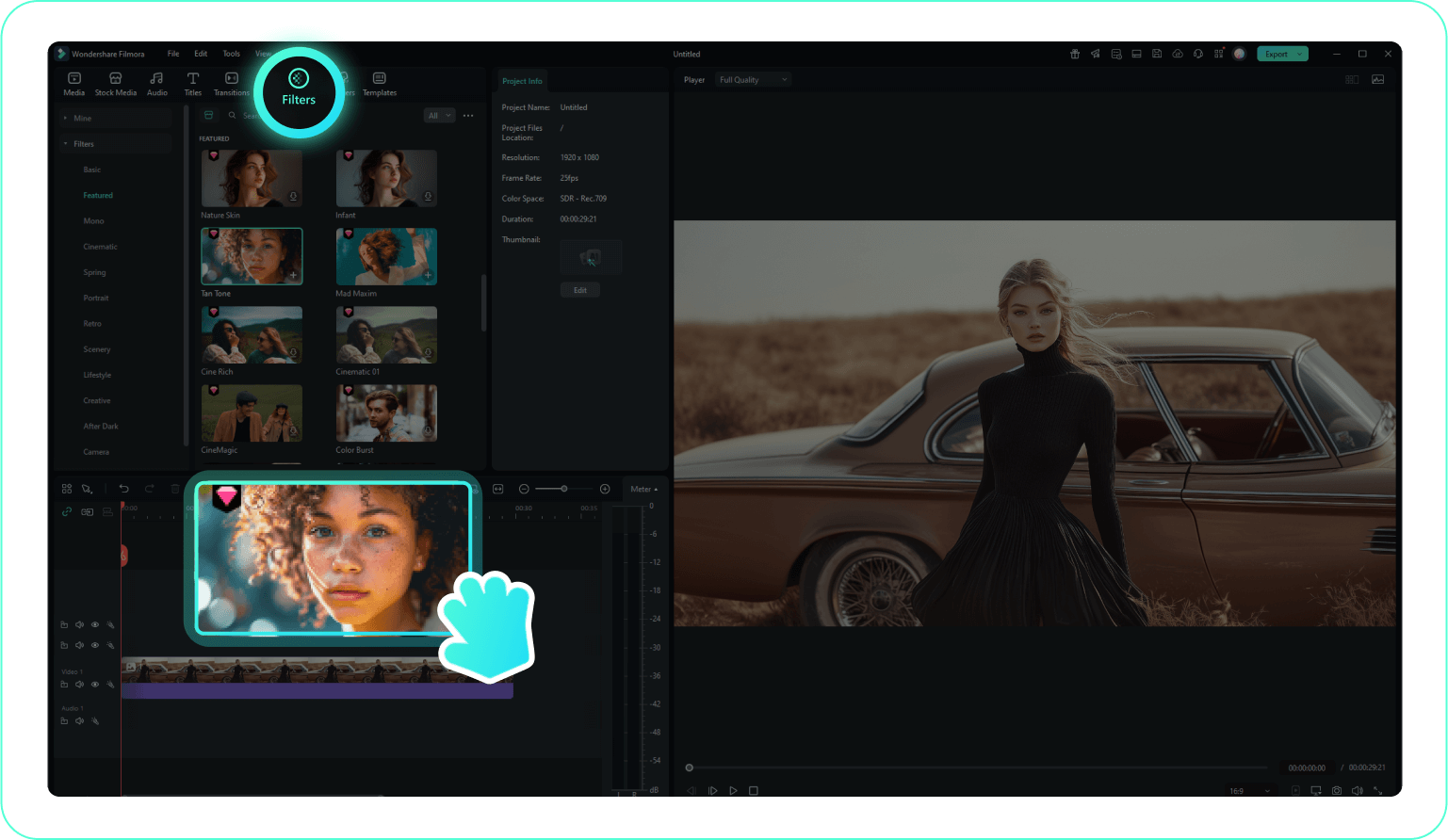
Step 2 Search and Add the Valentine Filter Effect
Step 3 Save and Share Your Valentine Filter Edit
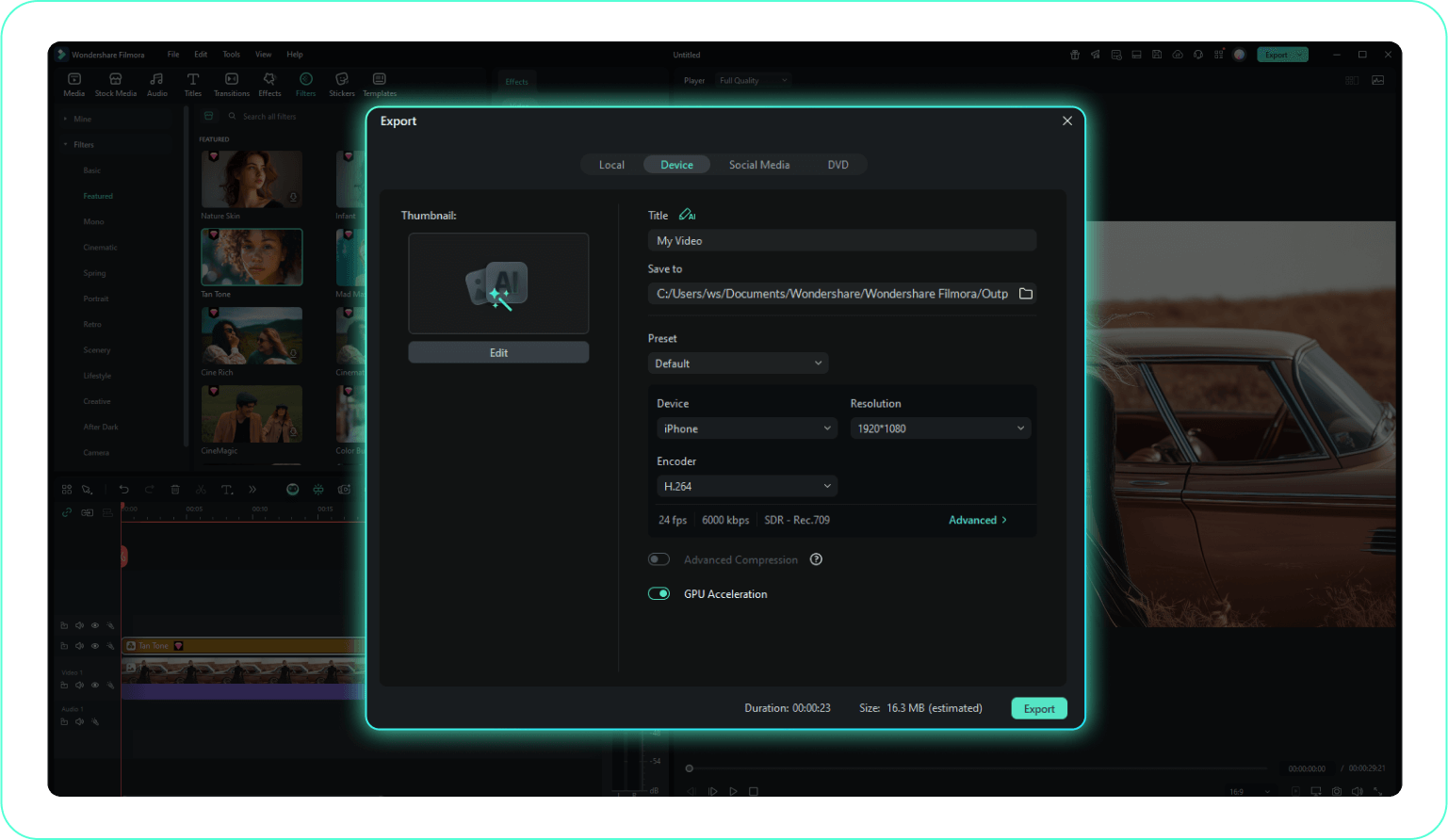
-
1:Open Photo/Video Editor and Choose Content
Launch CapCut, Canva, Filmora, or any preferred editor. Import the photo or video you want to use for your Valentine Filter. -
2:Search and Add the Valentine Filter Effect
Go to overlays or effects, enter "Valentine Filter", and pick a trending heart or romantic animation. Tweak the overlay's look and positioning as needed. -
3:Save and Share Your Valentine Filter Edit
Export the finished result and upload your Valentine Filter clip or image to TikTok, Reels, or Stories for a festive touch.
More Than Just a Valentine Filter App
Filmora isn't just for adding a Valentine Filter to your photos or videos. You can try different overlay styles for every season or event, make creative edits, personalize your content, and export in one click—all in the same trusted toolkit.







