

 100% Security Verified | No Subscription Required | No Malware


 ChatGPT
 Perplexity
 Gemini
 Claude
 Grok
Grok
The wait is officially over. The groundbreaking text-to-video technology from OpenAI is now accessible to the public. The official Sora AI App has been launched, marking the end of the beta phase and revolutionizing how creators generate cinematic-quality video content.
For months, creators searched for the sora ai app download and wondered about the future of Sora 2 features. Now, we have the definitive answers.
As your expert guide, we provide the complete, up-to-the-minute details on the official release: how to download the app, safely log in, understand the new Sora 2 features, and most importantly, how to integrate your AI clips into a professional editing workflow.
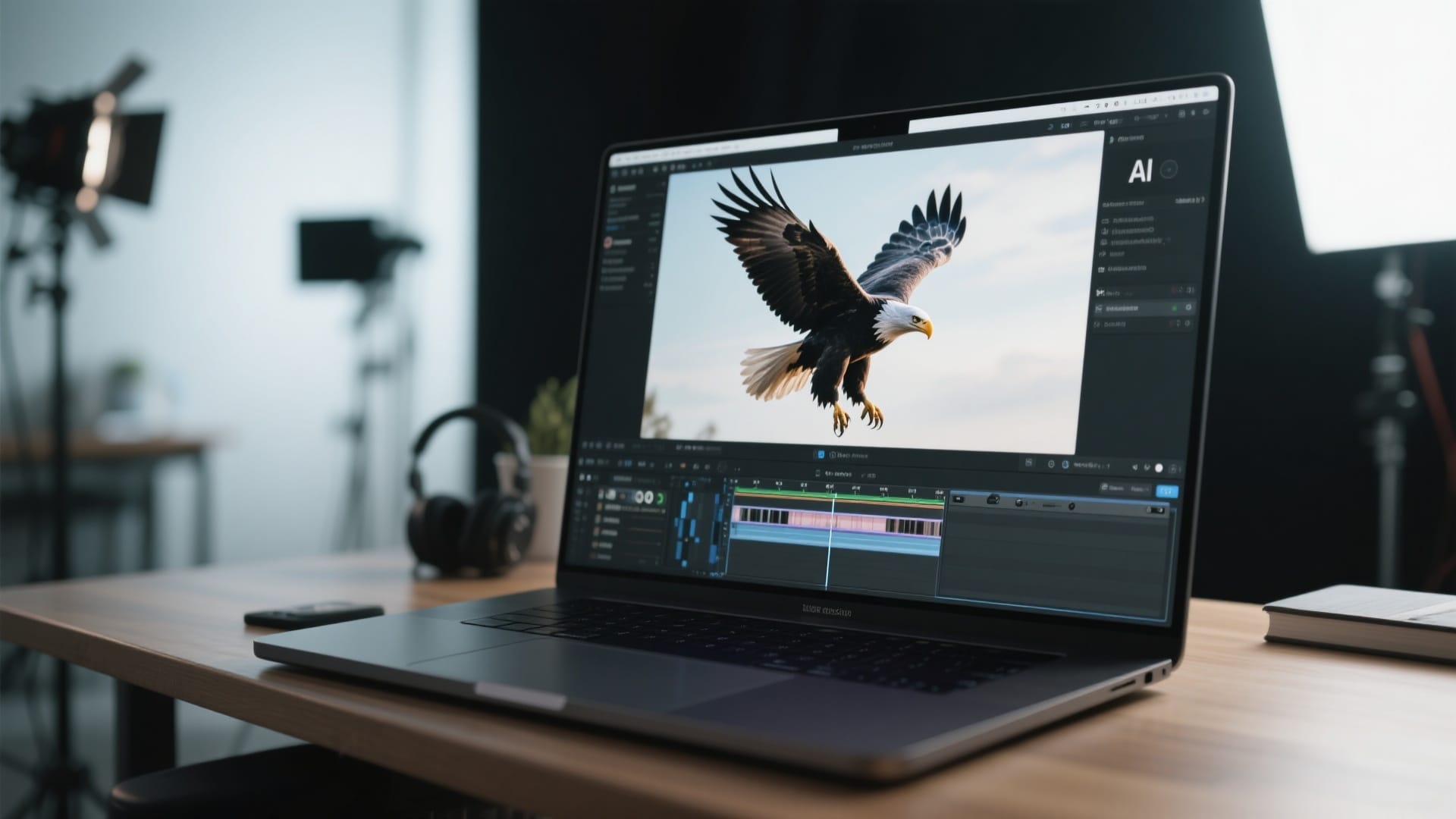
In this article
What is the Sora AI App?
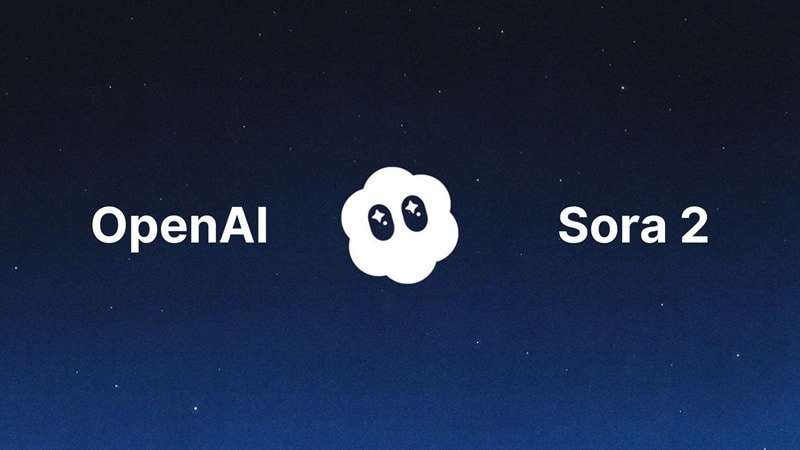
The Sora AI App is OpenAI's advanced text-to-video generation platform that enables users to create high-quality cinematic videos through natural language prompts or image/video inputs. Unlike early versions that were limited to web access or Discord-based workflows, the Sora app brings a streamlined mobile experience designed for everyday creators and professional filmmakers.
What Sora App Can Create
- Text-to-Video & Image-to-Video generation powered by the Sora 2 model
- Native synchronized audio, including ambience, effects and dialogue
- Character continuity & identity-driven Cameo features
- Social feed with remixing and collaborative story building
- Video export & sharing tools for creators
The App combines advanced AI video generation with community creativity, offering a powerful toolset for filmmakers, content creators, small studios, and anyone experimenting with digital storytelling.
Important Note
Sora specializes in AI-generated raw footage, but it is not a full video editor.
It currently does not include:
- Multi-track timelines
- Advanced transitions
- Audio mixing
- Color grading or VFX layers
Sora v1 vs Sora 2 Features: Key Upgrades for AI Video Creation
With the release of Sora 2, AI video creators can experience a significantly more efficient and versatile workflow compared to Sora v1. From synchronized audio generation to extended clip duration, improved character consistency, and advanced editing tools, each upgrade addresses common challenges faced by creators in the previous version.
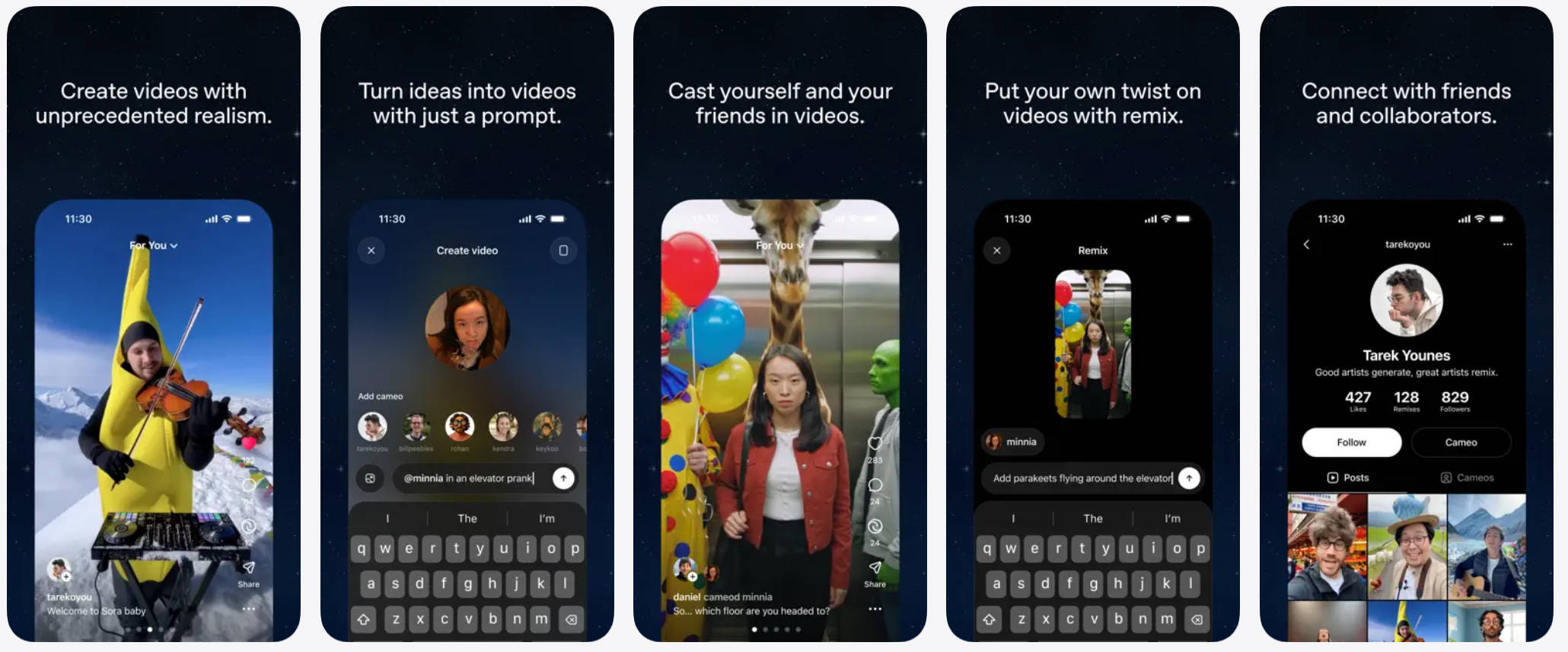
The table below highlights the key Sora 2 features, showing how they enhance productivity, storytelling, and overall video quality.
| Feature | Sora v1 | Sora 2 | Impact on Creators |
| Audio | Silent | Native Sync Audio | Drastically reduces sound design time for drafts. |
| Duration | Short bursts (often <10s) | Extended Clips (20s+) | Allows for longer takes and better storytelling. |
| Continuity | Subjects morphed/hallucinated | Character Consistency | You can keep the same "actor" across different prompts. |
| Editing | None | Story Mode | Ability to extend clips forward or backward in time. |
| Speed | 10+ min wait times | Turbo Mode | Rapid prototyping for lower resolution drafts. |
Sora AI App Download and Login: The Official Guide
No more dealing with fake apps or waiting lists. Follow this official guide to ensure you safely download and access the official Sora platform.
Official Sora App Download Links
The Sora App is officially published by OpenAI and available on both major mobile platforms:
- Sora iOS App (iPhone/iPad): Download from the Apple App Store, published by OpenAI. iOS users in the U.S. and Canada can download the app for free.
- Sora Android App: Download from the Google Play Store, published by OpenAI. Android support has recently been introduced in select regions, including the U.S., Canada, and parts of Asia.
Safety Note: Always verify the developer name as OpenAI before downloading, as imposter apps may still exist.
Step-by-Step Sora Login Process
The sora login process is integrated with your existing OpenAI account structure.
- Launch the App/Web Portal: Open the downloaded Sora AI App or navigate to the official web access site.
- Authenticate: Click the "Sora Login" button. You will be prompted to use your existing OpenAI credentials (the same you use for ChatGPT or DALL-E).
- Subscription Check: Access is verified based on your active Sora subscription tier.
- Start Generating: Once logged in, you can input your first text prompt into the generation interface.
Ethics & Safety Considerations
As with other generative media platforms, Sora's powerful Cameo and identity-based features raise ongoing discussions around privacy, copyright and deepfake misuse.
OpenAI has introduced protections and usage controls, but users should remain aware of ethical and legal considerations, especially when working with real individuals or recognizable characters.
The Professional Creator Workflow: Sora + Filmora Integration
While the Sora AI App is fantastic for raw content generation, a professional workflow demands two things: variety in generation models and post-production mastery. This is where Wondershare Filmora provides unmatched value by seamlessly complementing the official Sora App.


Filmora's Multi-Model Advantage: Your Sora 2 Expansion Pack
Even with the official Sora App, many creators require more generation variety, style flexibility, and a reliable backup. Filmora's native AI Video Generator remains a powerhouse because it integrates and gives access to multiple advanced models simultaneously (including Sora 2, Veo 3.1, and Keling 2.5 comparable architectures).
This video was created using Filmora's Sora 2 AI model, which is capable of generating videos in various styles with synchronized audio.
This multi-model integration positions Filmora as the ultimate creative expansion for any Sora user:
- Generate Clips Instantly: Create new assets directly inside your editor without the need to switch applications, log into the Sora portal, or interrupt your timeline flow.
- Compare Outputs: Test and compare results from different top-tier models (Sora-level, Veo-level, etc.) to find the perfect style, mood, or aesthetic for your specific project needs.
- Refine and Enhance: Use Filmora's other powerful AI tools (such as AI Video Enhancer or AI Smart Cutout) to quickly refine any AI-generated asset, whether it was created by Sora or Filmora's integrated models.
 secure download
 Who is actually using the Sora AI app?
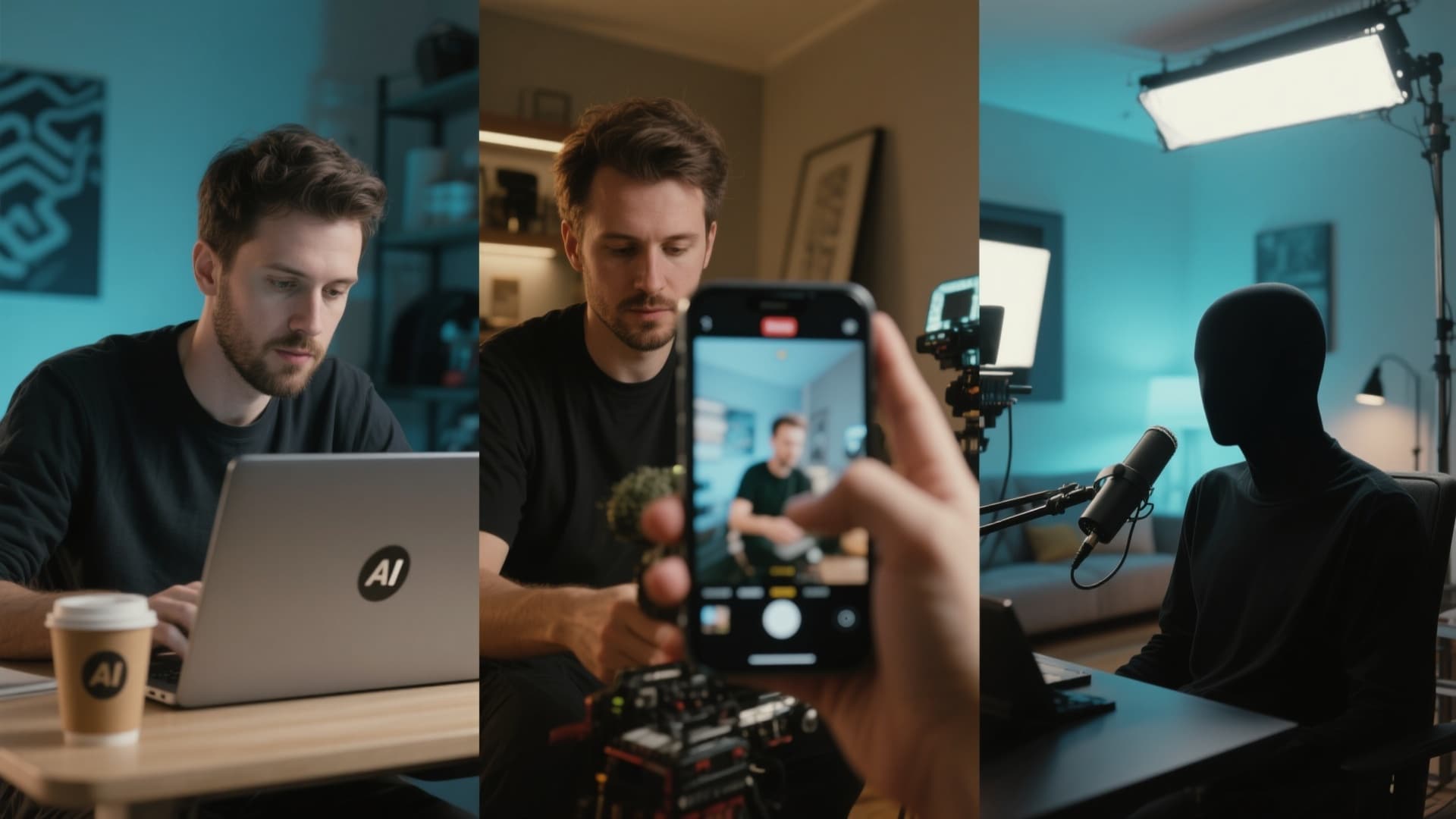
The Sora AI app is rapidly becoming a must-have tool across creative industries, reshaping how videos are planned, produced, and edited. From marketers and indie filmmakers to faceless YouTube creators, users are adopting Sora to cut production time, lower costs, and unlock visuals that were previously impossible without expensive equipment or film crews. Below are real-world examples of who is using Sora today and how they integrate it into their workflow.
1. Digital Marketers & Social Media Managers
- Scenario: A coffee brand needs a cinematic slow-motion shot of coffee beans falling into milk.
- Old Way: Required renting a high-speed camera, studio setup, lighting, and ingredients.
- Sora Way: Prompt: "Extreme close up, slow motion roasted coffee beans splashing into fresh milk, commercial lighting"
- Post-Production: Add brand logo and upbeat music using Filmora or CapCut.
2. Indie Filmmakers (Pre-visualization)
- Scenario: Directors need to quickly visualize a scene idea while on set.
- Old Way: Draw rough sketches or verbally explain camera framing, lighting and atmosphere.
- Sora Way: Prompt: "Wide shot of a narrow alley with 1920s fog, dramatic film-noir lighting, cinematic depth of field"
- Post-Production: Import into Filmora to add LUT color grading, text notes and scene timing adjustments.
3. Faceless YouTube Channels
- Scenario: Creators producing documentary-style content need historical or space footage without copyright risks.
- Old Way: Buy expensive stock footage subscriptions or reuse Creative Commons clips.
- Sora Way: Prompt: "Roman Empire soldiers marching through ancient stone streets at sunrise, cinematic realism"
- Post-Production: Use Filmora to combine narration, subtitles, background music, and transitions.
Conclusion
The Sora App represents a major step toward AI-native social media, merging creativity, community participation and personal identity into a single platform. Although currently limited by regional availability and rollout access, its potential to reshape short-form video and collaborative storytelling is significant — positioning it as a future competitor to platforms like TikTok and YouTube Shorts, but with a deeper emphasis on creative participation rather than consumption.
 secure download