Gemini AI Christmas Polaroid Prompts:
Capture Authentic Vintage Holiday Vibes with Polaroid Photos
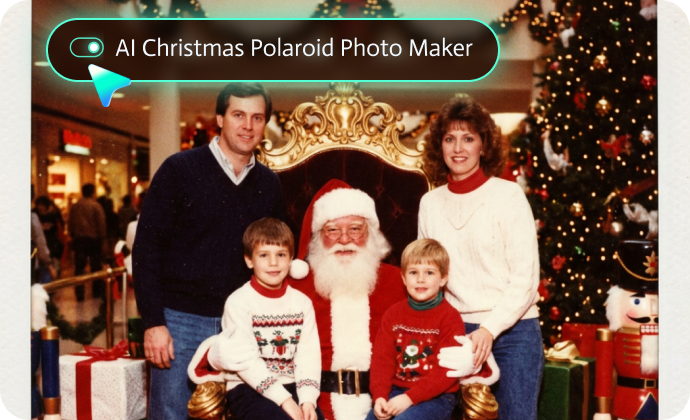
Explore our 28+ Christmas Polaroid AI Prompts for creating photorealistic instant film effects. Each prompt includes detailed instructions for achieving an authentic white polaroid border with slight imperfections, film grain texture that mimics real instant film, natural flash photography lighting with soft shadows, vintage color tones, and a festive Christmas atmosphere with holiday lights, snow, and decorations.
Family Gathering Christmas Polaroid Prompts: create warm, nostalgic family holiday memories;
Romantic Couple Christmas Polaroid Prompts: capture love & magic this holiday season;
Friends Holiday Party Polaroid Prompts: document friendsmas celebrations in vintage style;
Kids & Pets Christmas Polaroid Prompts: preserve pure holiday joy in every frame;
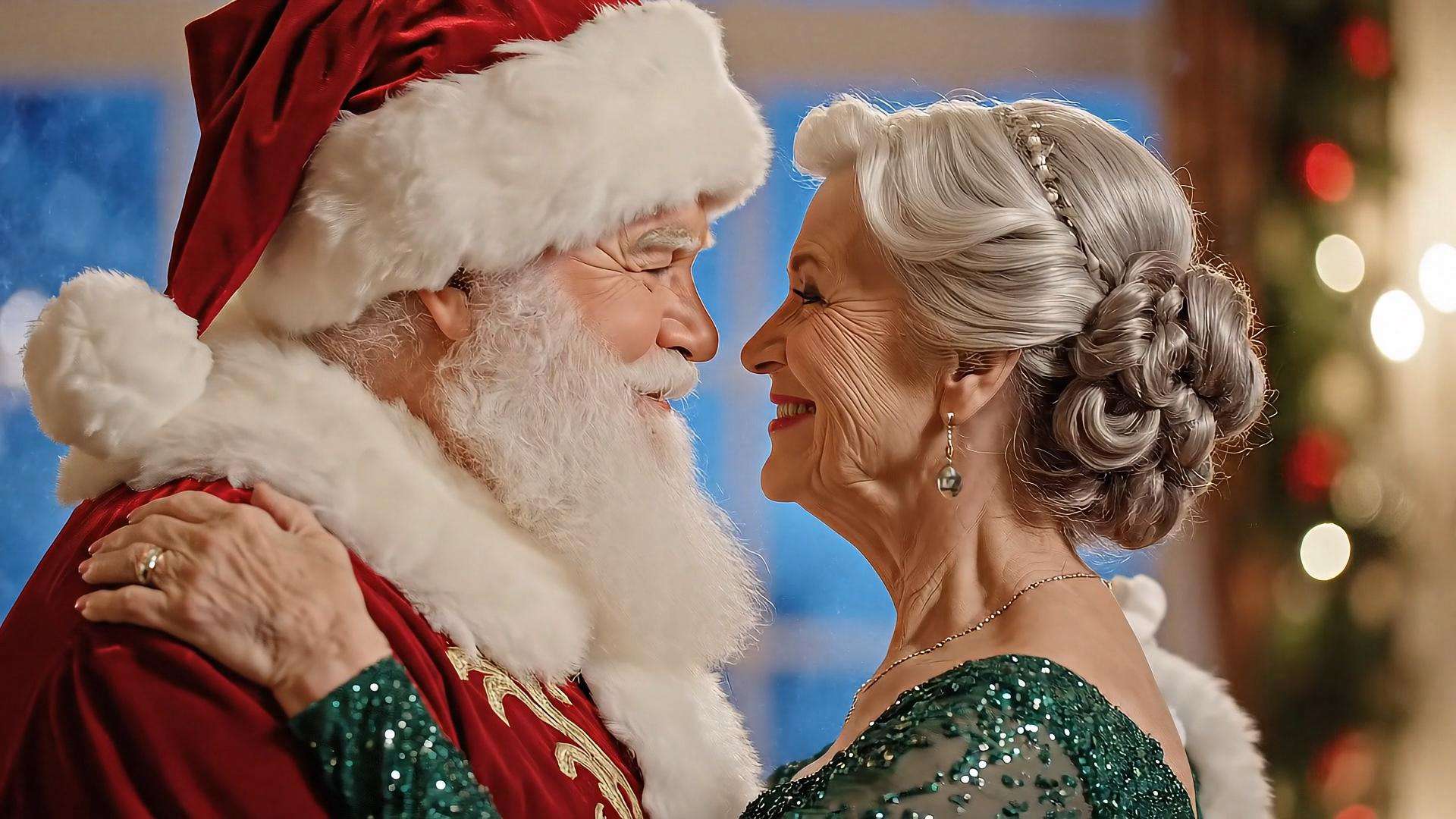
Santa Photo Polaroid Prompts: recreate classic mall Santa magic with AI.
Loading more templates...
 Category:
 Duration:
 Aspect Ratio:
Generate Vintage Christmas Polaroid Photos
With AI Xmas Polaroid Photo Maker
What if you could combine the convenience of digital photography with the irreplaceable charm of vintage Polaroid instant photos? Filmora's AI Image generation technology makes this possible—and it's easier than you might think.
Traditional Christmas Polaroid photo makers require expensive instant film cameras, costly film packs ($2-3 per shot!), and the uncertainty of whether your shot turned out well. With AI Christmas Polaroid prompts and Filmora's Nano Banana image generator, you can generate stunning AI Xmas Polaroids in seconds now.
Generate Your Christmas Polaroids with Filmora's Nano Banana AI
Generate Your Christmas Polaroids with Filmora's Nano Banana AI
Filmora's AI Image Generator, powered by the cutting-edge Nano Banana and Nano Banana Pro model, is your ultimate tool for creating authentic Christmas Polaroid photos. Unlike basic filters that simply add a white border, Filmora's AI understands the nuanced characteristics of real instant film photography.
- State-of-the-art realism: Nano Banana Pro delivers photorealistic results that capture every detail of vintage instant film aesthetic—from subtle film grain to natural flash lighting.
- Image-to-image transformation: Upload your existing Christmas photos and transform them into vintage Polaroids while preserving facial features and important details.
- Prompt-based generation: Copy any of our Christmas Polaroid AI prompts, paste into Filmora, and watch as AI creates stunning instant film photos in seconds.
- Aspect ratio options: Perfect square format (1:1) mimics authentic Polaroid dimensions.
Animate Your Christmas Polaroids with AI Image to Video
Animate Your Christmas Polaroids with AI Image to Video
Your Christmas Polaroid photos don't have to stay frozen in time. With Filmora's revolutionary AI Image to Video technology, you can bring those nostalgic instant film moments to life with gentle animation, creating truly magical holiday content.
Imagine this: Your vintage Polaroid of the family around the Christmas tree gently comes alive—tree lights twinkling, snow falling outside the window, grandma's smile widening as she opens a gift. Or a romantic couple Christmas Polaroid where snowflakes drift down, candlelight flickers, and you lean in for that mistletoe kiss. All can be achieved with Filmora's AI Video Generator.
Creative ways to animate Christmas Polaroids:
- Living holiday cards: Upload 2+ Christmas Polaroid photos and create a dynamic slideshow video card.
- 2-photo morph transitions: Upload 2 different Christmas Polaroid photos and smoothly transition between them.
- Interactive couple moments: Create romantic video snippets from your romantic Christmas Polaroid photos.
- Santa hugging: Hug your favorite Santa and make a warm-hearted video.
Complete Your Christmas Polaroid Story with Filmora's Editing Suite
Complete Your Christmas Polaroid Story with Filmora's Editing Suite
While Filmora's AI Christmas Polaroid photo maker gets you started, the platform's comprehensive editing capabilities help you create complete holiday video projects that showcase your vintage instant photos beautifully.
- Create Stunning Christmas Video Compilations: Turn your AI Christmas Polaroid photos into nostalgic video stories using Filmora's vintage transitions, Ken Burns motion, stop-motion Polaroid stacking effects, and royalty-free holiday music to craft warm, cinematic Christmas moments.
- Enhance the Vintage Aesthetic with Professional Tools: Refine your Christmas Polaroid trend creations with retro color grading, film grain, light leaks, VHS effects, festive text animations, picture-in-picture layouts, and Polaroid-themed templates for a cohesive instant-film look.
- Share Christmas Polaroid Videos Across All Platforms: Export your AI Christmas Polaroid videos in optimized formats for TikTok, Instagram, YouTube, and more—supported by batch processing, cloud storage, and seamless workflow tools for fast holiday content creation.
- Explore Creative Christmas Video Templates: Access to pre-designed Christmas video templates featuring Polaroid aesthetics with animated title cards, holiday countdown timers and date stamps, end screen templates for social media, and more.
FAQs About AI Xmas Photo Prompts
Filmora's Nano Banana AI model is specifically trained on thousands of real instant film photographs, allowing it to recreate the nuanced aesthetic of Christmas Polaroid photos from the 1970s-1990s, complete with white borders, matte finish, warm vintage tones, and natural imperfections.
- Choose a prompt from our collection of 28+ options based on your scene type.
- Copy the prompt by clicking the copy button.
- Open Filmora and navigate to AI Image Generator.
- Select Nano Banana Pro or Nano Banana model for the best instant film results.
- Paste the prompt and optionally upload a reference photo.
- Click Generate and wait 10-30 seconds.
- Download your vintage Christmas Polaroid photo.
Camera specifications: "Shot with Polaroid camera," "instant film," "flash photography."
Physical characteristics: "White thick border," "film grain texture," "matte finish."
Lighting details: "Direct flash lighting," "natural shadows," "catchlights in eyes."
Color science: "Warm vintage tone," "slight orange-yellow tint," "retro color palette."
Scene description: Specific details about people, setting, actions, and Christmas decorations
Mood indicators: "Candid," "unposed," "spontaneous," "nostalgic."
Technical flaws: "Slight blur," "overexposure," "handheld framing" (authentic imperfections).
How to Use Gemini AI Christmas Polaroid Photo Prompts in Filmora?
Ready to transform your holiday photos into nostalgic vintage instant film masterpieces? Don't let this Christmas pass without capturing memories that look like cherished keepsakes from decades past. Generating AI Xmas Polaroid photos is quite easy with Filmora's AI Image Generator. Let's see the steps.
Step 1 Activate AI Image Generator

Step 2 Generate Images From Text or Reference Pictures

Step 3 Download and Export Your AI-Generated Images

-
1:Activate AI Image Generator
Launch the latest version of Filmora, create a project, and click "Stock Media", choose "AI Image" from the Media panel. -
2:Generate Images From Text or Reference Pictures
Select the Nano Banana model, then type in your AI Gemini prompts for Christmas Polaroids, then click on the "Generate" to start making Christmas Polaroid photos. You can also upload a reference picture for face consistency, and finally tap on Generate to edit the photo. -
3:Download and Export Your AI-Generated Images
After generating the photo, you can preview the image, tap on the download button, and drag it to the timeline, edit it if required, take a snapshot, or export to save the picture.
More Than Just a Christmas Polaroid Photo Generator
Filmora goes beyond simple AI Christmas polaroid prompts to a photo generator. You can also generate other style photos from Gemini AI prompts, create AI videos from prompts or pictures, and edit them with the most powerful editing features in the same tool.